Adobe Experience Manager Sites Features
Content creation
Let any team easily create or update content with flexible tools such as document-based authoring or the in-app visual editor. They can also reuse content across sites, manage metadata, and leverage agentic and generative AI to build better digital experiences faster.
Agentic experience creation
Modernize in one step by migrating legacy sites into Experience Manager Sites and automatically transforming content into structured, AI-ready experiences. Once live, agentic workflows continue to support teams by automating updates, applying changes at scale, and streamlining ongoing optimization.
- Agentic site migration. Brand Experience Agent automatically converts any unstructured content contained in legacy experiences into structured, high-quality content that AI tools can accurately interpret, retrieve, and represent.
- Agentic AI content workflows. Automate manual tasks such as copying and pasting across pages, templates, and live copies to decrease update times.
- Marketer oversight. Include human review and approval in agentic workflows before publishing, giving marketers confidence and control over what goes live.
- AI Assistant. Use a natural language interface for guidance, task completion, and automated troubleshooting.
Document-based authoring
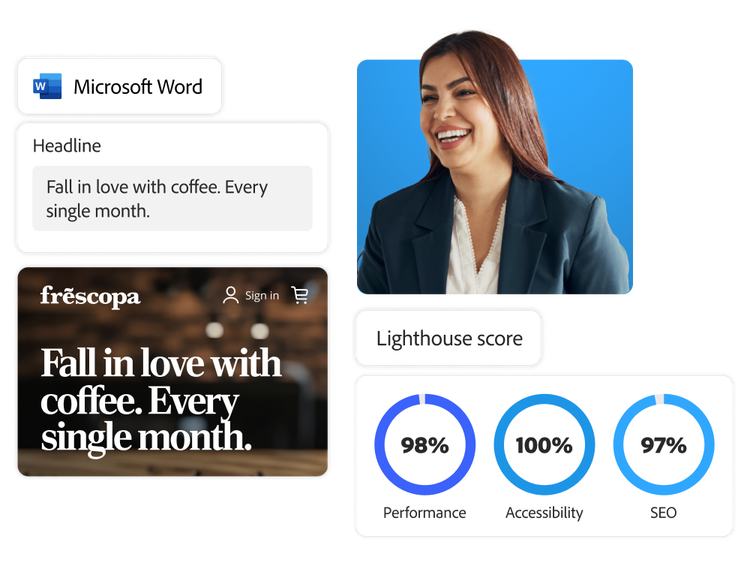
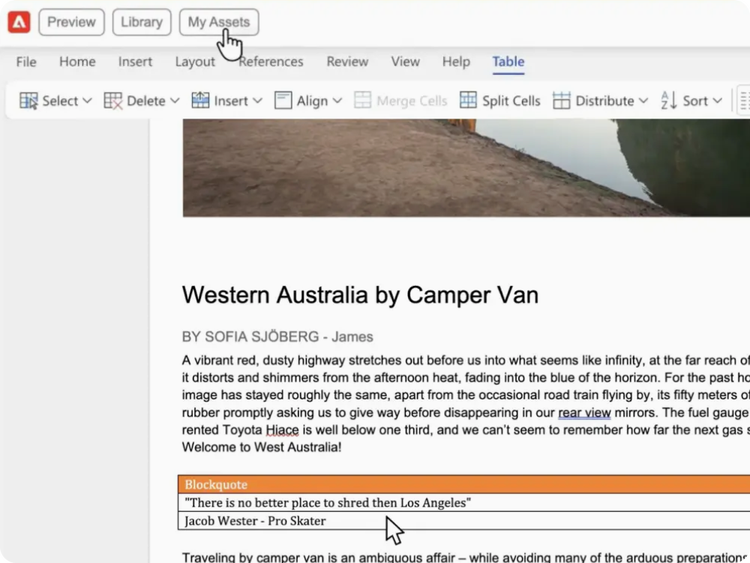
Document-based authoring is a fast and flexible way to build and edit webpages with tools your organization already uses — Microsoft Word and Google Docs. Transfer headings, lists, images, font elements, and videos directly from source documents to your website.
- Blocks. Leverage blocks as the blueprints for building web pages. They’re performance-optimized, flexible, and SEO-friendly. Use pre-built blocks or build your own.
- In-browser editing. Use the Adobe Experience Manager Sidekick browser extension to easily edit, preview, and publish content directly from your documents or spreadsheets.
- Adobe Experience Manager Assets integration. Configure the asset selector to search and insert images from your digital asset manager (DAM} directly into your document.
- Structured data. Put content into spreadsheets and automatically turn them into APIs for developer use.
Learn more about document-based authoring.
Content as a Service v3 - deeper-content-3cc - Tuesday, February 17, 2026 at 19:23
Universal Editor
Make real-time changes with a visual editor that enables you to work directly within the preview experience.
- In-context editing. Edit content blocks in a live copy environment and move components around to achieve precisely what you want for copy and design.
- Layout. Easily add, delete, and reorder components using the visual component rail.
Generative AI variations
Instantly create image and copy variations for any part of your site to quickly test and optimize performance.
- Full experience generation. Use Adobe Firefly to generate high-quality images to pair with copy generated directly in Experience Manager Sites.
- On-brand prompt templates. Use out-of-the-box prompt templates or customize your own by adding brand requirements into the template to streamline on-brand content creation and reduce prompt iteration cycles.
- Personalized content. Import pre-defined audience segments and characteristics to generate tailored content.
- Copywriting tools. Give marketers generative capabilities for copywriting, editing, summarization, and more to produce content for any experience.
Multisite management
Control all your mobile and web properties from a single platform while maintaining consistency and brand identity across all sites, including regional and language-specific sites.
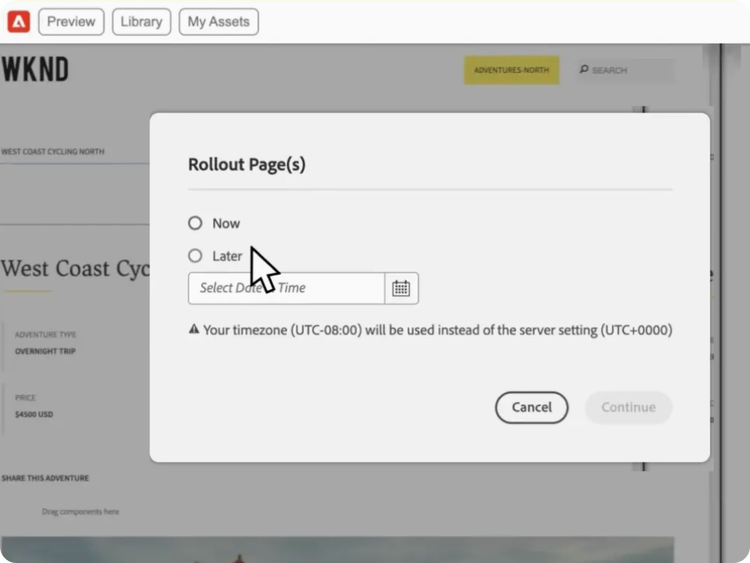
- Content reuse. Use the structure and content of an existing site to quickly create a new site with the live copy functionality. Any changes to the master site are easily synchronized, reducing manual effort needed to update.
- Localized control. Let regional teams edit and update content to ensure it’s relevant to local communities, while providing governance and guardrails to maintain consistent branding.
Learn more about multisite management.
Content as a Service v3 - multisite-management - Tuesday, February 17, 2026 at 19:26
Translation integration
Easily translate content for your audiences across regions using automated copy, image, and metadata translation tools.
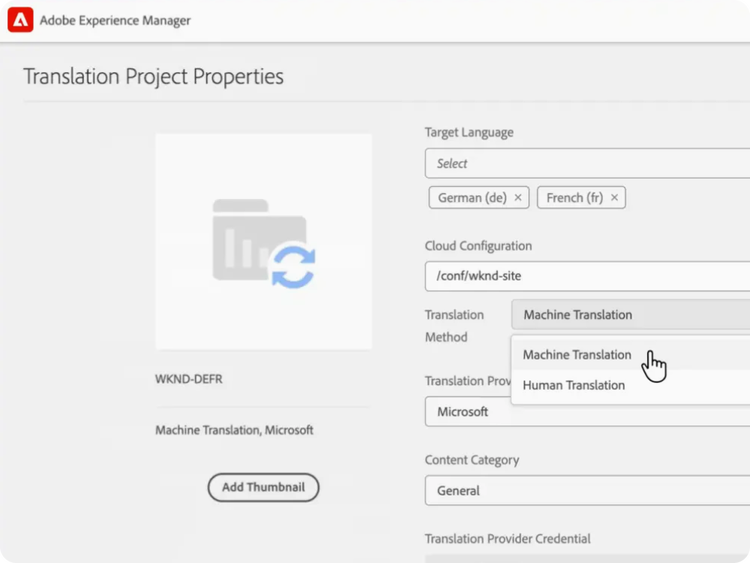
- Translation connector. Automate the translation of copy and image metadata by linking Experience Manager Sites with Adobe Exchange translation vendors to streamline author collaboration and editing.
- Expert and machine translation. Send content offline to translation professionals and easily import results, or use machine translation for automatic outputs.
- Translation project management. Sort projects by due dates, active tasks, or individual team member activity to instantly understand project status.
Learn how to use content creation features.
Find what you need in our vast collection of how-to content — including documentation, tutorials, and user guides.
Learn more | Learn more how to use content creation features