Adobe Acrobat Studio Features
PDF creation and editing.
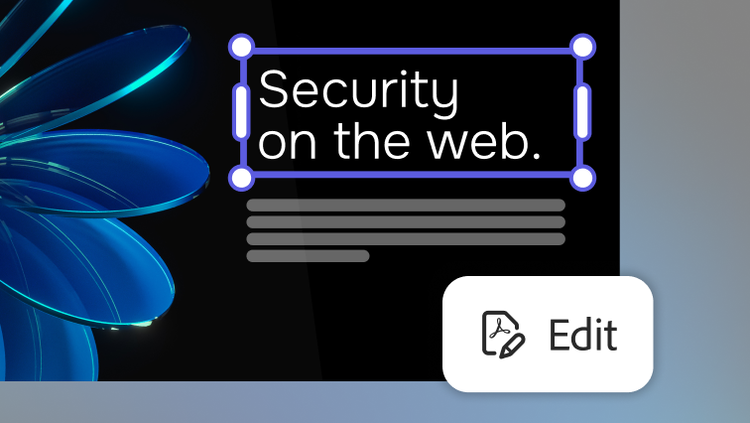
Work smarter with intuitive PDF tools that streamline every step of your workflow. Adobe Acrobat Studio helps teams create, edit and collaborate with precision — and with a prompt, AI can handle most PDF actions for you, like deleting pages, exporting files or replacing text.
Create and combine with ease.
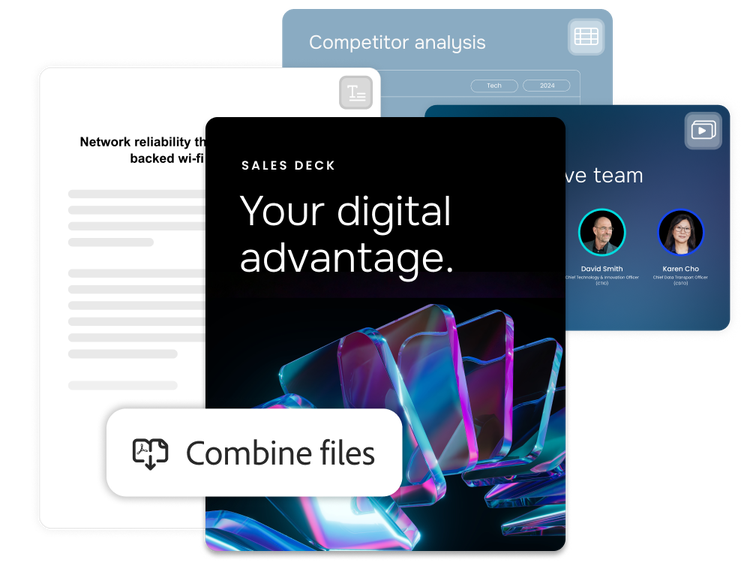
Acrobat Studio makes it simple to quickly turn any file into a professional PDF — whether you're scanning paper documents, merging multiple formats or organising content for clarity and impact.
- Creation from any source. Convert Microsoft Word documents, images, spreadsheets or scanned files into high-quality PDFs in seconds.
- Multiple file merging. Combine different file types into a single, streamlined PDF for easier sharing and archiving.
- Preview and arrangement. Organise files before combining to ensure clarity, flow and a polished final document.
Edit and refine PDFs.
AI-assisted editing helps you to make updates faster. Describe the changes you want to make, then review and apply edits with confidence while keeping your content accurate and polished.
- Conversational AI. Use natural language to edit text, replace content, delete pages, compare document versions and complete common PDF editing tasks faster.
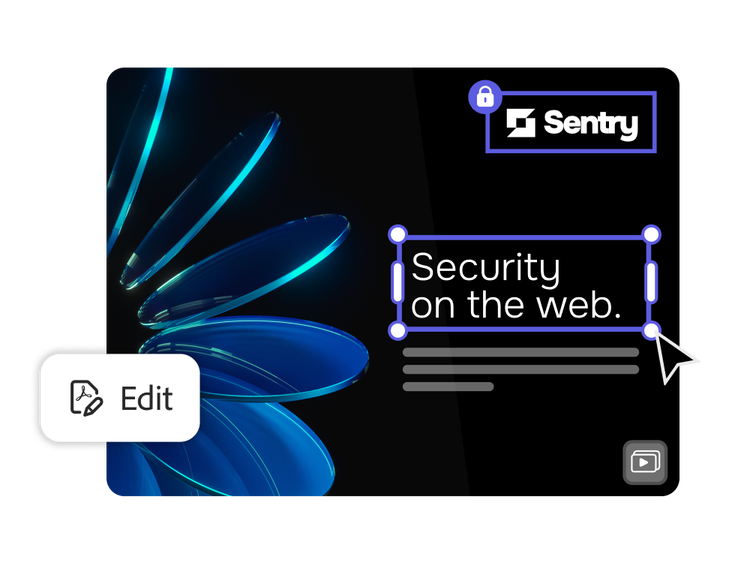
- Easy text editing. Modify copy directly within your PDF for quick updates and last-minute changes.
- Image adjustments. Swap, resize or reposition visuals without leaving the document.
- Layout control. Move elements, adjust spacing and fine-tune formatting to keep your content clean and professional.
Convert, export and organise with ease.
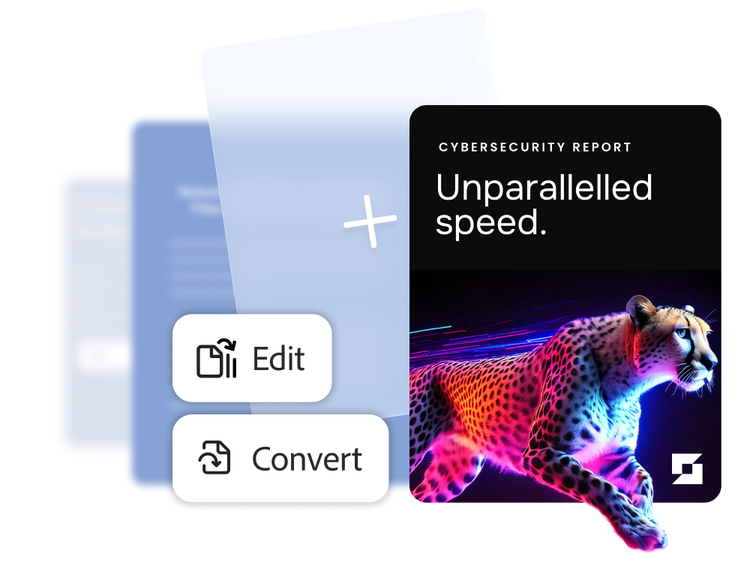
Make your PDFs more functional across formats and projects. Adapt documents for different needs, including exporting for collaboration, organising for clarity or preparing files for long-term use.
- Reliable format conversion. Export PDFs to Microsoft Word, Excel or PowerPoint with layouts and formatting preserved, making it easy to collaborate, present or repurpose content.
- Page-level control. Reorder, split, rotate or delete pages to keep documents organised and easy to navigate.
- Advanced search tools. Quickly locate content in large files with powerful search and indexing features.
Protect, govern and sign securely.
Accelerate approvals with secure signatures and seamless integration. Acrobat Studio protects sensitive content and supports signature workflows across teams and systems.
- Document protections. Add passwords and permissions to control access and prevent unauthorised changes.
- Redaction of sensitive content. Permanently remove sensitive content to meet privacy and compliance requirements and reduce risks.
- Integrated e-signatures. Send, sign and track documents with easy e-signature tools — powered by Adobe Acrobat Sign.
Learn how to use PDF creation and editing features.
Find what you need in Adobe Help Center, our comprehensive resource for how-to content — including documentation, tutorials and user guides.
Learn more | Learn more about how to use PDF creation and editing features
Questions? We have answers.
What business value does Adobe Acrobat Studio bring to enterprise PDF creation and editing?
Can enterprise users fully edit text and images in existing PDFs?
Yes. With Acrobat Studio, users can:
- Edit and replace text directly in the PDF.
- Replace, move, resize and crop images.
- Use AI-assisted tools to summarise, gain key insights and generate content.
Can Acrobat Studio support high-volume or regulated workflows?
How does Acrobat Studio improve productivity compared to traditional PDF tools?
What languages is Adobe Acrobat Studio available in?