Key impacts for enterprises include:
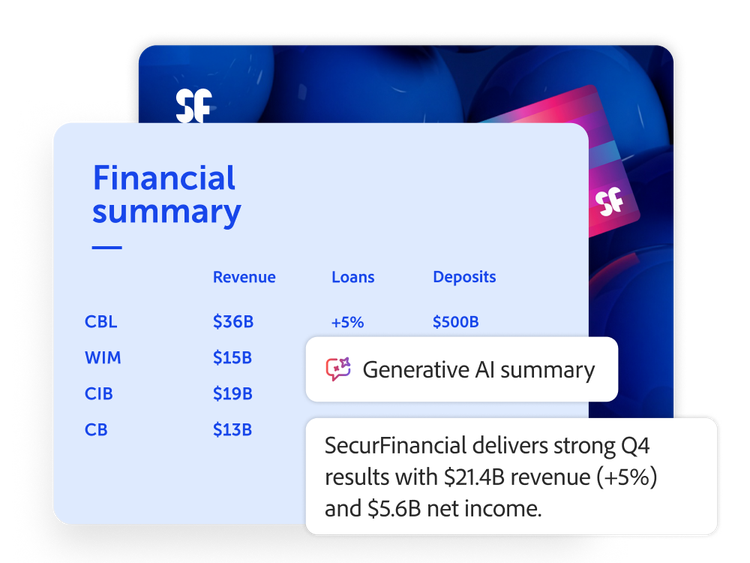
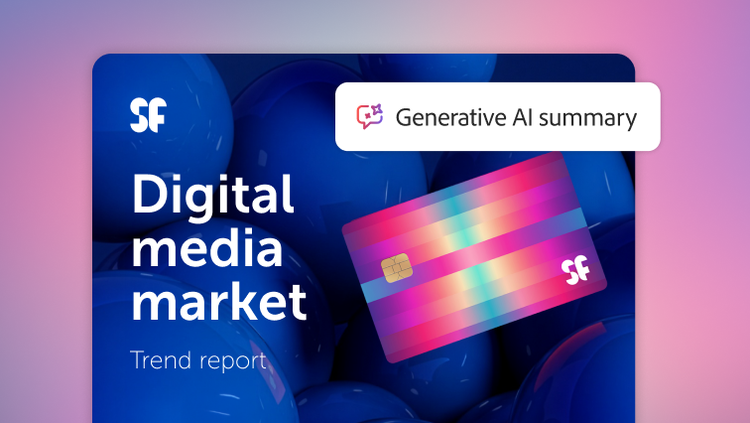
- Shorter decision cycles. Executives get AI-generated summaries instead of waiting for teams to digest long documents.
- Higher throughput. Legal, procurement and compliance teams can handle more cases or contracts with the same headcount.
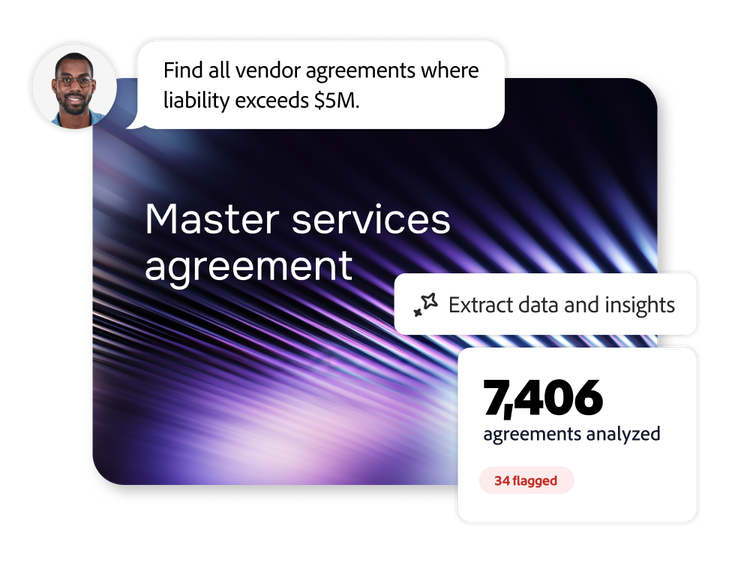
- Surface key clauses. AI highlights penalties, exceptions and non-standard language for review.
- More time for strategy. Knowledge workers spend less time copying data and more time interpreting and planning.
Typical high‑value users include:
- Legal and contracts. Speed clause review and comparison across versions.
- Procurement and vendor management. Quickly check pricing terms, renewals and service levels.
- Finance. Distil annual reports, budget decks and forecast narratives.
- Human resources and compliance. Pull out regulatory obligations and regional differences.
- Sales and customer success. Extract key customer commitments and prepare tailored summaries.
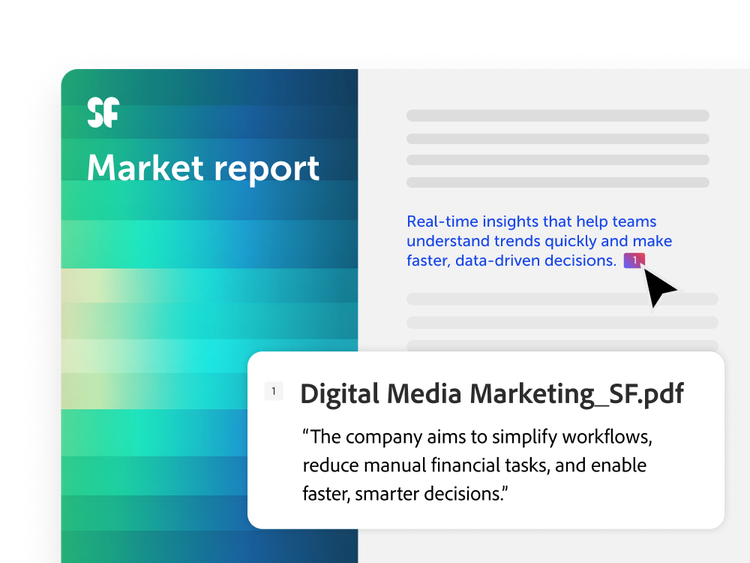
- Marketing. Transform document insights into marketing presentations, on-brand content and go-to-market strategies.
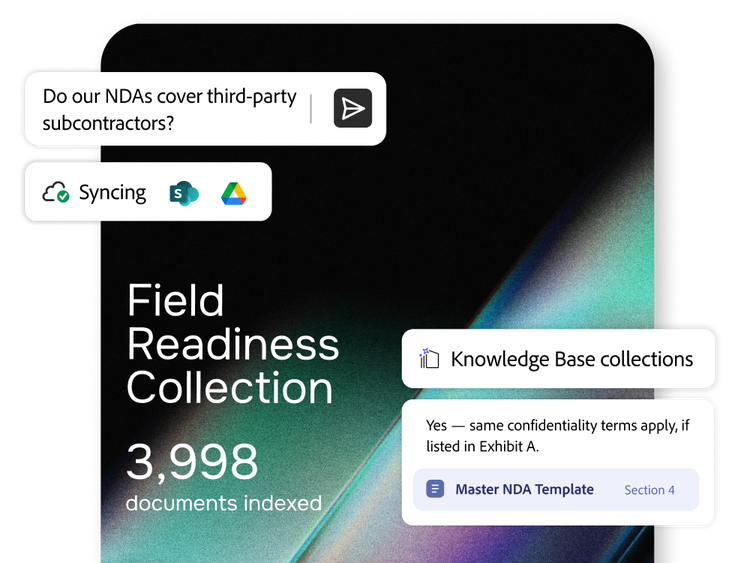
These teams often handle large volumes of PDFs, which AI Assistant turns into searchable, conversational knowledge.
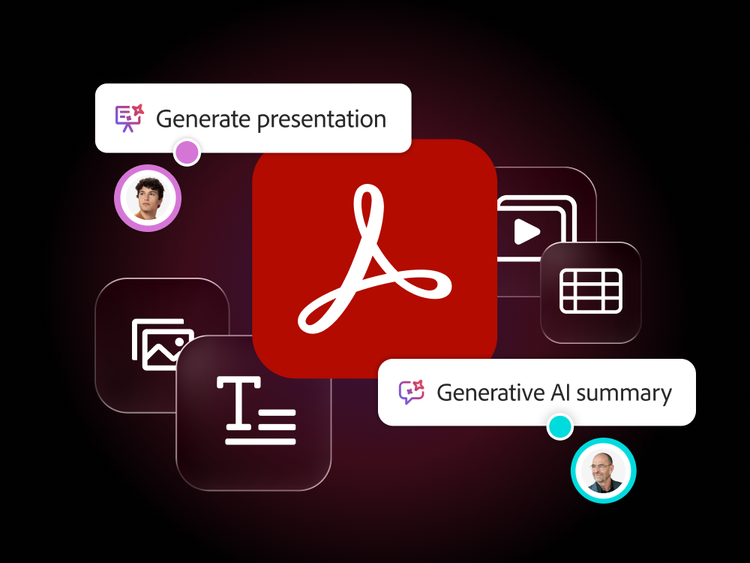
AI Assistant can generate key takeaways, flag important clauses, trends, stakeholder questions, data summarisation and cross-document insights that help executives understand and act on information quickly.
Yes. It can analyse up to 100 documents simultaneously, identify connections and inconsistencies and deliver aggregated insights across entire workstreams or projects.
It maintains source document fidelity, references source content at the sentence-level and operates within enterprise-level security and privacy protocols. Adobe never uses your business data to train AI models.
Instead of every stakeholder reading every page, users can:
- Upload or open a PDF and say, “Summarise this contract in 10 bullets.”
- Jump directly to critical clauses, figures or exceptions that the AI flags.
- Ask follow-up questions like “What changed from V3 to V4?” or “List all service-level agreements and their thresholds.”
AI-enabled workflows can significantly cut review and analysis time compared to manual reading, especially for long contracts, reports and policies.