
con-block-row-bgcolor
#000

Analyzer in Adobe Acrobat Studio

Turn thousands of documents into data you can use with Analyzer.

Make faster, more confident decisions from large document collections. Analyzer in Adobe Acrobat Studio extracts structured, cited data across contracts, invoices and compliance documents — so teams can set criteria once and verify every finding before they act.

Contact sales | Contact sales to learn more about Analyzer in Acrobat Studio
Built for organisations that need verifiable information.

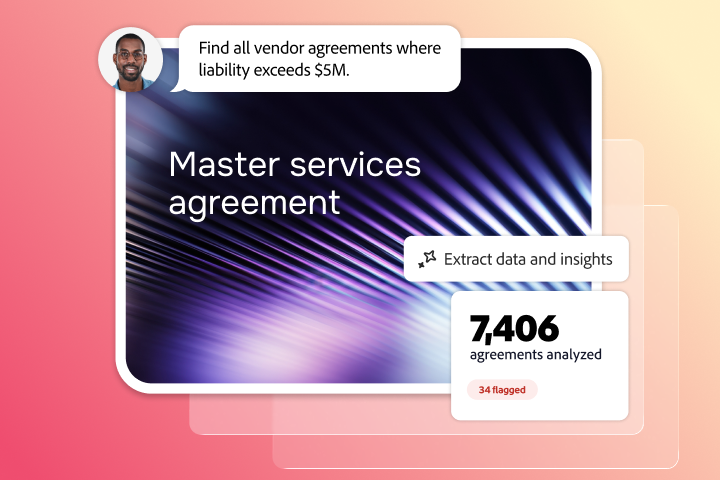
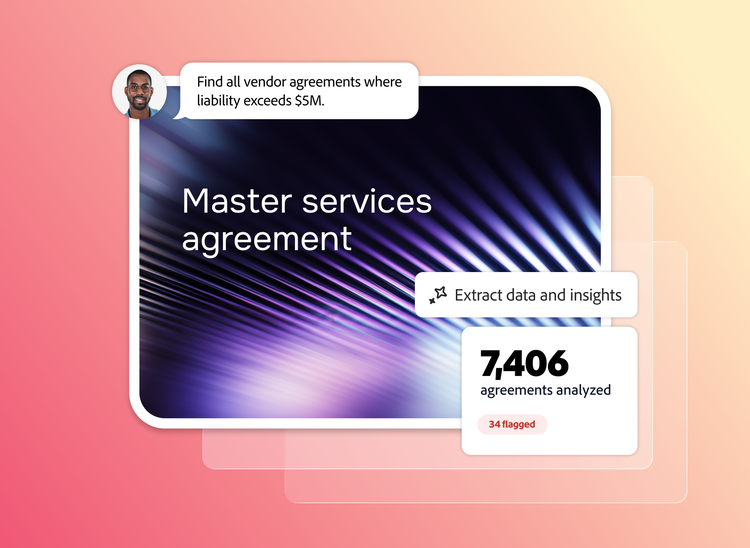
Quickly extract critical clauses, terms, obligations and business information from high-volume document collections with Analyzer in Acrobat Studio to help deliver more consistent, auditable outputs that support reporting, compliance and enterprise processes.*

  1. Extract information
  2. Reduce risk
  3. Gain agility & control
active tab
1
id
acrobat-business

Define your criteria once and extract it across thousands of documents.

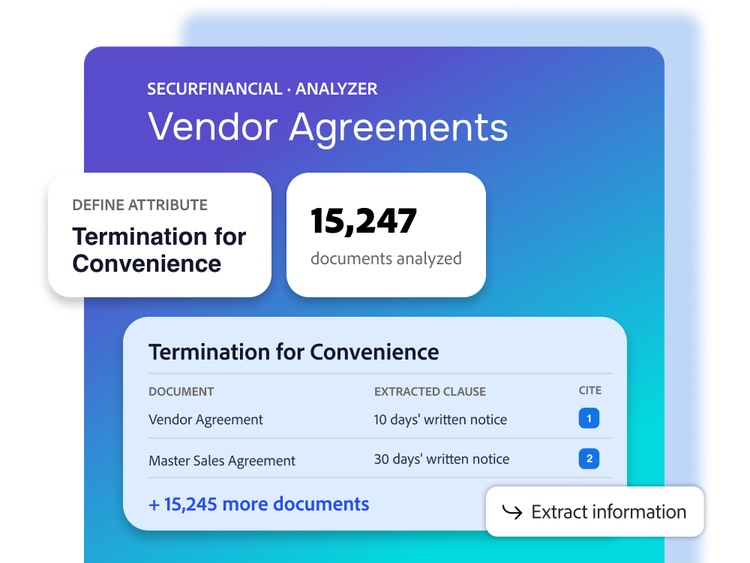
Describe the information you need in plain language — from payment terms and renewal dates to rate cards and compliance obligations. Apply those definitions consistently across every document, whether reviewing 50 vendor agreements or 15,000 sales contracts.

  • Extract financial terms, legal clauses and other business information from PDFs, Microsoft Word and Excel files and scans.
  • Search by meaning, not just keywords, to pinpoint and extract the right information — even when language varies across documents.
  • Verify results with source citations linked directly to the original document, then deliver structured outputs in the format your business needs.
Uncover risks hidden in high-volume document collections.

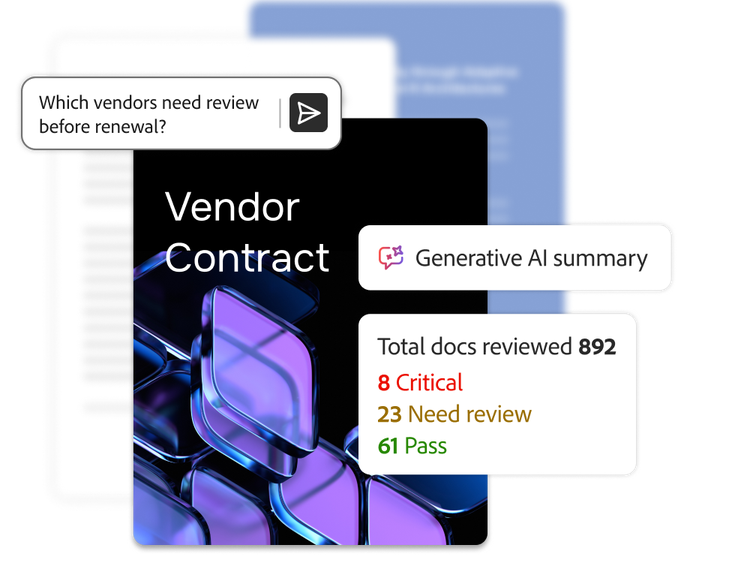
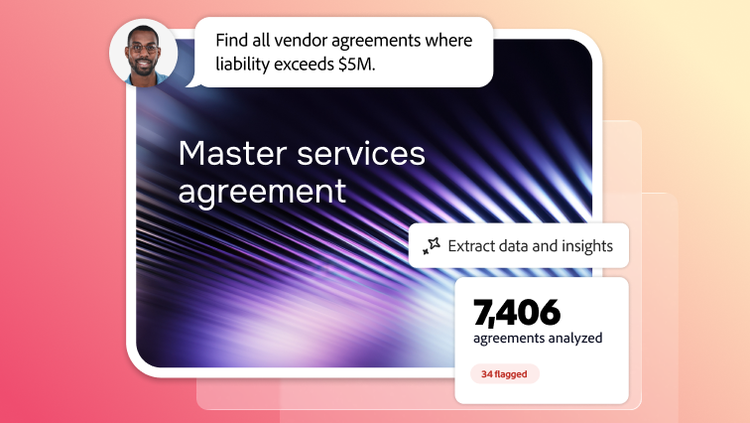
Review collections of business documents and contracts to identify hidden obligations, non-standard terms and financial exposures across every document, not just a sample.

  • Summarise document collections to highlight negotiation points, financial exposures and key risk indicators.
  • Identify exceptions, non-standard terms and potential risks to prioritise the documents that need attention.
  • Validate findings with source citations linked directly to the point in the original document and deliver results in the format your business needs.
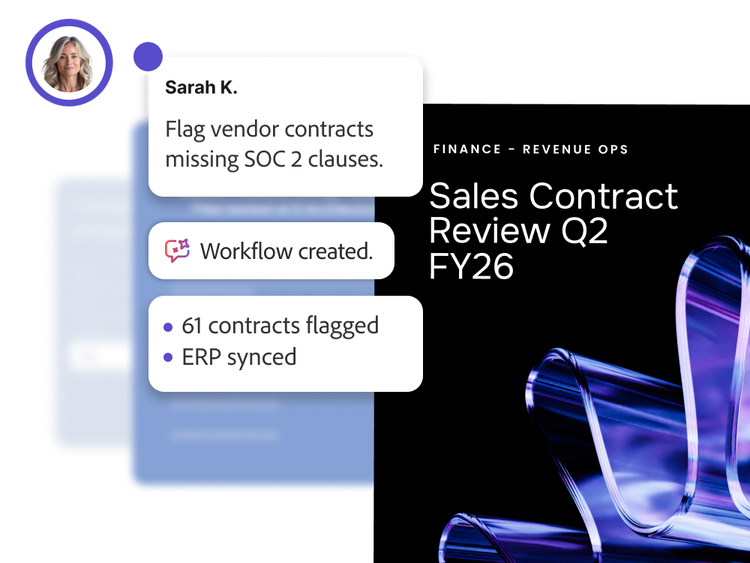
Realise value faster without sacrificing control.

Deploy Analyzer in Acrobat Studio quickly and adapt easily as business needs evolve while maintaining governance, security and oversight.

  • Integrate the solution with Microsoft SharePoint, ERP, CRM and CLM systems to fit existing processes.
  • Enable your teams to set up extractions in minutes — no coding or AI expertise needed.
  • Help meet audit and compliance requirements with role-based access controls, audit logs and enterprise security built in.*
#686868

Find out how to access Analyzer through Adobe Acrobat Studio enterprise plans.

Learn more | Learn more about Acrobat Studio plans

Learn more about Analyzer in Acrobat Studio.
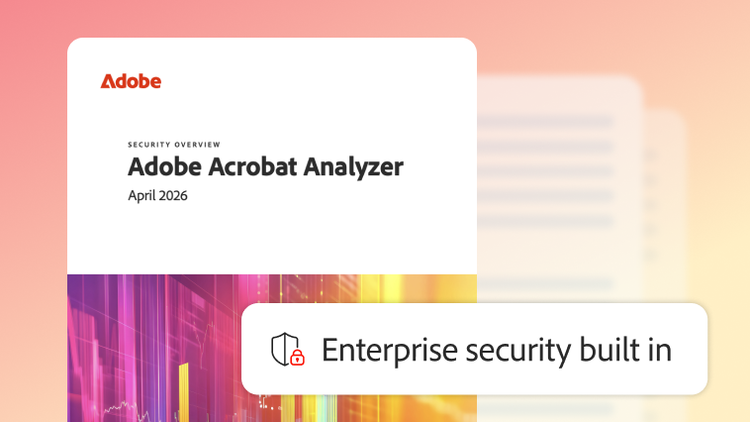
Security overview: Analyzer in Acrobat Studio.

Understand how Analyzer in Acrobat Studio is designed to protect your documents and extract insights at enterprise level.

Learn more

https://main--da-bacom--adobecom.aem.page/fragments/products/acrobat-business/acrobat-analyzer/learn-more

Questions? We have answers.

What is Analyzer in Acrobat Studio?

Analyzer in Acrobat Studio is Adobe’s document intelligence solution for turning large volumes of unstructured business documents into structured, reviewable data. It helps enterprise teams analyse contracts, compliance documents, statements of work and related files at scale so leaders can move from manual document review to faster, more informed decision-making. Analyzer is an enterprise capability included in Adobe Acrobat Studio. Every seat includes a credit allocation for Analyzer in Acrobat Studio usage and organisations can purchase additional shared credits to support higher volume.

How is Analyzer in Acrobat Studio different from Adobe Acrobat AI Assistant, AI chatbots or document Q&A tools?

Many AI copilots are designed primarily for conversational Q&A and one-off productivity tasks. Analyzer in Acrobat Studio is built for repeatable, enterprise-scale document intelligence workflows. Rather than simply answering a question, it helps teams define the criteria that matter, apply that logic across large document sets and return structured outputs that are transparent, verifiable and ready for downstream business processes.

What types of documents and workflows are Analyzer in Acrobat Studio designed for?

Analyzer in Acrobat Studio is designed for high-volume, document-intensive workflows where business information must be extracted consistently at scale. It analyses contracts, vendor agreements, statements of work, compliance documents, security questionnaires, policies, call transcripts and other business records. Common use cases include contract review for revenue recognition, vendor risk assessments, pricing and rate benchmarking, audit preparation, regulatory compliance and sales call analysis.* Instead of manually reviewing documents or relying on sampled data, organisations can analyse their document portfolio.

How does Analyzer in Acrobat Studio work?

Business users define the fields or business criteria they want to extract using natural language — no coding, machine learning training or prompt engineering required. Analyzer in Acrobat Studio applies the criteria across thousands of documents simultaneously, extracts structured data and provides a citation for every value back to its original source. Results can be reviewed, validated and exported or pushed through REST APIs into downstream enterprise systems such as ERP, CRM, CLM and other business applications.

Who uses Analyzer in Acrobat Studio?

Analyzer in Acrobat Studio is built for Finance and Accounting, Procurement and Vendor Management, IT and Information Security, Sales and Revenue Operations and Compliance and Risk teams. These functions manage high-volume document workflows where consistency, auditability and speed are critical. Business users define and manage their own extraction projects, while IT retains administrative control, governance, security policies and enterprise integrations.

How does Analyzer in Acrobat Studio help with compliance documents and audit readiness?

Analyzer in Acrobat Studio helps teams review compliance documents with traceability in mind. By linking extracted findings back to source content, it supports a more defensible review process for audits, policy checks and regulatory workflows. That can help compliance and risk teams move from fragmented manual review to a more systematic and evidence-based operating model.*

How does Analyzer in Acrobat Studio improve contract review and contract analysis at scale?

Analyzer in Acrobat Studio helps teams define the terms, clauses and data points they care about, then apply that logic consistently across large document collections. That makes contract review more complete and contract analysis more operational. Instead of sampling a subset of agreements, organisations can identify patterns, exceptions, obligations and risks across the broader portfolio.

How does Analyzer in Acrobat Studio protect enterprise data and is it used to train AI models?

Analyzer in Acrobat Studio is built for enterprise environments that require strong governance over sensitive documents. Adobe provides centralised administrative controls, managed access to AI capabilities and secure document handling designed to support enterprise security and compliance requirements. Adobe also helps organisations apply document intelligence to contracts and compliance documents while maintaining control over how their data is used. Neither your organisation’s data nor documents are used to train Adobe’s AI models.

How is accuracy validated in Analyzer in Acrobat Studio and how are citations verified?

Analyzer in Acrobat Studio is designed for reviewable output, not blind automation. The goal is not to replace judgement, but to make document intelligence easier to validate and act on. For executive teams, that means contract analysis can become faster and more consistent while still supporting oversight, exception handling and human review where it matters most.

What is the best way to get started with Analyzer in Acrobat Studio?

The best starting point is one high-volume workflow where manual review is expensive, slow or risky. For many enterprises, that involves contract analysis, contract review or compliance documents. Begin with a focused use case, prove value on speed, coverage and consistency, then expand document intelligence to adjacent workflows across finance, procurement, operations and risk.

How does Analyzer in Acrobat Studio fit into an enterprise environment?

Analyzer in Acrobat Studio is designed for enterprise deployment and governance. IT controls which document collections are indexed, manages user access and integrates extracted data into downstream business systems through REST APIs. Data remains within your organisation's tenet and is not used to train foundation models. Extracted values are backed by a source citation, providing the transparency and audit trail required for regulated and business-critical workflows.

Discover the full power of Analyzer in Acrobat Studio.
Marketo Configurator Tuesday, July 14, 2026 at 11:09
Success content
Thank you for your interest in Analyzer in Acrobat Studio. Your request has been submitted to an Adobe representative who will contact you shortly.
#F8F8F8
*Analyzer in Acrobat Studio is a tool to support your compliance workflows; it does not constitute legal, audit or regulatory advice or certification.