con-block-row-bgcolor
#000

Knowledge Base in Adobe Acrobat Studio

Get the answer and the source to prove it.

Turn collections of policies, procedures, contracts and other business documents into a consistent source of guidance. Knowledge Base in Adobe Acrobat Studio helps teams find answers faster and reduce time spent searching across repositories.

Contact sales | Contact sales to learn more about Knowledge Base in Acrobat Studio

Built for organisations that need knowledge to be accessible by everyone.

Teams get trusted answers fast, each linked to the verifiable source — so everyone can respond with confidence.

  1. Find answers
  2. Verify sources
  3. Deploy with control
active tab
1
id
acrobat-business

Turn your document collections into an always-on expert.

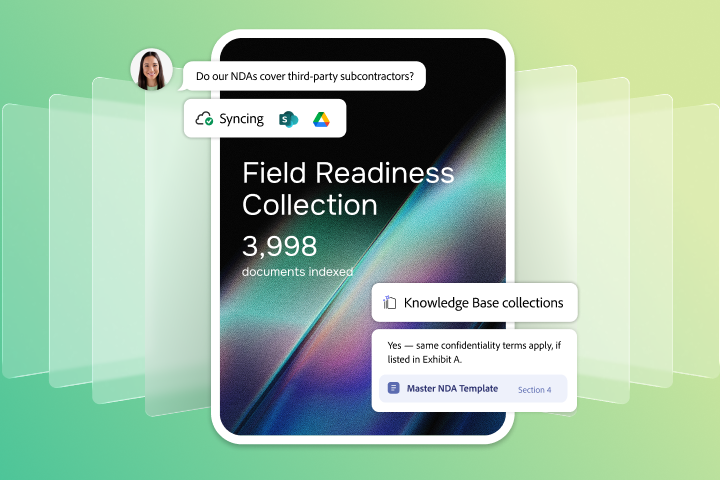
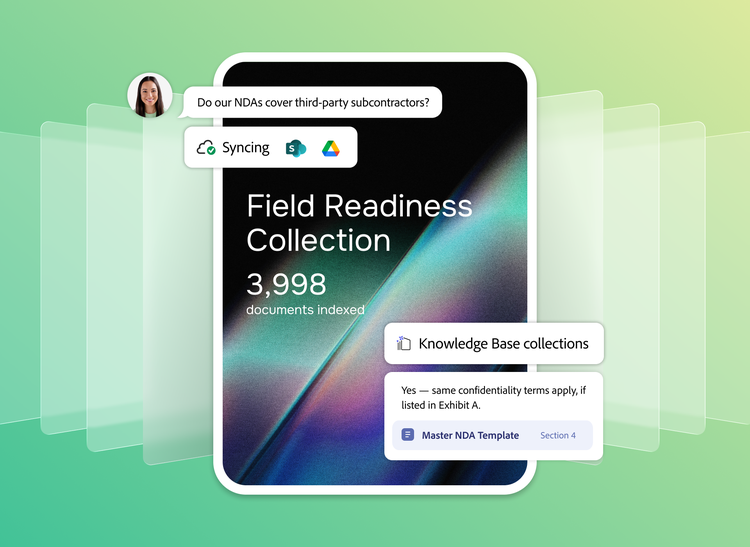
Find the guidance you need in seconds from curated collections of departmental content. Teams can quickly access answers that would otherwise require searching across repositories, reviewing documents or locating subject matter experts.

  • Create collections of hundreds to thousands of documents, searchable by any team across PDF, web content, email, text files and common document formats.
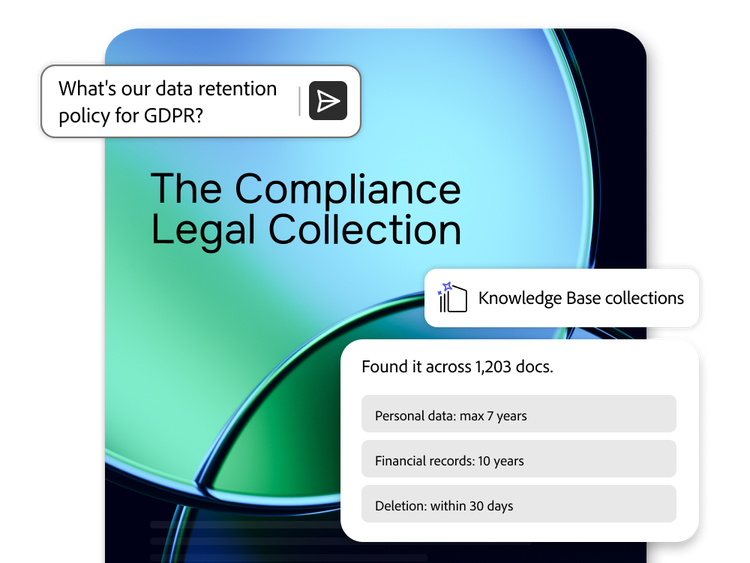
  • Provide natural language access to enterprise knowledge so teams can find answers in seconds without navigating multiple systems.
  • Transform institutional knowledge into a shared resource that anyone on the team can access.

Trace each answer to its source sentence.

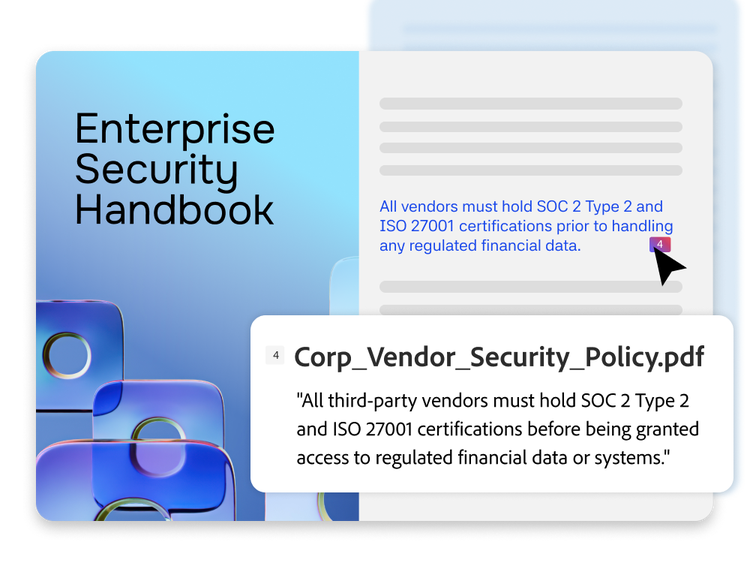
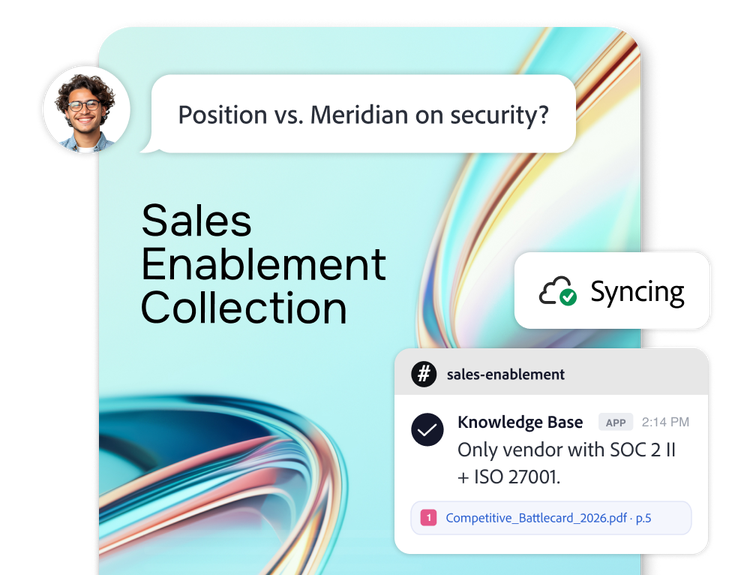
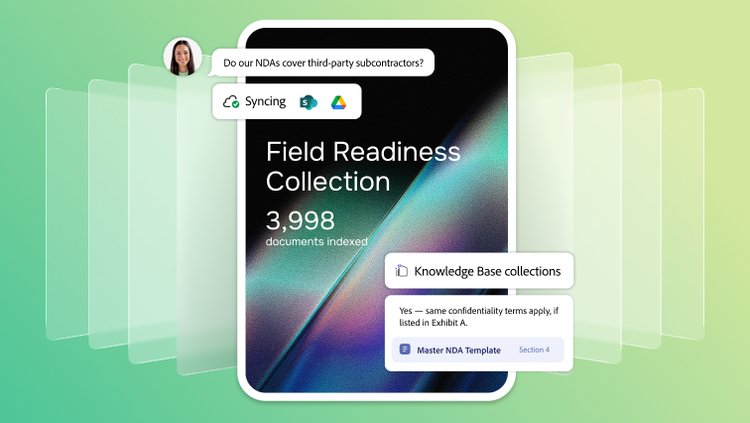
Provide access to answers your team can verify and trust. Responses cite the exact document and sentence that they came from, so anyone can verify the result in a single click.

  • Extract meaning from complex materials using Adobe's industry-leading document intelligence, which understands structure, layout, tables and reading order.
  • Keep responses anchored in approved knowledge sources to help reduce the risk of hallucinated answers and support enterprise governance requirements.

Deploy trusted knowledge quickly and maintain control.

Create and share knowledge collections in minutes. Any business user can connect existing repositories and make trusted information available across teams, without filing IT requests or requiring specialised AI expertise in most environments.

  • Set up collections quickly from document management and team collaboration platforms, with automatic synchronisation so new content is always reflected.
  • Deploy knowledge through Slack, Microsoft Teams, web experiences and directly within PDF Spaces in Acrobat, with centralised management across distributed sources.
  • Maintain enterprise controls with governed access and no foundation model training on your data.
#686868

Find out how to access Knowledge Base through Adobe Acrobat Studio enterprise plans.

Learn more | Learn more about Knowledge Base in Acrobat Studio

Learn more about Knowledge Base in Acrobat

Solution brief: Enterprise knowledge management with Knowledge Base in Acrobat.

How IT, HR, Legal and Customer Support teams use Knowledge Base in Acrobat to give employees instant, trusted access to organisational knowledge — grounded in the documents they already have.

On-demand demo: Knowledge Base in Acrobat — from set-up to live chatbot.

Watch how any business user can connect SharePoint, build a collection and deploy a Slack or Teams chatbot — without writing a line of code.

Security overview: Knowledge Base in Acrobat enterprise security.

Understand how Knowledge Base in Acrobat protects your document collections and AI responses at enterprise scale — designed with data governance and access controls in mind.

https://main--da-bacom--adobecom.aem.page/fragments/products/acrobat-business/knowledge-base/learn-more

Questions? We have answers.

What is Knowledge Base in Acrobat Studio?

Knowledge Base in Acrobat Studio is an AI-powered knowledge management system that turns curated business documents into a trusted, searchable resource for employees. It helps teams get fast answers from approved content so they can rely on a more consistent source instead of searching across disconnected repositories, chats and file systems.

How does Knowledge Base in Acrobat Studio help centralise and organise knowledge for easy access?

Knowledge Base in Acrobat Studio helps organisations build a more consistent foundation of information from the documents they already use to run the business. By organising approved content into curated collections, teams can access consistent answers grounded in official materials such as policies and procedures, contracts, internal guidance and support documentation.

How is Knowledge Base in Acrobat Studio different from enterprise search software?

Traditional enterprise search software helps employees find files.Knowledge Base in Acrobat Studio is designed to help them to find answers. Instead of returning a list of documents to open and interpret manually, it provides grounded responses with citations to the exact source, helping teams move faster while still verifying the answer in context.

Is Knowledge Base in Acrobat Studio a knowledge management system or an enterprise search tool?

Knowledge Base in Acrobat Studio is best understood as a knowledge management system built for document-based enterprise knowledge. It shares similarities with enterprise search software, but it goes further by helping users ask natural-language questions and receive cited answers from curated content collections. That makes it especially useful when organisations want trusted answers, not just file discovery.

What types of content can be used in Knowledge Base in Acrobat Studio?

Knowledge Base in Acrobat Studio is designed to work with business-critical documents such as policies and procedures, HR handbooks, legal guidance, support playbooks, contracts and other repositories of institutional knowledge. It is positioned to support content from formats including PDF, web, text files and email-based materials, so organisations can build knowledge experiences from the documents they already manage.

How does Knowledge Base in Acrobat Studio help employees access institutional knowledge?

Many organisations depend on a small number of experts who know where key answers live. Knowledge Base in Acrobat Studio helps turn that institutional knowledge into a shared resource that more employees can access directly. Instead of relying on tribal knowledge or manual document review, teams can ask questions in natural language and get answers grounded in approved sources.

Why is Knowledge Base in Acrobat Studio useful for policies and procedures?

Policies and procedures are often spread across multiple folders, repositories and versions, which makes them harder for employees to follow consistently. Knowledge Base in Acrobat Studio helps organisations turn those materials into a more accessible, consistent foundation, so users can find the right guidance faster and verify that it came from an approved source.

Can Knowledge Base in Acrobat Studio connect to the systems our teams already use?

Yes. Knowledge Base in Acrobat Studio is positioned to connect with enterprise content sources such as Microsoft SharePoint and Google Drive, helping organisations build a knowledge management layer from existing repositories. It can also surface answers in collaboration channels such as Slack and Microsoft Teams, making trusted knowledge available in the flow of work.

Discover the full power of Knowledge Base in Acrobat Studio.

Marketo Configurator Tuesday, July 14, 2026 at 11:09
Success content
Thank you for your interest in Knowledge Base in Acrobat Studio. Your request has been submitted to an Adobe representative who will contact you shortly.