ADOBE ACROBAT STUDIO FOR MARKETING
Transform documents into marketing strategies, presentations and on-brand content.
Help marketing teams analyse documents, align on messaging and create content in multiple languages across regions. Adobe Acrobat Studio reduces rework, streamlines collaboration and accelerates time to market.
Create relevant, consistent marketing experiences from insight to execution.

Get key insights to inform strategies.
Analyse briefs, research and performance documents with Adobe Acrobat AI Assistant in an intelligent, connected workspace built for collaboration. Generate summaries, get key takeaways and create audio overviews to inform messaging, strategy and content direction — so teams understand what matters most.
By keeping insights tied to their source documents, marketers can validate findings, align stakeholders and act with confidence — turning analysis into aligned, informed action.

Create impactful presentations instantly.
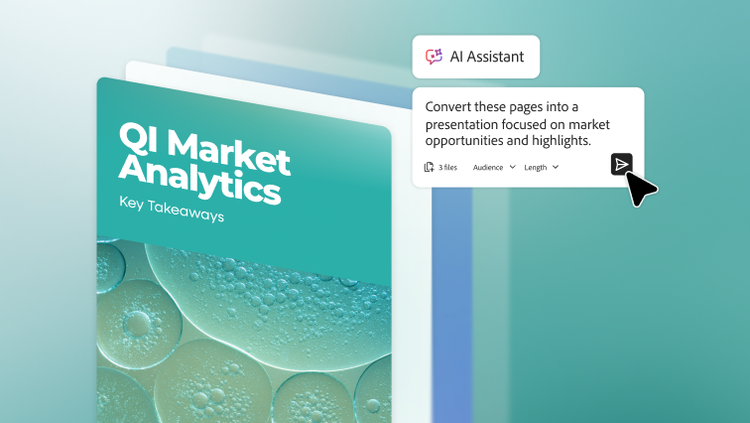
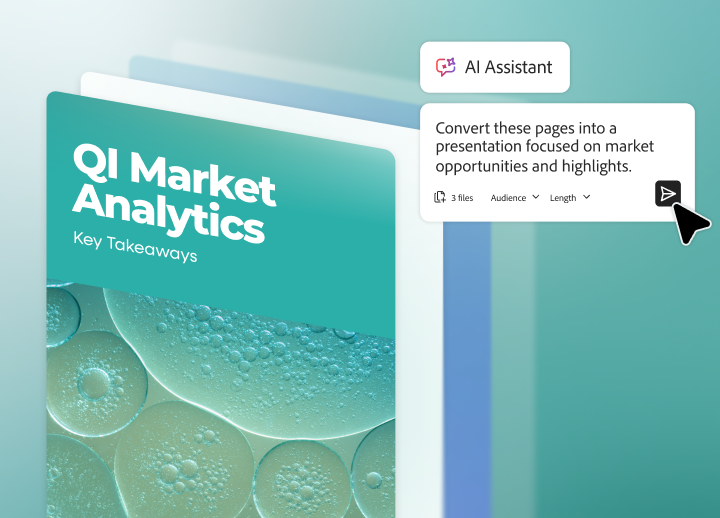
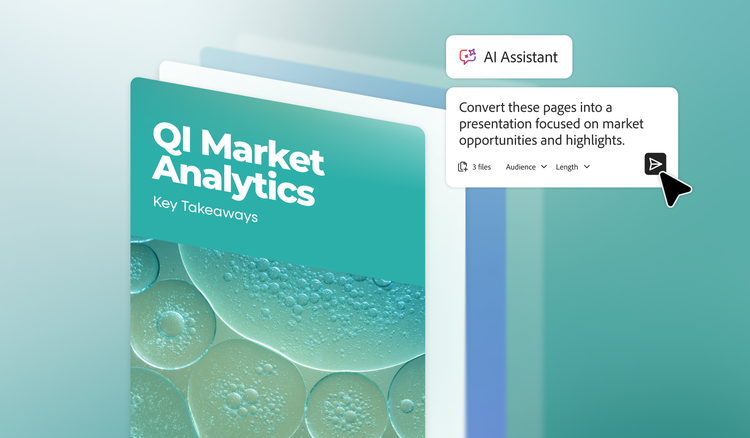
Turn document insights into polished, branded presentations and visual reports in minutes. Acrobat Studio highlights key metrics and insights so teams can quickly share what matters and build narratives that resonate with stakeholders and customers.
With the help of generative AI, templates and brand kits, marketers can produce ready-to-share presentation decks fast. Real-time collaboration, secure sharing and seamless access to approved assets ensure that every slide stays on brand.

Scale on-brand content creation.
Turn document insights into on-brand videos, social content and campaign assets.--then easily resize, localise and publish across channels with Adobe Express in Acrobat Studio.
Branded templates and AI-generated layouts empower all teams to create with confidence, reducing manual effort, lowering agency dependence and safeguarding brand consistency.
Learn how Adobe Acrobat Studio empowers marketing teams.
https://main--da-bacom--adobecom.aem.page/fragments/products/acrobat-business/marketing
Questions? We have answers.
How does Acrobat Studio help marketing teams?
Acrobat Studio is an AI-powered workspace that combines PDF creation, editing, on-brand content creation and AI-driven insights for collaboration. For marketing teams, Acrobat Studio can help:
- Turn scattered research, briefs and decks into a central knowledge hub.
- Use AI to summarise, compare and analyse long documents.
- Easily create on-brand presentations, reports and campaign assets.
- Collaborate across Sales, Product and Leadership in a single shared space.
Acrobat Studio is designed for both insight-heavy marketing research and strategy as well as content-heavy campaigns or localisation.
How can marketing teams use Acrobat Studio for research and insights?
Marketing teams can use Acrobat Studio to turn complex research into clear, actionable insights:
- Centralise research in one place
- Upload focus group transcripts, survey exports, analyst reports and competitor decks.
- Group everything into a dedicated PDF Space for a project.
- Use AI to better understand the data
Ask Acrobat AI Assistant to:- Summarise long PDFs and transcripts.
- Compare multiple documents and versions for insights or themes.
- Align stakeholders around key findings
- Share dedicated PDF Spaces with Brand, Research, Product Marketing and Leadership.
- Collect comments, questions and decisions directly on documents.
- Pin AI answers or summaries.
- Turn insights into a story
Use Adobe Express templates to build:- Insights deck for strategy workshops.
- Visual summary reports for partners or stakeholders.
- Export final content as secure, shareable PDFs.
How can Acrobat Studio help with campaign localisation and regional marketing?
Acrobat Studio supports all marketing campaigns from local to global by making it easier to reuse and adapt core campaigns.
- Store master campaigns centrally
- Keep master messaging frameworks, brand guidelines, creative assets and templates.
- Organise them in PDF Spaces accessible to regional teams.
- Adapt messaging with AI support
Use AI Assistant to:- Rewrite messages for specific segments or regions.
- Adjust tone while keeping core value propositions intact.
- Propose localised angles based on regional priorities.
What makes Acrobat Studio different from other AI or design tools for marketing?
Acrobat Studio is unique because it is document-first, insight-driven while being enterprise-ready:
- Document-first, not just asset first
- Acrobat Studio is built around documents marketers already use like research reports, strategy presentations, contracts, SOWS and briefs.
- AI sits on top of these documents to extract insights, not just generate new assets in isolation.
- End-to-end document workflow
- Combines document organisation with PDF Spaces, AI-powered insights with AI Assistant and scaled content creation with Adobe Express templates.
- Security and governance built-in
- Security is paramount to Adobe and Acrobat Studio is no different with enterprise-grade security, SSO and identity controls and compliance-first AI built directly into Acrobat.
How can a marketing team get started with Acrobat Studio?
The most effective way to start is to pick one high impact workflow and leverage all that Acrobat Studio has to offer.
Recommended starting projects:
- A brand or product positioning initiative.
- A thought leadership report.
- A major event or webinar series.
Acrobat Studio starting plan:
- Choose one initiative where research, collaboration and content creation are all involved.
- Create a PDF Space dedicated to that initiative.
- Add core documents like research, briefs or assets.
- Use AI Assistant to summarise key documents and insights.
- Build the main narrative into a report, presentation or campaign plan using Adobe Express templates inside Acrobat Studio.
- Share and refine with stakeholders while iterating for other campaigns or regions.