Adobe Acrobat Studio for Procurement
Make vendor selection smarter and faster.
Help teams streamline reviews and deliver audit-ready recommendations with collaborative workspaces and AI-powered insights. Adobe Acrobat Studio centralises proposals, certifications and contracts, surfaces key vendor qualifications and makes it easy to compare options side by side.
Review proposals, improve compliance and align stakeholders — while minimising risk and effort.
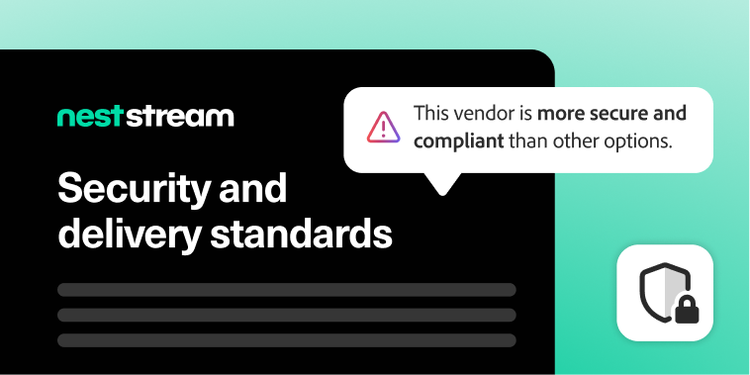
Compare vendor qualifications instantly.
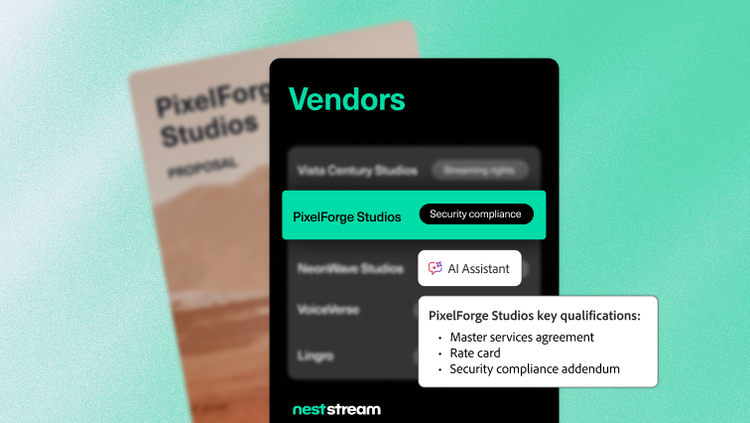
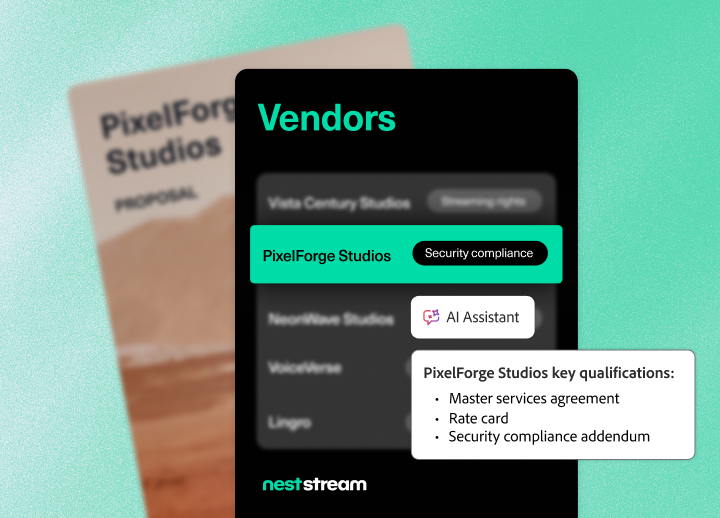
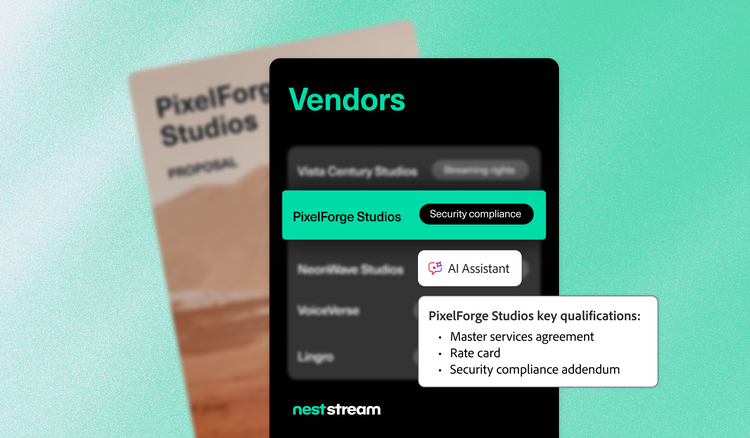
Quickly extract and summarise key details from multiple proposals in one centralised space. AI Assistant highlights differentiators and spots compliance gaps, saving hours of manual review.
Each provided insight includes direct citations, so reviewers can easily validate findings and trace recommendations back to the original proposal or contract. This transparency helps teams make confident, well-documented decisions.
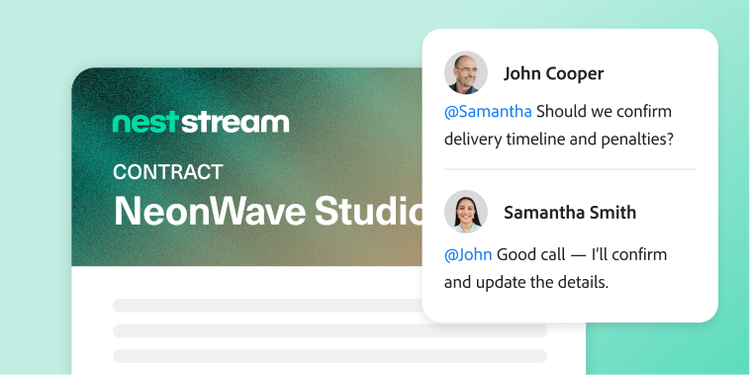
Streamline complex reviews and decisions.
Let teams collaborate in a shared workspace where comments are tracked, versions are managed and collaborators stay in sync, even when reviewing lengthy contracts.
Teams can leverage surfaced key points and action items to resolve questions faster, accelerate negotiations and keep workflows moving efficiently from review to final decision.

Drive alignment with on-brand templates.
Create polished, on-brand summaries and recommendations for internal teams using the generate presentation feature and Adobe Express integrations.
Teams can use approved formats for requests for proposals, requests for quotes and vendor evaluations to make sourcing decisions consistent, professional and easy to review. These visually engaging decks help stakeholders align quickly and build trust in the procurement process.
Learn more about how Adobe Acrobat Studio empowers procurement teams.
https://main--da-bacom--adobecom.aem.page/fragments/products/acrobat-business/procurement
Questions? We have answers.
How does Adobe Acrobat Studio streamline procurement contract workflows?
Can Acrobat Studio automate document collection from suppliers?
Does Acrobat Studio support vendor compliance and documentation audits?
Which procurement scenarios are best suited for Acrobat Studio?
The typical high-value scenarios for which Acrobat Studio is best suited include:
- Request for proposal responses, supplier proposals and evaluations.
- Master service agreements, SOWS, non-disclosure agreements, delegation of procurement authorities and renewals.
- Price-list and discount schedules.
- Supplier policy acknowledgments for code of conduct, environmental, social and governance strategies or InfoSec.
- Contract change orders and amendments.
Anywhere you handle vendor PDFs today, Acrobat Studio can help you review, negotiate and approve faster.
How does Acrobat Studio reduce procurement cycle time?
Can procurement collaborate with finance and legal within Acrobat Studio?
What languages is Adobe Acrobat Studio available in?