ADOBE CREATIVE CLOUD FEATURES
Create high-impact content faster.
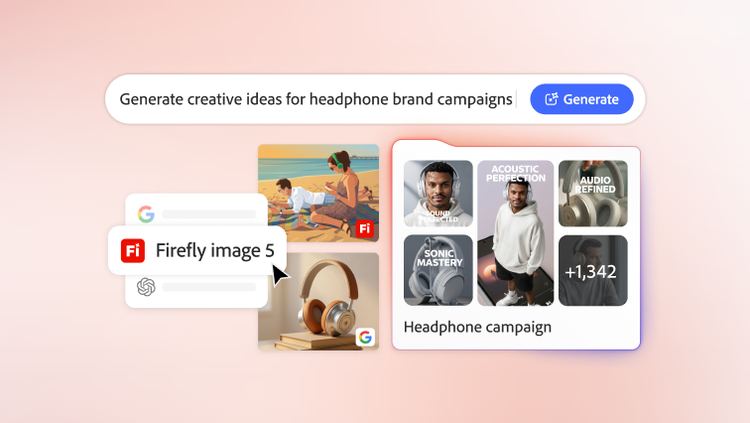
Produce standout content with Adobe Creative Cloud for enterprise. Creative teams can guide built-in AI assistants across Adobe Firefly, Adobe Photoshop, Adobe Illustrator and Adobe InDesign to orchestrate multi-step workflows, powered by top AI models from Adobe, Google, OpenAI and more, allowing teams to focus on their craft.
Bring ideas to life with Firefly.
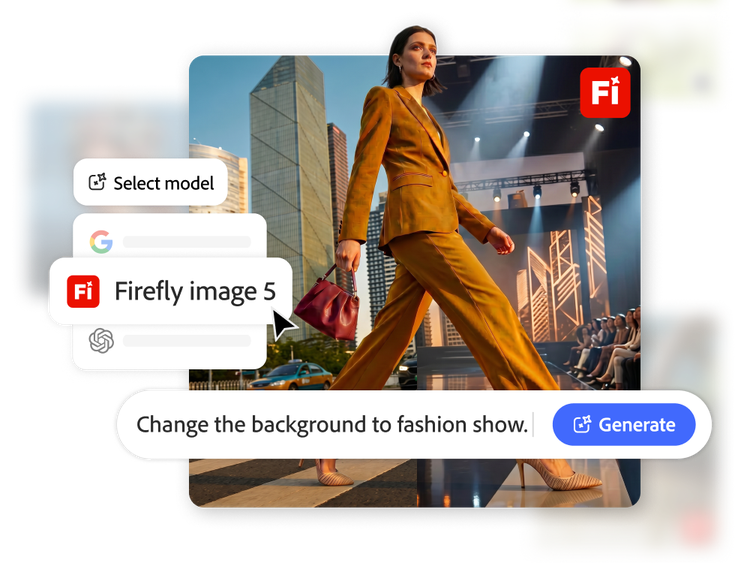
Produce and edit images, video, audio and designs using top AI models built into Adobe Firefly.
- Firefly AI assistant. Describe what to create in natural language and complete multi-step creative tasks across Adobe Photoshop, Adobe Lightroom, Adobe Premiere, Adobe Firefly and other Creative Cloud applications from a single chat interface.
- AI-powered image editing. Draw, annotate and add prompts directly onto visuals with AI Mark-up to show exactly what should change.
- Model flexibility. Choose the best model for the job, giving creative teams greater flexibility, control and quality.
- Firefly video editor. Edit videos with prompts or timeline controls to trim clips, rearrange footage, add titles, voiceovers and audio from virtually any device.
Build AI-powered workflows with Firefly Graph.
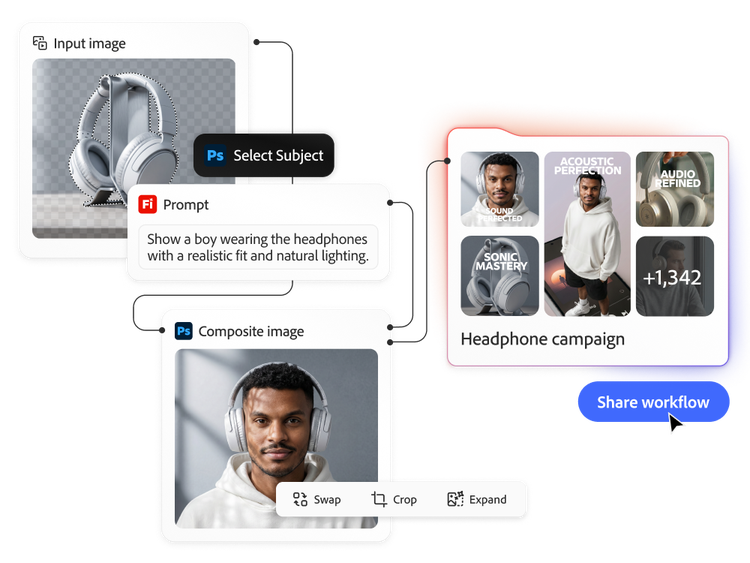
Combine professional capabilities from Adobe's leading creative applications with top AI models to build workflows at scale.
- Design repeatable workflows. Bring together the top generative AI models with Adobe’s creative applications to produce polished outputs that can be repeated and refined.
- Share and scale hero workflows. Save and share the best workflows across the organisation, so every creative team can produce standout content with greater consistency and speed.
- Transform content creation. Harness new models and capabilities as they emerge without disrupting existing workflows.
Deliver polished images with Photoshop.
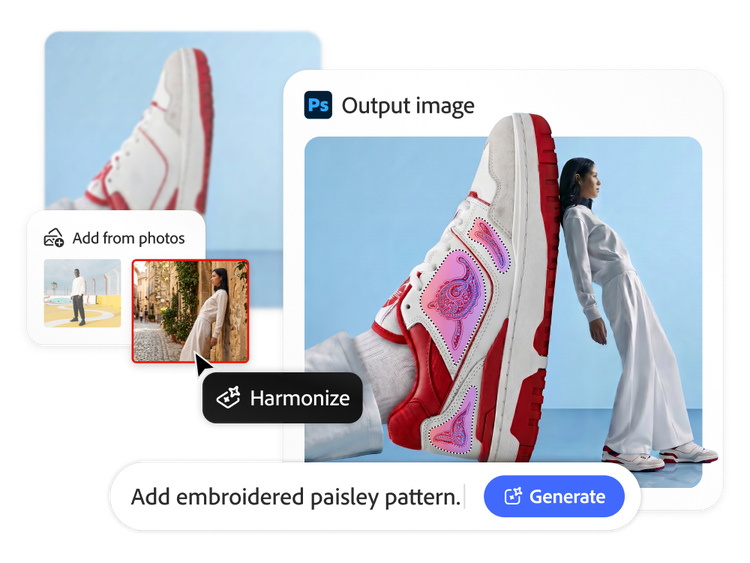
Generate, refine and composite images with AI-powered tools in Photoshop. Make precise edits quickly to ensure output is on brand with creative control.
- AI assistant. Describe the desired outcome, such as swapping backgrounds, resizing assets or organising layers and AI Assistant applies intelligent adjustments across the entire composite while keeping the results editable.
- Generative Fill. Add, remove or replace content while automatically matching details like lighting, perspective and scale.
- Generative Upscale. Improve image resolution, clarity and sharpness for campaign assets, production files, older photos and scanned images.
- Distraction Removal. Automatically remove unwanted elements like wires, reflections, background people and other distractions to keep the focus on your subject.
Design vector artwork faster with Illustrator.
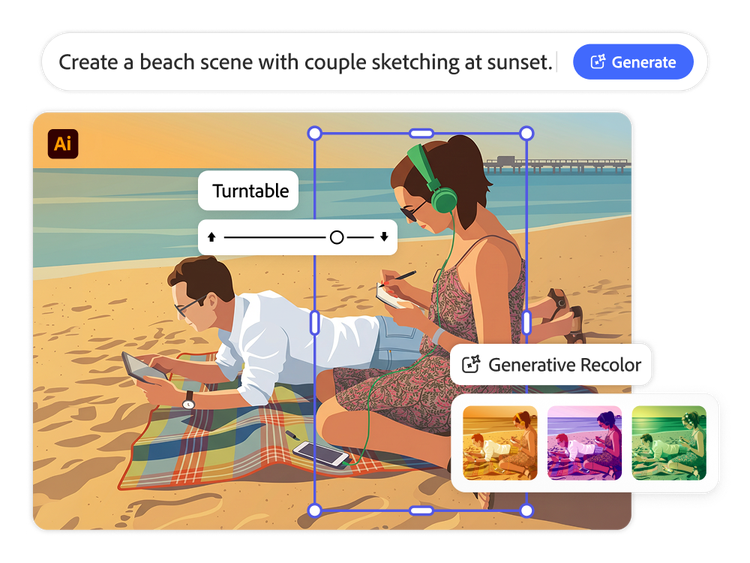
Use Adobe Illustrator to explore new styles, experiment with colours and create editable vector graphics more efficiently.
- AI assistant. Ask the assistant to handle multi-step production tasks, from generating versioned files and reorganising layers to running pre-flight checks for colour mode errors or missing fonts before print.
- Turntable. View artwork from every angle instantly to explore new perspectives, skip hours of redraws and create motion-ready visuals for presentations and social content.
- Generative Shape Fill. Quickly fill shapes with rich detail and colour that matches the look and style of existing artwork.
- Concept to Vector. Design fully editable vector graphics, scenes, icons and illustrations from simple text descriptions, making it faster to move from concept to production-ready artwork.
Edit and finish videos faster with Premiere.
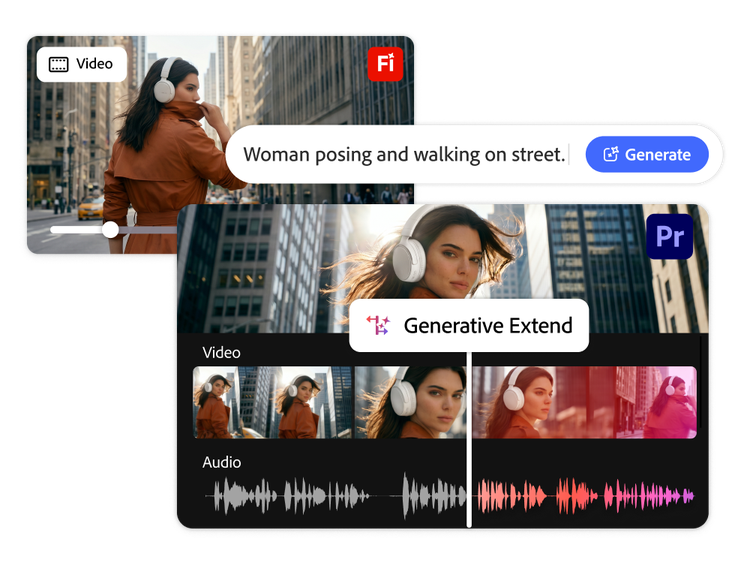
Speed up every stage of video production with AI-powered tools in Adobe Premiere, from first cut to final delivery, with full creative control.
- AI assistant. Ask the assistant to handle repetitive production tasks, including organising assets into bins, batch renaming clips, adding markers and assembling a working starting point so editors can focus on storytelling.
- Generate audio and video. Make b-roll footage, soundtracks and speech in Adobe Firefly to fill missing shots or audio gaps, helping teams complete projects helping reduce the need for reshoots or searching for stock assets.
- Generative Extend. Extend clips by adding frames to the beginning or end of footage to smooth transitions, hold key moments and achieve more natural edits when source media is limited.
- AI-powered Object Mask. Quickly mask and track moving subjects to relight scenes, blur backgrounds, isolate colour grades and make precise edits with less manual effort.
Refine layouts and publish content with InDesign.
Update designs, adapt visuals and refine page layouts more efficiently across publishing and creative workflows with InDesign.
- AI assistant. Drop in a new brand PDF or open an existing template, then let the assistant apply updates across every layout, including copy, styling and print-readiness checks.
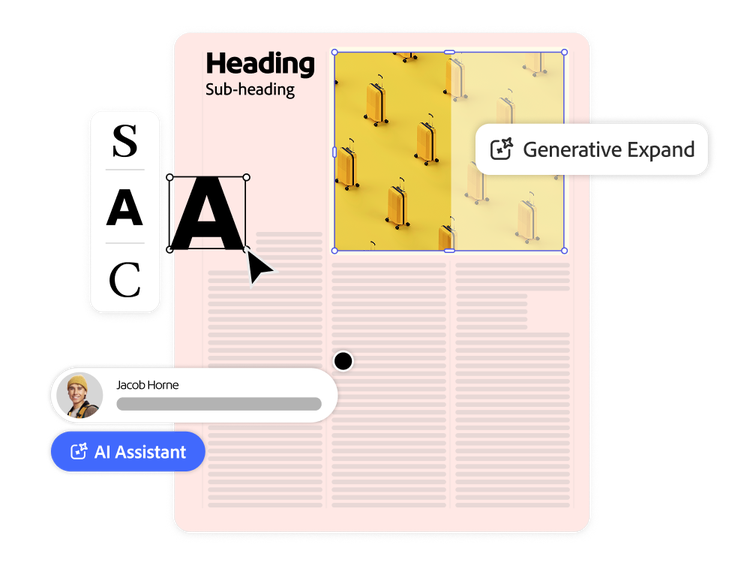
- Generative Fill for layouts. Turn text and shapes into customised visuals, textures and effects to enhance page designs more efficiently.
- Generative Expand for page design. Resize and extend images more easily to fit changing layouts, margins and bleeds.
Explore how to create high-impact content faster with Creative Cloud for enterprise.
Learn more | Learn more to get started with Creative Cloud for enterprise
Questions? We have answers.
How does Creative Cloud for enterprise help teams create content faster?
What types of content can teams create with Adobe Firefly and Creative Cloud apps?
How do teams choose the best AI model for a creative task?
What is Firefly Graph for Enterprise and how does it help scale content production?
Does generative AI in Creative Cloud replace creative control?
How do Adobe Firefly, Photoshop, Illustrator and InDesign work together in content creation workflows?
How can enterprises build repeatable AI workflows for creative teams?
How does Creative Cloud for enterprise help produce more content variations for campaigns?