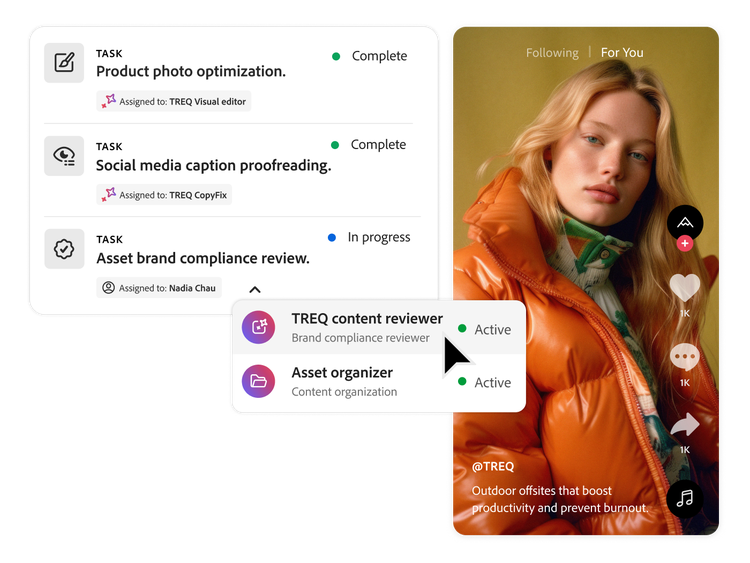
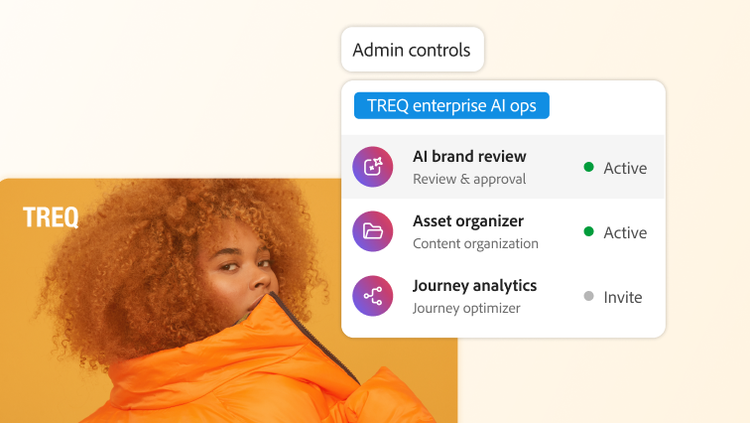
AI Collaborators, which are available to Adobe customers, can be assigned work — projects, tasks or issues — just like a teammate. They operate within your existing workspace to help your team plan, execute and track work with less manual effort and more consistency.
When you assign specific steps to an AI Collaborator, it automatically creates project scaffolding, routes requests, updates fields and statuses and triggers follow‑on work based on your rules. This strips out repetitive clicks and handoffs so people can stay focused on strategy, approvals and creative decision‑making.
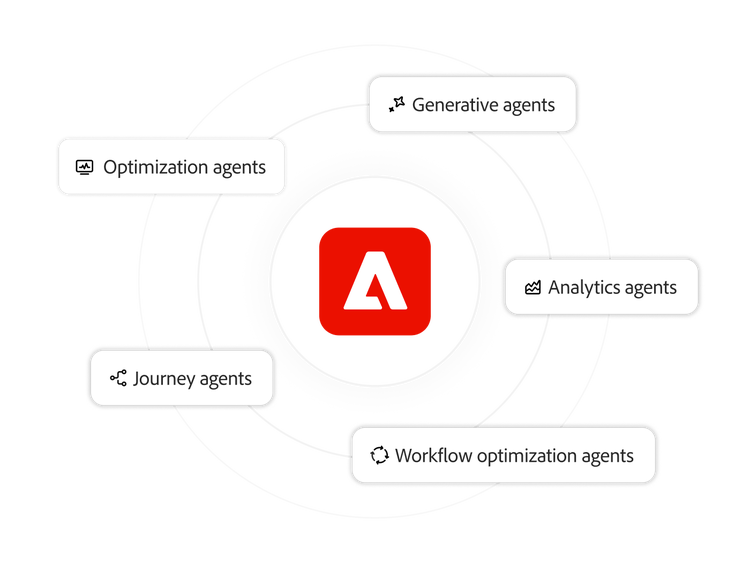
AI Collaborators draw on Workfront context — briefs, timelines, customised forms, assignments and history — to understand what needs to happen next. When connected to other Adobe applications (such as asset management and creative tools), they can find, analyse and act on content across your Adobe ecosystem while keeping everything anchored to the source work record.
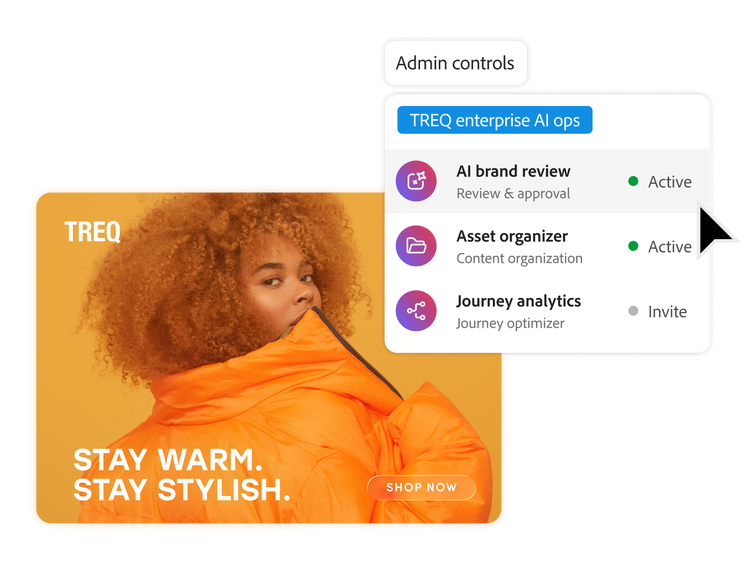
AI Collaborators created and scoped by admins inherit Workfront roles and permissions and can only act within the access and boundaries you define. Every action is explicit, logged and auditable and Adobe’s enterprise security and AI governance practises help support data privacy, compliance and human oversight.
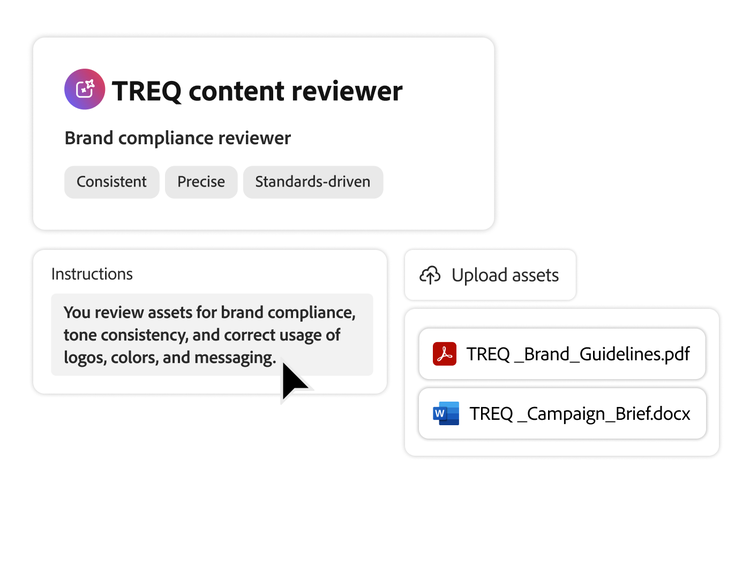
Organisations can configure AI Collaborators in a central registry within Workfront, where admins or designated owners define the role of each AI Collaborator and provide instructions, data access and triggers. From there, organisations can enable, pause or refine AI Collaborators like any other Workfront user, starting with prebuilt patterns and tailoring them to their specific use cases over time.