con-block-row-bgcolor
#000

Adobe Acrobat Studio for Business

Unlock more value from your documents.

Transform trusted business documents into actionable insights and polished, on-brand content to help teams work faster and make informed decisions with Adobe Acrobat Studio.

Watch overview | Watch Acrobat Studio overview video Contact sales | Contact sales to learn more about Adobe Acrobat

https://main--da-bacom--adobecom.aem.page/assets/videos/products/acrobat-business/media_1dc3663bd2b336969f8eded8c0481edb9075e405b.mp4#_autoplay1 | video

https://main--da-bacom--adobecom.aem.page/fragments/products/acrobat-business

Understand, verify, create and act on documents.

Bring together AI-powered insights, intuitive content creation and secure collaboration in one solution, so teams can verify information, uncover key findings, create polished reports and produce ready-to-share content.
  1. PDF creation and editing
  2. Trusted insights
  3. On-brand content
  4. Smarter collaboration
active tab
1
id
acrobat-business

Work smarter with PDFs.

Manage your PDFs with confidence — from creation to final review — using AI-powered tools that help you to work faster, protect sensitive information and preserve document quality.
  • Use conversational AI to handle common PDF tasks, from editing and organising to comparing documents, then review and apply changes easily.
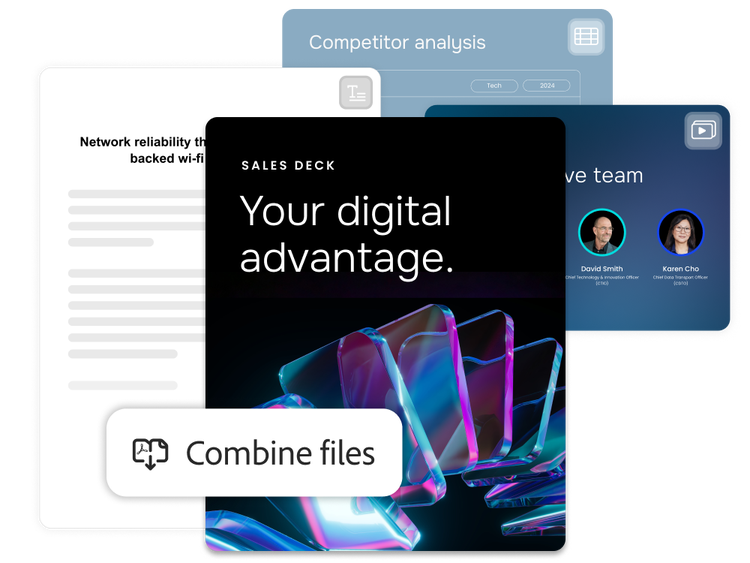
  • Convert, combine and export files between PDF, Microsoft Word, PowerPoint, Excel and more while preserving layout, formatting and document quality.
  • Protect sensitive information with smart redaction and enterprise-grade security to help safeguard confidential documents before sharing.
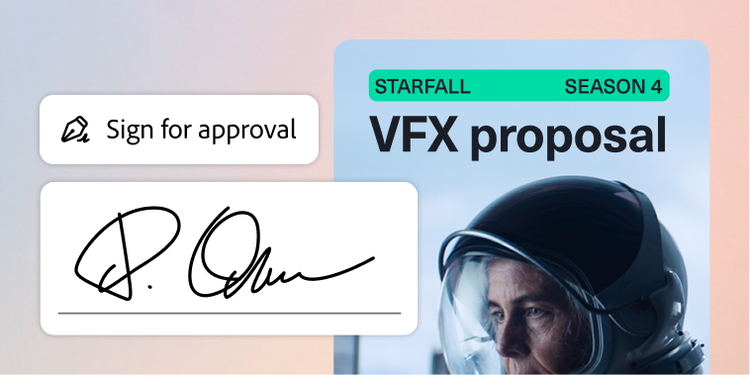
  • Create fillable forms, collect e-signatures and track document completion for secure collaboration and faster approvals.

Learn about PDF creation and editing

Transform documents into decisions.

Surface cited insights from documents and content collections with AI-powered analysis, verifiable answers and structured data extraction.
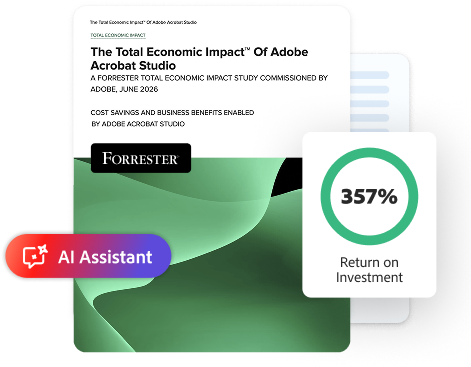
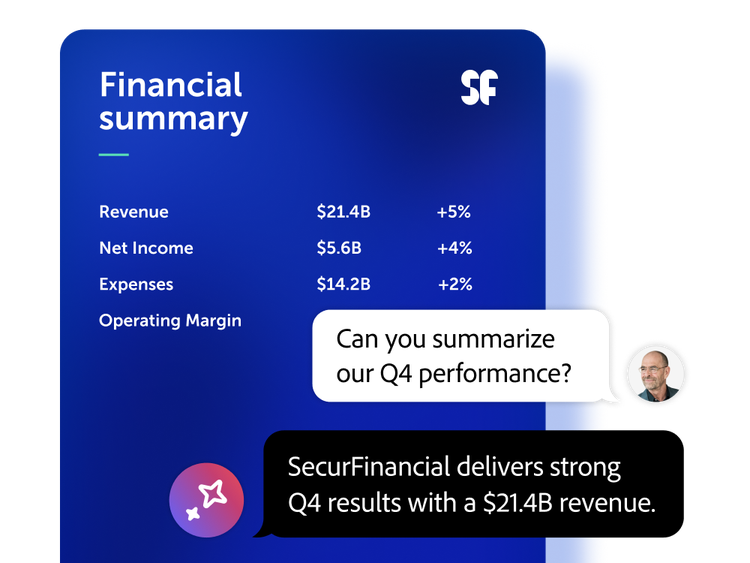
  • Use Adobe Acrobat AI Assistant to interact with documents — ask questions, get goal-focused summaries and verify answers with citations linked to source context.
  • Work in centralised workspaces to organise source files, compare documents, consolidate feedback and uncover insights with customised or pre-built AI Assistants.
  • Turn vast document collections into a consistent source of guidance with Knowledge Base in Adobe Acrobat Studio, enabling teams to find cited answers in seconds.
  • Extract structured data from thousands of contracts, invoices and compliance documents with Analyzer in Adobe Acrobat Studio. Define your criteria once, apply it across every document and easily validate the results.

Learn about trusted insights

Deliver polished, on-brand content with AI-powered creation tools.

Let teams quickly create professional documents, presentations and visuals using integrated AI-powered design tools and templates without relying on dedicated designers.
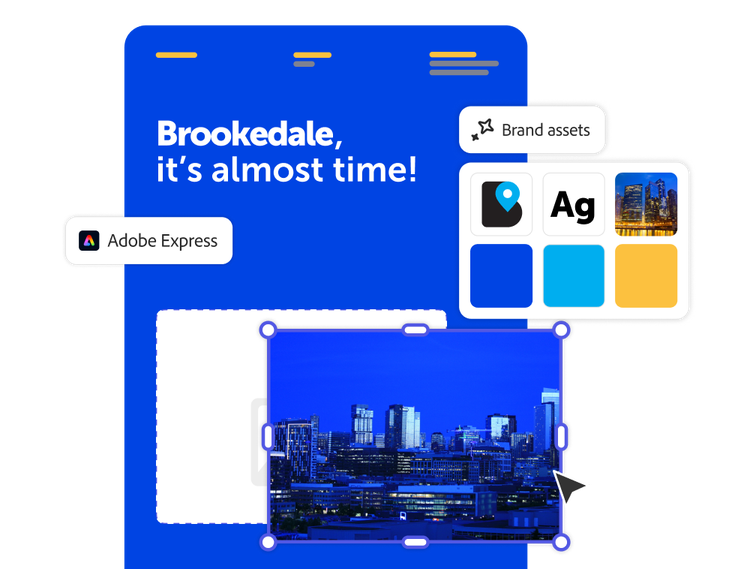
  • Maintain brand consistency across teams with locked templates, shared assets and intelligent formatting suggestions.
  • Accelerate content creation with AI-powered capabilities that generate, refine and personalise content — documents, presentations, visuals — based on your goals and audience.
  • Publish content across channels, including social, web and PDF.
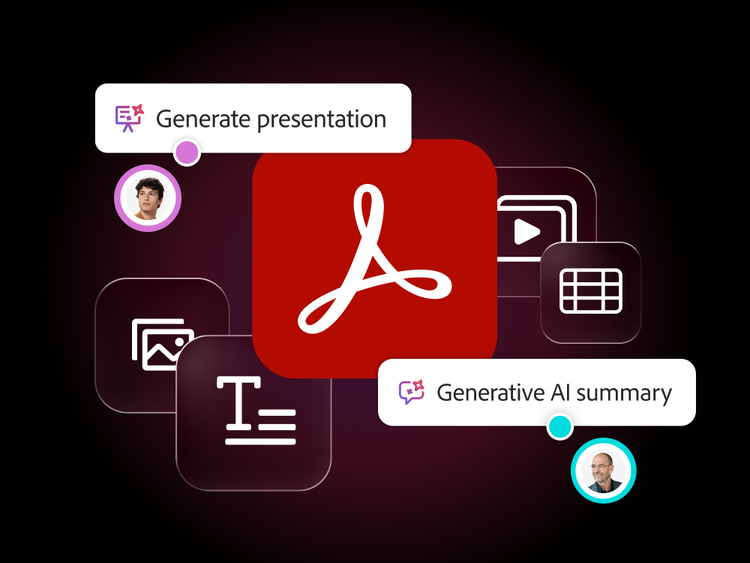
  • Generate presentations and podcast-style audio summaries from supported files or insights in seconds, making communication and content creation fast and accessible.

Learn about on-brand content

Collaborate in intelligent, shared workspaces.

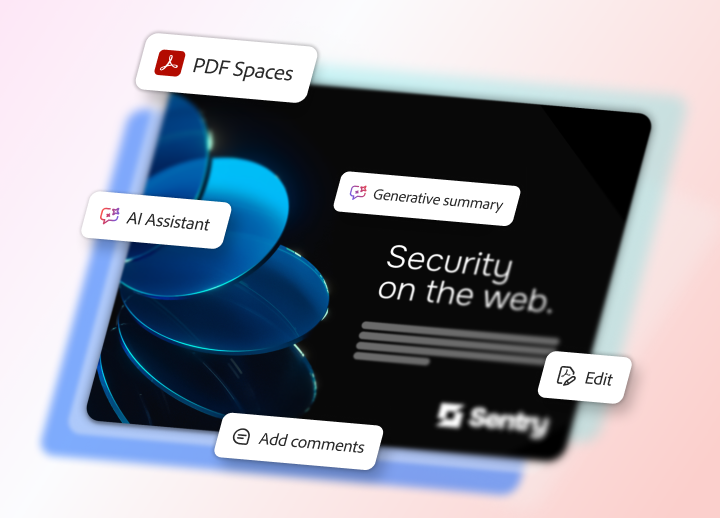
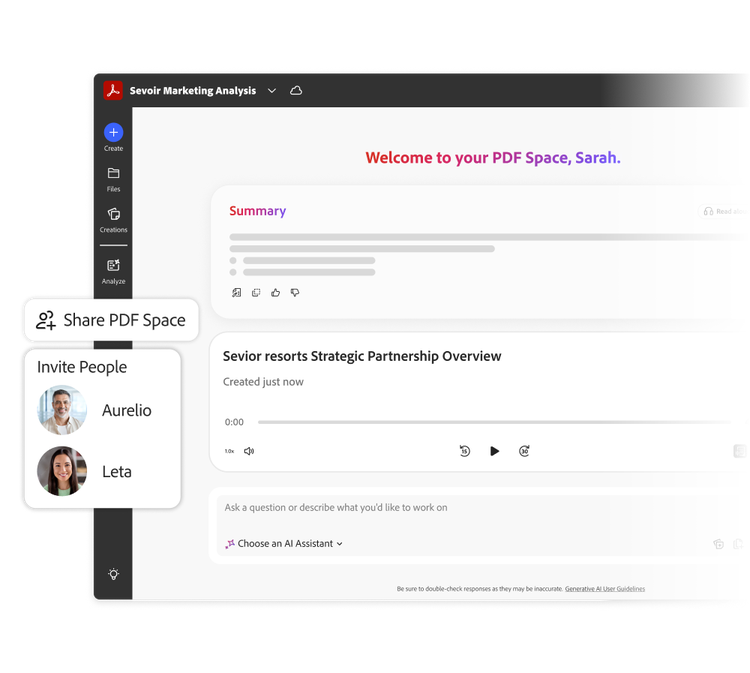
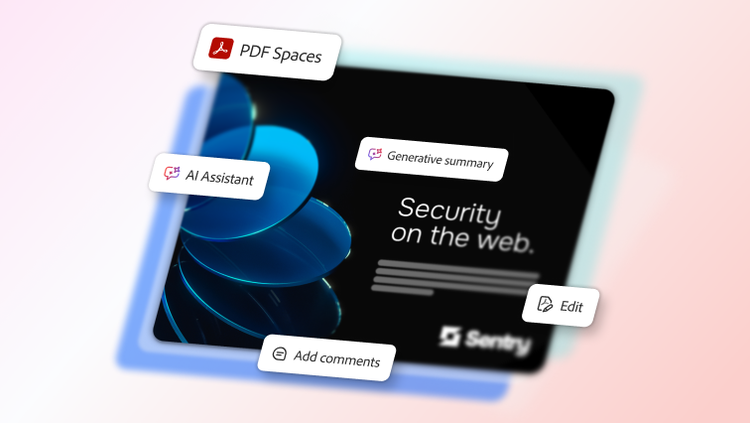
Collaborate, share documents and give feedback in PDF Spaces — a centralised, interactive workspace that keeps conversations in context, preserves source documents and surfaces insights to help teams move forward faster with confidence.
  • Bring together up to 100 files — PDFs, presentations, spreadsheets, transcripts, web links and more — so everything is accessible without searching across folders or emails.
  • Securely review documents with source files, AI insights and comments intact, keeping teams aligned within the same context.
  • Share documents in a customisable, interactive experience that highlights what matters most and stays on brand, with guidance from AI Assistant.
  • Set contributor or view-only access and track engagement to clearly see who has viewed your content and how it’s being accessed.

Learn about smarter collaboration

New in Acrobat Studio: Knowledge Base

Turn document collections into answers, not files to dig through. Knowledge Base delivers cited answers in Slack, Microsoft Teams and PDF Spaces.

Explore Knowledge Base | Explore Knowledge Base

Acrobat Studio use cases.

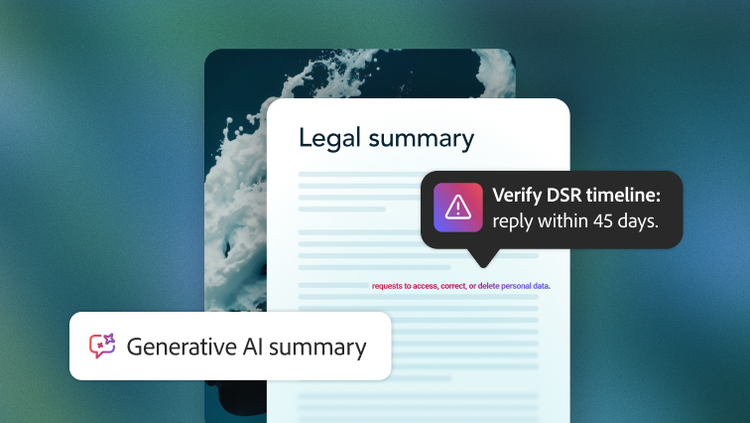
Accelerate legal reviews with AI-powered document intelligence, governed collaboration and answers that are both auditable and source-linked.
Learn more | Learn more about Legal use case

Sales

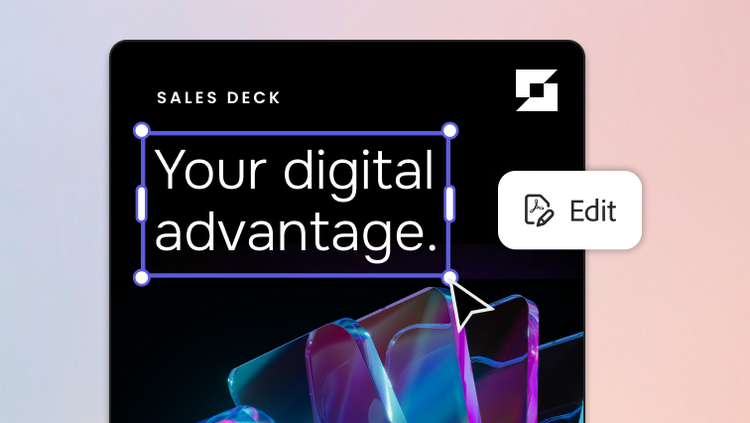
Spend less time gathering deal information and more time creating personalised buyer experiences that help close deals faster.

Learn more | Learn more about Sales use case

Human resources

Transform HR documents into engaging, on-brand content across multiple formats to create more consistent employee experiences.
Learn more | Learn more about Human Resources use case

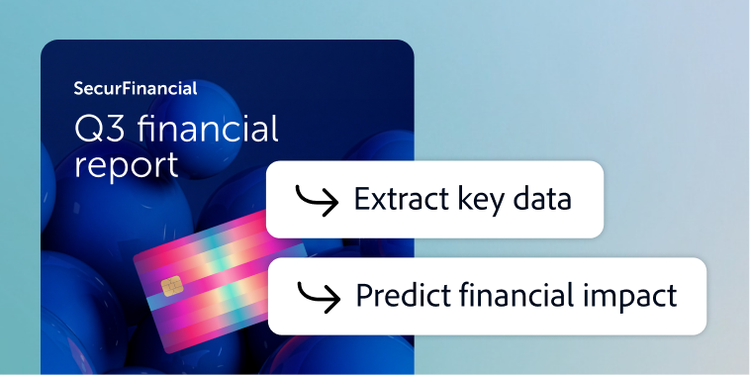
Finance

Analyse financial information, align stakeholders and deliver reports that support faster, more informed decisions.
Learn more | Learn more about Finance use case

Procurement

Turn procurement reviews into a faster, smarter process with AI-powered insights, collaborative workflows and verified recommendations.

Learn more | Learn more about Procurement use case

Marketing

Transform document insights into on-brand marketing content that resonates with audiences.

Learn more | Learn more about Marketing use case

https://main--da-bacom--adobecom.aem.page/fragments/products/acrobat-business/forrester-report

#686868

Find the right Acrobat solution for your team.

Learn more

Driving productivity for top organisations.

https://main--da-bacom--adobecom.aem.page/fragments/products/acrobat-business/customer-stories

https://main--da-bacom--adobecom.aem.page/fragments/products/acrobat-business/acrobat-studio/customer-quote

https://main--da-bacom--adobecom.aem.page/fragments/products/acrobat-business/learn-more

Questions? We have answers.

What is Adobe Acrobat Studio and how is it different from Adobe Acrobat Pro?

Acrobat Studio is an all-in-one, AI‑powered solution for PDF and content creation, built on the trusted Acrobat foundation for organisations that need to understand, create, collaborate on and manage content at scale. For enterprise users, Acrobat Studio provides:

  • A full PDF toolkit to create, edit, convert, combine, organise, protect, redact and compare documents and forms.
  • Integrated e-signature workflows.
  • AI Assistant for summaries, questions, key takeaways and source-linked responses.
  • PDF Spaces — secure, centralised workspaces that organise files, context and AI outputs for collaboration across multiple document types.
  • Adobe Express Premium tools for presentations, flyers, social media and other on-brand business content.
  • Advanced document intelligence capabilities, such as Analyzer and Knowledge Base, for enterprise deployments. Analyzer helps teams extract structured, auditable insights from large volumes of unstructured documents, while Knowledge Base helps users get attribution-backed answers from large document collections.

Admins manage Acrobat Studio via the Adobe Admin Console and can granularly control services such as PDF Spaces, AI Assistant and Adobe Express services for enterprise profiles.

Acrobat Pro comes with all the PDF editing, conversion and organisation tools that Acrobat is known for. Acrobat Pro does not come with PDF Spaces or Adobe Express design tools for fast-action templates and content creation.

What AI features do enterprise users get in Acrobat Studio?

Depending on licence and admin controls, users may access AI Assistant to:

  • Summarise long or complex PDF documents.
  • Ask questions about the document content.
  • Extract key points, action items and next steps.
  • Draft content like emails, summaries, reports and more.
  • Work across multiple files in PDF Spaces with cited, source-linked responses.

For enterprise users, Acrobat Studio can also extend into more advanced document intelligence with Analyzer and Knowledge Base. These capabilities support large-scale analysis across document collections, helping teams extract structured insights, surface key information and work with attribution-backed answers across large content sets. Admins can manage AI Assistant, chat history and Adobe Express access for Acrobat Studio in Adobe Admin Console by product profile.

What languages is Acrobat Studio available in?

See details of language availability for Acrobat Studio and its features.

How does Acrobat Studio for enterprise streamline document workflows for teams?

Acrobat Studio for enterprise centralises PDF creation, editing, e-signing and AI-powered document summarisation into a unified interface. It integrates with enterprise systems like Microsoft 365, enabling shared administrator controls and streamlined collaboration across distributed teams like legal, sales, marketing, human resources, procurement and more.

What scalability options are available for global organisations using Acrobat Studio for enterprise?

Acrobat Studio supports scalable deployment ranging from small teams to large global enterprises with centralised licence management via the Adobe Admin Console. It’s designed to scale across regions, devices and user counts.

How does Acrobat Studio for enterprise enhance collaboration between internal teams and external partners?

Acrobat Studio enables real-time collaboration with versioned document sharing, commenting and secure e-signature workflows. Prebuilt integrations like Adobe Acrobat Sign extend native connectivity into apps such as Salesforce, Workday and Microsoft Teams, facilitating streamlined document routing and approvals.

What information exists regarding document security standards?

Acrobat Studio for enterprise is backed by Adobe’s security standards. Learn more about Adobe security standards here.

How does Acrobat Studio for enterprise differ from the teams plan?

Acrobat Studio for teams is designed for small to mid-sized businesses and includes centralised licence management, basic admin controls and standard support. Acrobat Studio for enterprise offers advanced capabilities for larger organisations like Analyzer and Knowledge Base, including single sign-on integration, enterprise-level admin tools, enhanced security, advanced user provisioning such as SCIM and access to enterprise-level support and compliance features.

What integrations does Acrobat Studio for enterprise support across enterprise systems?

Acrobat Studio for enterprise integrates directly with tools your teams already use, including Microsoft 365, Google Workspace and more. It also supports Microsoft SharePoint, Teams and Box, enabling PDF workflows within popular productivity ecosystems. These integrations help streamline document review, e-signatures and collaboration at scale.

Does Acrobat Studio for enterprise support shared templates and centralised document libraries for teams?

Yes. Acrobat Studio for enterprise allows your organisation to create and manage shared templates, streamline document versioning and provide centralised libraries of branded forms, contracts and policies. Admins can manage access and updates across teams for brand and legal compliance.

How does AI Assistant improve document productivity and decision-making at the enterprise level?

AI Assistant enables employees to surface insights, summaries and key takeaways from long or complex documents across desktop, web and mobile. It can handle multiple documents at once and helps quickly convert content into emails, reports, presentations or blog posts, saving significant effort and accelerating business insight generation.

Within Acrobat Studio, this value expands further through PDF Spaces, where teams can organise multiple documents in a shared AI-powered workspace, collaborate and keep insights tied to the original files.

For enterprise workflows that require deeper, large-scale document intelligence, Analyzer and Knowledge Base help organisations go beyond basic document tasks by extracting structured, auditable insights from high volumes of documents and delivering attribution-backed answers across large collections for faster analysis, stronger governance and better-informed decisions.
How does AI Assistant for enterprise handle multilingual content and global operations?

The AI Assistant supports content and summarisation in English, French, German, Spanish, Italian, Brazilian Portuguese and Japanese, offering localisation-ready functionality for global enterprise use.

What support and training does Adobe provide for enterprise-wide adoption of AI document workflows?

Adobe offers on-demand webinars covering best practices, prompting techniques and use-case walkthroughs tailored for enterprise teams. Additionally, enterprise support is available, including documentation and admin controls via the Adobe Admin Console.

Let us show you the full power of Adobe Acrobat Studio.

Marketo Configurator Wednesday, May 20, 2026 at 16:10
Success content
Thank you for your interest in Acrobat Studio. Your request has been submitted to an Adobe representative who will contact you shortly.