What is CX Enterprise Coworker for teams?
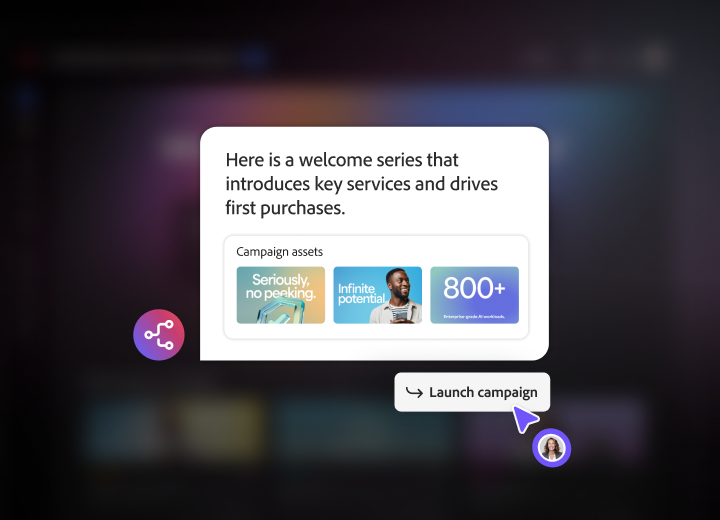
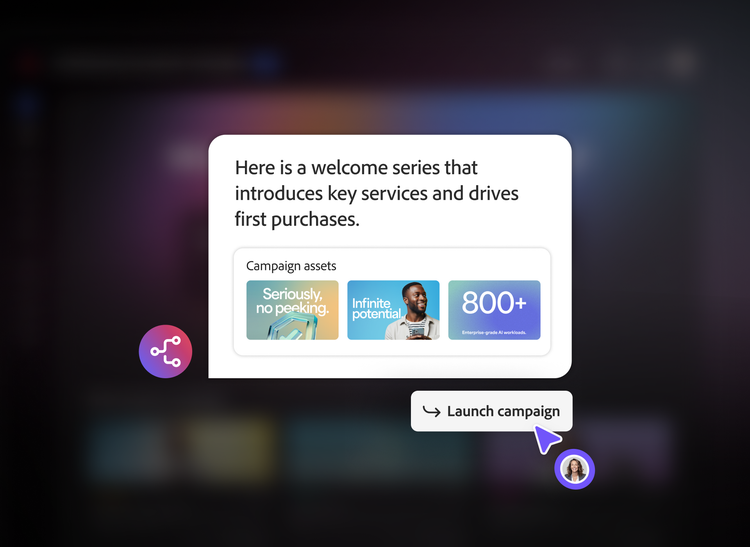
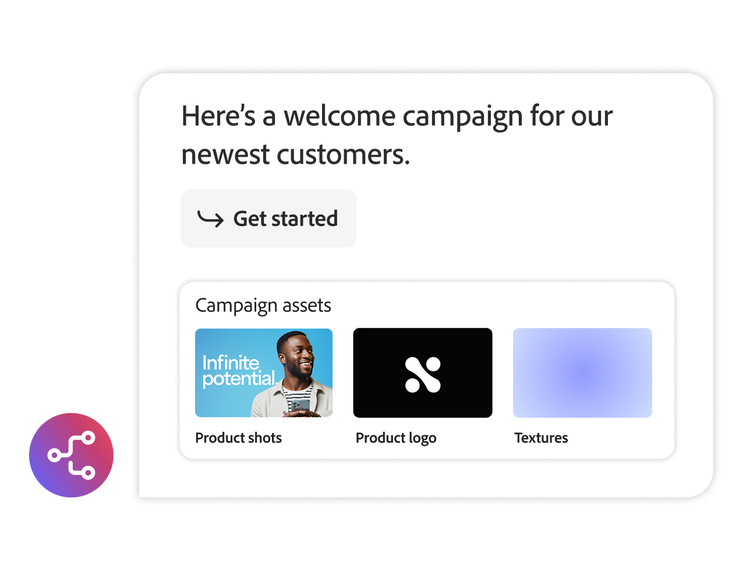
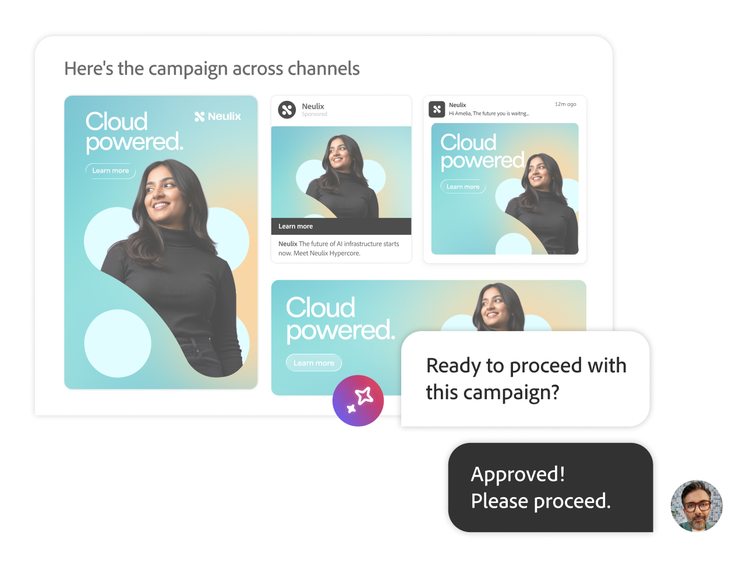
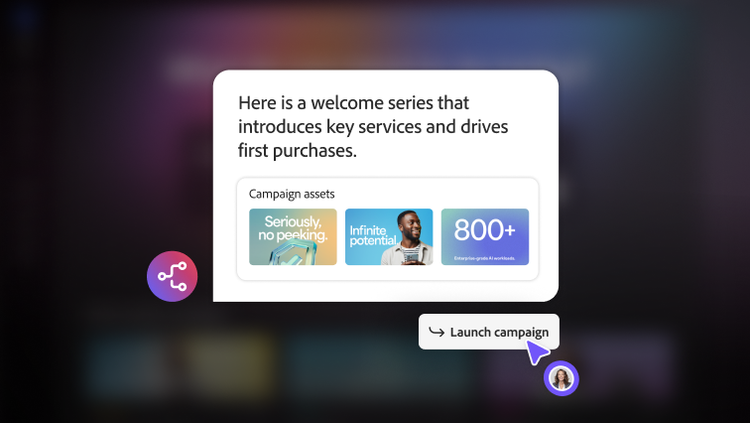
CX Enterprise Coworker for teams is specifically designed for launching marketing campaigns quickly and easily. Give this teams version of Coworker a goal and audience list and it will generate on-brand content, a recommended campaign structure and coordinate execution — all in a single, self-serve workspace built for agile marketing teams. It's powered by the same agentic AI engine as Adobe CX Enterprise Coworker, but only scoped for creating and launching campaigns.
Who is teams version of CX Coworker built for?
Small and agile marketing teams that need to launch campaigns quickly without a lengthy set-up process. These organisations typically do not own or use an Adobe CX Enterprise application today. Coworker for teams operates with a team's existing marketing stack rather than requiring a full platform integration.
Does CX Enterprise Coworker for teams use the same AI as the full enterprise version?
Yes. Both are powered by the same agentic AI engine and the same principle of human-AI collaboration. CX Enterprise Coworker for teams applies that technology to a single, prepackaged campaign creation workflow, whereas CX Enterprise Coworker applies it across a variety of marketing functions and workflows.
What is the set-up required for CX Enterprise Coworker for teams?
CX Enterprise Coworker for teams requires little set-up, only needing access to your audience information and a description of your goal before generating a ready-to-launch campaign in minutes. For the full version of Adobe CX Enterprise Coworker, a connection to your enterprise applications needs to be established to orchestrate work across the marketing organisation. This implementation and feature set unlocks end-to-end automation across your whole customer engagement lifecycle.
How does CX Enterprise Coworker for teams use generative AI to build marketing campaigns?
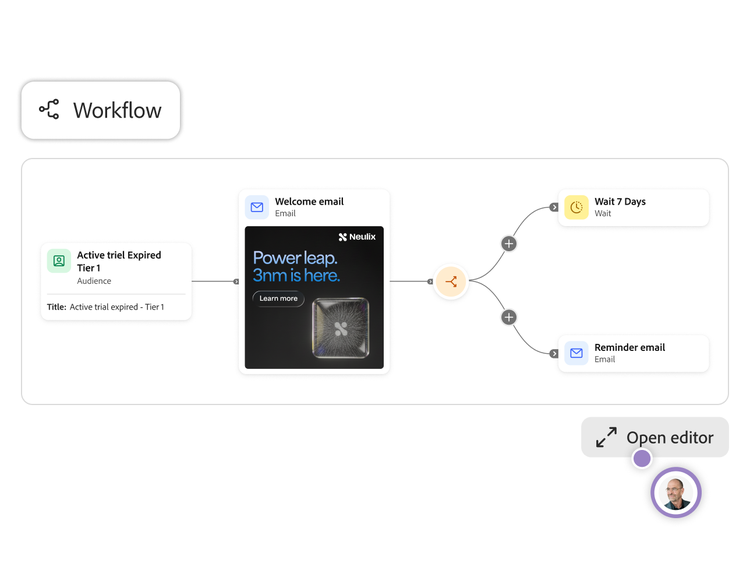
CX Enterprise Coworker for teams uses generative AI to translate prompts and briefs into campaign strategies, audience suggestions and ready-to-edit email and journey templates. It orchestrates agentic AI skills to handle tasks like ideation, copy generation and workflow design, so teams start from intelligent drafts instead of a blank page.
Can CX Enterprise Coworker for teams use my brand assets and customer data to generate campaigns?
Yes. CX Enterprise Coworker for teams can ingest brand assets such as a website or brand-kit PDF to learn your tone, visuals and guidelines, then apply them across generated content. It also can work with customer lists and life cycle data — for example, via CSV or connected marketing systems — using that context to propose segments, personalise messages and keep campaigns relevant while honouring your data controls.
What types of marketing campaigns can I create with CX Enterprise Coworker for teams?
CX Enterprise Coworker for teams is built for high-impact lifecycle programmes such as onboarding, free‑to‑paid and renewal journeys, newsletters, nurture streams and event or webinar follow-ups, primarily over email today. It is also being extended to support additional channels like paid media and social, so marketers can plan and coordinate multi-channel campaigns from a single conversational workspace.
CX Enterprise Coworker for teams is designed to sit with your existing stack. We wanted to enable value in minutes, so all you need to get started is a CSV of your intended audience. However, we are rolling out a series of API and MCP connectors to integrate with common marketing automation tools, customer relationship management systems (CRMs) and other data sources, all using Adobe Experience Platform services under the hood. Teams will then be able to pull audiences and performance context into Coworker.
Go from prompt to campaign in minutes with CX Enterprise Coworker for teams.
Go from prompt to campaign in minutes with CX Enterprise Coworker for teams.
Start building for free
Start building for free
An agentic workspace for growing digital marketing teams. Ready on day one.
An agentic workspace for growing digital marketing teams. Ready on day one.
Contextually-informed campaigns.
Contextually-informed campaigns.
On-brand content, generated in minutes.
On-brand content, generated in minutes.
AI, ready to use on day one.
AI, ready to use on day one.
One workspace — from start to finish.
One workspace — from start to finish.
Explore the power of CX Enterprise Coworker for teams with a free trial.*
Explore the power of CX Enterprise Coworker for teams with a free trial.*
Adobe family of companies
Adobe family of companies
personalised
personalized
Privacy Policy
Privacy Policy
Adobe Family of Companies
Adobe Family of Companies
From welcome emails to mobile campaigns, CX Enterprise Coworker for teams lets you reach customers faster.
From welcome emails to mobile campaigns, CX Enterprise Coworker for teams lets you reach customers faster.
New member welcome, onboarding and win-back series
New member welcome, onboarding, and win-back series
New product announcements and education
New product announcements and education
Trial-to-paid conversions
Trial-to-paid conversions
Renewal and upgrade campaigns
Renewal and upgrade campaigns
Product announcements
Product announcements
Learn more about CX Enterprise Coworker for teams.
Learn more about CX Enterprise Coworker for teams.
Questions? We have answers.
Questions? We have answers.
What is CX Enterprise Coworker for teams?
What is CX Enterprise Coworker for teams?
Who is teams version of CX Coworker built for?
Who is teams version of CX Coworker built for?
Does CX Enterprise Coworker for teams use the same AI as the full enterprise version?
Does CX Enterprise Coworker for teams use the same AI as the full enterprise version?
What is the set-up required for CX Enterprise Coworker for teams?
What is the setup required for CX Enterprise Coworker for teams?
How does CX Enterprise Coworker for teams use generative AI to build marketing campaigns?
How does CX Enterprise Coworker for teams use generative AI to build marketing campaigns?
Can CX Enterprise Coworker for teams use my brand assets and customer data to generate campaigns?
Can CX Enterprise Coworker for teams use my brand assets and customer data to generate campaigns?
What types of marketing campaigns can I create with CX Enterprise Coworker for teams?
What types of marketing campaigns can I create with CX Enterprise Coworker for teams?
Let’s talk about what Adobe CX Enterprise Coworker can do for your business.
Let’s talk about what Adobe CX Enterprise Coworker can do for your business.