#F8F8F8

Adobe Workfront Features

AI collaborators

Unlock AI-powered speed and capacity with a centralised system of AI Collaborators that understand your strategy, work, brand and the next steps in your projects.

AI-powered efficiency

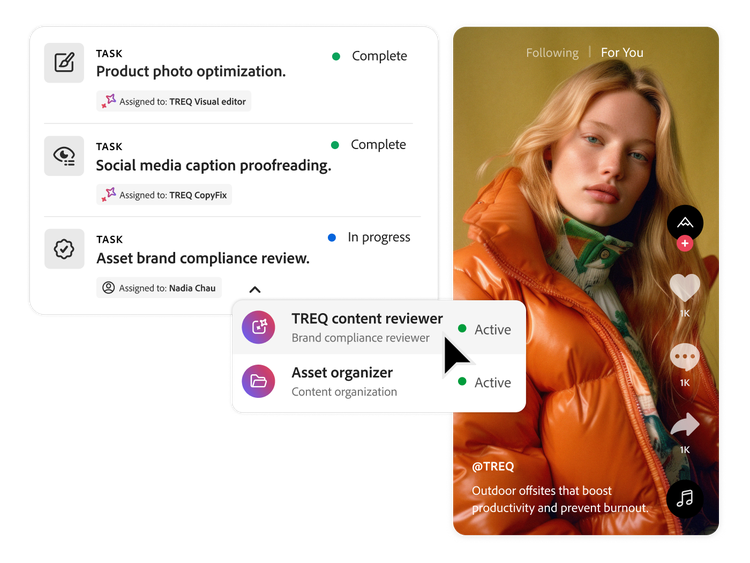
Scale productivity across enterprise teams by assigning AI collaborators directly to work inside your projects, moving from isolated AI use cases to system-level execution.

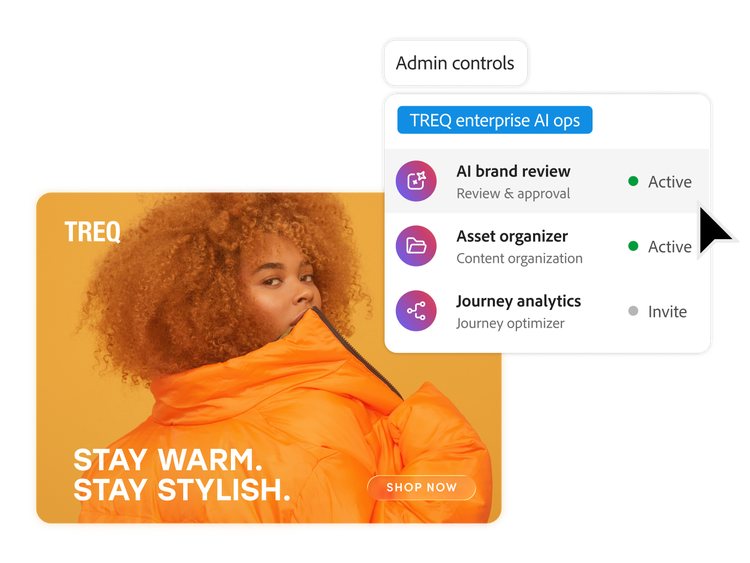
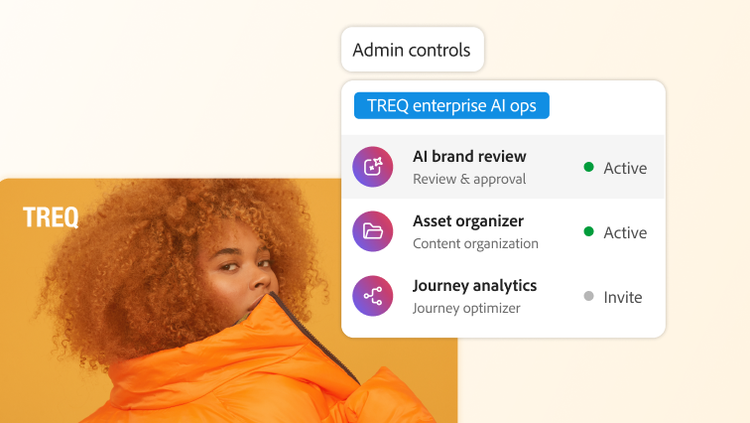
  • Centralised AI workforce. Create, register and manage AI collaborators in a single governed registry — giving enterprises an easy way to easily discover and apply AI across projects, workflows and teams.
  • Assignable AI execution. Assign routine work and task progression to AI Collaborators—keeping projects moving, reducing delays and expanding team capacity.

Context‑driven intelligence

Deliver high‑quality outcomes with AI collaborators that understand the full context of your work.

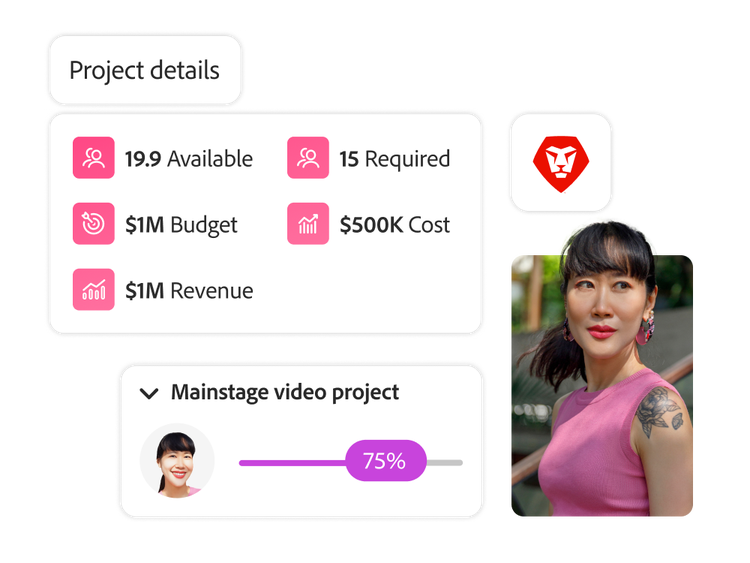
  • Context lives where work lives. AI collaborators operate directly inside Adobe Workfront, with awareness of campaign plans and objectives, project structures, tasks, timelines and the insights that flow across your Adobe ecosystem — enriched with additional knowledge and guidance your teams provide.
  • Informed actions, not guesswork. By working from this shared context, AI collaborators align actions and recommendations to how your organisation plans and executes work, helping teams move forward with confidence.

Powered by Adobe’s agent ecosystem

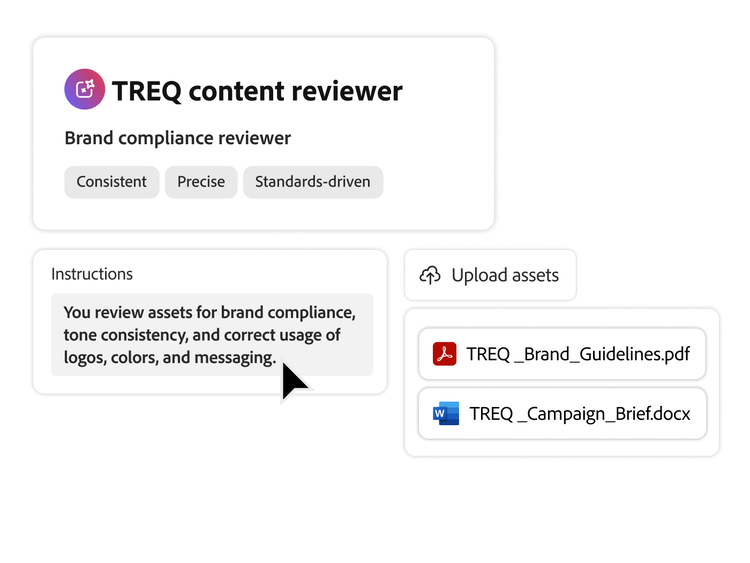
  • Create AI collaborators. Define instructions, connect to the right context and equip with agentic capabilities from Adobe’s best‑in‑class agents across the Adobe Experience Cloud.
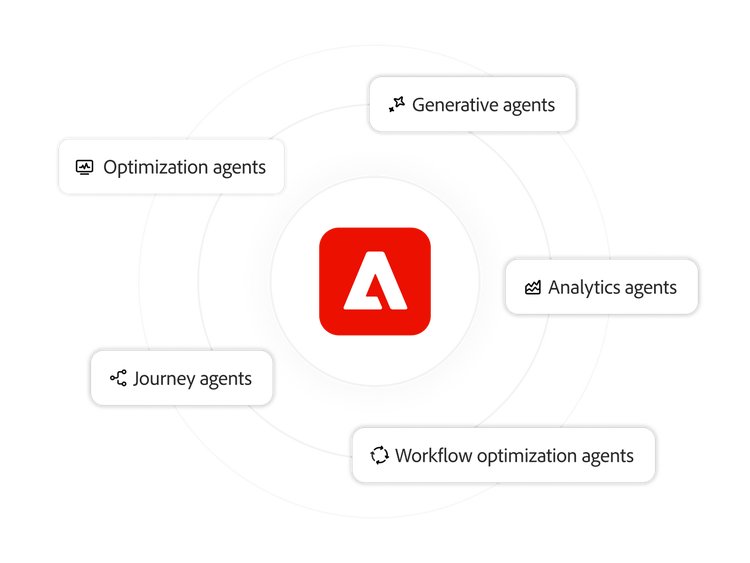
  • Repeatable execution. Systematically apply Adobe’s agentic intelligence at a project and team level — turning individual agent capabilities into consistent, repeatable execution inside Workfront.

Enterprise‑level controls

AI collaborators extend the same enterprise‑level controls organisations rely on Workfront for, enabling confident AI adoption with built‑in control.

  • Role‑based access. Control who can configure and assign AI collaborators and what data they can access using existing Workfront permissions.
  • Defined actions and oversight. Set clear boundaries for what AI collaborators are allowed to do, ensuring that they operate within established policies.
linear-gradient(88.84deg, #FFECD0 0.99%, #FFF3DF 53.77%, #FFFCEA 75.59%, #FFFDF1 106.54%)

Learn how to use AI collaborator features.

Find what you need in Experience League, our vast collection of how-to content — including documentation, tutorials and user guides.

Learn more | Learn more about how to use AI collaborator features

Questions? We have answers.

What are AI collaborators in Adobe Workfront?
AI Collaborators available to Adobe customers can be assigned work—projects, tasks or issues—just like a teammate. They operate within your existing workspace to help your team plan, execute and track work with less manual effort and more consistency.
How do AI collaborators help automate project workflows?
By assigning an AI collaborator to specific steps, it can automatically create project scaffolding, route requests, update fields and statuses and trigger follow‑on work based on your rules. This strips out repetitive clicks and handoffs so people can stay focused on strategy, approvals and creative decision‑making.
How do AI collaborators use context from Adobe Workfront and the Adobe ecosystem?
AI collaborators draw on Workfront context—briefs, timelines, customised forms, assignments and history—to understand what needs to happen next. When connected to other Adobe applications (such as asset management and creative tools), they can find, analyse and act on content across your Adobe ecosystem while keeping everything anchored to the source work record.
How does Adobe ensure control for AI collaborators?
AI collaborators are gated by admins, inherit Workfront roles and permissions and can only act within the access and boundaries you define. Every action is explicit, logged and auditable and Adobe’s enterprise security and AI governance practises help support data privacy, compliance and human oversight.
How do organisations create and manage AI collaborators within Workfront?
Organisations configure AI collaborators in a central registry within Workfront, where admins or designated owners define each collaborator’s role, instructions, data access and triggers. From there, they can enable, pause or refine collaborators.