.

Adobe Acrobat Use Case

Turn documents into structured, on-brand presentations.

Give teams a faster way to communicate complex ideas clearly — without the design overhead or manual work of building presentations from scratch.

Bring presentations to life with visual and narration capabilities.

Adobe Acrobat transforms existing content into polished presentations with infographics, AI-generated visuals, and slide-by-slide narration (coming soon).

Build on-brand presentations from your content.

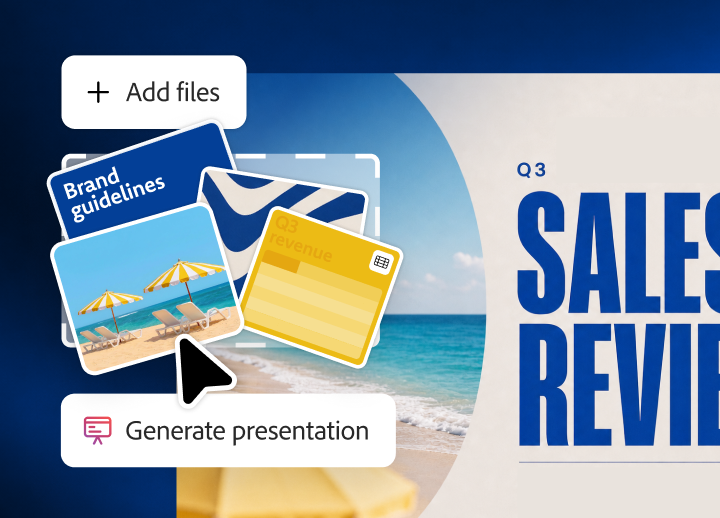
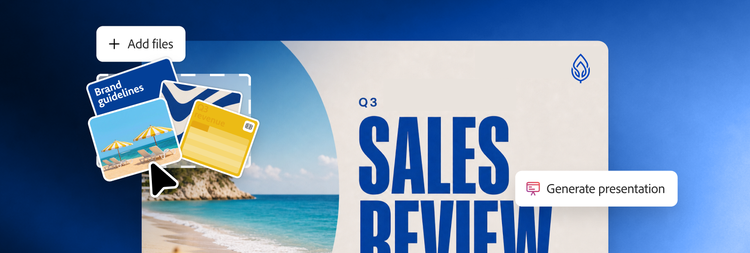
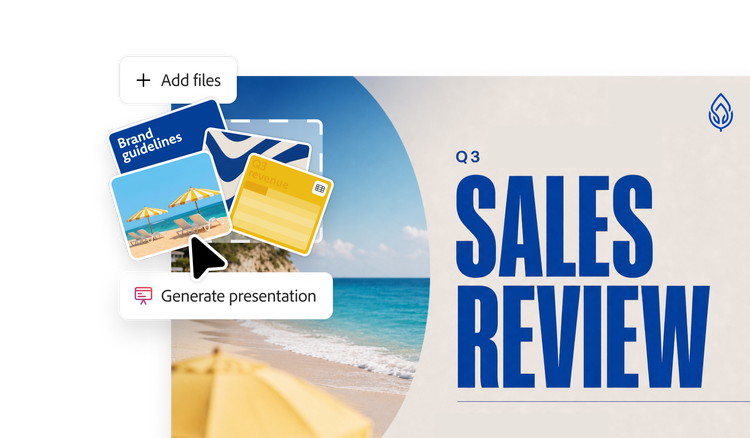
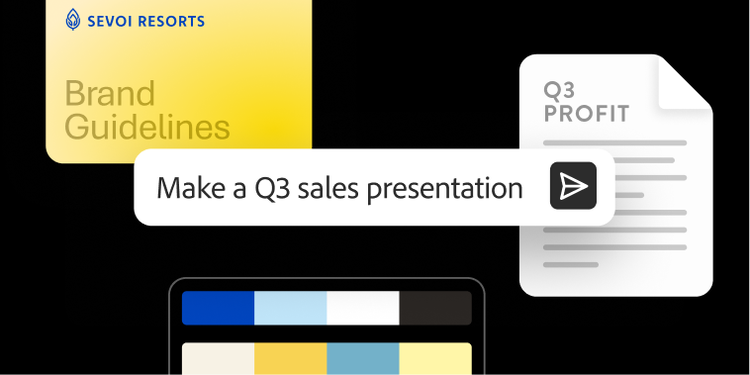
Teams spend more time building presentations than delivering them, pulling from different sources and files. Acrobat AI Assistant analyzes your content, identifies the critical components necessary to turn documents into outlines, and generates structured presentations powered by Adobe Express, built directly in Acrobat.

Using approved templates, layouts, and brand assets, teams can quickly create presentation-ready content that stays consistent, professional, and on-brand without switching tools or rebuilding materials from scratch.

Use visuals to tell your story.

Complex ideas are harder to communicate when key information is buried in text-heavy slides. Acrobat identifies insights, data points, and key takeaways that are best communicated visually, transforms them into structured infographics, and places them directly into a presentation.

Teams can also enhance slides with AI-generated visuals from Adobe Firefly, helping bring ideas to life and create more engaging presentations without requiring additional design work.

Turn slides into narrated videos. (Coming soon)

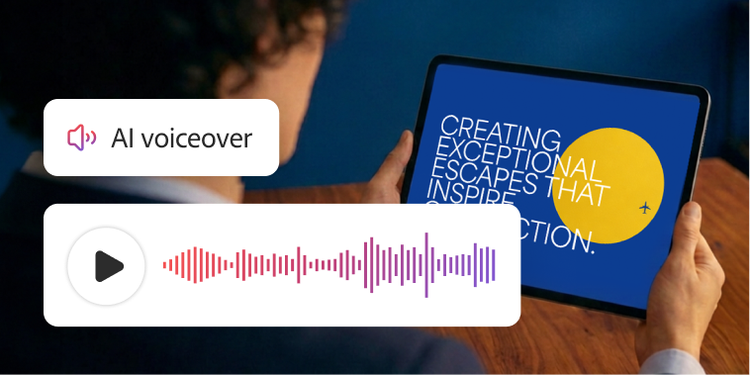
Presentations often need to reach stakeholders beyond a live meeting — and static slides rarely tell the full story on their own. Acrobat automatically generates a spoken script based on your slide content, syncs it with an AI-generated voiceover for each slide, and exports a narrated video so that stakeholders can watch and understand without you delivering it live.

This helps teams extend the reach of presentations, communicate more consistently, and give stakeholders the flexibility to engage with content on their own schedule.

Questions? We have answers.


Need help finding more information? Chat with our experts for answers.