#F8F8F8

ADOBE REAL-TIME CDP FEATURES

Intelligent audience management

Create, enrich, and segment audiences using direct data ingestion or audience federation with your data warehouse. AI-powered insights help you build complete, up-to-date audiences to deliver relevant, in-the-moment experiences to your customers at scale.

Audience Agent

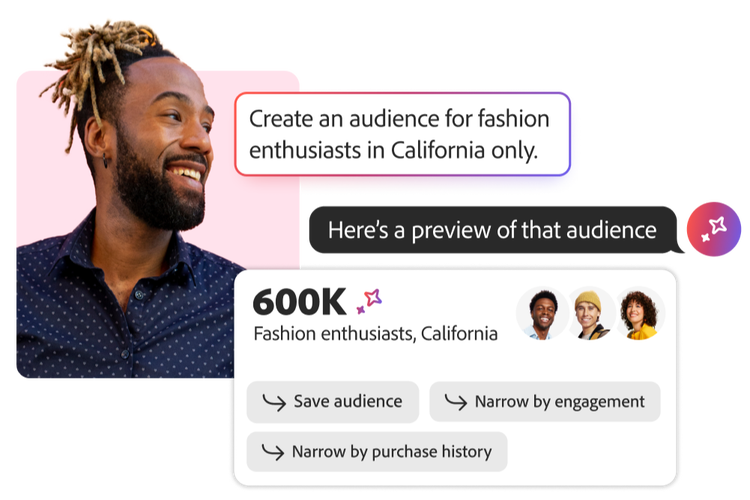
Empower your teams to quickly create, manage, and optimize intelligent audiences using natural language prompts for greater ease, efficiency, and speed to market.

  • Audience discovery and management. Identify audiences proactively while managing data hygiene and tracking changes over time.
  • Audience creation. Generate audiences based on recommendations aligned to your campaign goals.
  • Audience optimization. Use forecasting and audience estimation tools to automatically create targeted audiences or identify opportunities based on objectives, such as propensity to support data-driven targeting decisions.

Segmentation service

Intake existing audiences from other platforms to build new audiences and centrally manage them for your entire organization.

  • Audience Portal. Ingest existing audiences from other platforms, build new audiences with Boolean logic, and easily split, rank, and curate audiences.
  • Intuitive UI. Use a searchable interface with drag-and-drop functionality to design segments, using tags and folders for organization.
  • Adobe Profile Query Language. Leverage a patented query language with dozens of function categories that let you define and execute segmentation queries on the real-time customer profile data.
  • Sophisticated logic. Leverage advanced logic to aggregate functions, containers, scheduled dates, and merge policies to build segments across attributes, events, and existing audiences.
  • Audience refinement. Split, rank, curate, and more to further refine audiences and engage in audience testing.
  • Forecast and validate. Preview size, sample profiles, and evaluate segment logic through code view or via API.
https://business.adobe.com/fragments/products/modal/videos/real-time-customer-data-platform/audience-management/segmentation-service#segmentation | Segmentation service demo video | :play-medium:

Segment types

Real-Time CDP supports multiple segmentation types to balance speed, scale, and freshness.

  • Batch segmentation. Move profile data all at once and create corresponding audiences. Flexibly evaluate audiences by running segmentation evaluations on demand.
  • Streaming segmentation. Evaluate audiences in the moment by running audience qualification processes on data as it becomes available in Real-Time CDP.
  • Edge segmentation. Evaluate segment definitions instantaneously, on the edge, to enable same-page and next-page personalization use cases.

Federated Audience Composition

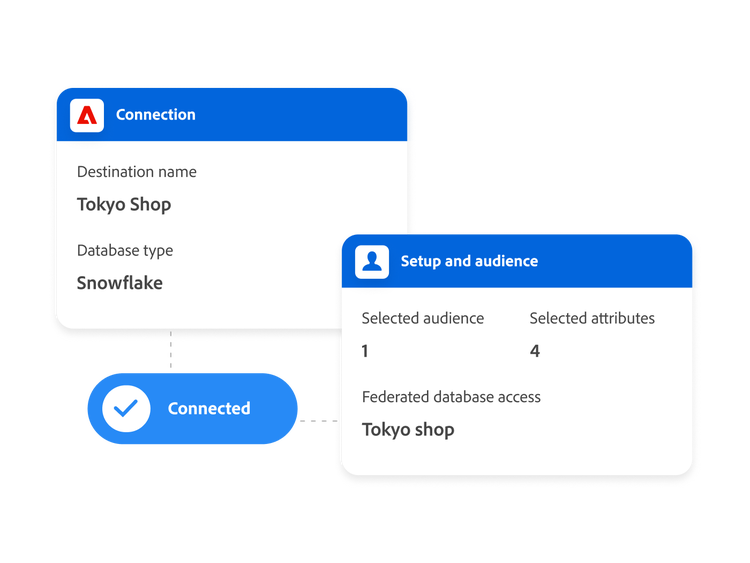
Federated Audience Composition lets marketers build audiences from warehouse datasets without copying underlying data as well as enrich audiences by combining customer profiles from partners and external sources, letting them use both batch and real-time data for more effective targeting. By integrating your customer data with data from external sources, like data warehouses, teams can build and activate better audiences.

  • Data integration. Boost flexibility and efficiency with the ability to query relevant pre-built audiences and datasets from your enterprise data warehouse and partners into a single environment to augment Adobe Experience Platform use cases.
  • Enhanced marketing processes. Unlock additional support for segmentation, targeting, and activation use cases with streamlined, adaptable workflows.
  • Efficient data management. Minimize data copy, govern sensitive data usage, and optimize IT investments to complement real-time cross-channel use cases on Adobe Experience Platform.
https://main--bacom--adobecom.aem.live/fragments/products/modal/videos/real-time-customer-data-platform/audience-management/federated-audience-composition#federated-audience | Federated Audience Composition demo | :play-medium:

https://main--bacom--adobecom.aem.live/assets/videos/products/rtcdp/media_1106468c18c23de8baa7b3268e2c57db558b5e787.mp4#_autoplay1

Dashboards and analytics

Surface key audience insights without relying on external systems.

  • Out-of-the-box metrics. Use built-in key metrics such as profile, audience size, and trends.
  • Extended analysis. Get enhanced analysis with natively integrated Adobe Customer Journey Analytics or your chosen analytics tool.

Audience Agent and Customer AI

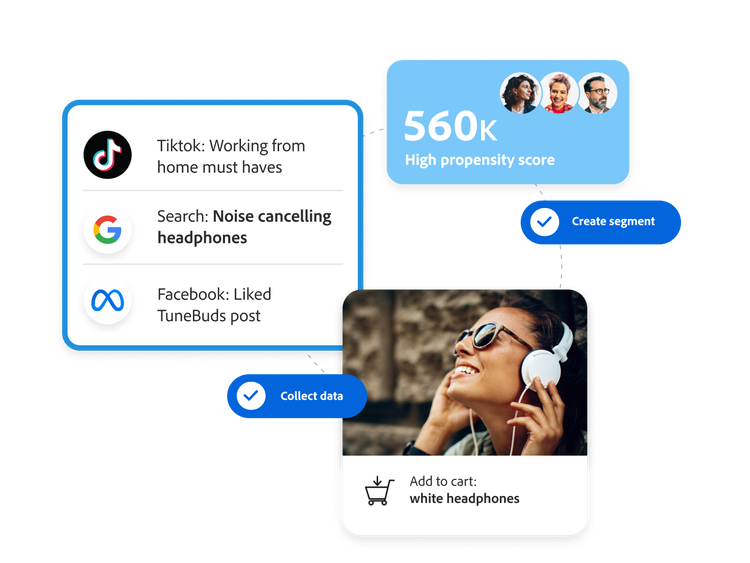
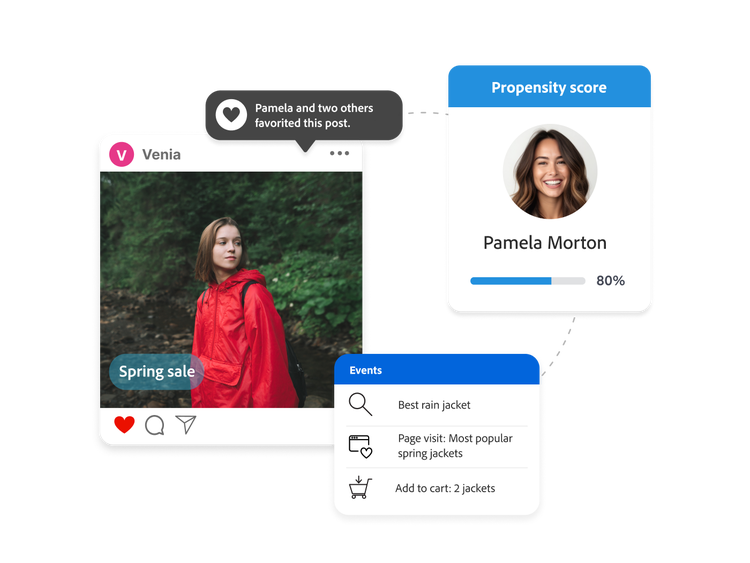
Generate custom propensity scores and get insights to deliver targeted campaigns — such as cross-sell, upsell, or churn prevention — tailored to specific segments, all using highly customizable configurations.

  • High accuracy propensity models. Improve market segmentation and targeting at the individual level across any customer dataset.
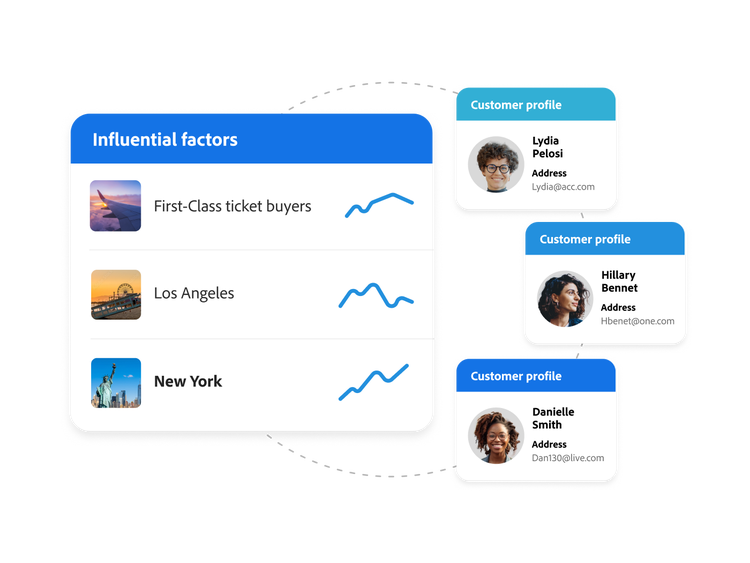
  • Propensity insights. Get the top influential factors of a propensity score to explain the main drivers of your customers.
  • Custom configuration. Apply a tailored journey to meet unique scenarios for any business.
https://business.adobe.com/fragments/products/modal/videos/real-time-customer-data-platform/audience-management/customer-ai#customer-ai | Customer AI demo video | :play-medium:

https://business.adobe.com/fragments/products/modal/videos/real-time-customer-data-platform/audience-management/look-alike-audiences#look-alike-audiences | Look-alike audiences demo video | :play-medium:

Look-alike audiences

Discover and activate high-value profiles that share similarities with an existing audience through algorithmic modeling.

  • Trusted delivery. Generate look-alike audiences responsibly with embedded data usage and consent policies.
  • AI insight discovery. Use AI to understand key characteristics of existing audiences to discover similar profiles and enhance personalization.

Predictive lead and account scoring

Grow more leads and advance accounts with advanced insights.

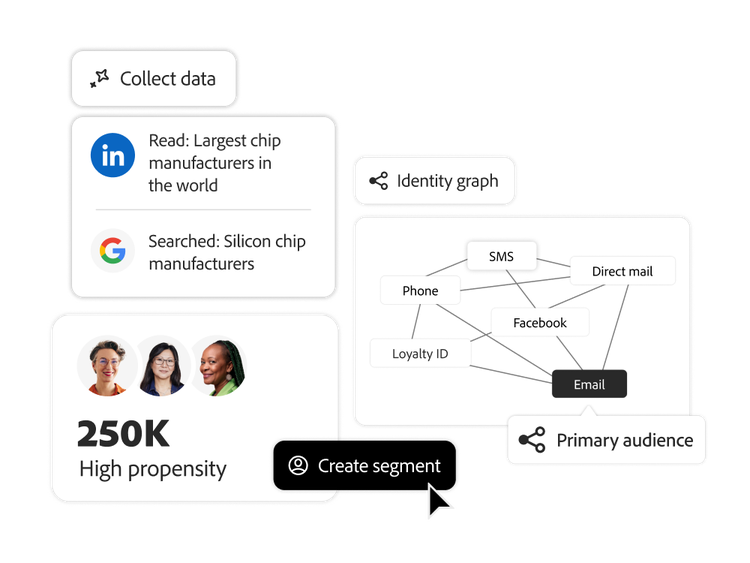
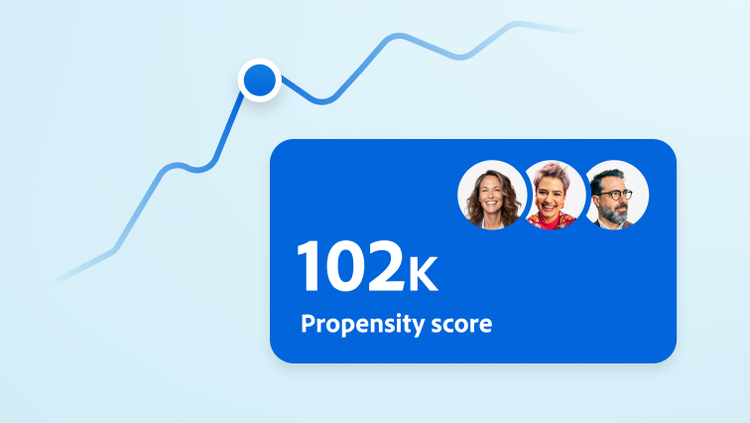
  • Propensity scores from unified data. Apply unified data and AI-powered propensity models to score your lead and account profiles based on their likelihood to progress through each stage of the sales cycle.
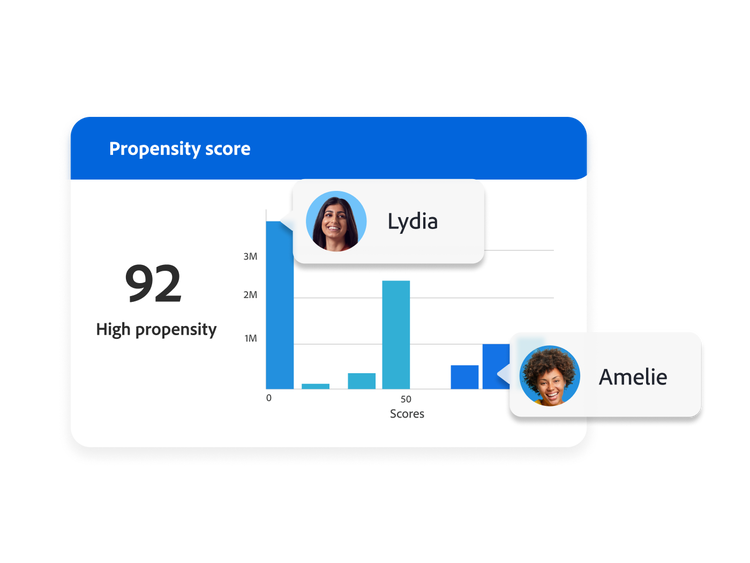
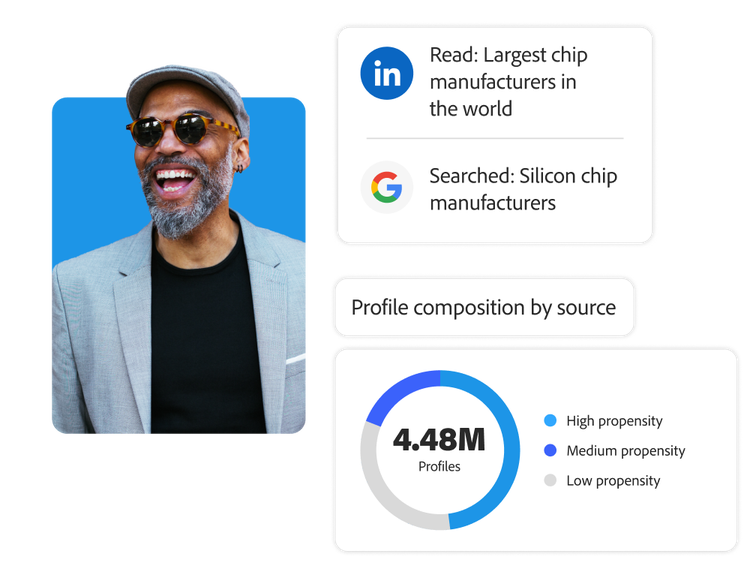
  • Score insights. View the contributing factors in the models and propensity groupings for low, medium, and high propensity. Analyze the expected success rate and profile count of each group to fit your personalization goals.
https://business.adobe.com/fragments/products/modal/videos/real-time-customer-data-platform/audience-management/predictive-lead-account-scoring#predictive-lead-account-scoring | Predictive lead and account scoring demo video | :play-medium:

https://main--da-bacom--adobecom.aem.page/fragments/products/rtcdp/audience-management-deeper-content

Learn how to use audience management features.

Find what you need in Experience League, our vast collection of how-to content — including documentation, tutorials, and user guides.

Learn more | Learn more on how to use audience management features

Questions? We have answers.

What is Audience Agent, and how is it different from building audiences by hand?

Audience Agent is an AI agent inside Real-Time CDP that you work with in natural language to explore, understand, and create audiences, instead of manually configuring segment rules. Rather than hand-building a segment definition and guessing at its size, you can ask the agent to find audiences by attribute, surface the XDM fields you could segment on, estimate an audience's size before you create it, and flag audiences that have suddenly grown or shrunk. It is designed to remove the manual configuration, slow diagnosis, and onboarding friction that make audience work time-consuming, while you stay in control of what gets created.

What can Audience Agent actually do?

Audience Agent supports a defined set of audience jobs: conversationally exploring your audiences, finding the size of existing audiences, looking up audiences by full or partial attribute, detecting duplicate audiences, discovering XDM fields you can build on, detecting significant size changes, and creating an audience from attributes and events (including estimating its size before you commit). It does not currently support goal-based audience exploration (discovering datasets aligned to a business goal using propensity models), and it needs at least 24 hours to process your data before insights are reliable. Treat it as an accelerator for audience management and exploration, not an autonomous replacement for the analyst.

Does Audience Agent create or change audiences on its own?

No, Audience Agent acts only when you ask it to and only within your permissions, so it does not silently alter audiences in the background. Viewing audience insights requires a View Segments permission, and creating an audience requires a Manage Segments permission, so a user who can only view cannot have the agent create anything. You work with it through the AI Assistant conversational interface and approve what it produces, which keeps a person in the loop for every audience that reaches activation.

How does Real-Time CDP use AI to find and expand high-value audiences?

Beyond Audience Agent, Real-Time CDP includes Customer AI, which predicts individual-level behavior such as propensity to buy, convert, or churn, with explanations of the factors driving each prediction, and look-alike modeling, which expands a high-value audience by finding profiles that resemble it. Together these let you build audiences around predicted intent rather than only past behavior, and grow reach without lowering quality, so audience work moves from describing who customers were to targeting who is likely to act next.

What do I need in place to use Audience Agent?

You need access to AI Assistant, the conversational interface the agent runs in, plus the View Segments or Manage Segments permissions for the actions you want to take, and at least 24 hours for the agent to process your audience data. Audience Agent is available across both Real-Time CDP and Adobe Journey Optimizer, so if you run both, the same capability spans your B2C and B2B audience work. Confirm which users have AI Assistant access and the right segment permissions in Admin Console before assuming the agent is available to your whole team.