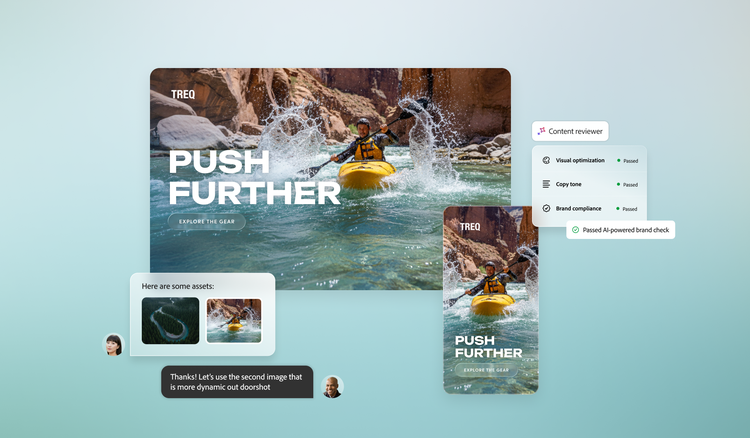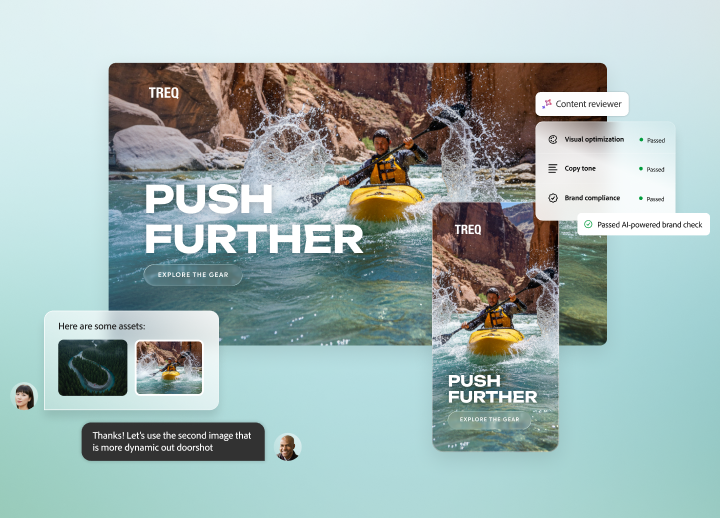
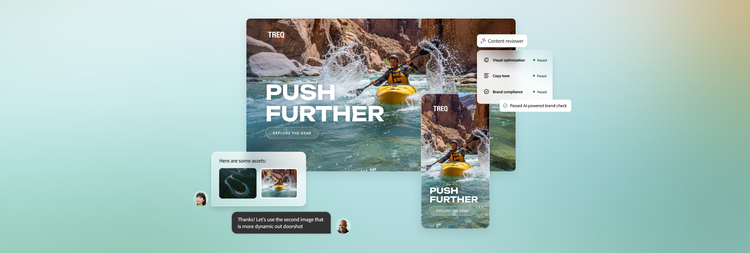
Empower individuals and teams to do their best work, together.

Adobe Workfront consolidates cross-functional workflows across stages of the marketing lifecycle, so teams can contribute from wherever they work, using supported methodologies on the content they produce.

Centralized visibility across contributors.

Consolidate assets, comments, priorities, and progress updates in one place — visible to the teams that touch the work, from marketing and creative to legal and brand.

https://main--da-bacom--adobecom.aem.page/assets/icons/products/workfront/cross-functional-work/logo-prudential.svg | Prudential
Leveraged Workfront to manage a complex campaign and reported a campaign ROI of 1.24x.

Read more | Read more to learn more about the Prudential Case Study

Reviews and approvals with audit trails on shared storage.

Get digital proofing, sequential and parallel review stages, and full audit trails.

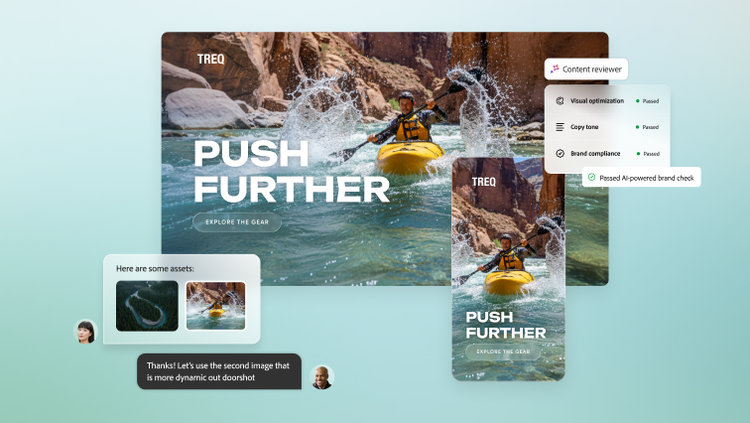
Unified Review & Approval brings Workfront and Frame.io for Business together on Adobe Cloud storage in supported setups, and AI-assisted brand checks can help flag potential issues for human reviewers to consider them.

Support for multiple work styles.

Enable multiple work methodologies — Agile, Waterfall, Kanban, or hybrid — out of the box, so cross-functional teams that work differently can still collaborate on the same projects. How methodologies are combined depends on project setup.

https://main--da-bacom--adobecom.aem.page/assets/icons/products/workfront/cross-functional-work/logo-chg.svg | CHG Healthcare
Uses Workfront to manage Agile and Waterfall projects for large brand refresh initiatives.

Read more | Read more to learn more about the CHG Case Study

Learn more about improving cross-functional collaboration.

https://main--da-bacom--adobecom.aem.page/fragments/products/workfront/cross-functional-work-deeper-content

Questions? We have answers.

How does Adobe Workfront support team collaboration across creative and marketing teams?

Workfront helps strengthen cross-functional collaboration by unifying work requests, projects, assets, and communication in a single workspace, helping give departments timely transparency and accountability. Workfront gives teams a shared place to coordinate project work and review creative deliverables. With Workfront Proof, reviewers can comment and mark up content, while teams can track feedback and approval progress. Integrations with Creative Cloud, Adobe Experience Manager, Slack, Microsoft Teams, and Jira allow teams to contribute directly from the apps they use every day while staying connected to project progress. Role-based access and reporting further support consistent practices by making handoffs, dependencies, and deliverables visible across functions, helping improve speed, alignment, and consistency.

Can Adobe Workfront support Agile and Waterfall methodology in the same project?

Workfront supports Agile workflows and lets teams use Boards on a project, including cards linked to Workfront tasks and issues. This helps teams coordinate different ways of working in Workfront; how Agile and plan-driven work are combined depends on the project's setup.

How does Workfront maintain audit trails for cross-functional reviews and approvals?

Workfront Proof maintains an audit trail of comments and versions, and proof activity shows when actions occurred and who performed them. This helps teams review the history of feedback and decisions on a proof.

What is a collaboration tool?

A collaboration tool is software that helps teams plan, manage, and execute work together in one shared system instead of relying on disconnected emails, chats, or spreadsheets. Adobe Workfront centralizes projects, tasks, comments, files, proofing, and approvals so teams can collaborate in context. With integrated workflows and native connections to Adobe Creative Cloud, Slack, and Microsoft Teams, Workfront provides clearer visibility, faster feedback loops, and a shared view for collaborative work management.

What should enterprise organizations consider when choosing a collaborative work tool?
Enterprises should assess how well a collaborative work tool centralizes work requests, projects, tasks, documents, and approvals. It’s essential to evaluate how the solution integrates with existing team ecosystems so employees can collaborate inside the tools they already use — without constant app switching. Governance and scalability are also important. Look for role-based permissions, audit trails, secure administration, and the ability to grow from a single team to organization-wide adoption. One should also look for a platform that supports the full work lifecycle — from strategy and planning through execution, review, and reporting — so collaboration can support measurable outcomes, not just communication.