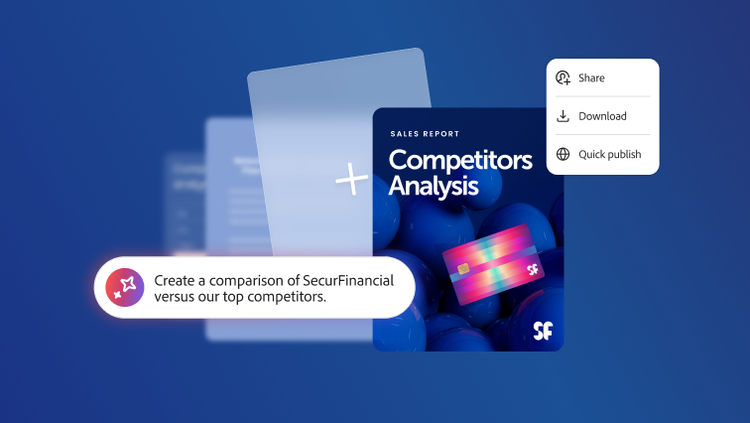
Competitive analysis
Organize analyst reports, battle cards, and market intelligence into dedicated workspaces for ongoing reference.


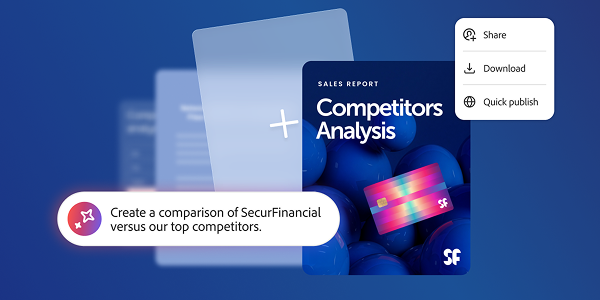
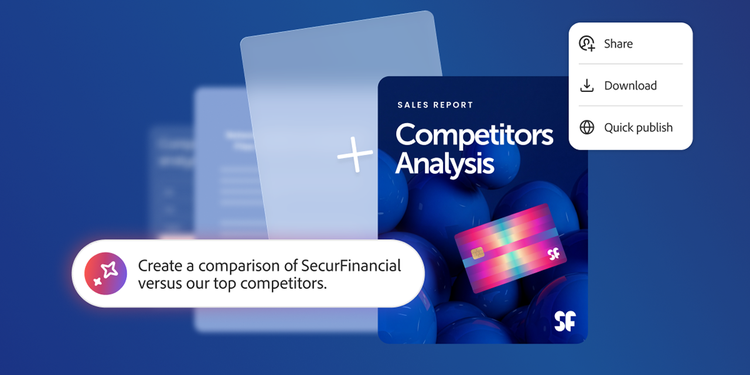
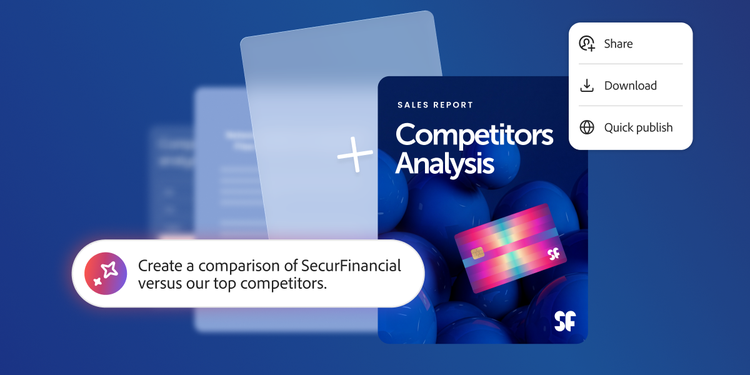
Adobe Acrobat Studio unifies research, collaboration, and content creation in one AI-powered workspace, enabling sales teams to seamlessly turn insights into polished, competitive proposals, without switching tools or losing momentum.
Sales teams need to hit targets, build lasting client relationships, and stand out in competitive deals. Moreover, as deal complexity increases, teams are required to navigate immensely strained workflows to deliver winning proposals. Critical information is scattered across formats and systems. RFP requirements sit in dense PDFs. Competitive intelligence lives in slide decks and analyst reports. Call transcripts, financial filings, and internal playbooks exist in separate systems. None of them are seamlessly connected. As a result, assembling everything manually takes time, and time is what sales teams don’t have as deals progress.
Meanwhile, the proposals created under pressure often look the part but miss the mark. Generic templates, inconsistent branding, and messaging that doesn’t reflect the prospect’s actual priorities can undermine an otherwise strong opportunity. What’s needed is a better way to move from research to a finished, client-ready proposal without losing quality.
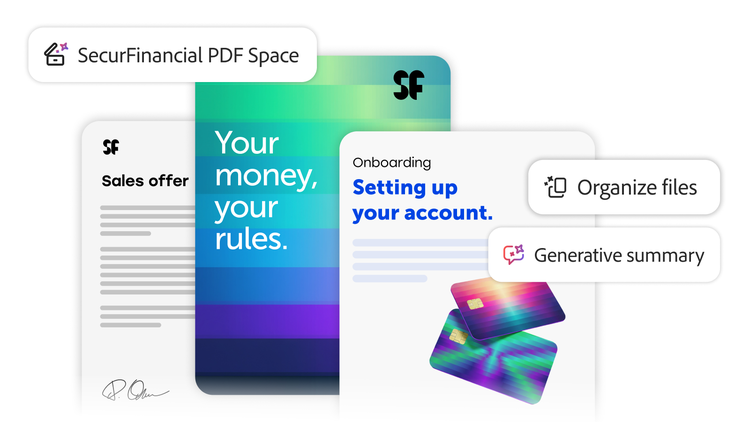
Adobe Acrobat Studio brings together trusted PDF tools, AI-powered analysis, secure collaboration, and professional content creation in one centralized workspace. It’s designed to help sales teams move from raw intelligence to a winning proposal faster and with greater confidence.
Acrobat Studio enables sales professionals to:
With built-in capabilities including AI Assistant, PDF Spaces, and design tools powered by Adobe Express, sales reps can work more efficiently while raising the quality and consistency of everything they put in front of a client.
To see how it works in practice, consider a common scenario — preparing a proposal for a competitive enterprise deal. The process involves reviewing RFP requirements, gathering prospect intelligence, building and refining the proposal, aligning internally, and delivering a finished document that makes the case. Here’s how Acrobat Studio supports each stage.
USE CASE 1
Reviewing and cross-referencing crucial information, such as financial data, RFP details, competitive analysis, call transcripts, and data from company websites, takes hours because it is typically spread across various formats and locations. This time could be spent engaging with the buyer.
With PDF Spaces, sales reps can bring their client materials into a single, secure workspace. Financial reports, website URLs, competitive intelligence, RFP documents, and meeting transcripts can be uploaded and organized together, creating a comprehensive picture of the prospect.
Once materials are centralized, AI Assistant surfaces key insights automatically, highlighting the prospect’s stated challenges, priorities, and requirements without prompting. Teams can ask targeted questions to extract specific details, such as budget indicators, decision criteria, or competitive positioning, across the entire collection of documents at once.
Teams can also create a custom AI agent, trained with specific instructions to guide its responses. A custom sales agent, for example, can be configured with a defined role, told what to prioritize, and directed toward specific outcomes, making it a persistent research partner across the deal cycle.
Acrobat Studio backs every insight by providing source-linked citations, making it easy to validate findings and build confidence in the intelligence before it shapes the proposal.
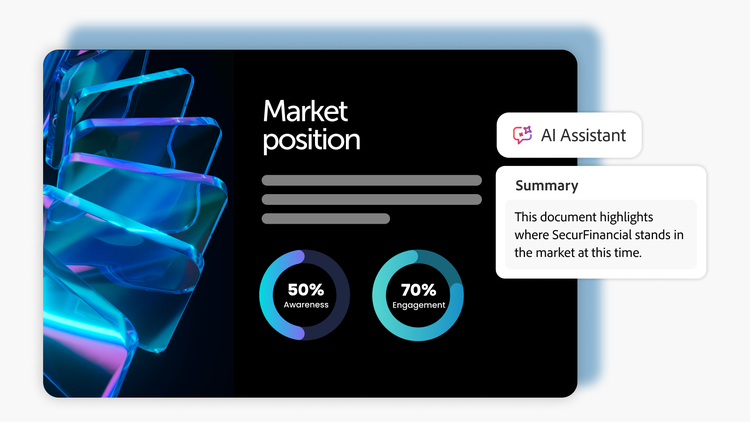
Faster, deeper research. Less time spent manually reviewing documents, more time understanding the prospect and preparing to win.
USE CASE 2
Refining a proposal from raw research to customer-ready language and getting internal stakeholders aligned on the approach often introduces delays. Feedback loops happen over email, messaging gets diluted by committee, and version control becomes a problem.
With insights already surfaced, sales teams can use AI Assistant to interact with their materials using natural language to generate summaries of customer challenges, identify how the product addresses specific pain points, and iterate on messaging until the positioning is sharp.
Teams can define pitch goals and use AI prompts to generate tailored proposal outlines, value comparisons, or next-step recommendations, all grounded in the materials already gathered in the workspace.
When the draft is ready for internal review, collaborators can be invited directly into Acrobat Studio to iterate and align. Comments, annotations, and edits happen within the document, keeping feedback centralized, traceable, and tied to the latest version.
PDF Spaces keeps the full collaboration history intact. Version history, activity views, and collaboration analytics give teams visibility into who contributed what and when, reducing the back-and-forth that typically slows approval processes.
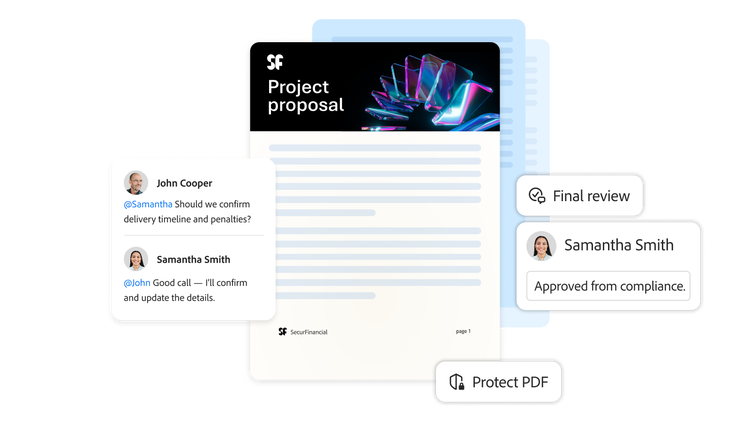
Tighter messaging, faster internal alignment, and a clearer path from research to a proposal the entire team can stand behind.
Use case 3
Design and formatting are often a bottleneck at the end of the sales process, exactly when time is shortest. Generic templates, inconsistent branding, and last-minute formatting result in deliverables that undercut the quality of the work behind them.
With Adobe Express built into Acrobat Studio, sales reps can turn approved content into professionally designed proposals without leaving the workspace. Starting from the company’s branded templates, teams can enrich documents with graphics, tables, embedded videos, and a deep library of fonts and Adobe Stock photos.
Brand Kit in Adobe Express ensures that every proposal automatically reflects an organization’s visual identity — logos, colors, typography, and layout are applied consistently, regardless of who in the team is building the document.
When a template is selected, Acrobat Studio automatically generates a smart outline, structuring the proposal into slides that teams can review, reorder, and refine before building the full presentation.
Once the proposal is ready, it can be brought back into Acrobat Studio for final review, exported to PDF, securely shared with the client, and tracked for engagement — giving visibility into whether the proposal was opened, reviewed, and shared.
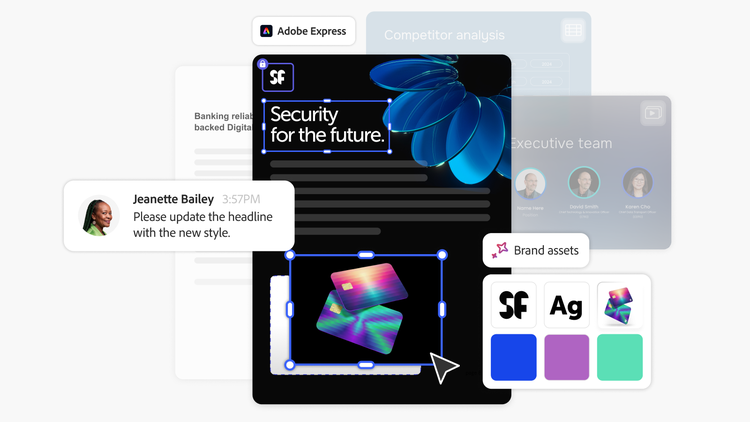
Client-ready proposals that are faster to produce, visually consistent, and trackable after delivery.
The proposal workflow is just the starting point. Acrobat Studio supports a wide range of activities undertaken by sales teams, including:
Competitive analysis
Organize analyst reports, battle cards, and market intelligence into dedicated workspaces for ongoing reference.

Account planning
Centralize account history, relationship maps, and strategic plans in a single hub accessible to the full account team.

Client presentations
Build and refine pitch decks, leave-behinds, and executive summaries using branded templates and AI-assisted content.

Contract negotiation
Review and annotate contract terms, share redlines securely, and track changes across review cycles.

Onboarding and enablement
Create structured onboarding materials for new hires, with centralized access to playbooks, training resources, and process documentation.
Sales teams regularly handle competitive intelligence, pricing details, and client-sensitive information. Security in Acrobat Studio isn’t an add-on, the platform inherits Adobe’s enterprise encryption, role-based access controls, and compliance architecture natively.
Its AI-powered insights are transparent and verifiable, with clear attribution back to source documents. Data is not stored or used to train models, it remains private to the organization and the individual user. For IT and innovation leaders evaluating enterprise solutions, Acrobat Studio reduces tool sprawl by unifying PDF tools, AI-powered analysis, and content creation in one platform, managed through the Adobe Admin Console with centralized deployment, user provisioning, and granular controls.
When it comes to crafting a winning proposal, it all comes down to one question, which team understood the prospect better. By unifying research, collaboration, and content creation in one secure workspace, Adobe Acrobat Studio helps sales teams accelerate discovery, sharpen messaging, deliver polished proposals, and build lasting client relationships that grow pipeline and close deals.