Contract and agreement review.
Extract key terms, compare versions, and flag risks more efficiently.


JUMP TO SECTION
Why traditional legal document workflows are no longer sustainable
Adobe Acrobat Studio: A unified workspace built for legal workflows
Use case 1: Consolidation of sources to accelerate policy reviews and updates
Use case 2: Secure collaboration and streamlined reviews
Use case 3: On-brand design and seamless policy distribution
Beyond policy updates: Where Acrobat Studio creates an impact every day
Legal leaders are under growing pressure to deliver timely guidance while navigating expanding regulations and document complexity.
Adobe Acrobat Studio brings together analysis, collaboration, and creation into one secure workspace, helping legal professionals reduce review cycles, strengthen compliance, and enable faster business decisions. Here’s how.
Legal teams manage some of the most document‑intensive workflows in enterprise business. Policy updates, regulatory research, contract review, and due diligence all require careful analysis across multiple sources, often under tight timelines and with little margin for error.
Yet, most legal professionals still work across disconnected tools and manual processes, wherein:
Legal teams need a better way to centralize information, extract insights, collaborate securely, and deliver polished, authoritative outputs, without introducing risks.
Adobe Acrobat Studio brings together trusted PDF tools, AI‑powered analysis, secure collaboration, and professional content creation in one centralized and secure workspace. It is designed to help legal teams move from documents to decisions faster and with confidence.
Acrobat Studio enables legal professionals to:
The built‑in capabilities of Acrobat Studio, such as AI Assistant, PDF Spaces, and integrated design tools, enable legal teams to work more efficiently while preserving the precision and trust their role demands.
To understand how Acrobat Studio supports legal teams in practice, consider a common scenario: A legal team tasked with updating a company‑wide policy due to new regulatory requirements.
This workflow typically involves reviewing external regulations, internal policies, guidance notes, drafts, and stakeholder feedback, while ensuring alignment and compliance.
Here’s how Acrobat Studio supports each stage of the workflow.
Regulatory information is fragmented across PDFs, web pages, internal documents, and advisory notes. Manually reviewing and cross‑referencing these materials slows policy updates and increases the risk of missing critical changes.
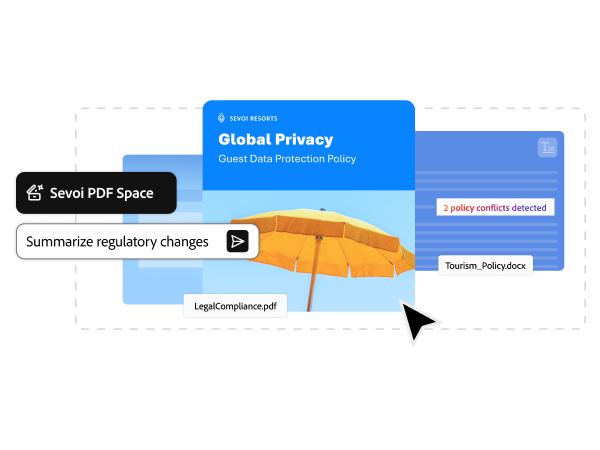
With PDF Spaces, legal teams can bring together everything related to a policy update, including regulations, guidance documents, internal drafts, and reference materials, into a single, secure workspace.
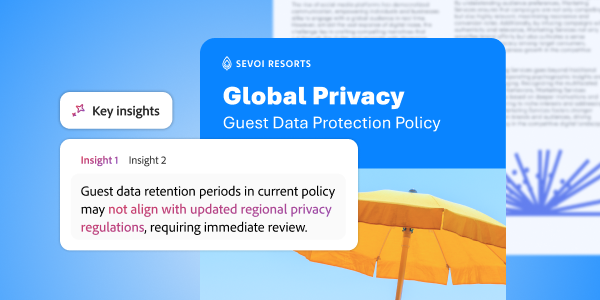
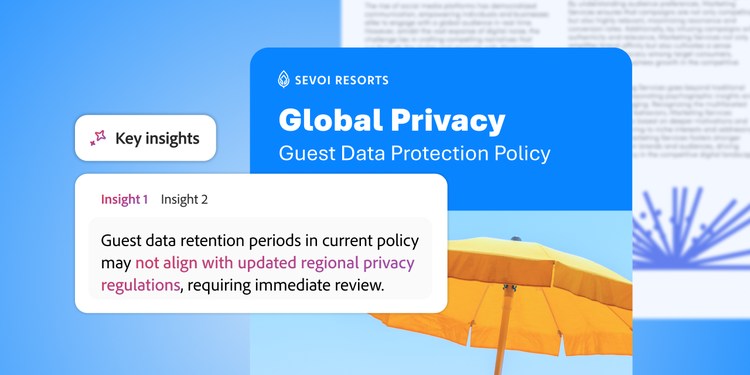
Once materials are centralized, AI Assistant automatically surfaces key insights, highlights changes, and summarizes dense regulatory text without prompting. Legal teams can ask focused questions to extract relevant obligations or identify updates that require action — without searching through every document individually.
Every insight is backed by source‑linked citations, making it easy to validate findings and maintain defensibility.
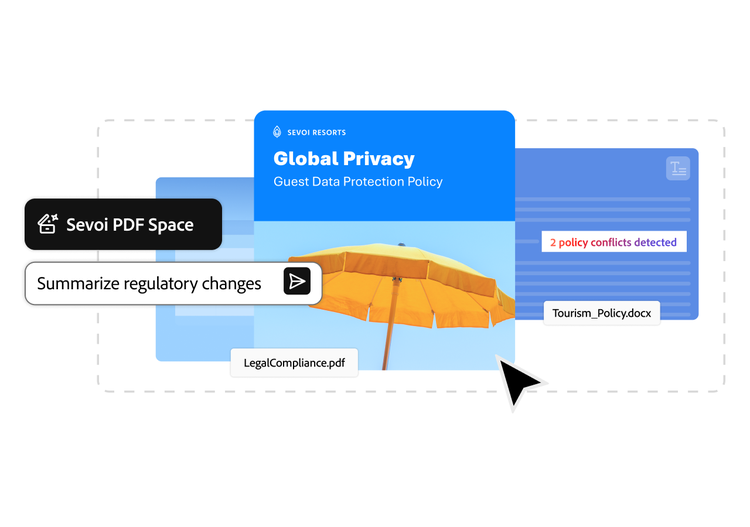
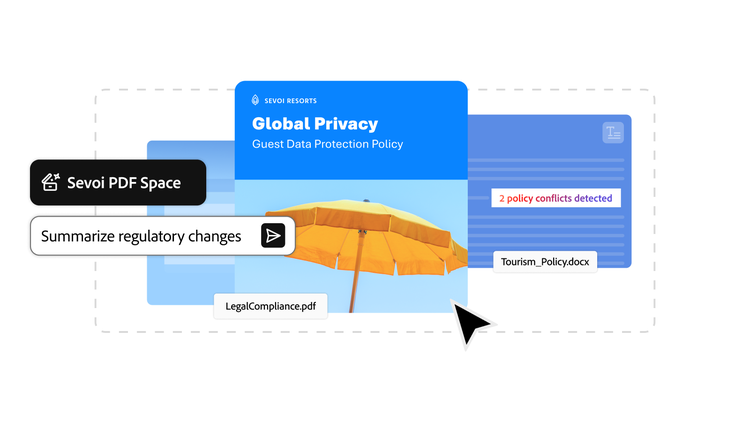
Faster analysis, less manual effort, and a clearer understanding of what needs to change.
Policy updates require input from multiple stakeholders, including legal, compliance, leadership, and business teams. Traditional collaboration often happens over email, increasing version confusion and slowing approvals.
Once insights are surfaced, AI Assistant generates an initial summary or outline of required policy updates. This working draft can be shared securely with colleagues using Acrobat Studio, ensuring everyone reviews the same version, with the same context.
Stakeholders can comment, annotate, and review directly within the document, keeping all feedback centralized, traceable, and auditable. Legal teams retain control over versions while enabling faster alignment across functions.
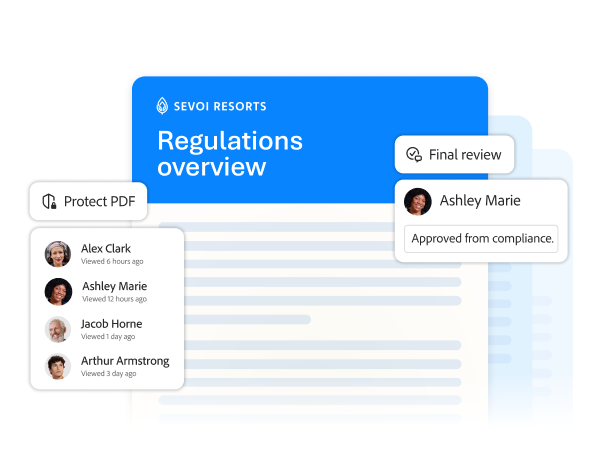
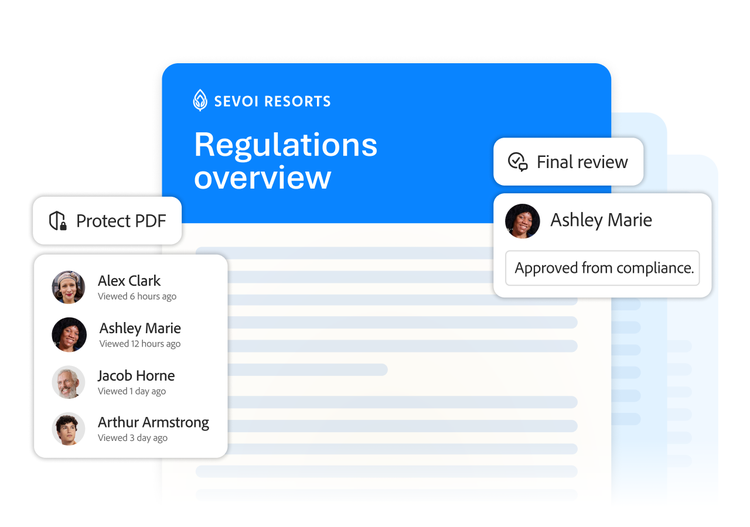
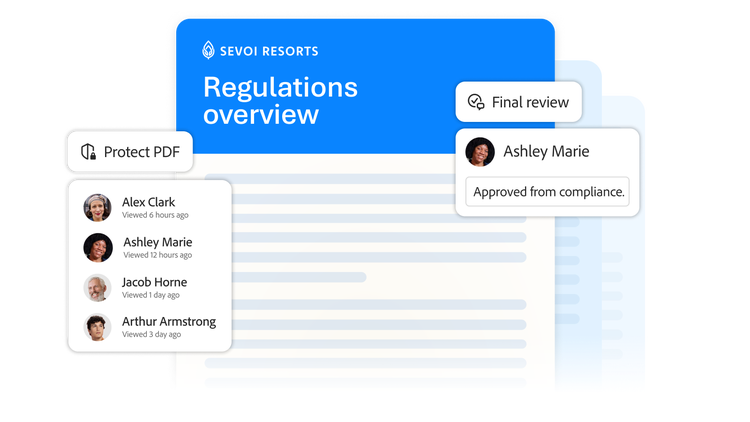
Smoother collaboration, fewer handoffs, and faster sign‑off.
Final policies need to be clear, accessible, and professionally presented, especially when distributed across the organization. Formatting and designing on-brand documents often become a bottleneck late in the process.
With Adobe Express, accessible via Acrobat Studio, legal teams can turn approved language into polished, on-brand policy documents without exporting content to external tools.
Text can be pulled directly from the workspace and refined into well‑structured, branded policy guides. Tables, highlights, visuals, and supporting elements can be added with intuitive design tools while maintaining consistency and control.
Final content can then be securely shared as PDFs, with visibility into engagement and confirmation that the right audiences received and reviewed key updates.
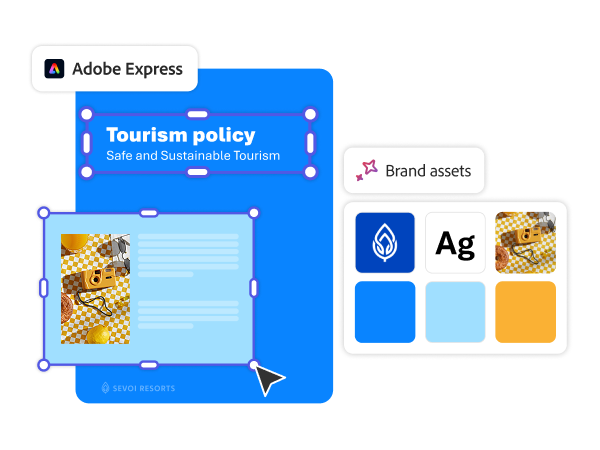


Faster distribution, clearer communication, and stronger compliance across the business.
Contract and agreement review.
Extract key terms, compare versions, and flag risks more efficiently.

Vendor and third‑party risk assessment.
Analyze proposals and supporting documentation across multiple sources.

External content review.
Assess marketing, sales, and communication materials for compliance without slowing launches.

Regulatory research.
Organize and analyze evolving regulations across jurisdictions.

M&A due diligence.
Centralize and review large volumes of documents with greater speed and accuracy.
For legal teams, trust is non‑negotiable. Built on Adobe’s trusted document platform, Acrobat Studio inherits enterprise‑grade security, access controls, and governance from day one.
Its AI‑powered insights are transparent and verifiable, with clear attribution back to source documents. With Acrobat Studio, legal teams remain in control of which documents are analyzed, how collaboration is managed, and how final outputs are distributed.
This ensures legal teams can embrace AI‑assisted workflows without compromising compliance, confidentiality, or defensibility.
By unifying document analysis, collaboration, and creation in one secure workspace, Acrobat Studio helps legal teams work more efficiently. They can: