Identify what works (and what doesn’t).
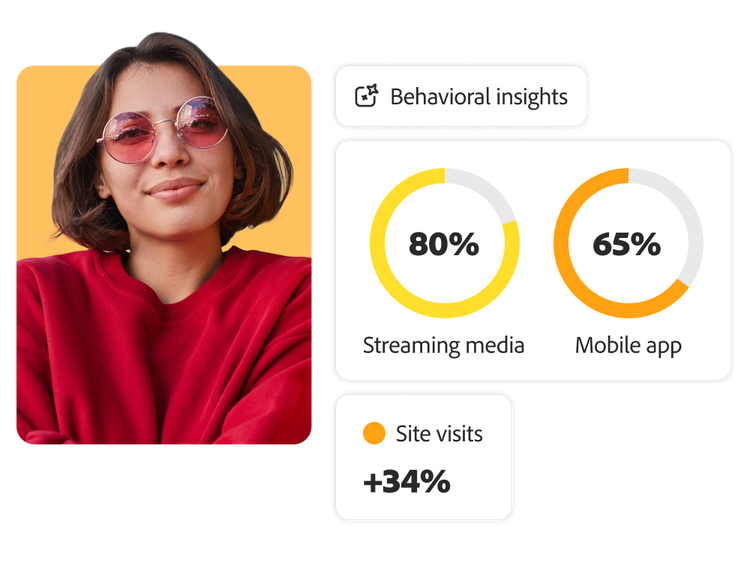
Adobe Content Analytics helps you understand which personalized images and elements of those images drive engagement.


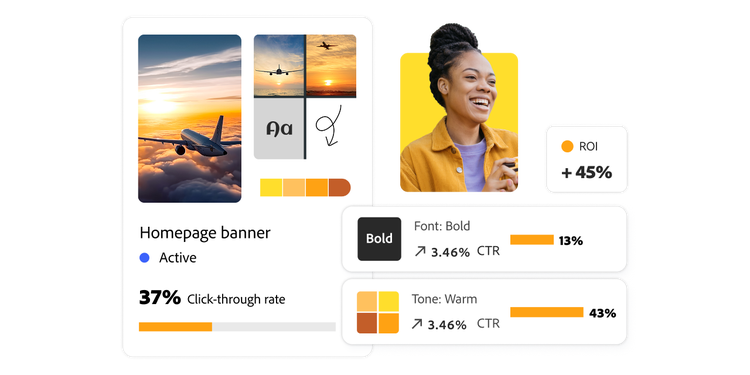
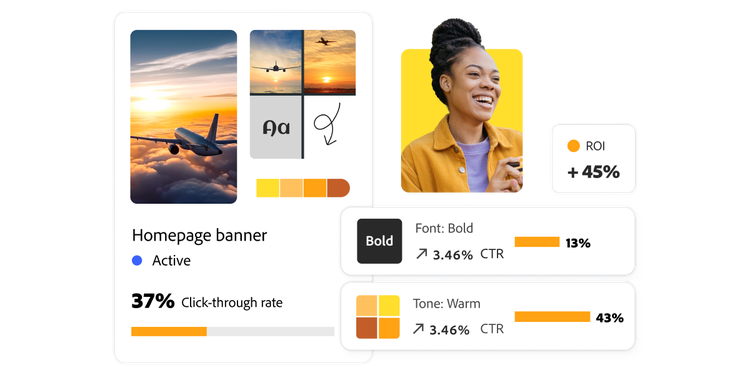
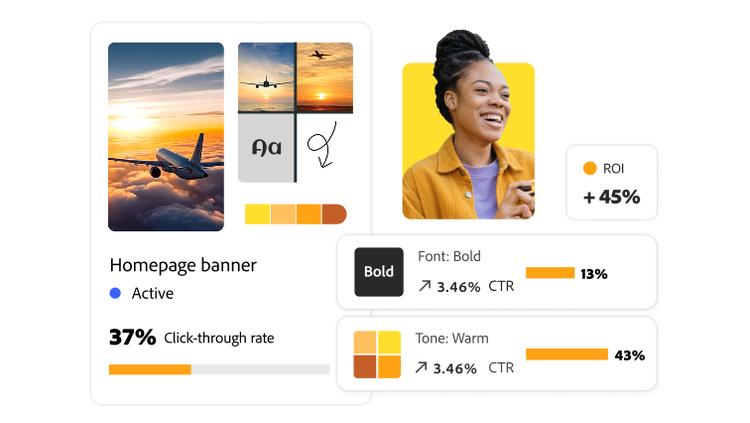
Every creative asset tells a story, but understanding which ones truly drive engagement isn’t always easy. Adobe Content Analytics helps marketers see what works, why it works, and how to amplify results by analyzing image and attribute level data.
Marketers publish a ton of content but identifying which exact creative assets are truly making an impact has always been a black box. Meanwhile, the analysts they collaborate with across their organization who are tasked with uncovering what’s working and why, have struggled to tell an accurate and full story.
That’s because analyzing individual creative assets has long been a manual, time-consuming process. The more you break content down by attributes, like for example, color, subject, or style, the harder it is to surface meaningful insights. With an ever-increasing amount of content being published and growing demand for personalized, high-performing creative, marketing teams struggle to prove ROI down to the asset level.
Marketers need a better way to understand what content truly drives engagement and conversion. Adobe Content Analytics helps close this gap by delivering clear insights into content performance on every single creative asset across your website.
Marketers can now gain insights into digital asset performance that historically lived in a black box or required long, manual processes to understand.
Instead of relying on assumptions or incomplete data, content owners, from content marketers to performance marketers and creators, gain clear visibility into each creative asset’s engagement, performance, and conversions.
Adobe Content Analytics helps answer critical questions like:
Use case 1

A fashion retail website uses Adobe Content Analytics to see how images influence customer behaviors. It tracks specific product image attributes like scene, lighting, photography style, and clothing color, and links them to outcomes like add-to-cart rates and order value. This shows what visuals work, and why, helping the business improve product presentation, personalize experiences, and drive more sales.
Use case 2
Personalization at scale requires a substantial amount of custom content. But once published, assessing the effectiveness of that personalized content beyond high-level metrics has always been time-consuming and resource intensive.
By connecting detailed content attributes with customer journey data, you can uncover key engagement patterns and preferences of your personalization efforts. With these insights, you can determine what exact assets resonate with customers, and what doesn’t, to strengthen your personalized experiences.
Adobe Content Analytics helps you understand which personalized images and elements of those images drive engagement.

In the Adobe Content Analytics workspace, marketers, creators, and stakeholders can access centralized reporting to guide strategy, planning, and optimization.

Adobe Content Analytics helps teams save time and costs by focusing on high-performing assets and retiring fatigued content, enabling creators to produce visuals that resonate and drive engagement.

The audience publishing feature allows marketers to fine-tune campaign strategies and targeting, creating more relevant, personalized experiences that lead to better business outcomes.
A travel company uses Adobe Content Analytics to understand how offer content performs across both home and destination pages. The goal is to see whether specific keywords or image scenes — such as indoor vs. outdoor settings, or images with people vs. without — correlate with higher click-through rates to booking. These insights help the company fine-tune content to drive more bookings and clearly measure content effectiveness.

Adobe Content Analytics equips marketers to go beyond page insights and identify what truly drives performance at an asset level.
Adobe Content Analytics helps marketers go beyond surface-level metrics and understand the true impact of their creative assets.