ADOBE MARKETO ENGAGE FEATURES
Campaign operations and workflows
Simplify and automate the more complex, time-consuming aspects of marketing — such as sending emails, updating field values, scoring leads, and more — through a combination of rules and AI to improve the efficiency and scale of your programs.
Smart Campaign automation
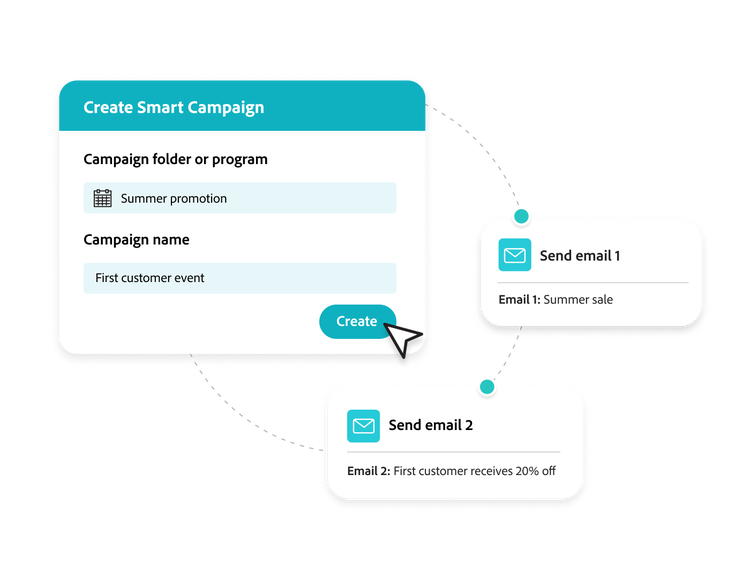
Use Smart Campaigns to define and execute customer-facing and internal marketing actions that can be triggered dynamically or scheduled. Smart Campaigns are underpinned by an advanced automation engine that includes the following:
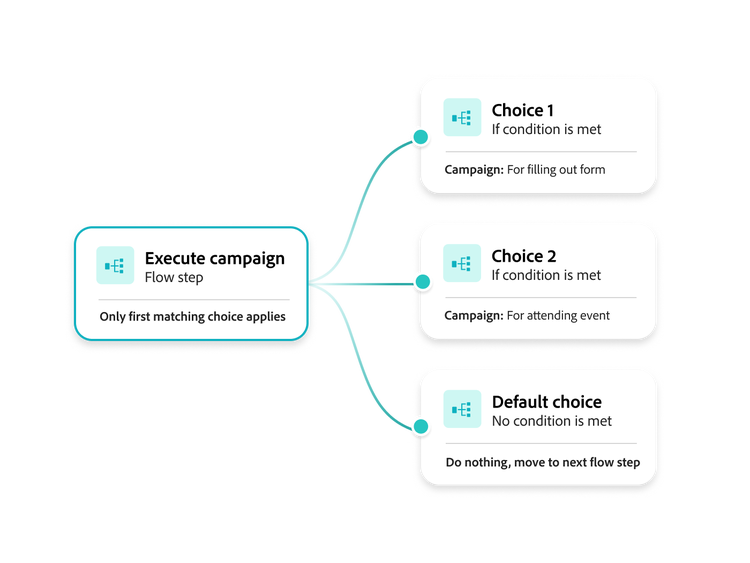
- Adaptable framework. Fully customize each Smart Campaign list, as well as actions and triggers. Tackle sophisticated use cases — like multichannel lifecycle campaigns — by connecting and nesting multiple Smart Campaigns.
- Smart Lists. Use filters to identify a dynamic list of people or accounts to target with actions.
- Actions. Automate actions or flow steps based on changes to scores, program status in CRM, and more.
- Triggers and batches. Define the schedule or conditions that will trigger an action or sequence. Set actions as one-time, recurring, or configure them to respond to business or customer signals in real-time.
- Webhooks. Enable interaction with third-party tools using webhooks and API integrations .
Journey builder
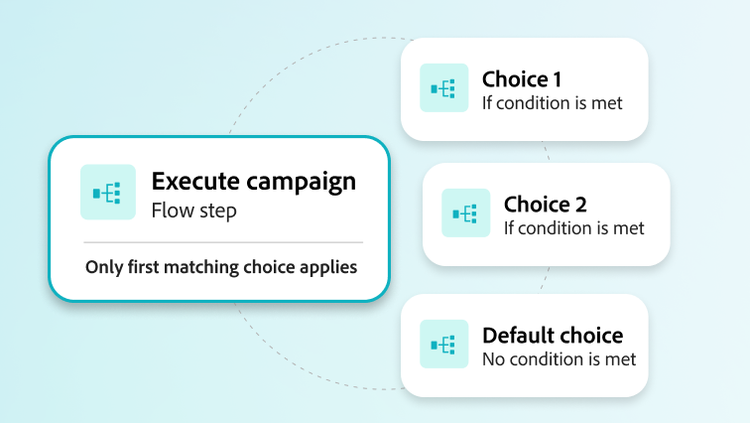
Design sophisticated nurture campaigns with multiple streams and integrated channels using a marketer-friendly canvas. This streamlines campaign deployment and time to market.
- Drag-and-drop interface. Configure condition and action sequences in a clean and easy-to-understand layout.
- Engagement map. Visualize your campaign flows and see multiple campaigns, their nested and/or connected relationships, and how customers might flow between them in a way that’s easy to share and explain to stakeholders.
Programs, templates, and cloning
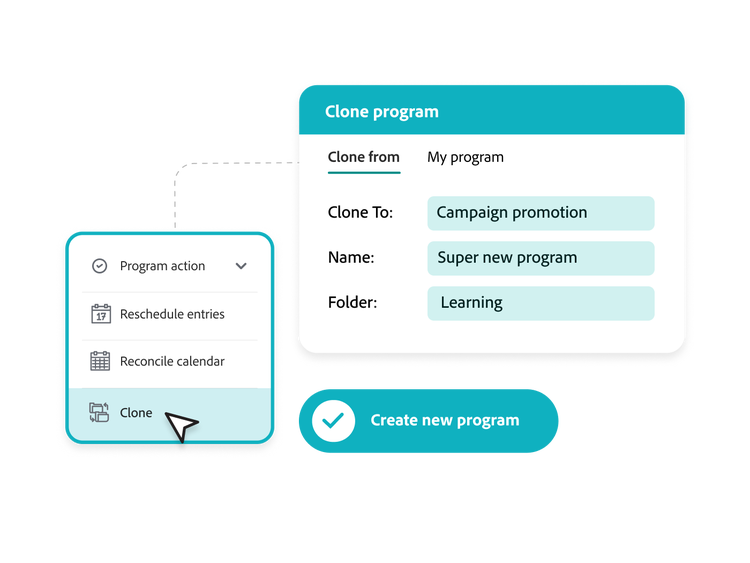
Build, copy, and repeat campaigns with templates, cloning, and programs that let you manage Smart Campaigns at scale.
- Program templates. Take advantage of fully built-out programs with placeholders for elements, such as text and media, to build complex campaigns involving multiple streams and nested programs. Simply clone the program template and make campaign-specific edits.
- Cloning. Clone an entire program — including all the assets, creative, tokens, and more — with a click of a button. Then simply adjust specific variables to be relevant for the new campaign. This saves you the hours it takes to replicate successful programs.
- Asset templates. Wireframes for emails or landing pages can be customized to match brand preferences and guidelines. Using asset templates accelerates individual email builds while maintaining cohesion and consistency.
Learn how to use campaign and workflow features.
Find what you need in Experience League, our vast collection of how-to content — including documentation, tutorials, and user guides.