.

ADOBE WORKFRONT + ADOBE EXPERIENCE MANAGER ASSETS

Get a DAM that goes with the workflow.

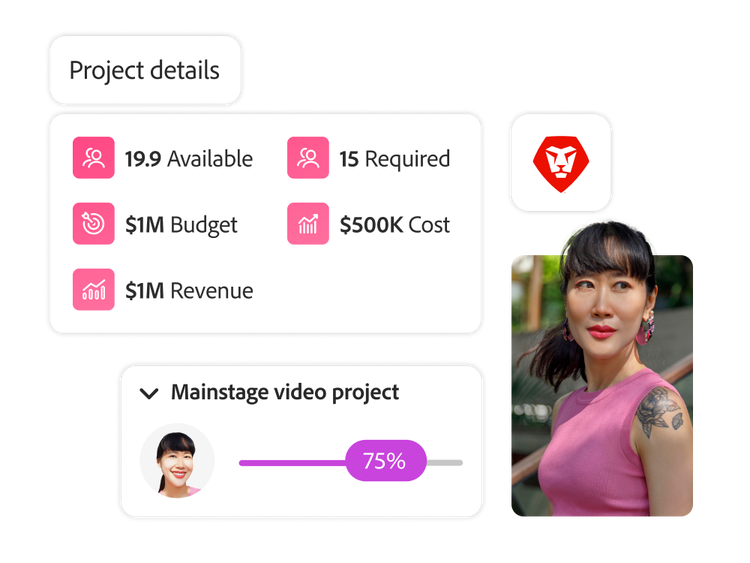
Adobe Workfront integrated with Experience Manager Assets opens enterprise workflows between your tools, making your team's content production lifecycle more efficient, scalable, and connected.

Watch the video

Get your content into customers’ hands even faster than before.

As organizations scramble to create content at massive speeds, disconnected workflow systems slow everyone down. With Workfront and Experience Manager Assets, your teams can easily find source assets for new work requests, link DAM folders to projects, and deliver approved assets directly to DAM storage--all while ensuring consistency with automations like metadata syncs.

icon

Streamlined processes

Eliminate disconnected workflows and siloed systems with a single place for work intake, resourcing, tracking, and reporting.

icon

Increased efficiency

Leverage templates, blueprints, and automated workflows to ensure consistency, align with best practices, and avoid reinventing the wheel.

icon

Customer impact

Create and activate all the content to fuel personalized experiences more quickly by integrating work and asset management.

Guide

Brands are achieving 40% more revenue with personalization at scale.

Learn more about their results with our guide, “Getting started with content personalization at scale.”

“We rely on the power of Adobe and Workfront to meet a constant stream of requests, demanding deadlines, and do it all while maintaining a focus on creativity, innovation, and execution.”

Ben Synder
IT Product Owner

Customer success stories

  • Outpace today’s biggest work trends with the 2023 State of Work report.

    Learn what leaders must do now to create stronger collaboration, autonomy, and creativity within their workforce.

  • Agile vs. Waterfall project management.

    Discover the strengths and drawbacks of Agile and Waterfall methods, and learn how to select or blend them for effective project management.

  • How to write and automate project status reports.

    Learn how to create clear and compelling status reports to track progress, keep stakeholders informed, and drive project success with best practices in this guide.

Take a free tour of Workfront

  • See Workfront in action
  • Explore solutions specific to your team
  • Learn how Workfront connects work to strategy

Take a product tour

Let’s talk about what Adobe Workfront can do for your business.

Get started