Bring business insights and brand consistency into every piece of content with Acrobat Express.

  1. Document insights
  2. Content creation
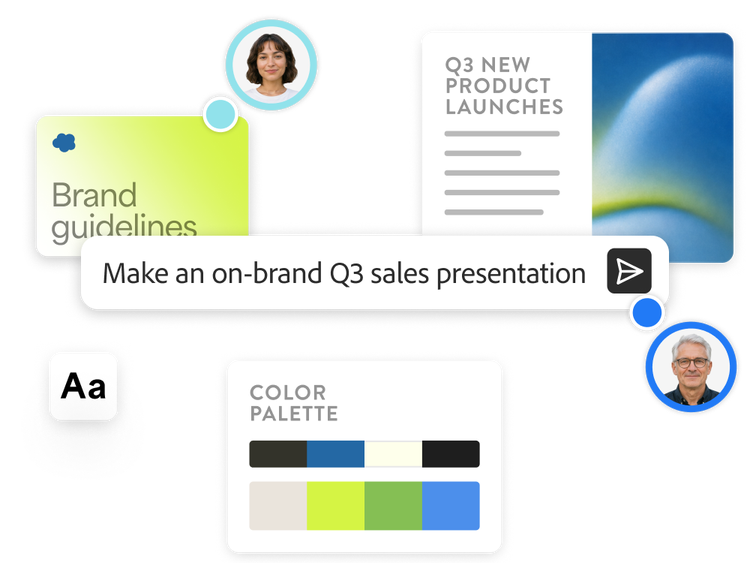
  3. Brand consistency
  4. Centralised workflows
active tab
1
id
acrobat-business

Unlock insights from your business content.

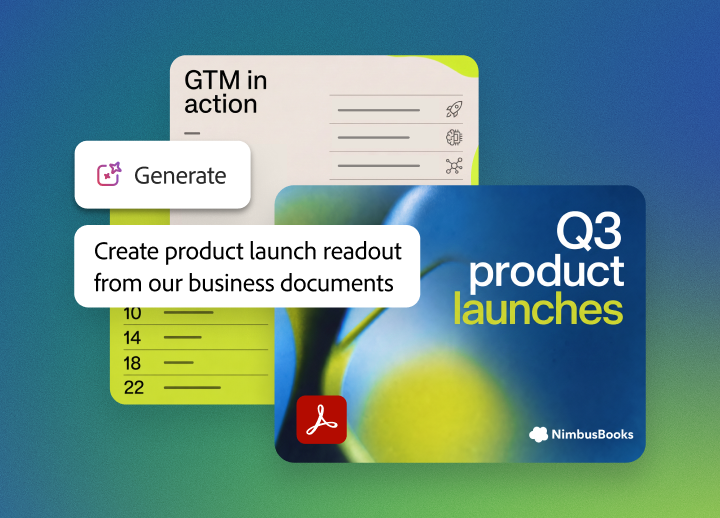
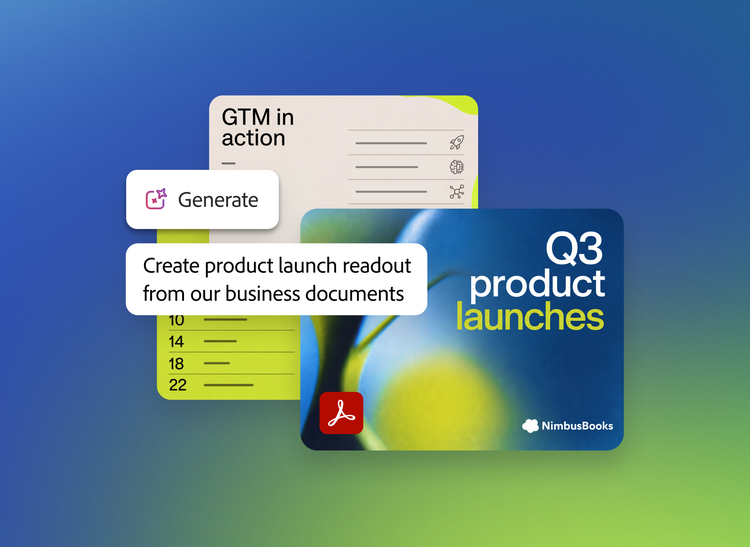
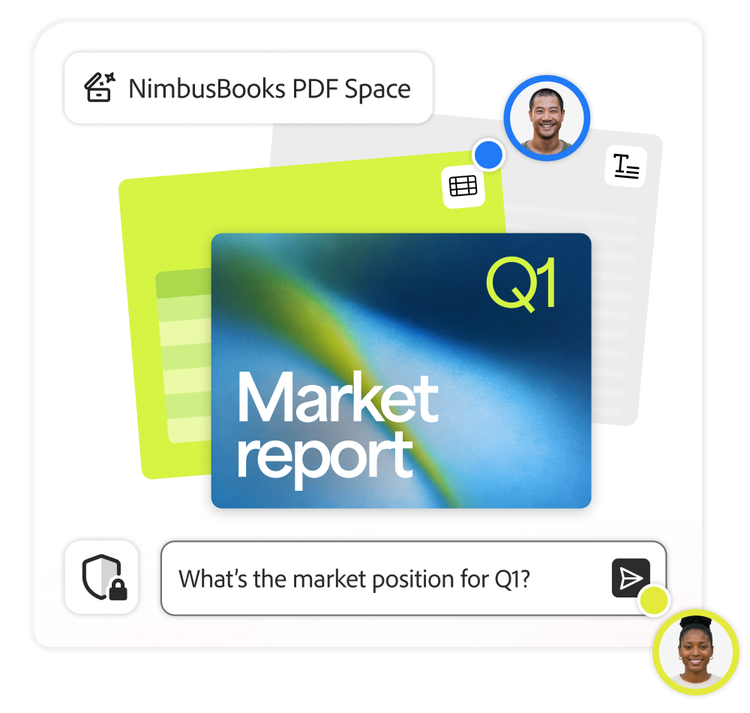
Uncover source-verified insights from PDFs, Microsoft 365 files, meeting transcripts and webpages with AI-powered tools that help teams quickly find answers, understand key takeaways and surface trends.

  • Instantly get cited answers from your documents with AI-powered assistants.
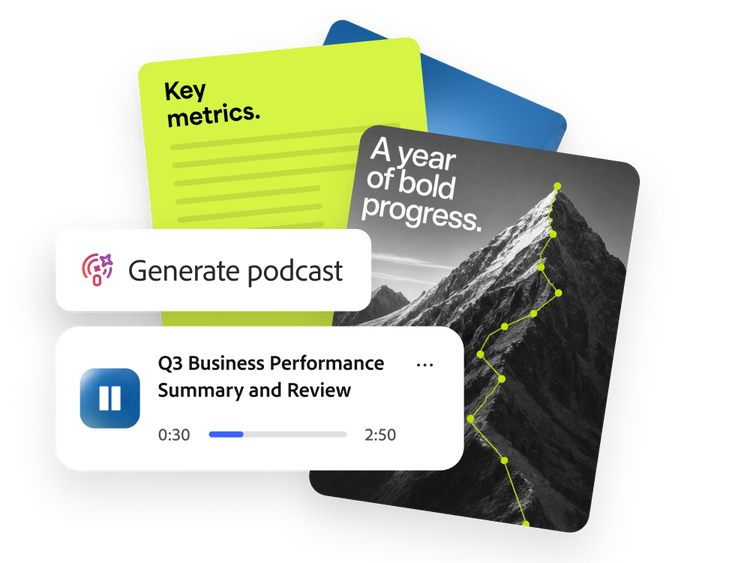
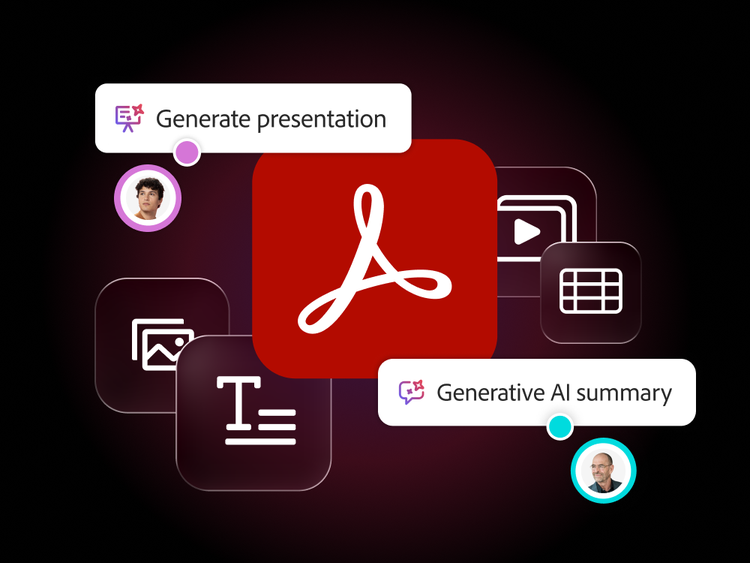
  • Turn static documents into AI-generated, podcast-style audio summaries that highlight key takeaways you can listen to anywhere.
  • Transform complex content into infographics and charts that surface patterns and trends, helping you to visualise key findings at a glance.
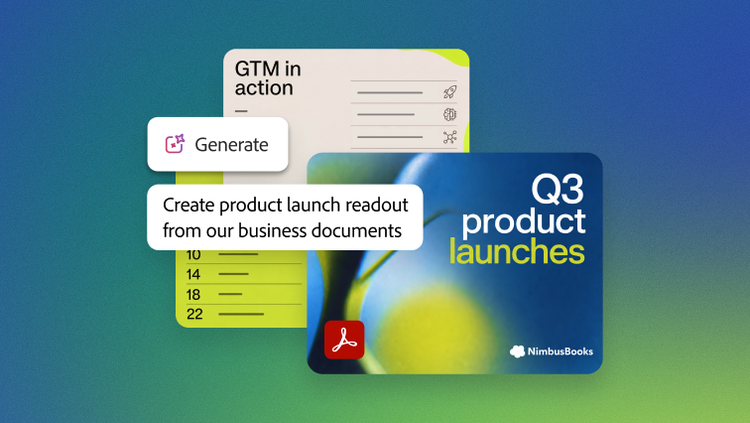
  • Quickly create polished, AI-powered presentations from document insights with clear narratives and visually engaging layouts built for impact.

Create standout content for every format and channel.

Help every team create professional content while staying aligned with your brand — no design expertise required.

  • Transform documents into polished content by refining layouts, updating visuals and enhancing presentations with Adobe Stock and AI-generated assets.
  • Create engaging visual and video content faster with AI-powered editing tools that remove backgrounds, resize images, generate visuals, trim video clips, reduce background noise and add royalty-free music.
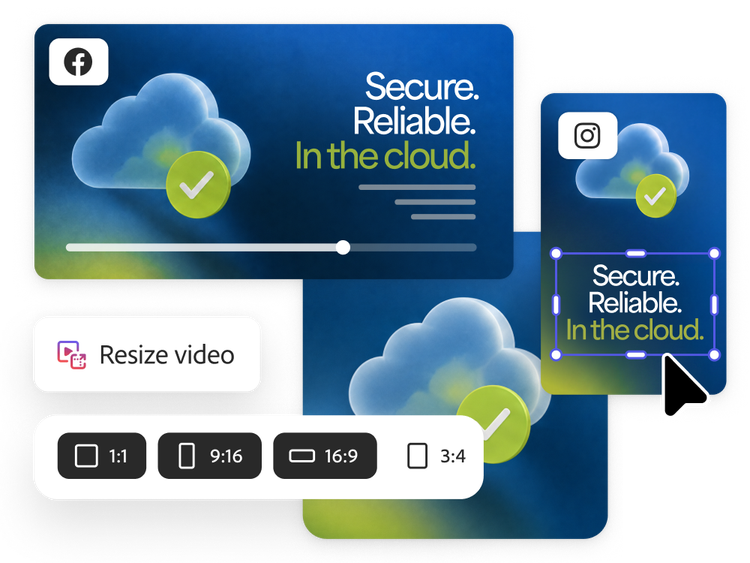
  • Produce multi-format content in minutes and instantly resize it for every channel with intuitive editing tools — for social media, webpages, videos and more.

Maintain brand consistency across every team.

Use approved templates, assets and guardrails to keep content aligned with your brand.

  • Let teams access templates directly from your Acrobat Express homepage to help them to get started faster and stay on brand (coming soon).
  • Use locked templates and built-in brand guardrails to reduce the risk of creating off-brand content.
  • Add approved logos, colours and fonts in one click, then validate designs before publishing.
  • Streamline reviews and approvals with embedded workflows that help ensure every piece of content meets brand standards.

Work across your tools and teams without friction.

Centralise collaboration, streamline knowledge sharing and connect content workflows across Adobe’s enterprise platform to help teams move faster and stay aligned.

  • Bring together up to 100 files — including PDFs, presentations, spreadsheets, transcripts, web links and more — to create a shared source of truth where teams can find trusted answers, generate summaries, share feedback and uncover consistent insights.
  • Give teams instant access to approved brand assets through Projects that store and distribute logos, colours and fonts to maintain consistency across the organisation.
  • Work where teams already collaborate by transforming PDFs and editing content using Adobe Express and Adobe Acrobat actions directly in ChatGPT or Microsoft Copilot.

Discover how leading brands are transforming content and document productivity.

https://main--da-bacom--adobecom.aem.page/fragments/products/acrobat-business/acrobat-express-customer-stories

Integrate with leading industry solutions.

Acrobat Express works with your existing platforms and tools to drive business productivity, no matter where and how you work.

Questions? We have answers.

What is Acrobat Express for enterprise?

Acrobat Express for enterprise helps teams turn business content into polished, on-brand materials faster. It combines document insights, AI-powered content creation tools, brand controls and centralised workflows so teams can move from source material to presentations, social content, summaries and other business assets in one place.

How is Acrobat Express different from Adobe Acrobat Pro?

Acrobat Express is designed for teams that need to understand business content, create polished outputs and keep work on brand at scale. Acrobat Pro is centred on secure PDF and e-signature workflows such as editing, converting, protecting, comparing and signing documents. In short, Acrobat Pro helps teams manage PDFs, while Acrobat Express helps teams turn business content into branded, shareable deliverables.

How is Acrobat Express different from Acrobat Studio?

Acrobat Express is focused on content creation, brand consistency and streamlined team workflows. Acrobat Studio is the broader all-in-one environment for organisations that want advanced document productivity, AI-powered insights, collaborative workspaces and full Acrobat Pro capabilities together with creation tools. If your priority is helping more teams create on-brand content faster, Acrobat Express is the simpler fit. If you need the broadest document, AI, collaboration and PDF toolset in one offer, Acrobat Studio is the more comprehensive option.

How does Acrobat Express help enterprise teams create content faster?

Acrobat Express gives teams easy-to-use content creation tools that help them turn documents and ideas into presentations, social posts, flyers, webpages, videos and other business content without relying on specialist design skills for every request. AI-powered features help accelerate content creation by simplifying tasks like generating visuals, refining layouts, resizing content for channels and adapting assets for different formats.

How does Acrobat Express support brand management across the organisation?

Acrobat Express helps organisations scale brand management by giving teams access to approved templates, logos, colours, fonts and built-in guardrails. That makes it easier for more employees to create content independently while still following brand standards. Instead of reviewing every asset from scratch, teams can start with approved materials and stay aligned from the beginning.

How does Acrobat Express improve business productivity?

Acrobat Express improves business productivity by reducing the time it takes to move from raw information to finished content. Teams can uncover insights, reuse business content, create polished materials and distribute assets more efficiently without switching between disconnected tools or restarting work for each format and channel.

How does AI content creation software in Acrobat Express help business teams?

AI content creation software in Acrobat Express helps business teams work faster on everyday communication needs such as presentations, visual summaries, campaign assets and branded updates. Rather than replacing human review, it helps teams start faster, generate first drafts, adapt content for different audiences and spend more time refining strategy and messaging.

How is Acrobat Express for enterprise different from the teams plan?

Acrobat Express for teams is intended for smaller organisations that need shared creation workflows and basic administration. Acrobat Express for enterprise is designed for larger organisations that need broader administrative control, stronger governance and enterprise-ready deployment features. For buyers evaluating scale, security and operational management, the enterprise offer is built for more complex organisational needs. For more info, please contact our sales team.

Let us show you the full power of Acrobat Express.

Marketo Configurator Monday, July 20, 2026 at 12:10
Success content
Thank you for your interest in Acrobat Express. Your request has been submitted to an Adobe representative who will contact you shortly.