con-block-row-bgcolor
#000

Adobe Acrobat Use Case

Centralise documents, generate summaries and share insights across your team.

Give each project a dedicated shared space where documents become shared context, powering faster, better-informed decisions.

Bring documents, insights and collaboration together.

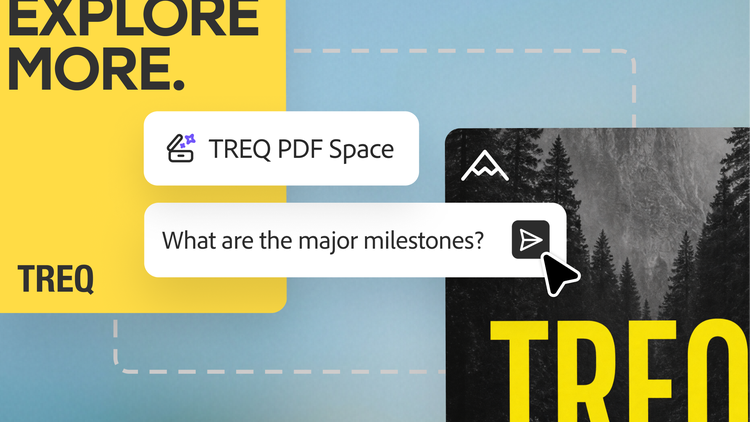
Adobe Acrobat brings relevant contracts, reports and briefs together in PDF Spaces — shared workspaces where teams can collaborate around a focused area of work, uncover AI-powered insights and share them in formats stakeholders can easily understand and act on.

Connect your team in one workspace.

Teams spend too much time searching through email threads, shared drives and disconnected systems to find the latest version of a document or understand previous decisions. PDF Spaces bring documents and conversations together so everyone starts with the same source information.

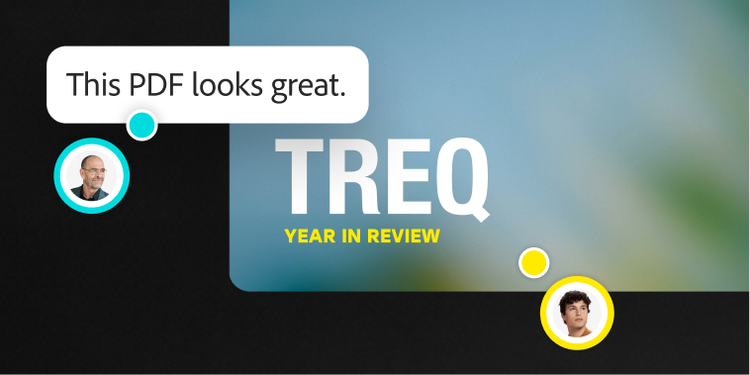
Upload up to 100 documents, invite collaborators and manage reviews, comments and document organisation within a single workspace. By connecting documents, discussions and decisions, teams can collaborate more efficiently, maintain visibility across projects and move forward with greater clarity and confidence.

Find answers with confidence.

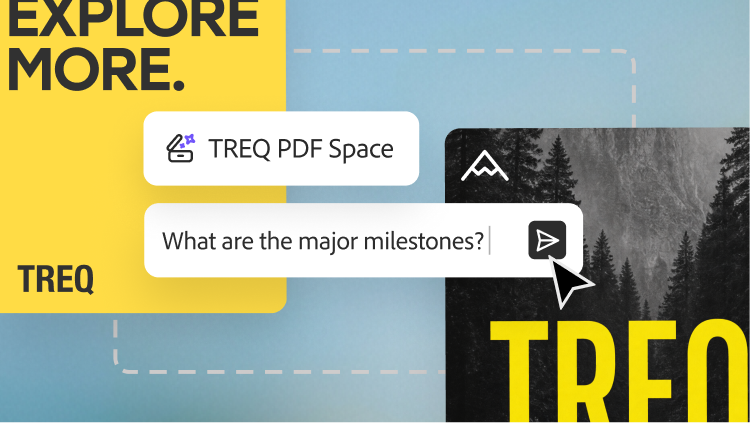
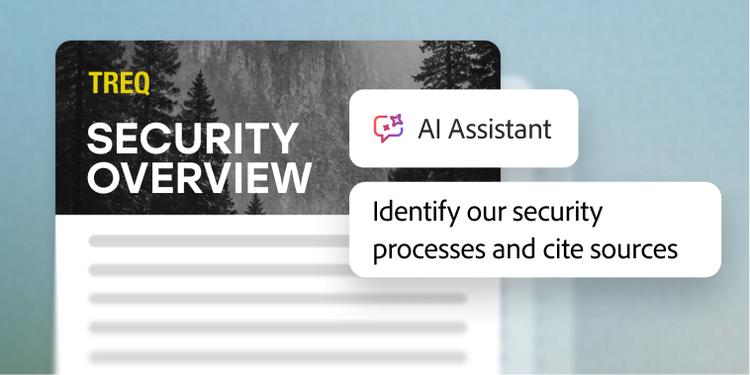
When important answers are buried across policies, contracts, reports and process documentation, teams need a faster way to find and validate information. Adobe Acrobat AI Assistant works from the materials teams bring into a PDF Space, grounding responses in the documents and context relevant to their work. Teams can ask questions and get answers with citations, so every insight can be verified.

Go further with AI that works across entire document collections, where every response cites the exact sentence it came from. Teams get answers they can confidently act on and defend — with enterprise security built into the trusted Acrobat solution.

Turn insights into action.

Finding insights is often only the first step. Getting stakeholders aligned is the bigger challenge. Acrobat helps teams turn findings from PDF Spaces into clear, actionable content that stakeholders can quickly consume, align on and act upon.

PDF Spaces can be shared as guided document experiences that help stakeholders focus on what matters. Before sharing, teams can review AI-generated content and personalise the experience by refining summaries, organising content and deciding how insights are presented. Audio summaries can be revisited any time, while visual charts generated from plain-language prompts reveal trends, patterns and comparisons. With multiple ways to communicate insights, teams can keep stakeholders informed and aligned.

Questions? We have answers.

What are document insights in Acrobat?

Document insights in Acrobat helps teams move from reading documents to understanding them faster. With Acrobat AI Assistant, organisations can summarise complex files, ask natural-language questions, extract key takeaways and surface source-linked answers from one or multiple documents. That helps decision makers spend less time searching and more time acting on the information that matters.

How does Acrobat support explainable AI for document insights?

Acrobat supports a more explainable AI experience by grounding answers in the documents your team provides. Responses include citations and source links so users can trace outputs back to the original content, review the supporting context and validate important details before sharing or acting on them. For enterprise teams, that adds clarity, confidence and accountability to AI-assisted document review.
Acrobat can analyse multiple documents together so teams can compare themes, extract recurring patterns and identify key developments across reports, presentations, transcripts, contracts and other business content. This makes it easier to spot trend analysis opportunities, summarise changes over time and turn large volumes of information into clearer business direction.

How does Acrobat complement a business intelligence dashboard?

Acrobat does not replace a business intelligence dashboard. Instead, it helps teams get more value from the unstructured documents that often sit behind business decisions. While dashboards surface metrics, Acrobat helps uncover the context inside reports, research, meeting transcripts, presentations and PDFs so leaders can connect quantitative signals with the narrative and evidence behind them.

How does Acrobat support enterprise security for AI-powered document insights?

Acrobat AI capabilities were designed with enterprise security and responsible AI practices in mind. Customer document content is protected by data security protocols and is not used to train large language models leveraged by Acrobat AI Assistant. For organisations evaluating AI adoption, this helps support more secure and governed use of document intelligence workflows.

Can teams generate decision-ready outputs from document insights?

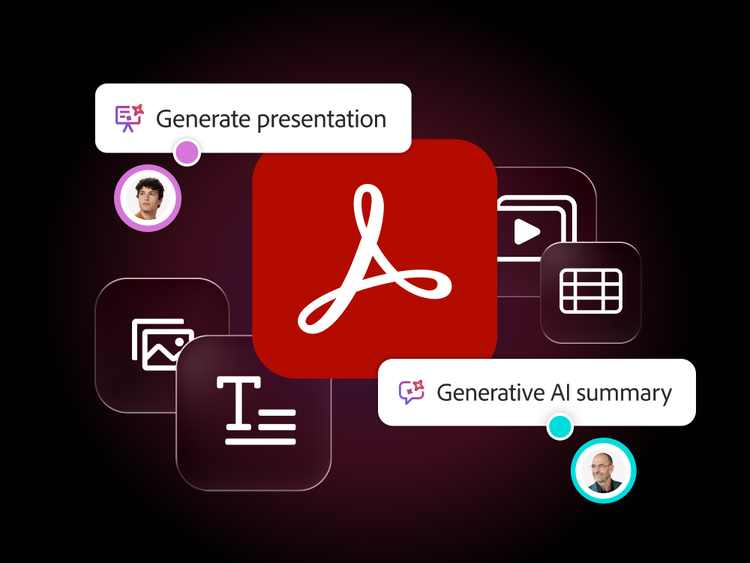
Yes. Acrobat can help teams turn document intelligence into practical business outputs such as summaries, action items, executive briefings, emails and presentation-ready content. Instead of manually reviewing long files and rewriting findings for different audiences, teams can move from analysis to communication more efficiently.

Why does explainable document intelligence matter for enterprise leaders?

Enterprise leaders need speed, but they also need confidence. Explainable document intelligence helps teams move faster while still validating sources, reviewing supporting context and aligning on the reasoning behind recommendations. That is especially valuable when decisions depend on complex, high-volume or cross-functional documentation.