Adobe Acrobat Studio Features
More accurate document insights with AI.
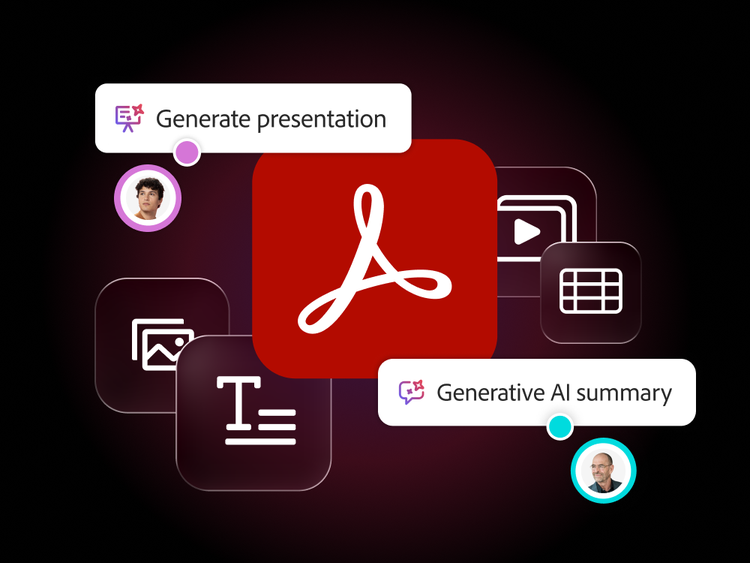
Extract actionable insights from complex documents in seconds. Adobe Acrobat Studio understands context, highlights critical information and identifies key trends and patterns. This helps teams focus on what drives results and make faster, more informed decisions.
Turn complex files into clear insights.
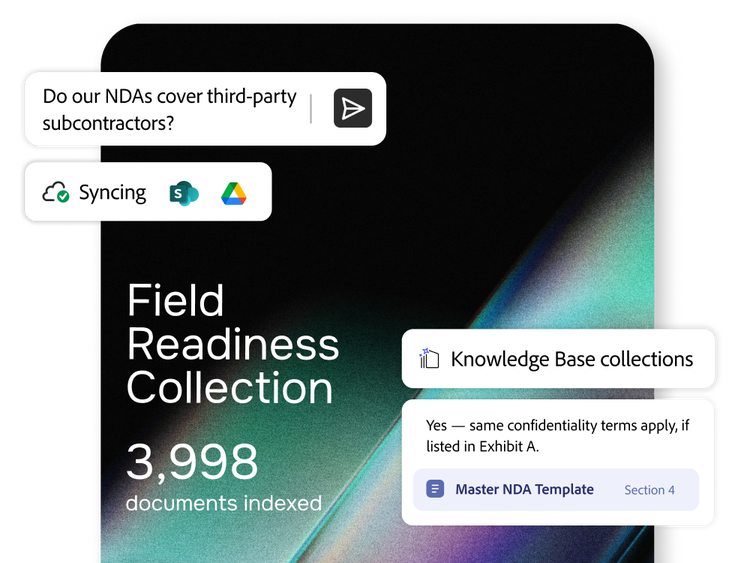
Understand documents instantly with AI-powered conversation. Acrobat Studio helps you to extract insights, summaries and answers — without opening or scrolling through files.
- Conversational queries. Ask questions and get instant answers about your documents.
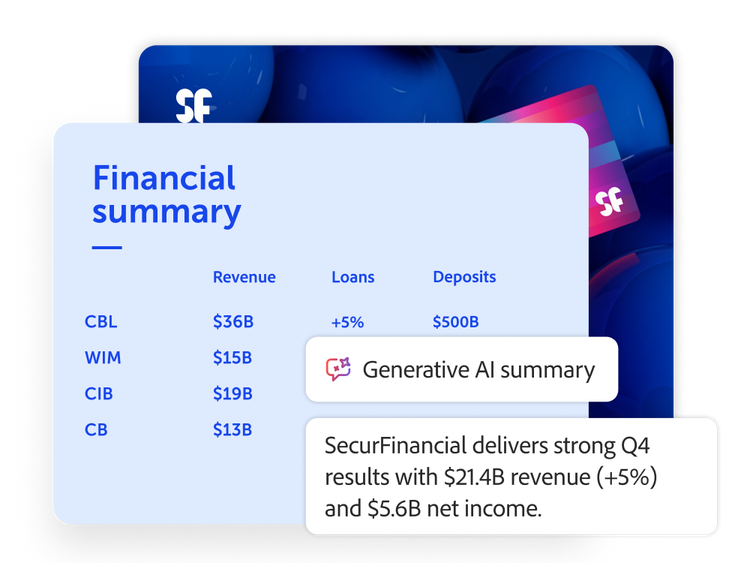
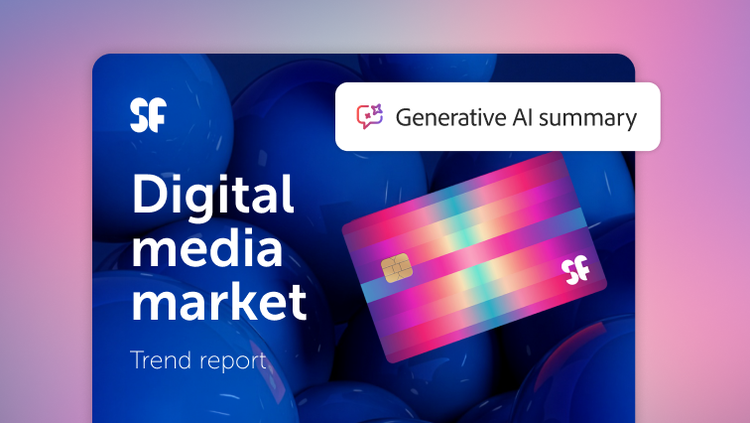
- Smart summaries. Quickly generate concise overviews, key takeaways or next steps to accelerate decision-making.
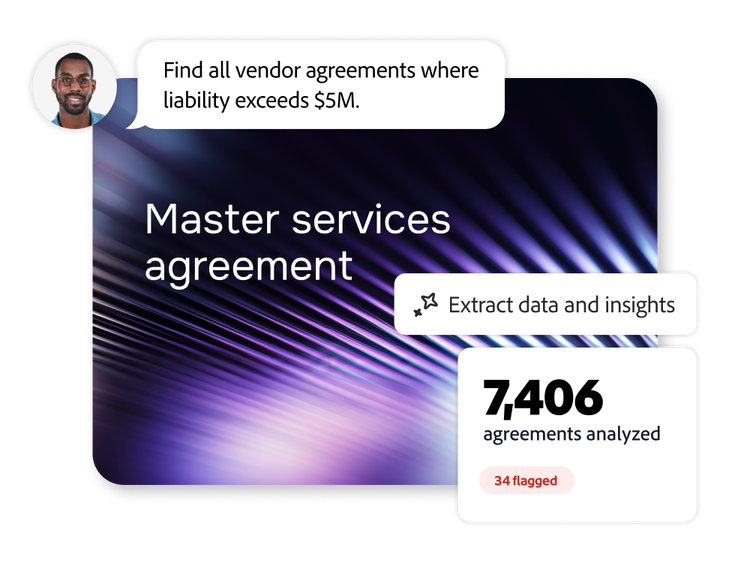
- Multidocument support. Use the chat feature across multiple files and formats at once to compare content, extract insights or identify patterns.
- Context-aware responses. Get answers that reflect the document’s structure and meaning — not just keyword matches.
Verify every answer with citations.
Connect every response — any answer, summary, insight or extracted information generated from a question — back to its source in the document for easy verification. This helps teams reduce errors, streamline reviews and maintain confidence across high-priority workflows.
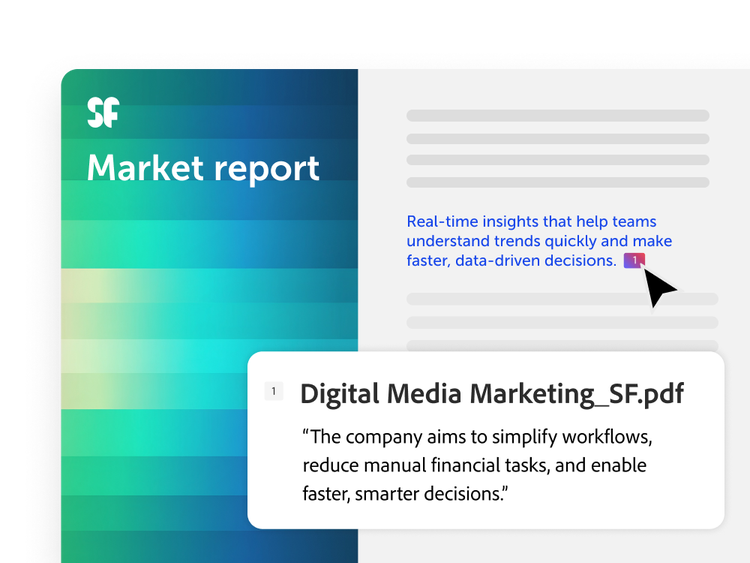
- Cited insights. Validate every response instantly with a clickable reference to the exact sentence in your document so you can stay informed.
- Faster validation. Eliminate guesswork with clear, traceable answers that simplify review cycles and reduce back-and-forth.
- Review-ready output. Provide documentation, audits and decision trails with trackable, source-backed insights.
Surface deeper insights with AI Assistants.
Go beyond quick answers with specialised AI Assistants. Get help comparing, interpreting and synthesising information across documents tailored to your goals — whether you're spotting trends, explaining concepts or generating ideas.
- Skilled assistants. Choose from AI Assistants — Analyst, Instructor or Entertainer — or create your own to get insights aligned with tasks like analysis, explanation or ideation.
- Cross-document intelligence. Compare content across multiple files to uncover patterns, contradictions or recurring themes.
- Visual interpretation. Ask questions about charts and figures. Acrobat Studio extracts key data points to help you uncover trends without manual analysis.
- Insights dashboard. Visualise insights and metrics that matter most with charts and figures that you can configure.
Learn how to get more accurate document insights with AI.
Find what you need in Adobe Help Center, our comprehensive resource for how-to content — including documentation, tutorials and user guides.
Learn more | Learn more about how to get accurate document insights with AI
Questions? We have answers.
How does faster insight translate into business value?
Key impacts for enterprises include:
- Shorter decision cycles. Executives get AI-generated summaries instead of waiting for teams to digest long documents.
- Higher throughput. Legal, procurement and compliance teams can handle more cases or contracts with the same headcount.
- Reduced risk of oversight. AI can highlight sections that mention penalties, exceptions or unusual terms that humans might skim over.
- More time for strategy. Knowledge workers spend less time copying data and more time interpreting and planning.
What types of business teams benefit most from AI‑driven insights?
Typical high‑value users include:
- Legal and contracts. Speeding clause review, risk extraction and comparison across versions.
- Procurement and vendor management. Quickly checking pricing terms, renewals and service levels.
- Finance. Distilling annual reports, budget decks and forecast narratives.
- Human resources and compliance. Pulling out regulatory obligations and regional differences.
- Sales and customer success. Extracting key customer commitments and preparing tailored summaries.
These teams often handle large volumes of PDFs, which AI Assistant turns into searchable, conversational knowledge.
What types of insights can AI Assistant provide?
Can AI Assistant handle large document collections?
How does AI Assistant ensure accuracy and compliance?
How does AI Assistant reduce the time spent reading and analysing documents?
Instead of every stakeholder reading every page, users can:
- Upload or open a PDF and ask, “Summarise this contract in 10 bullets.”
- Jump directly to critical clauses, figures or exceptions that the AI flags.
- Ask follow-up questions like “What changed from V3 to V4?” or “List all service-level agreements and their thresholds.”
Internal research shows that AI-enabled workflows can significantly cut review and analysis time compared to manual reading, especially for long contracts, reports and policies.