

Adobe Acrobat Studio for Finance
Turn financial documents into actionable decisions.
Compiling data, streamlining review cycles and validating information is critical. Adobe Acrobat Studio empowers finance teams to accelerate document analysis, generate AI-ready reports and align stakeholders for faster, more accurate decision-making.
Summarise data, align budgets and create branded financial reports.
Accelerate analysis and insights.
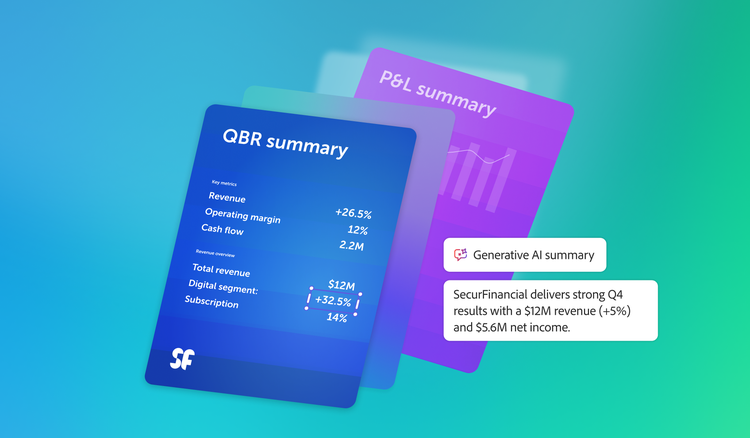
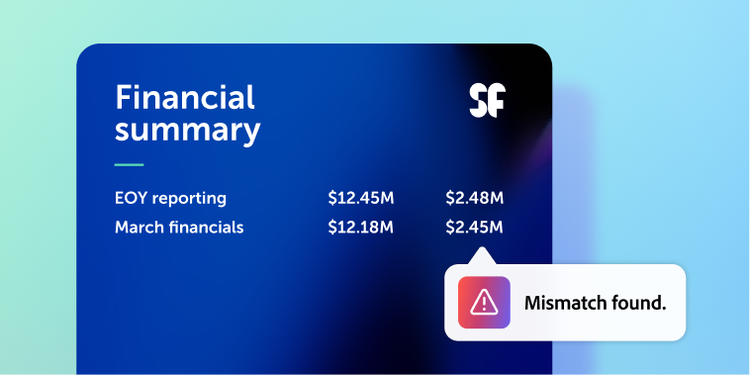
Centralise financial documents in PDF Spaces. Additionally, AI Assistant summarises reports, highlights potential financial risks and anomalies, surfaces key metrics and provides citations — saving time and improving decision accuracy.
Align on strategy and compliance.
Leverage PDF Spaces to collaborate on budgets, forecasts and compliance materials while keeping stakeholders aligned. Use AI prompts to clarify assumptions and ensure everyone is working from the same source of truth.
Deliver accurate, audit-ready reports.
Transform extracted insights or source documents into polished visuals and structured financial reports. You can export these as PDFs, securely share them and track activity to easily collaborate across departments and present confidently to executives.
With AI-powered insights and precise attributions, every report is audit-ready, so teams can validate key metrics and decisions with full source transparency.
Learn more about how Adobe Acrobat Studio empowers finance teams.
https://main--da-bacom--adobecom.aem.page/fragments/products/acrobat-business/finance
Questions? We have answers.
How does Adobe Acrobat Studio help finance teams process reports and financial documents more efficiently?
What are the most common, high-value finance use cases for Acrobat Studio?
Common high-value use cases include:
- Budget books, forecasts and quarterly review packs.
- Board and investor decks exported to PDF.
- Vendor and customer contracts affecting profit and loss (P&L) and cash flow.
- Audit and regulatory reporting packages.
- Policy documents for travel and expense, approval matrices and delegation of authority.
Anywhere finance relies on PDFs, Acrobat Studio helps make them more searchable, analyzable and actionable.
How does Acrobat Studio improve finance team productivity overall?
Benefits include:
- Less time manually scanning PDFs for key figures and covenants.
- Easier production of summaries, commentary and management briefs.
- Reduced rework through version comparison and shared commenting.
- Faster approvals and sign-offs via Adobe Acrobat Sign.
Combined, these reduce cycle times for budgeting, closing and reporting and free up time for deeper analysis and business partnering.
How does Acrobat Studio help finance understand the financial impact of contracts?
Finance teams can use Acrobat Studio to:
- Quickly extract payment terms, discounts, escalation clauses and penalties from contracts.
- Identify minimum commitments, take-or-pay clauses and termination fees.
- Ask AI Assistant, “What are the key financial obligations we have in this agreement?” or “Summarise revenue recognition relevant terms.”
This supports cash-flow forecasting, covenant management and P&L impact analysis in partnership with legal and procurement.