con-block-row-bgcolor
#000

ADOBE ACROBAT STUDIO FOR HR

Create clear, compliant human resources content.

Quickly generate job descriptions, onboarding materials, benefits summaries and more. Adobe Acrobat Studio helps summarise policy updates, organise internal feedback and ensure messaging is inclusive and compliant.

Watch video

Deliver content that supports every stage of the employee experience, from hiring to retention.

Make hiring and onboarding smoother.

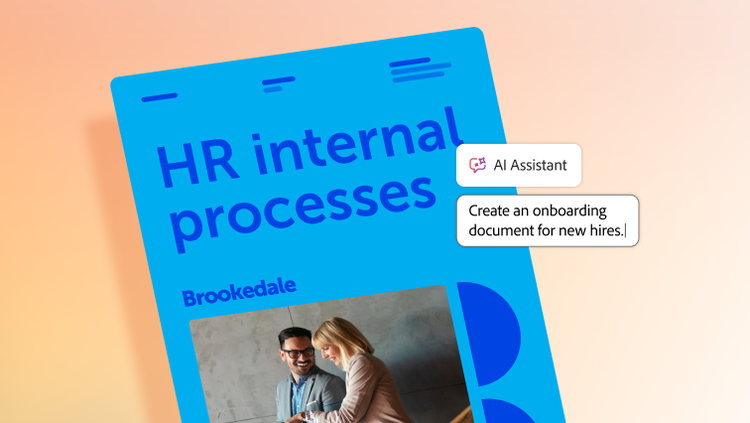
Tap into PDF Spaces to keep offer letters, onboarding packets and training documents organised and accessible in a single workspace. With AI-powered assistance, your teams can summarise content, identify key sections and ensure every file is accurate and up to date.

Collaborate securely and confidently.

Review resumes collaboratively, annotate interview notes and finalise newsletters — without email chains or disparate files. Connect recruiters, HR operations, managers and legal teams in a secure, interactive workspace to streamline feedback, improve clarity and share documents seamlessly.

Visibility into how content is viewed and engaged with helps ensure key information is received and acted on. Built-in protections, like redaction and password protection, keep sensitive information secure, enabling fast, compliant collaboration.

Create internal content that resonates.

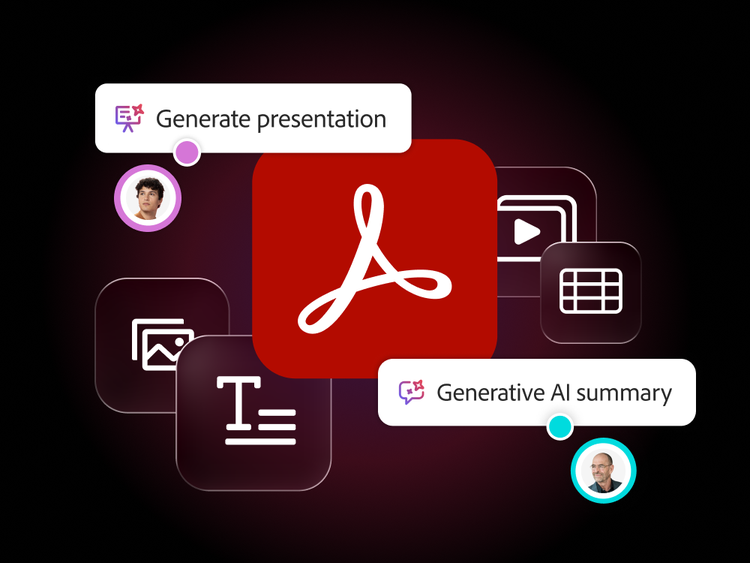
Deliver internal communications — such as newsletters and benefit updates — quickly and easily with the Generate presentation feature, which transforms content into ready-to-share slides.

Combined with the Adobe Express integration, teams can leverage professionally designed templates and AI-powered features to produce polished, on-brand materials that boost engagement and trust.

Learn more about how Adobe Acrobat Studio empowers human resources teams.

https://main--da-bacom--adobecom.aem.page/fragments/products/acrobat-business/hr

Questions? We have answers.

How does Adobe Acrobat Studio simplify human resources document creation and distribution?

HR can use branded templates, stock assets and AI-powered creation and editing tools to produce consistent offer letters, onboarding packets, policies and training materials.

What are common, high-value HR use cases for Acrobat Studio?

Typical high-value use cases include:

  • Offer letters, employment contracts and addenda.
  • Policy documents for code of conduct, hybrid work, IT usage or privacy.
  • Onboarding packs and new-hire forms.
  • Performance, promotion and compensation letters.
  • Training materials and compliance acknowledgments.

Anywhere HR teams rely on PDFs, Acrobat Studio helps make it easier to prepare, share, sign and understand them.

Can Acrobat Studio assist in policy updates and compliance communication?

Since AI Assistant in Acrobat Studio delivers document-grounded, traceable insights, HR teams can confidently summarise policy changes, help draught updates and ensure clarity. Teams can distribute updated documents quickly with version control and audit trails.

Does Acrobat Studio support secure handling of confidential employee data?

Yes. With encryption, role-based permissions and redaction tools, sensitive information remains protected throughout HR documentation workflows.

How can Acrobat Studio improve onboarding or training programmes?

Branded templates, collaboration spaces and AI-generated summaries help HR teams quickly produce and update materials, reducing manual work and improving employee clarity.

What languages is Adobe Acrobat Studio available in?

See details of language availability of Adobe Acrobat Studio and its features.