Adobe Acrobat Studio Features
Seamless and secure document collaboration.
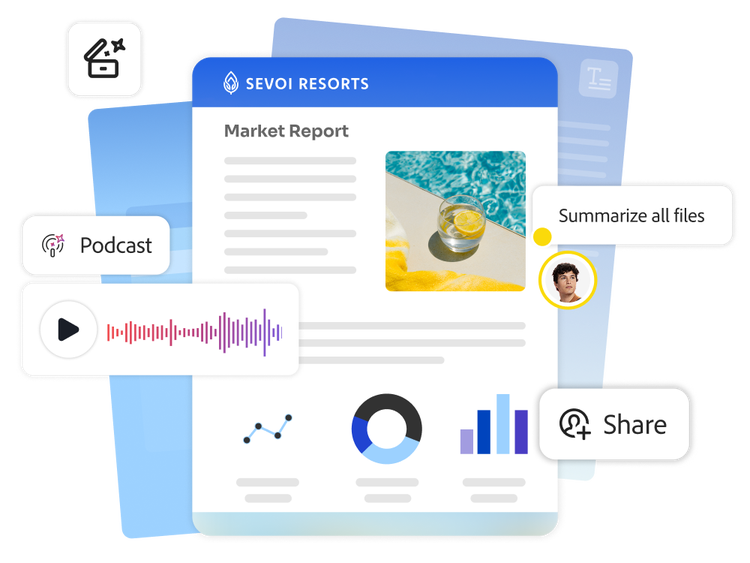
Make collaboration your competitive edge. Adobe Acrobat Studio brings together people, documents and context in one intelligent workspace — PDF Spaces — where teams can share knowledge and build on each other’s ideas from first draught to final product.
Keep content in one intelligent workspace.
Bring structure to your collaboration. PDF Spaces serve as intelligent workspaces where teams can organise files, stay aligned and build on shared knowledge.
- Unified content space. Group PDFs, documents, slides, spreadsheets, transcripts, links and more into one intelligent workspace — so your team can find what they need without searching through folders or emails.
- Easy collaboration. Leave comments directly on documents in PDF Spaces so no conversations fall through the cracks.
- Insight-ready structure. Organise related content together to surface connections and context, making it easier to understand complex topics and collaborate effectively.
- Role-based access. Assign contributor, reviewer or read-only roles to control how teammates engage with specific content and keep collaboration focused.
Uncover insights across every file type.
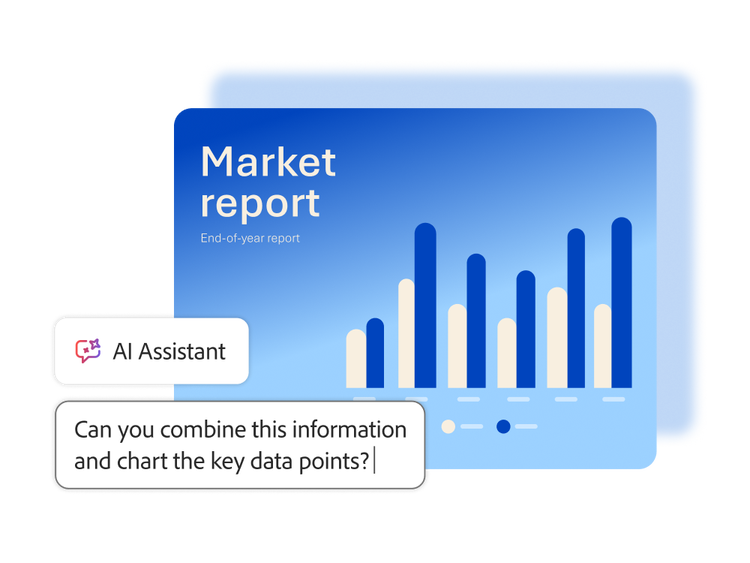
Put content to work with the help of AI. Explore ideas, ask meaningful questions and extract insights across all documents, formats and teams on up to 100 files in a single PDF Space.
- Cross-format exploration. Use the chat function in PDFs, documents, slides, spreadsheets, transcripts, notes and web links to surface connections and opportunities.
- Visual data understanding. Use natural language questions to generate charts, graphs and tables for clear, visual explanations — without manual analysis.
- Insight synthesis. Combine information from multiple files to support faster decision-making and deeper understanding.
Turn documents into presentations and audio summaries.
Make content easier to absorb and share. You can transform documents stored in PDF Spaces into engaging audio overviews, giving teams a faster, more flexible way to stay informed.
- Audio-powered summaries. Instantly convert documents and AI-generated insights into podcast-style audio overviews that make information easier to absorb.
- Alternative content format. Provide a new way to engage with written content — ideal for accessibility, multitasking or reaching audiences who prefer listening to reading.
Collaborate securely and accessibly.
Rest assured knowing collaboration in PDF Spaces is built on a foundation of security and accessibility, so your team’s content stays protected.
- Enterprise-level protection. Safeguard documents with robust privacy controls, encryption, watermarking and access management.
- Ethical AI and data privacy. Feel confident knowing Adobe never uses your business data to train AI models and AI Assistant only accesses the documents you provide.
- Accessibility at scale. Leverage the Adobe PDF Services API to help meet accessibility standards, support compliance and make content usable for all team members.
Learn how to collaborate seamlessly and securely with PDF Spaces.
Find what you need in Adobe Help Center, our comprehensive resource for how-to content — including documentation, tutorials and user guides.
Questions? We have answers.
What is PDF Spaces in Adobe Acrobat Studio?
How does Acrobat Studio improve collaboration on PDFs for enterprise teams?
Acrobat Studio turns PDFs into live collaborative workspaces, allowing teams to:
- Co-review documents in shared, PDF-centric spaces.
- Add comments, mark-ups and assignments in one shared copy.
- Use Acrobat AI Assistant to summarise discussions, highlight action items and surface key themes.
- Move seamlessly between desktop, web and mobile while keeping comments, versions and permissions aligned.
This builds on the existing share and review model in Acrobat Studio, layered with AI and shared cloud storage.