ADOBE CREATIVE CLOUD FOR ENTERPRISE USE CASE
Keep pace with campaign demands.
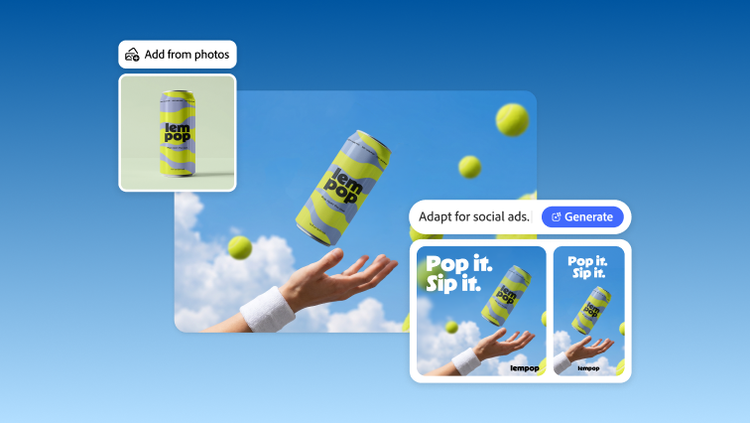
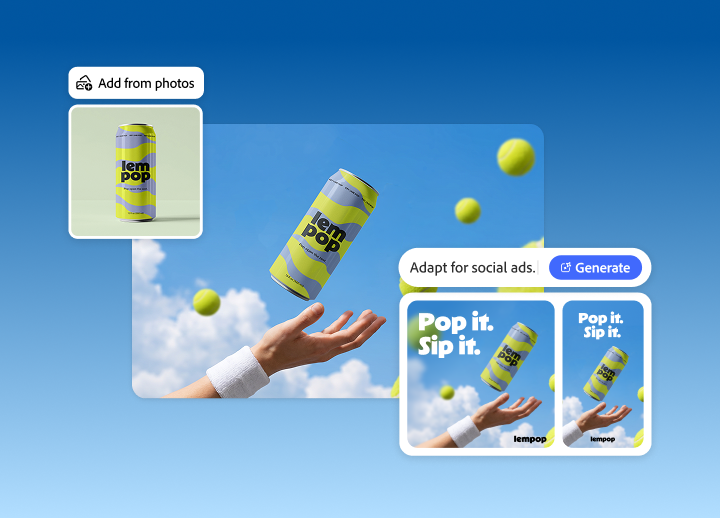
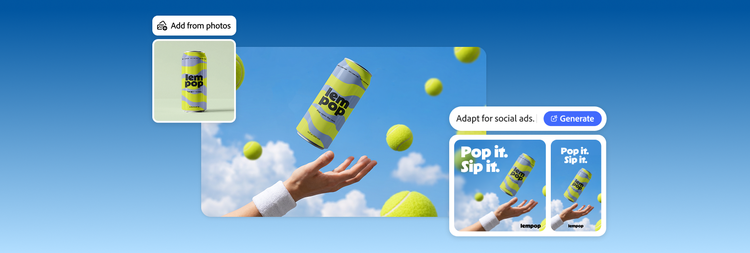
Adapt, refine and repurpose previously approved imagery for new campaigns, products and markets, reducing the need for costly reshoots. Adobe Creative Cloud for enterprise helps teams edit and retouch images faster and reduce repetitive production work.
Contact sales | Contact Sales for more information about Adobe Creative Cloud for enterprise
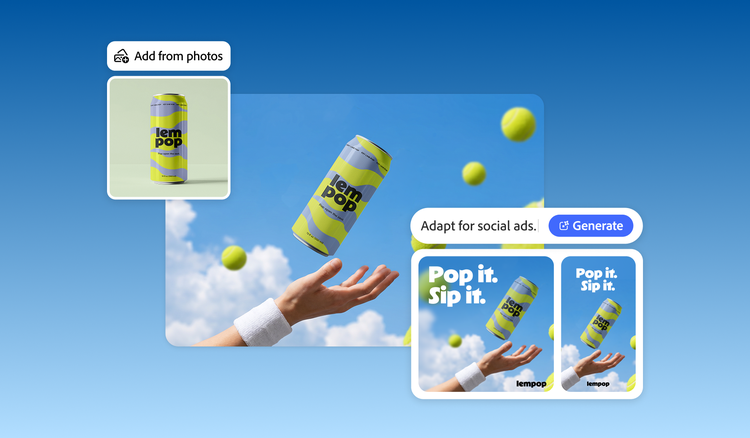
Repurpose existing images for new uses.

Align on creative direction before production.
Great campaigns start with alignment. Catching misalignment mid-production is costly because of multiple revisions, duplicated work, slipped timelines and reshoots.
Adobe Firefly Boards gathers concepts, references and creative direction on one infinite canvas where teams explore and refine together, aligning stakeholders before production starts.
Approved assets export straight into Adobe Photoshop with minimal rebuilding, no lost momentum, just concept to execution with confidence.
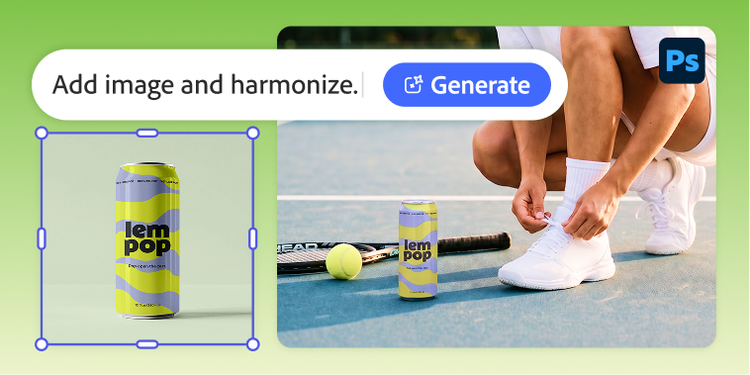
Turn creative direction into finished images.
Create polished imagery in a fraction of the time and avoid hours of retouching.
Generative AI in Photoshop retouches, adapts and refines right in your files, with the best model for each task from Adobe, Google Gemini and Black Forest Labs (FLUX).
Add elements and scale and lighting adjust automatically.
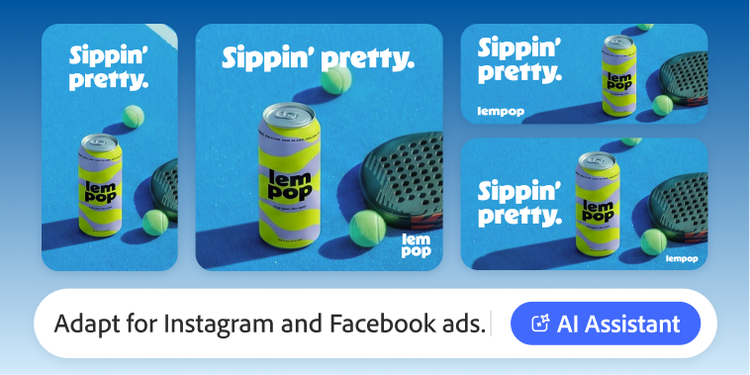
Scale approved creative across every channel.
Deliver more variations in less time.
AI Assistant in Photoshop automates the repetitive work of resizing, reformatting and clean-up, with layouts adjusting intelligently for each destination, from posters and display ads to social.
Outputs stay editable, native and non-destructive, exported in the right format, so teams spend their time on new work, not manual variations.
Learn more about keeping pace with campaign demands.
Questions? We have answers.
How does Adobe Photoshop AI help enterprise teams retouch images faster?
Which AI models are available for image editing in Adobe Creative Cloud for enterprise?
How do teams export edited images for multiple channels and formats at once?
How does Creative Cloud for enterprise improve photo retouching workflows?
How does Creative Cloud for enterprise help reduce the need for reshoots?
Can AI retouching still support brand and quality standards?
How does content repurposing help enterprises get more value from existing image libraries?
Why would an executive team invest in a unified image editing workflow instead of separate point tools?