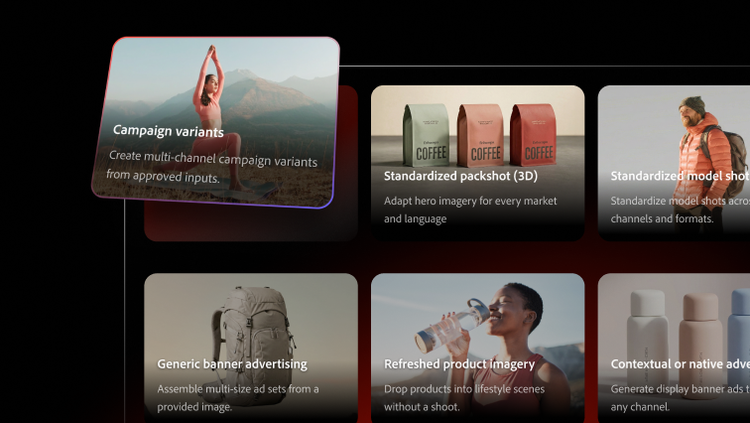
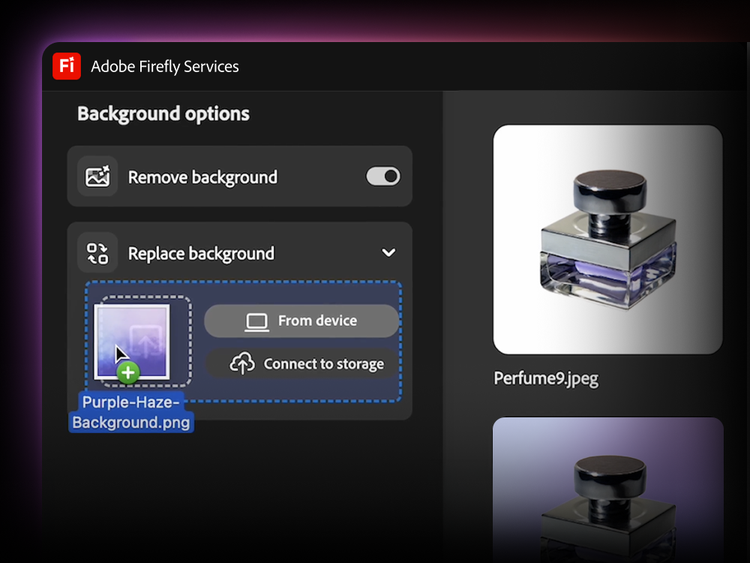
Explore production workflows by use case.

  1. Campaign variants
  2. Product imagery
  3. Video & graphics
  4. Content localisation
  5. Personalised content
active tab
1
id
firefly-business
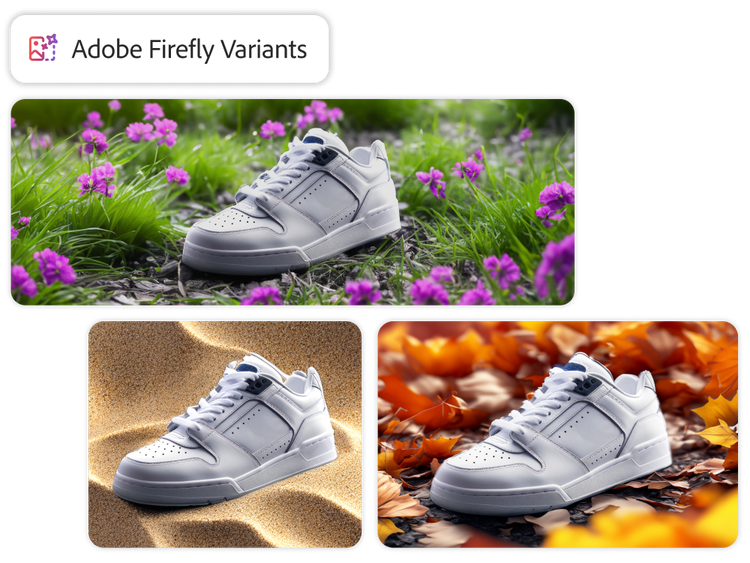
Three variant images of a white sneaker, each with a different background.

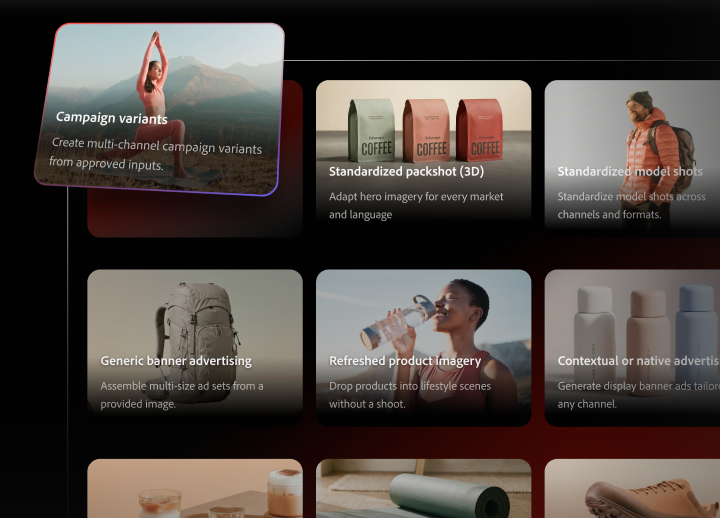
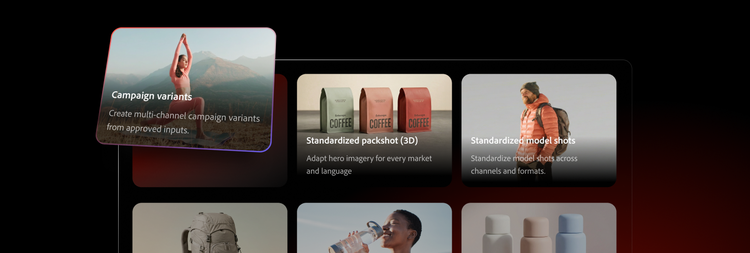
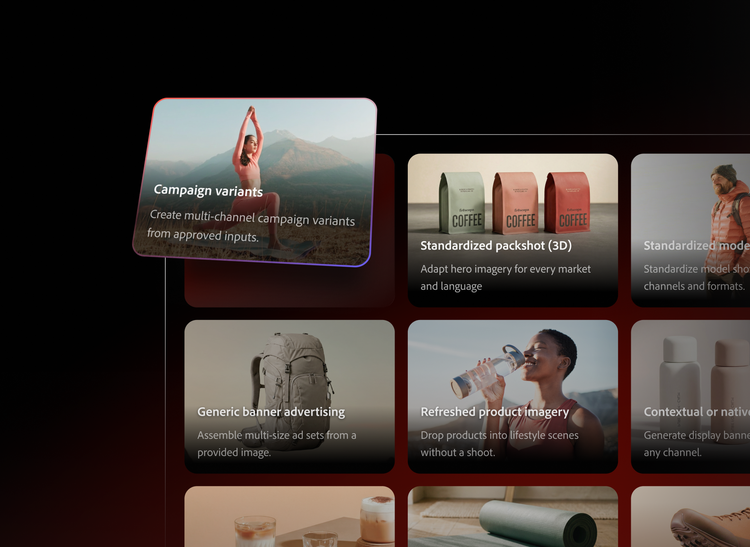
Scale campaign variants from approved assets, templates and data.

Turn a campaign concept into channel-ready outputs without manually rebuilding every asset.

  • Produce retargeting, banner, contextual or native and promotional campaign variants from approved inputs.
  • Merge product shots, copy, offer data and layouts into polished outputs for different channels and formats.
  • Help marketers launch faster while creative teams keep control of templates, rules and brand quality.
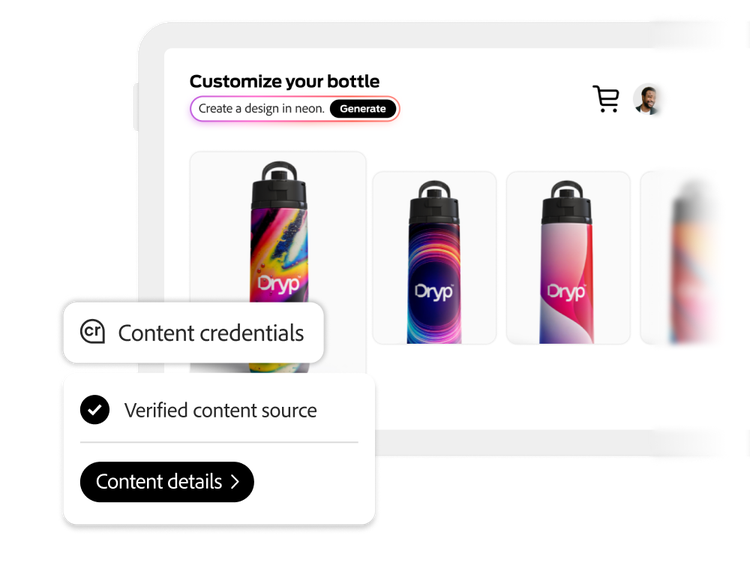
An online shop invites users to customise their own water bottles and displays four sample designs.

Create product imagery workflows for packshots and scenes.

Automate high-volume product content without starting every image from scratch.

  • Standardise packshots across large catalogues with consistent framing, lighting and outputs.
  • Refresh product imagery by placing approved products into new scenes or bundle compositions.
  • Support packaging variants, configurator views and 3D digital- twin-driven workflows where product fidelity matters.
Generative extend being applied by Adobe Firefly.

Adapt video and graphics for every channel and format.

Reuse approved source content across social, commerce and campaign placements.

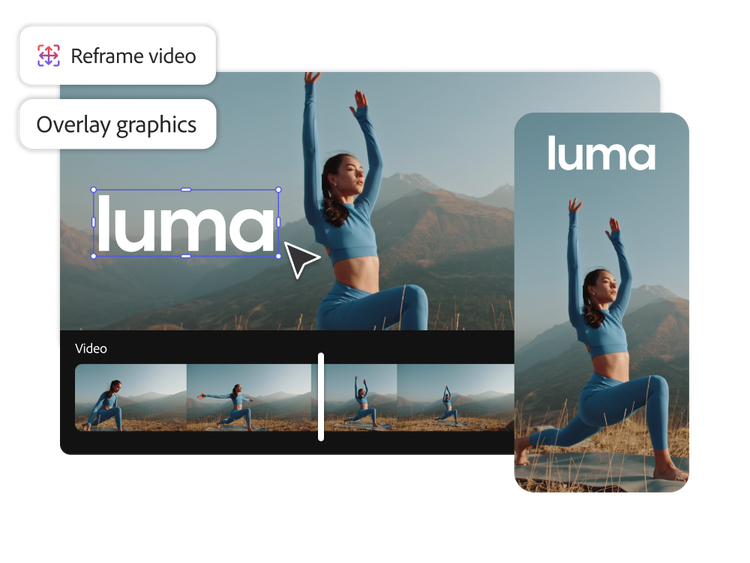
  • Reframe video for different aspect ratios and placements without manually rebuilding each version.
  • Assemble branded social video ads and motion variations from reusable templates and approved assets.
  • Combine creative actions, overlays and rendering steps to deliver finished outputs faster.
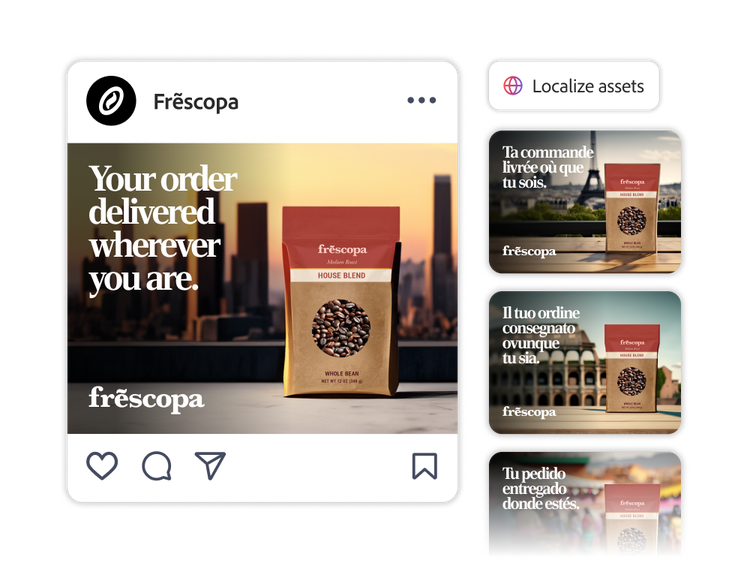
Generated variations on social posts with differing backgrounds and formats.

Localise content across languages, markets and regional campaigns.

Scale localisation workflows without recreating every asset for every market.

  • Merge translated copy, locale-specific rules and approved imagery into the right layouts.
  • Adapt imagery, offers and formats for regional campaigns while keeping workflows consistent.
  • Localise video with translation and dubbing workflows to move campaigns faster across markets.
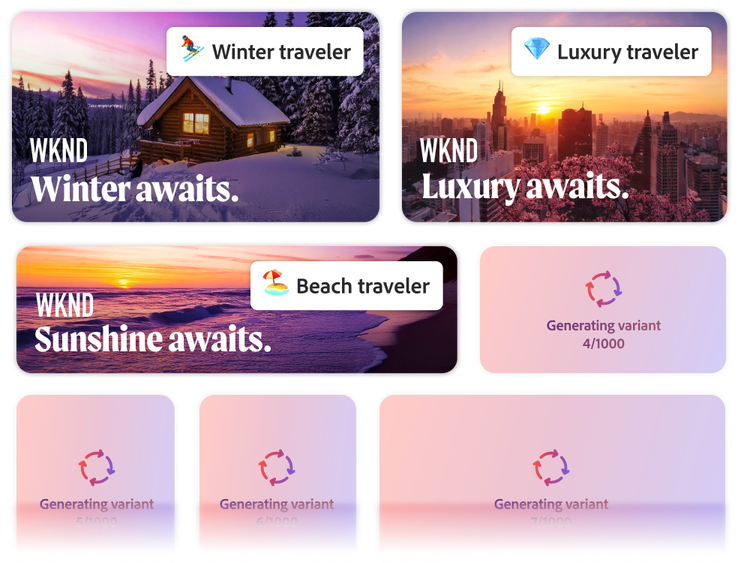
Generated ad variations with backgrounds targeting winter travellers, luxury travellers and beach travellers

Personalise content at scale while keeping outputs on brand.

Turn templates, audience data and approved assets into tailored content for segments, offers and channels.

  • Create more testable creative variations without overwhelming production teams.
  • Use workflows to tailor outputs for different audiences while keeping the same brand rules and design systems.
  • Route personalised content through validation, approvals and quality checks before assets go live.

A workflow system for enterprise content production.

Firefly Creative Production for Enterprise combines creative-native actions, orchestration, integrations and governed execution in one workflow layer.

https://main--da-bacom--adobecom.aem.page/assets/icons/products/firefly-business/firefly-creative-production/production-workflows/build.svg

Build reusable workflows.

Visually author workflows from templates, assets, data, business rules and AI services.

https://main--da-bacom--adobecom.aem.page/assets/icons/products/firefly-business/firefly-creative-production/production-workflows/connect.svg

Connect your content supply chain.

Integrate Adobe tools and extend workflows with customised actions and approved third-party systems.

https://main--da-bacom--adobecom.aem.page/assets/icons/products/firefly-business/firefly-creative-production/production-workflows/deploy.svg

Deploy wherever teams work.

Publish workflows as reusable templates, guided experiences or APIs for other systems.

https://main--da-bacom--adobecom.aem.page/assets/icons/products/firefly-business/firefly-creative-production/production-workflows/run.svg

Run with visibility and control.

Execute one-off or bulk jobs, monitor results and keep outputs governed, traceable and on brand.

#FCDBF1

Adobe’s responsible approach to AI.

Learn more

Helping global enterprises create more content, faster.

https://main--da-bacom--adobecom.aem.page/fragments/products/firefly-business/firefly-creative-production/production-workflows-deeper-content

Questions? We have answers.

How do production workflows improve time to market?

Production workflows in Firefly Creative Production for Enterprise automate repetitive steps from brief through final asset, so creative and marketing teams spend less time navigating various versions and handoffs. By connecting templates, data and AI actions in Firefly Creative Production, you can generate on‑brand variants in parallel, reduce rework and move campaigns, product updates and localisation runs to market much faster.

How do production workflows ensure brand consistency at scale?

Production workflows ensure brand consistency by baking your rules into the creative production process. Locked templates, approved assets and brand and compliance checks are built into each creative workflow, so every variant follows the same standards for layout, tone and copy. Role-based access, human-in-the-loop approvals and full audit trails make it easier to keep global, regional and partner teams aligned to the same brand system.

What controls are available to manage AI usage and approvals in workflows?

Production workflows can be designed with human-in-the-loop steps, flexible approval paths and clear rules for when AI-generated assets require manual review. Every run is logged, so you can audit who approved what, enforce different thresholds by region or brand and align AI usage with your governance and compliance policies.

How does Firefly support complex product catalogues and configurators?

Production workflows can connect to your product data and configuration rules to generate large sets of images, offers or content variations automatically. This lets you keep complex catalogues, bundles and personalised configurations up to date without manually rebuilding assets for every change.

What kinds of production workflows are available today?

Firefly Creative Production supports production workflows for a wide range of creative work like campaign resizes, social and display ad variations, email and web updates, ecommerce and product detail pages, catalogue refreshes and multi-market localisation runs. These creative workflows can also orchestrate reviews, brand and legal checks and delivery into your DAM and activation channels, so your entire creative production chain runs in one governed system.

How much can workflows be customised?

Production workflows can be deeply customised to match your creative production processes. In Workflow Builder, teams can define triggers, connect to internal data sources, configure Firefly Services actions, set conditional branches and tailor approvals by brand, market or channel. IT and power users can go further by integrating customised APIs and business logic, turning your unique creative workflows into governed, reuseable assets.

Can workflows be deployed outside the builder?

Yes. Workflows are designed in Workflow Builder but can be deployed across your broader content and creative production stack. You can trigger production workflows from tools like Workfront or Adobe Experience Manager, call them via API from customised portals or expose simplified run interfaces for marketers and regional teams. This lets you embed creative workflows where people already work while keeping orchestration and governance centralised.

How do workflows support localisation and personalisation?

Production workflows support localisation and personalisation by combining templates, data and AI to scale creative production across regions and audiences. Workflows can pull in product, offer and audience data; apply locale-specific rules for language, imagery and compliance; and generate on-brand variants for each market or segment. Human-in-the-loop steps let local teams review and refine content, so every creative workflow delivers locally relevant, globally consistent assets.