https://main--da-bacom--adobecom.aem.page/fragments/products/adobe-max-2026-red-white-banner
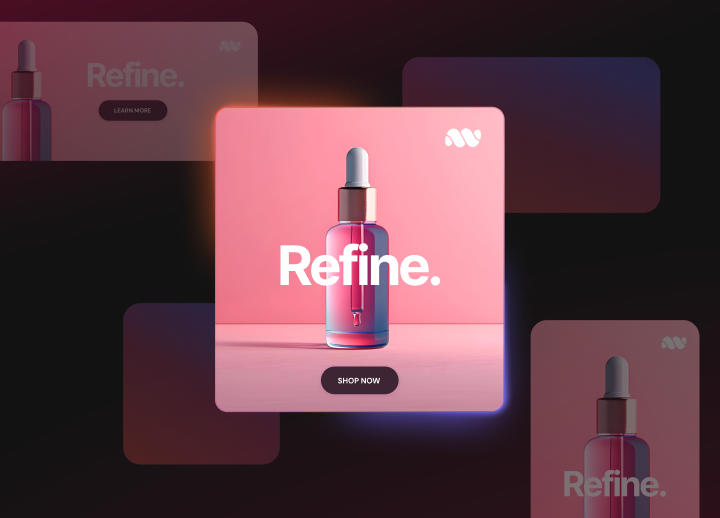

Adobe Firefly Creative Production for Enterprise
From approved creative to activation-ready content.
Amplify hero assets by scaling content across channels, markets and audiences, while reducing teams’ manual effort and helping them to maintain control and brand consistency.
Watch overview | Watch overview video about Firefly Creative Production Contact sales | Contact sales for more information about Firefly Creative Production
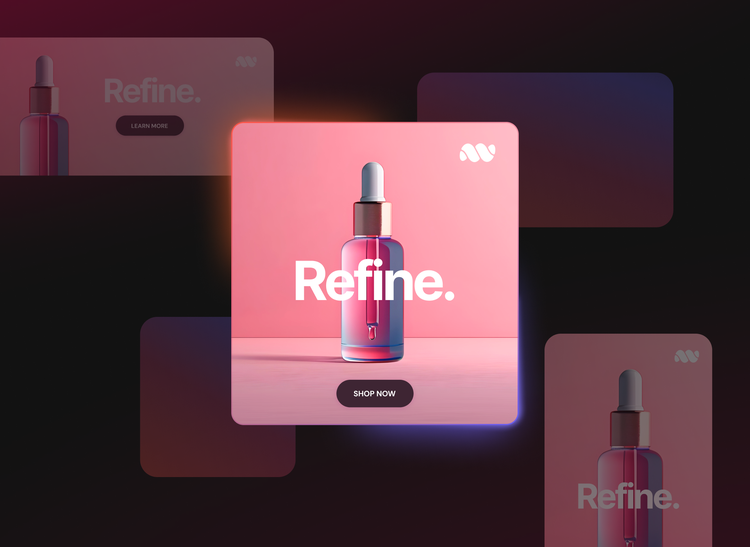
Accelerate creative production while reinforcing quality and consistency.
Adobe Firefly Creative Production can help teams scale approved creative into banners, product visuals, social video adaptations and more. By using built-in templates, AI models, brand controls and integrations with existing tools, teams can create reusable production workflows across campaigns, channels and markets — accelerating launches, maintaining quality and reducing rework.
- Scale banner variants
- Expand product assets
- Adapt social video content
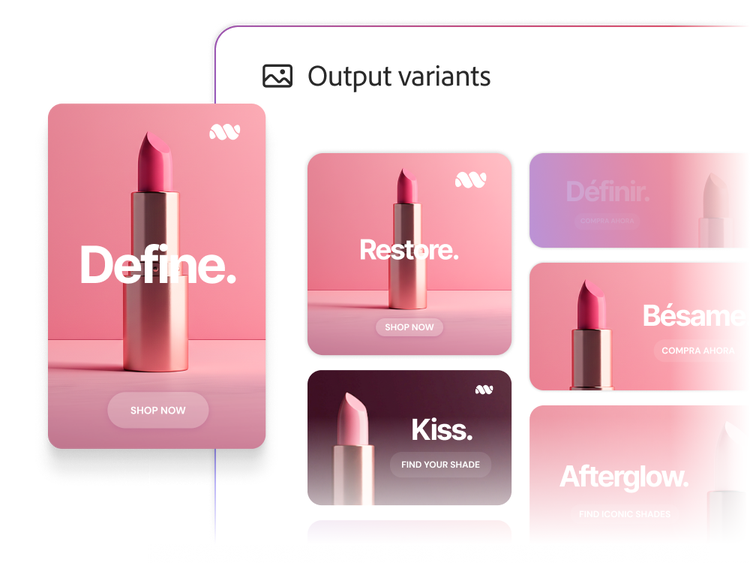
Turn approved campaign assets into hundreds of on-brand variants.
Generate banners from approved creative across placements, formats, markets and audiences. Use templates to scale variations while carrying out the original creative and messaging.
- Resize and assemble approved creative into the placements and formats you define without rebuilding each asset.
- Adapt copy, offers, pricing and other content for different markets and audiences while maintaining the approved design.
- Create banner variations from approved templates and assets to support campaign needs at scale.
- Update only what changes, such as channel, offer or market, while keeping the rest of the approved creative intact.
- Reuse approved campaign creative across channels and regional campaigns to streamline production and maintain consistency.

Scale product marketing assets with digital twins.
Create marketing content from approved 3D digital twins. Use AI to scale it across your product catalogue, channels, regions and customer experiences while preserving pixel-perfect product identity.
- Generate accurate packshots from an approved 3D digital twin, then use the same asset for 360° spins and product animations.
- Using 3D digital twins, place approved products into AI-generated scenes without altering the products themselves.
- Give marketers direct control over camera angles and lighting so they can create new shots without starting another production cycle.
- Update labels and open physically based rendering (PBR) materials to produce product variations while preserving the approved design.
- Reuse approved 3D product assets for seasonal campaigns, regional needs and product updates.

Transform videos into campaign-ready cuts for your audiences.
Create multiple versions from a single approved video, tailored to the format, language and context of the platforms and markets you target.
- Adapt for your channels with the aspect ratios and formats each platform requires.
- Localise for your markets with translated subtitles, copy and on-screen text that carry your message.
- Update multiple cuts at once by refreshing offers, graphics, logos and end cards from one central workflow.
Choose the right model for each creative outcome.
Firefly Creative Production supports Adobe Firefly models and can extend creative with third-party and custom models. Teams can choose the model for each step while keeping outputs, approvals and delivery contained within a single governed production system.


NOW AVAILABLE
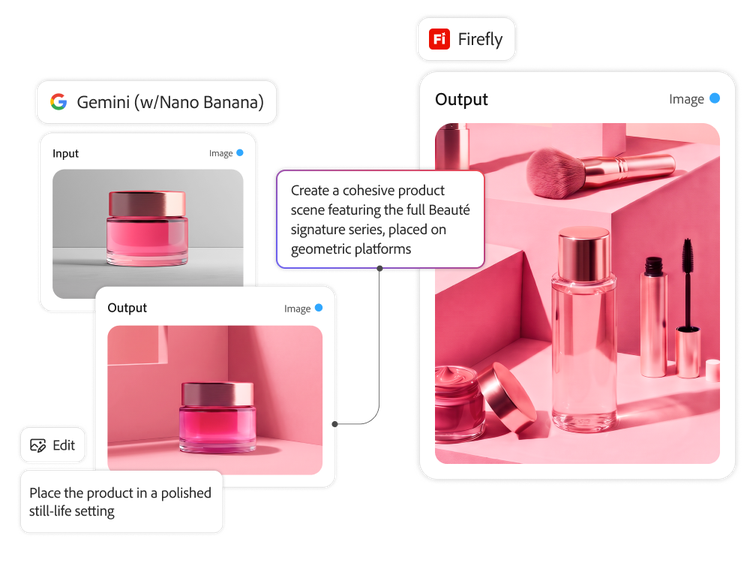
Combine physically accurate 3D digital twins with AI-generated scenes.
Scale packshots and showcase products in AI-generated scenes while maintaining product accuracy with 3D digital twins. Marketers can create content on their own by adjusting lighting, camera angles, environments and configurations. This flexibility reduces the need for specialised creative support, manual production work and the need for costly reshoots.
Learn how Firefly Graph and Firefly Creative Production work together to connect creative development with scaled production.
Learn more | Learn more about Firefly Graph and Firefly Creative Production
Unlock more with Adobe content supply chain integrations.
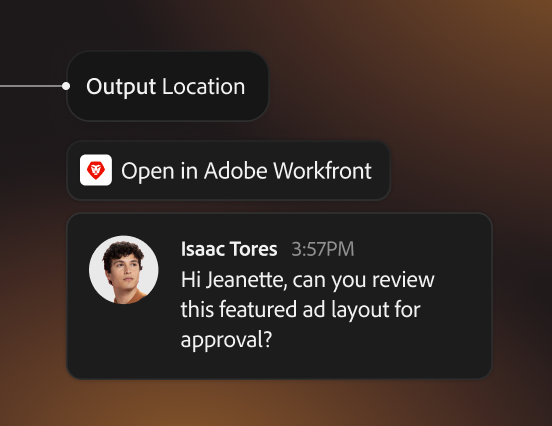
Adobe Workfront
Route production outputs to proofing and approvals so reviews happen in context of briefs, tasks and stakeholders.
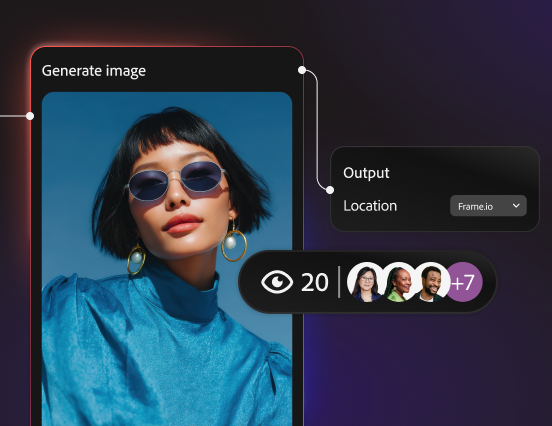
Frame.io for Business
Streamline review and collaboration for rich media by saving outputs for feedback and iteration.
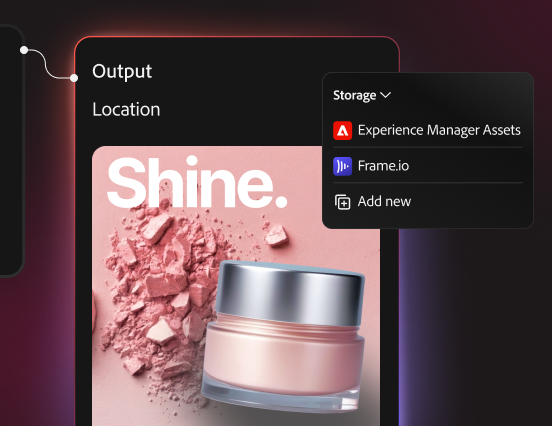
Adobe Experience Manager Assets
Connect production inputs and outputs to your asset management solution to support governance and activation readiness.
Learn more | Learn more about Adobe Experience Manager Assets
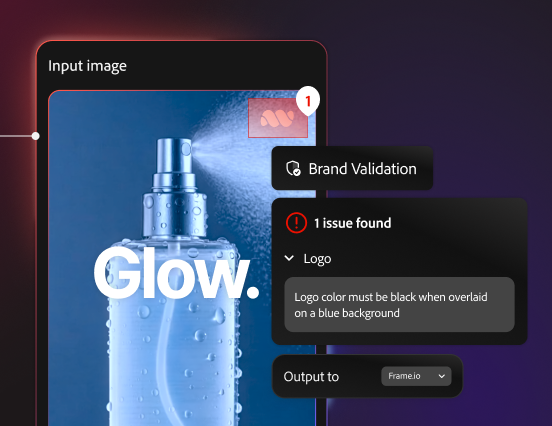
Adobe Brand Intelligence
Automatically validate production outputs against brand guidelines and display results in Frame.io for review and sign-off.
Questions? We have answers.
Who is Firefly Creative Production for?
Does Firefly Creative Production produce content that is automatically compliant and ready to publish?
How is Firefly Creative Production different from Firefly Graph?
Does Firefly Creative Production require a development team or IT resources to deploy?
How is this different from other workflow automation tools?
Which AI models are available for generation with Firefly Creative Production?
How does Firefly Creative Production fit with Workfront, Frame.io and DAM systems?
How does pricing work for Firefly Creative Production?
How do agents support creative production workflows?
Does Firefly Creative Production support 3D product content?
What am I responsible for when I use Firefly Creative Production to create content at scale?
What should I consider when using third-party models within Firefly Creative Production?
Let us show you the full power of Firefly Creative Production.