
Adobe Acrobat Studio for Business
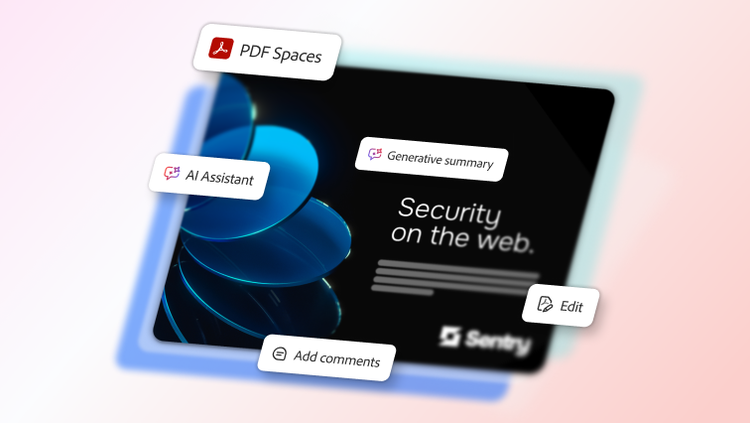
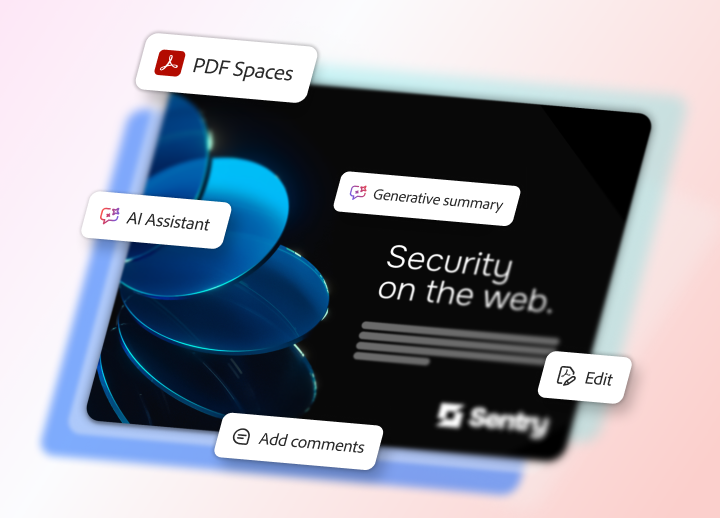
AI-powered document editing, insights, and creation in Acrobat Studio.
Transform everyday documents into intelligent, on-brand content to increase productivity and turn information into actionable insights — all in one place.
Watch overview | Watch Acrobat Studio overview video Contact sales | Contact sales to learn more about Adobe Acrobat
Understand, create, and collaborate on complex documents in real time.
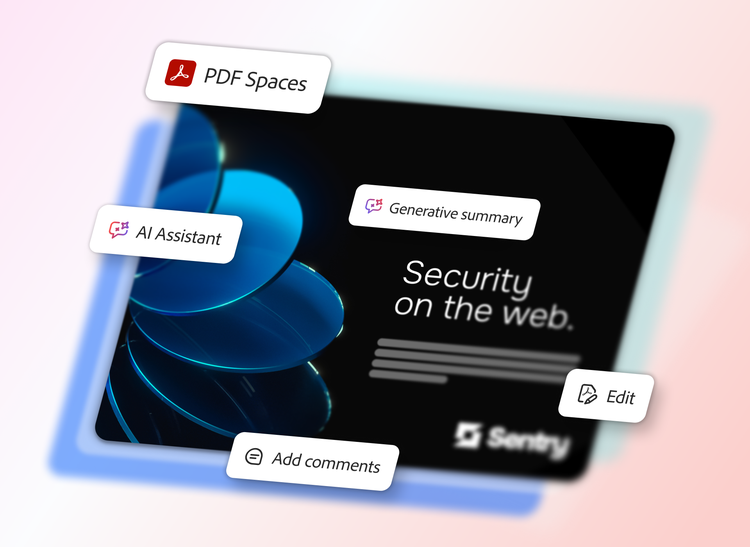
Bring together AI-powered insights, intuitive content creation, and secure collaboration in one solution, so teams can easily uncover key findings, create polished reports, and produce ready-to-share content.
- PDF creation and editing
- Trusted insights
- On-brand content
- Smarter collaboration
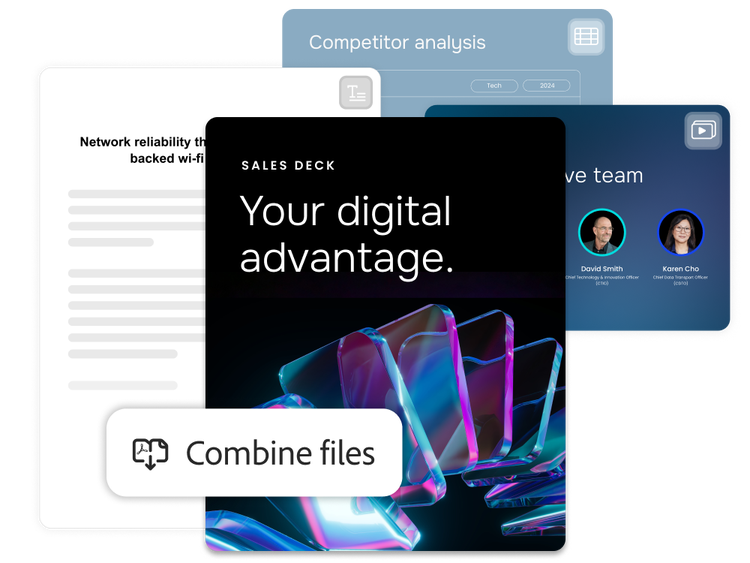
Work smarter with PDFs.
Confidently manage every PDF — from creation to final review — with easy-to-use tools that streamline your document workflow. Use prompts to let AI handle most PDF actions, from deleting pages to exporting files or replacing text.
- Edit PDFs directly to modify text, images, or layouts without going back to the source file.
- Convert, combine, and export files between PDF, Microsoft Word, PowerPoint, Excel, and more, keeping your formatting, layout, and content exactly as intended.
- Review and collaborate with built-in version history, comments, and annotations for accuracy and control.
- Create fillable forms, collect e-signatures, and track document completion to accelerate approvals.
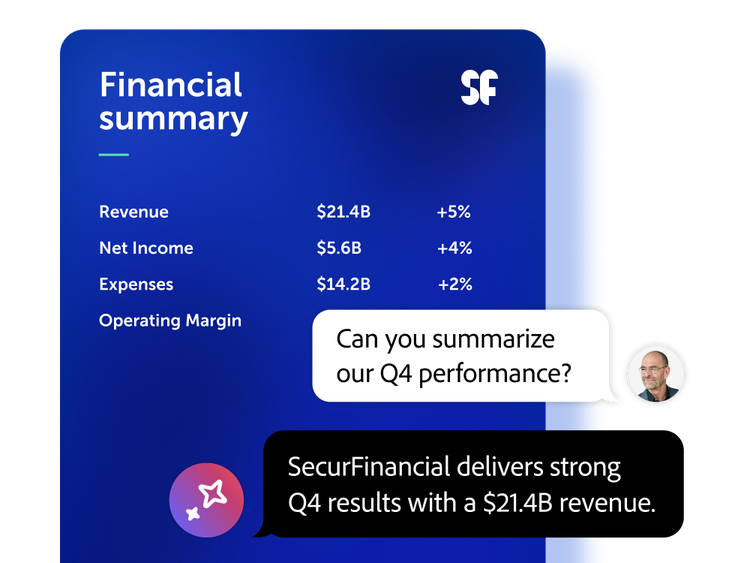
Transform documents into decisions.
Instantly surface verifiable insights from PDFs, Microsoft Office files, meeting transcripts, and webpages with AI Assistant — built for deep document analysis and reliable decision making.
- Use AI Assistant to interact with your documents — ask questions, get goal-focused summaries, and verify answers with citations linked to source context.
- Work in centralized workspaces that organize source files, consolidate feedback, and uncover insights using custom or pre-built AI Assistants.
- Compare content across documents, identify key findings, and explore insights through charts and figures to uncover patterns and trends.
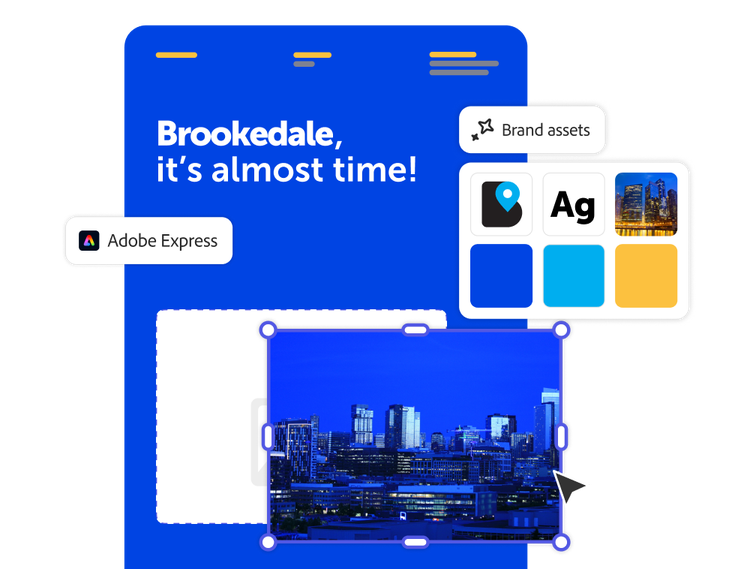
Deliver polished, on-brand content with AI-powered creation tools.
Let teams quickly create professional documents, presentations, and visuals using integrated AI-powered design tools and templates without relying on dedicated designers.
- Maintain brand consistency across teams with locked templates, shared assets, and intelligent formatting suggestions.
- Accelerate content creation with AI-powered capabilities that generate, refine, and personalize content — documents, presentations, and visuals — based on your goals and audience.
- Publish content across channels, including social, web, and downloadable PDF formats.
- Instantly generate presentations and podcast-style audio summaries from any file or insight, making communication and content creation fast and accessible.
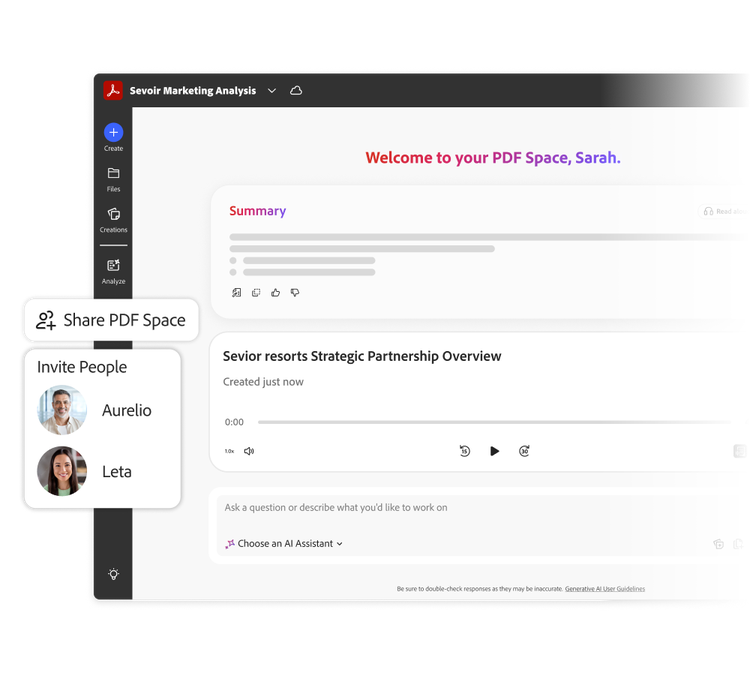
Collaborate in intelligent, shared workspaces.
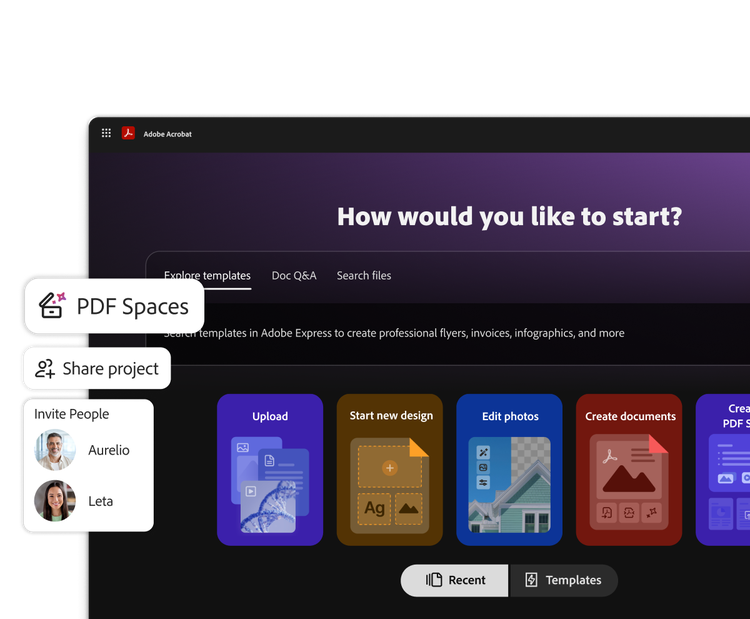
Collaborate, share documents, and give feedback in PDF Spaces — a centralized, interactive workspace that keeps conversations in context, preserves source documents, and surfaces insights to help teams move forward faster with confidence.
- Bring together up to 100 files, including PDFs, presentations, spreadsheets, transcripts, web links, and more, so everything is accessible without searching across folders or emails.
- Securely review documents with source files, AI insights, and comments intact, keeping teams aligned within the same context.
- Share documents in a customizable, interactive experience that highlights what matters most and stays on brand, with guidance from AI Assistant.
- Set contributor or view-only access and track engagement to clearly see who has viewed your content and how it’s being accessed.
Acrobat Studio use cases.
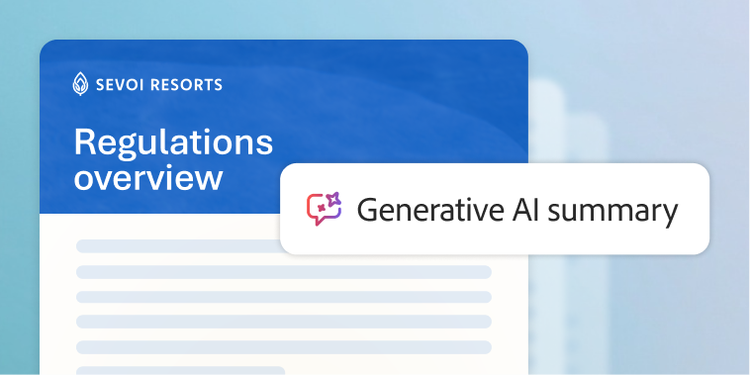
Legal
Accelerate legal reviews by streamlining contract analysis, policy reviews, and regulatory research, reducing risk and improving collaboration.
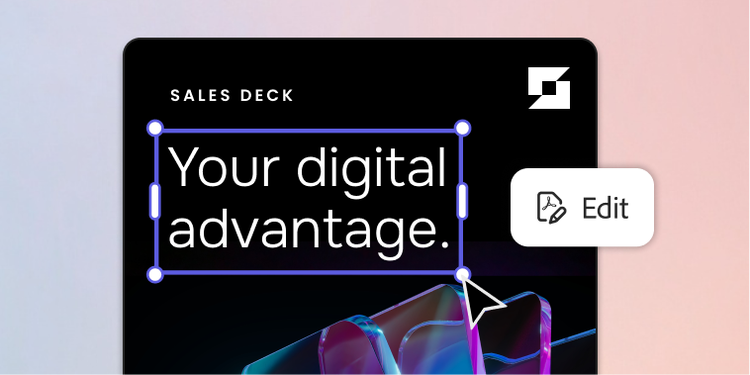
Sales
Build competitive, on-brand proposals with speed and precision to hit your sales targets and foster lasting client relationships.

Human resources
Create clear, compliant content for job descriptions, onboarding materials, benefit summaries, and employee communications.
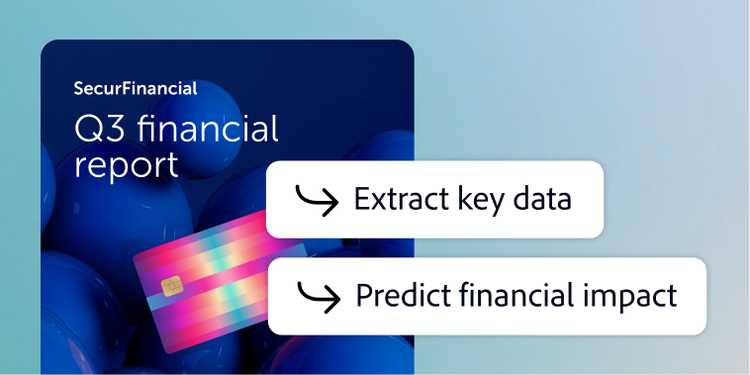
Finance
Compile data, accelerate reporting cycles, and validate information to turn your financial documents into actionable decisions.
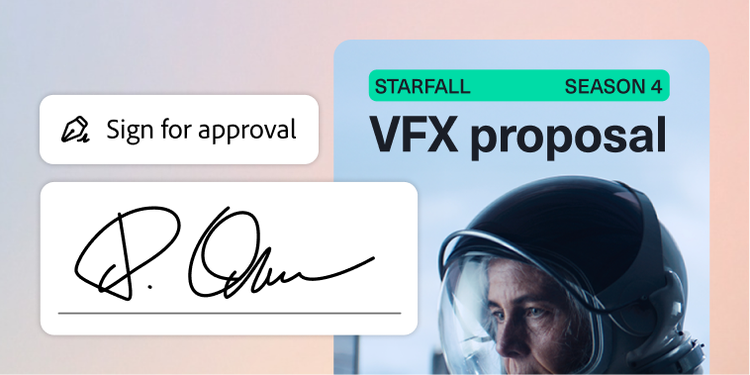
Procurement
Turn vendor selection into a faster and smarter process by simplifying reviews and delivering audit-ready recommendations.

Marketing
Transform documents into on-brand marketing assets to create experiences that resonate.
Find the right Acrobat solution for your team.
Driving productivity for top organizations.
Questions? We have answers.
What is Adobe Acrobat Studio and how is it different from Adobe Acrobat Pro?
Adobe Acrobat Studio is an all-in-one, AI‑powered solution for PDF and content creation, built on the trusted Acrobat foundation. For enterprise users it provides:
- A full PDF toolkit to create, edit, convert, combine, organize, protect, redact, and compare documents and forms.
- Integrated e-signature workflows.
- PDF Spaces — secure, centralized workspaces that organize files, context, and AI outputs for collaboration across multiple document types.
- Design tools powered by Adobe Express for images and layouts.
- Acrobat AI Assistant features.
Admins manage Acrobat Studio via the Adobe Admin Console and can granularly control services such as PDF Spaces, Acrobat AI Assistant, and Adobe Express services for enterprise profiles.
Adobe Acrobat Pro comes with all the trusted PDF editing, conversion, and organization tools that Acrobat is known for. Acrobat Pro does not come with PDF Spaces or Adobe Express powered design tools for fast-action templates and content creation.
What AI features do enterprise users get in Acrobat Studio?
Depending on license and admin controls, users may access Acrobat AI Assistant to:
- Summarize long PDFs.
- Ask questions about the document.
- Extract key points and next steps.
- Generate draft content like emails, summaries, and more.
Admins can manage AI Assistant, chat history, and Adobe Express access per product profile.
What languages is Adobe Acrobat Studio available in?
How does Acrobat Studio for enterprise streamline document workflows for teams?
What scalability options are available for global organizations using Acrobat Studio for enterprise?
How does Acrobat Studio for enterprise enhance collaboration between internal teams and external partners?
What information exists regarding document security standards?
How does Acrobat Studio for enterprise differ from the teams plan?
What integrations does Acrobat Studio for enterprise support across enterprise systems?
Does Acrobat Studio for enterprise support shared templates and centralized document libraries for teams?
How does Adobe Acrobat AI Assistant improve document productivity and decision-making at the enterprise level?
How does Acrobat AI Assistant for enterprise handle multilingual content and global operations?
What support and training does Adobe provide for enterprise-wide adoption of AI document workflows?
Let us show you the full power of Adobe Acrobat Studio.