.

Adobe Customer Journey Analytics Features

Data flexibility and control

Drive efficiency in customer data analysis with tools that let users handle advanced data tasks without a lengthy IT cycle. Adobe Customer Journey Analytics lets teams quickly blend datasets, adjust views, add fields, and fix data errors on the fly without altering the original data.

Data Engineering Agent*

Easily scale and streamline data onboarding, SQL preparation, data collection, and troubleshooting with AI-driven automation that delivers faster, smarter, and more trusted data activation.

  • Data onboarding. Reduce weeks spent on highly manual onboarding, schema mapping, data preparation, and more down to just hours — with automated, guided conversational workflows and intelligent recommendations.
  • Natural language SQL preparation. Create, test, and launch SQL jobs using conversational prompts with built-in guided error recovery, real-time tracking, and transparent resource usage.
  • Data collection and troubleshooting. Provide conversational guidance to the agent as it configures and manages data collection objects for faster implementation timelines, cleaner setups, and higher quality data powering downstream applications.

*Coming soon

Learn more about Data Engineering Agent.

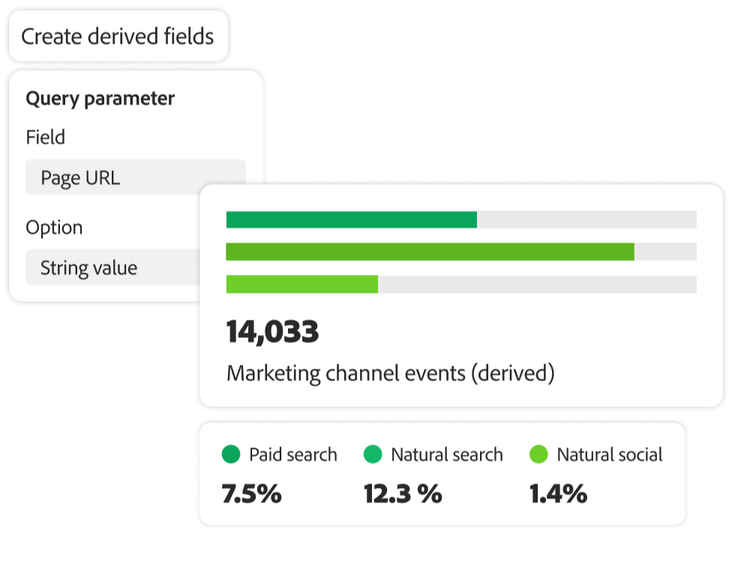
User interface of query parameters and marketing channel event results

Derived fields

Save time and resources with powerful built-in capabilities that let you transform data and adapt your analyses on the fly. Make changes, redefine metrics or dimensions, fix errors found in uploaded data, and instantly improve data accuracy — both retroactively and going forward — without harming the original data.

  • On-demand element modification. Create new dimensions or metrics from multiple fields and easily rename field values or fix errant data.
  • Rules builder. Use a customizable rule builder to apply complex data changes without rewriting and re-ingesting data.
  • Ad-hoc reporting adjustments. Build marketing channel reports and classify relevant metadata as needed.

Data views

Empower analysts to quickly and easily adapt their data view for specific and precise interpretations based on their needs and business questions — all while preserving the underlying dataset.

  • Unified customer data. Unify data from data sources in Adobe Experience Platform for seamless use in Customer Journey Analytics. Leverage data preparation capabilities to reconcile schema variations between report suites.
  • Adaptable analysis. Change schema element settings without changing the schema itself.
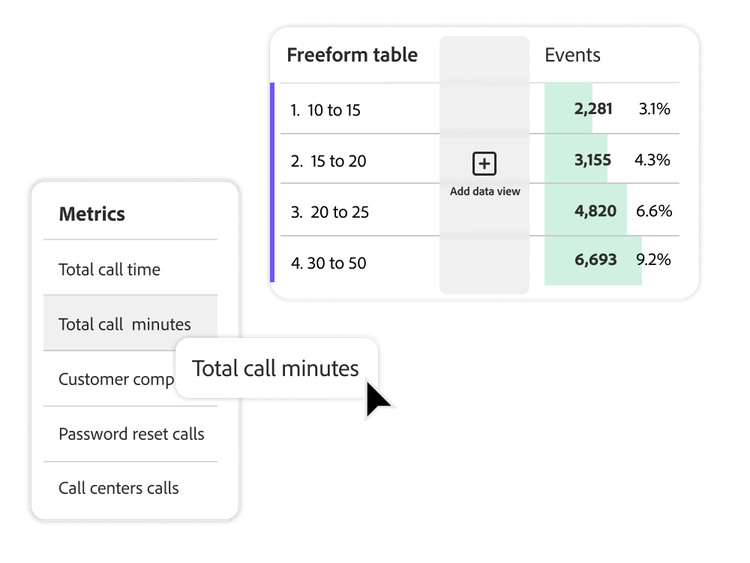
User interface of freeform tables and call center metrics
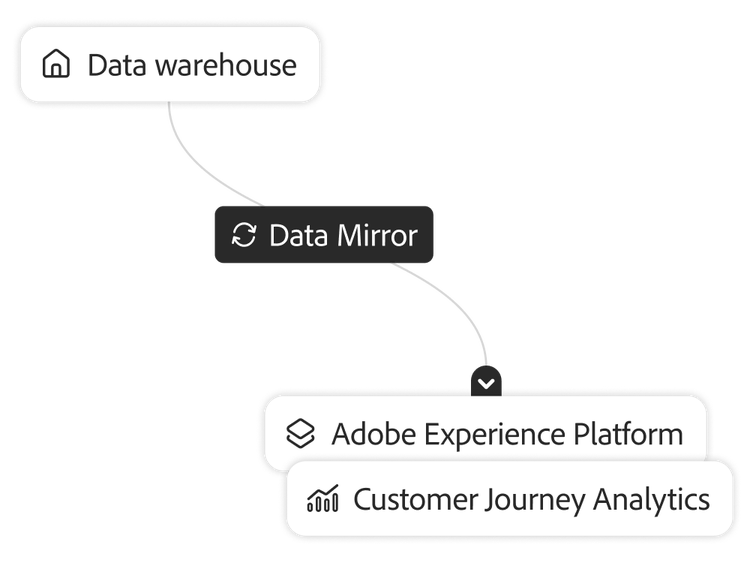
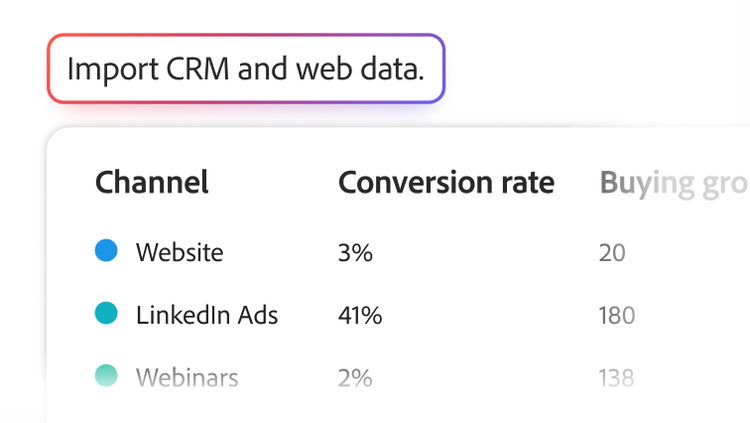
Data warehouse syncing with Customer Journey Analytics to provide attributed conversion information

Adobe Experience Platform Data Mirror

Leverage new data mirroring capabilities to enable seamless data synchronization between your organization’s data warehouse and Customer Journey Analytics for access to the most up-to-date and comprehensive customer data.

  • Warehouse support. Sync with data warehouses such as Snowflake, Google BigQuery, and Databricks.
  • Data accuracy. Keep Customer Journey Analytics in sync with your data warehouse, including any updates, data insertions, or deletions.
  • Automation configurations. Sync data automatically to eliminate manual updates or data transformations, reducing the risk of human error and saving time.
  • Full journey visibility. Unify offline data with digital behavioral data for a holistic view of customer behaviors, preferences, and trends.

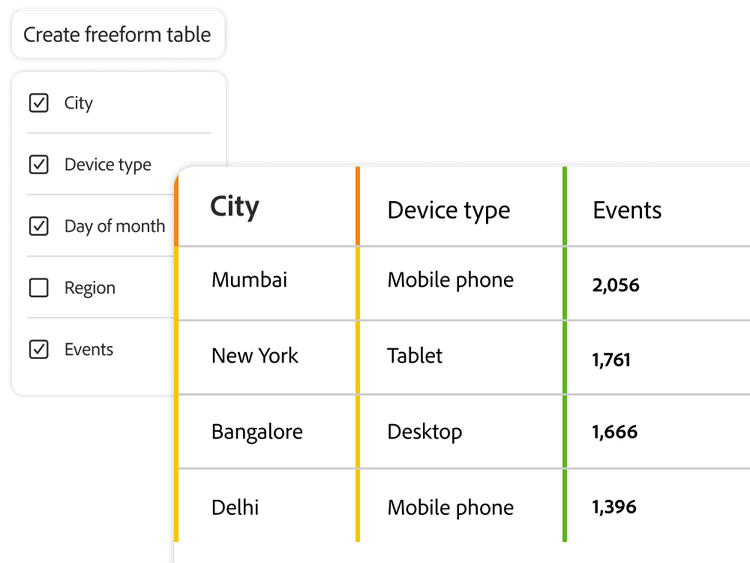
Multiple dimension columns

Combine qualitative and quantitative data in a customizable, spreadsheet‑like table to quickly compare multiple attributes while avoiding the long, nested breakdowns that often make freeform tables difficult to read and manage.

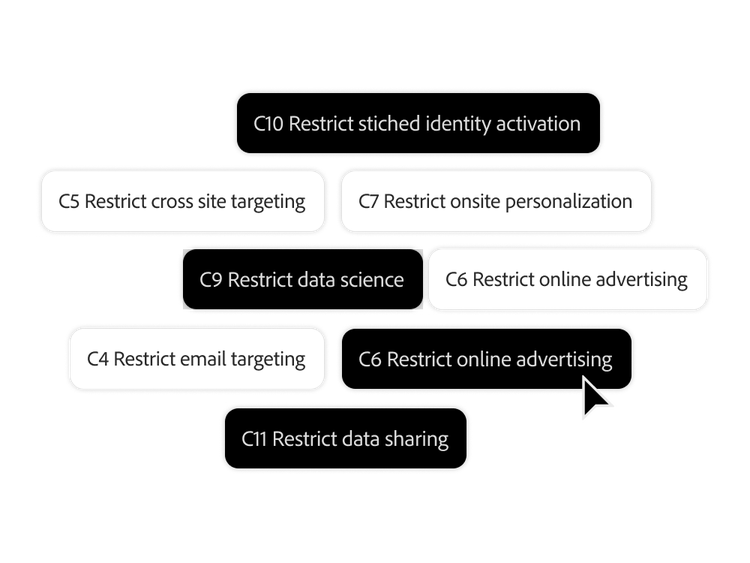
Multiple data use restriction tags being selected

Data governance tools

Keep your data and analytics operations compliant as your privacy policies evolve using tools for holistic consent management, patented data labeling, policy creation, and data usage enforcement.

  • Labeling and cataloging. Create, manage, and enforce data usage policies with data labeling and cataloging capabilities and out-of-the-box templates that are customizable to meet your needs.
  • Alerts and policies. Prevent users from activating sensitive data with clear policies and labels that help ensure violations don’t occur. In-product usage alerts also notify you of attempted policy violations.
  • Transparency. View the algorithms used to process and model your data so you understand the results and have confidence in them.
  • Reporting activity manager. Monitor and manage system reporting capacity to get ahead of overages and identify anomalies for further investigation.

Permissions

Set and enforce detailed role-based permissions for appropriate team members so they can collaborate without sacrificing customer privacy.

  • Specific permissions. Grant user and group permissions, including editing, duplication, and view-only.
  • Granular access control. Manage user and group access, down to individual data element levels.
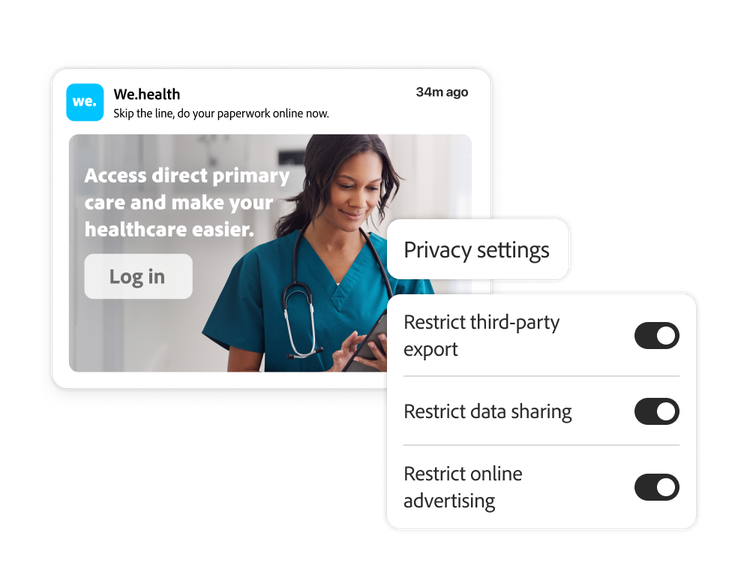
Healthcare ad with user interface of privacy settings and a CCPA report screen

Learn more about data flexibility and control.

Learn how to use data flexibility and control features.

Find what you need in Experience League, our vast collection of how-to content — including documentation, tutorials, and user guides.

Learn more

Let’s talk about what Adobe Customer Journey Analytics can do for your business.

Get started

A marketer with a chart of AI-powered insights on site visits