#F8F8F8

Adobe Express for Business Features

Create standout content with Adobe Express.

Let every team in your organization — marketing, sales, HR, creatives, and more — easily and quickly create on-brand content.

All-in-one editor.

Create and edit business-ready, on-brand content with drag-and-drop ease.

  • Content variety. Generate presentations, edit multipage documents, and create social posts, videos, and more.
  • Easy shortcuts. Remove backgrounds, generate QR codes, and caption videos in just a few clicks using quick actions.
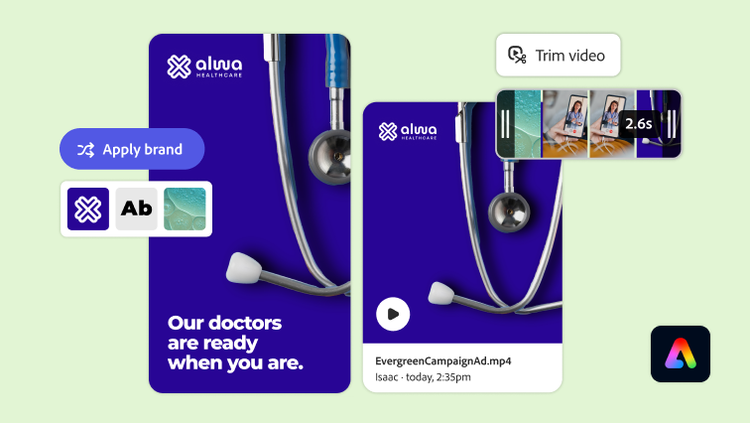
  • On-brand content creation. Easily access approved templates and apply brand colors and fonts in a single click.
  • Adobe AI Assistant (coming soon). Deliver polished content with a conversational creation and editing experience.

Watch easy shortcuts demo | Watch Adobe Express overview and easy shortcuts demo

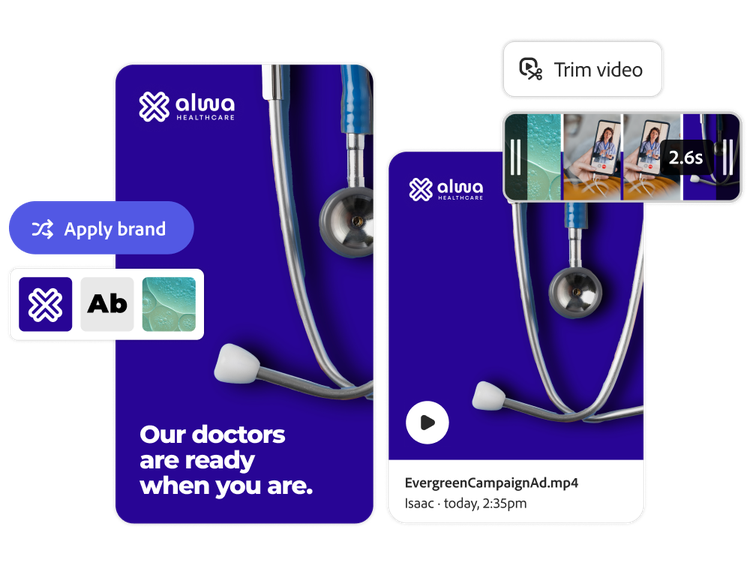
Healthcare video being created with approved brand assets

https://main--bacom--adobecom.aem.live/fragments/products/express-business/create-standout-content/all-in-one-editor

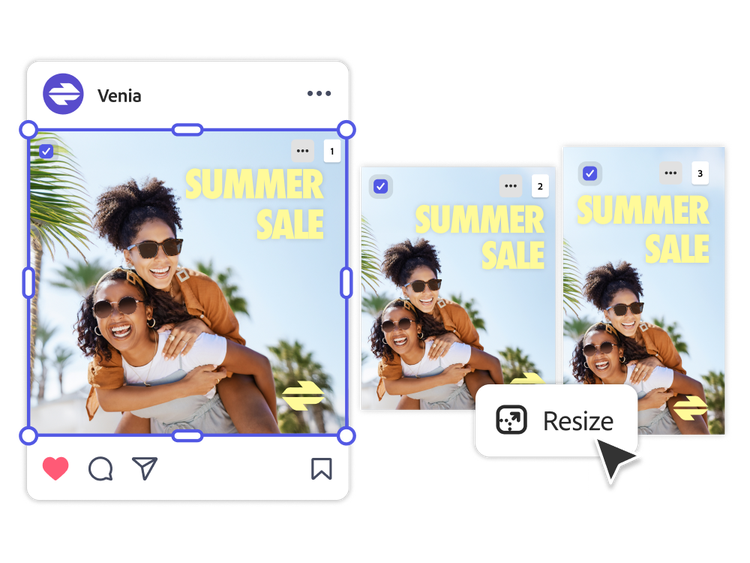
A social media summer sale ad being resized for different platforms

Quick content adaptation.

Save time creating content variations for any format and audience.

  • Content resizing. Easily reformat assets and create content variations in bulk — from social posts to web banners to event flyers — with a single click.
  • AI-powered precision and editing. Use generative expand, powered by commercially safe AI, to automatically fill in space and adjust layouts.
  • Translation. Reach global audiences with multilingual support that translates your content into over 45 languages while preserving context and tone of voice.

Watch content resizing demo | Watch content resizing demo

https://main--da-bacom--adobecom.aem.page/fragments/products/express-business/create-standout-content/content-resizing-and-translation

Document and presentation creation.

Make your professional documents and presentations stand out with easy-to-apply brand kits and high-quality design assets.

  • Presentation generation. Jump-start business presentations with a simple prompt. Instantly generate structured outlines, apply your brand, and add dynamic animations to bring ideas to life. Presentation generation is also available in Adobe Acrobat.
  • Templates. Start from a branded template, or upload and edit PDFs or decks in Adobe Express.
  • Document layout control. Effortlessly arrange assets and reflow copy in seconds for better document layouts.

Watch professional documents demo | Watch professional documents demo in Adobe Express
Watch presentations demo | Watch presentations demo in Adobe Express

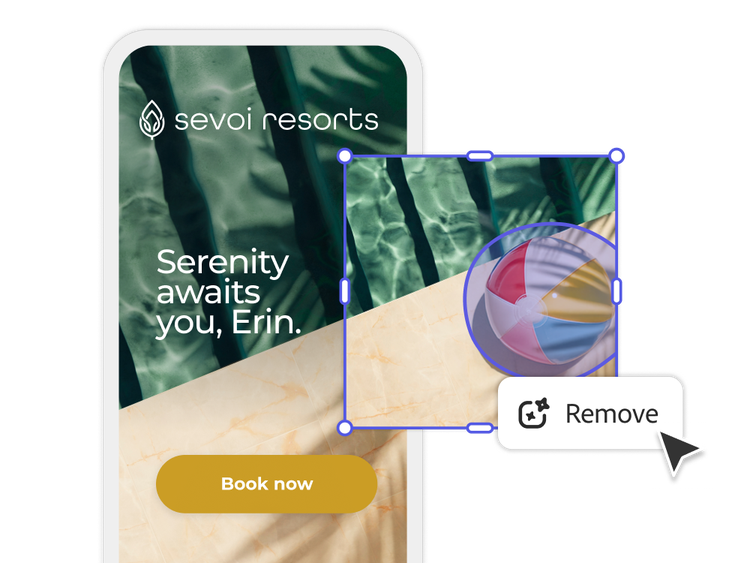
Mobile travel ad removing part of a background

https://main--bacom--adobecom.aem.live/fragments/products/express-business/create-standout-content/presentation-creation

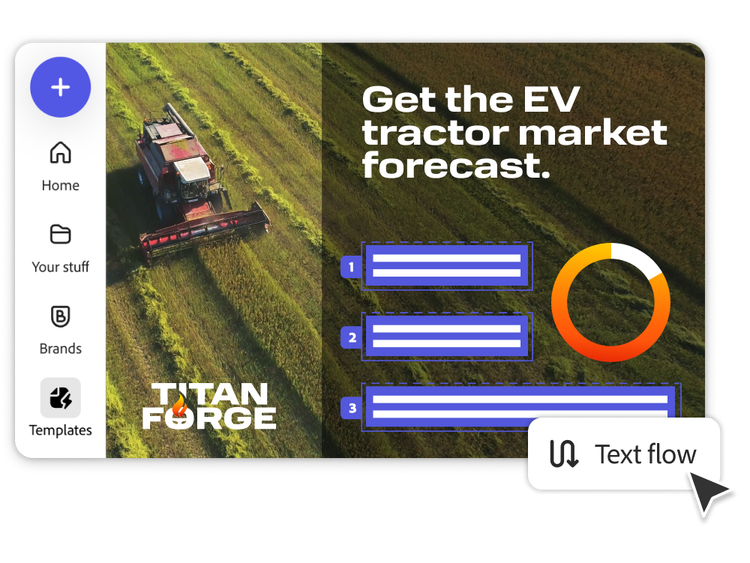
A tractor website using the text flow feature

High-impact, commercially safe assets.

Confidently create and edit content using Adobe Firefly, accessed directly within Adobe Express.

  • Image enhancement. Add unique design elements and remove unwanted distractions in images.
  • Video generation. Create video intros, outros, and snippets by generating five- to seven-second clips.
  • Template generation. Produce templates for assets such as social content, documents, and  flyers — styled in your brand’s identity.
  • Adobe Firefly Custom Models integration. Train Firefly on your branded assets to generate and edit on-brand campaign content variations using Firefly Custom Models in Adobe Express.

Watch image enhancement demo | Watch demo on image enhancement

https://main--da-bacom--adobecom.aem.page/fragments/products/express-business/create-standout-content/content-creation-with-adobe-firefly

Questions? We have answers.

How does Adobe Express for business support multichannel content creation for executives overseeing omnichannel strategies?

Adobe Express empowers every business team to build a single design and automatically resize it for multiple channels — social feeds, ads, email headers, thumbnails, and web assets — all at once. It supports AI-powered translation, format resizing, and content scheduling across platforms, accelerating campaign delivery and ensuring consistent messaging across channels.

How does Adobe Express enable non-designers to create professional-level content quickly?

Adobe Express combines Adobe Firefly-powered generative AI, pre-approved brand kits, and customizable templates, allowing non-designers to produce polished, on-brand graphics and video content within minutes. Features like auto-captioning, background removal, and one-click resizing let teams iterate and deliver content without specialized skills.

How does the tool ensure creative consistency across global marketing teams?

Adobe Express enforces design guardrails with brand kits and locked enterprise templates to maintain consistent logos, fonts, colors, and layouts across distributed teams. Administrators can centrally manage access and enforce version control across regions, ensuring every team member works with approved, brand-compliant assets.

Does Adobe Express support localization and multilingual asset creation for global teams?

Yes. Adobe Express supports localization workflows with built-in translation for over 45 languages, preserving tone and context. Paired with Adobe Firefly generative tools, it powers scalable global asset creation for regional campaigns.

What accessibility standards does Adobe Express for business adhere to in content creation?

Adobe Express supports accessibility best practices, including optional alt text fields for images and auto-generated captions for video content. Teams can also apply color-contrast tools to improve readability for audiences with visual impairments.

Can Adobe Express integrate with existing DAM or business productivity tools?

Yes. Adobe Express seamlessly integrates with tools like Adobe Experience Manager Assets, Microsoft SharePoint, Google Drive, Box, and other brand asset management systems, allowing for centralized asset sharing and governance across your enterprise.
#E2F5D4

Learn how to create standout on-brand content in Adobe Express.

Find what you need in Adobe Experience League, our vast collection of how-to content — including documentation, tutorials, and user guides.

Learn more | Learn more how to create standout content with Adobe Express