Explore the features and capabilities of Adobe Express.
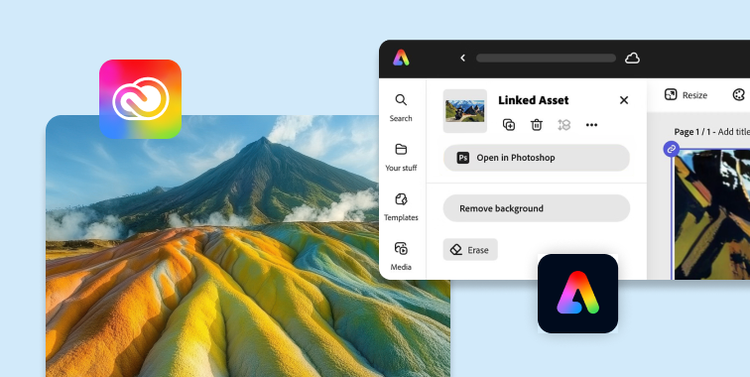
Access Adobe Express directly in Adobe Acrobat, Adobe Creative Cloud, and more.
Stay consistent and control brand chaos.
Share approved templates with locked elements and brand kits across teams to ensure on-brand creation for presentations, social content, and more.
Use the brand check feature to protect brand integrity by automatically reviewing Adobe Express designs for logo, color, and font compliance, then guide users to suggested fixes (coming soon).
Ensure compliance with enterprise-level roles and permissions to control who can create approved templates, manage the brand, or publish content.
Customize your home experience to surface approved and preferred templates for teams to easily access and leverage.
Enhance templates with more than 280 million premium royalty-free Adobe Stock images, videos, and other types of content.
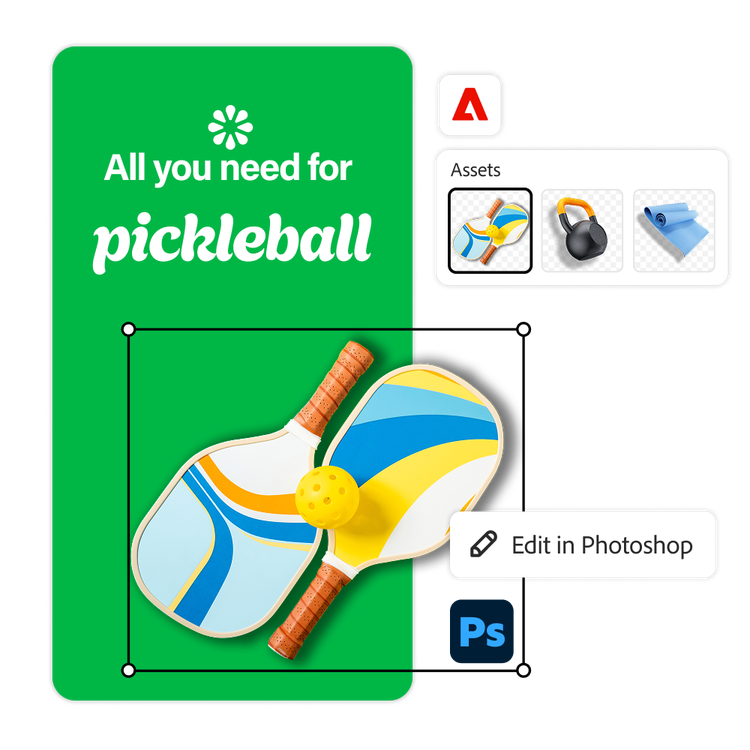
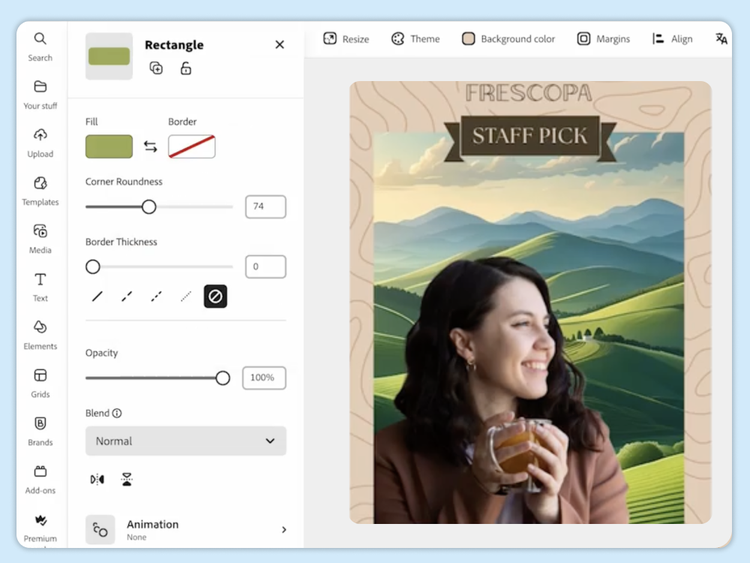
Quickly build graphics, presentations, social content and videos using the all-in-one editor and quick actions or shortcuts into additional Adobe tools.
Use industry-leading AI for precise edits, such as inserting or removing objects in images.
Turn documents into on-brand presentations and easily enhance and stylize PDF content.
Create and edit on-brand content — from initial prompt to final version — faster than ever with agentic workflows powered by Adobe Express AI Assistant (beta coming soon).
Accelerate content creation workflows by connecting creative teams with non-design teams through Adobe Creative Cloud and Adobe Express integrations.
Access and edit your content from Adobe Experience Manager Assets and ensure continuity and governance across apps with metadata tracking (coming soon).
Collaborate in real time with live co-editing, and manage review and approval workflows in one place.
Get instant visibility into project and team workflows via the Adobe Workfront integration.
Create content variations and ensure brand consistency using custom models trained on your own assets.
Minimize reliance on unsafe or consumer-level AI tools that could violate existing copyrights.
tab
express-business, 4
Maximize your martech investments.
Seamlessly integrate Adobe Express with Adobe Experience Manager, Adobe Workfront, Adobe Acrobat Studio, and Adobe GenStudio for Performance Marketing to speed up on-brand content creation.
Minimize rogue app usage with a centrally managed, enterprise-level platform.
Streamline user management with automated provisioning, audit logs, and licensing reports.
Ensure enterprise security with SSO integration, asset encryption, and sharing restrictions.
Extend on-brand content creation across the tools teams already use — from partners like Figma, Bynder, Frontify, and Miro to integrated Adobe Express agents in Copilot and ChatGPT.
tab
express-business, 5
Adobe Express delivers real results.
Trusted by 99% of U.S. Fortune 500 companies.
Workday accelerates creative workflows with AI.
Workday modernizes creative workflows and empowers teams with Adobe Express and Firefly.
Accenture team improves efficiency by 45% with Adobe Express.
Accenture L&D chooses Adobe Express to expedite content development, facilitate improved review cycles, and involve non-design teams into the creation process.
Adobe and Premier League partner to power next chapter of personalized fan experiences.
Ahead of the 2025/26 season, Adobe has been named as the Premier League’s Official Digital Fan Experience and Official Creativity Partner, bringing the power of Adobe’s creative,…
Adobe Express for enterprise enables teams to quickly produce high-impact, on-brand content using customizable templates, shared brand assets, and integrated approval workflows. AI-powered tools streamline editing, personalization, and localization — helping marketing leaders reduce turnaround time, maintain quality, and deliver campaign-ready assets at scale across channels and teams.
Adobe Express offers robust brand control features, including locked brand kits, pre-approved templates, and role-based permissions. These tools ensure that distributed teams and franchises can create content while staying fully compliant with brand guidelines, reducing risk and maintaining consistency across markets, campaigns, and touchpoints.
Adobe Express for teams is designed for small to mid-sized organizations and includes shared templates and brand kits with basic collaboration features. Adobe Express for enterprise adds advanced admin controls, single sign-on integration, enterprise-level security, audit trails, and integration with tools like Adobe Firefly, Adobe Creative Cloud, and third-party DAM systems, supporting content governance at scale.
Adobe Express for enterprise connects directly with Creative Cloud libraries and Firefly-powered features, allowing teams to import, edit, and reuse assets without leaving the application. This integration simplifies collaboration between designers and marketers, accelerates creative production, and ensures brand consistency across tools and teams.
Adobe Express offers multiple ways to connect with third-party tools and platforms — whether you want to embed full creative editing capabilities into your own product or platform via the Embed SDK or API, or extend Adobe Express itself with Add-ons that plug into user workflows. To learn more, visit our Express developer site here.
Adobe Express for enterprise is a fully cloud-based, all-in-one content editor that empowers enterprise teams to create, edit, and collaborate from anywhere. Accessible via browser and mobile apps, it combines graphic design, video editing, page layout, and Firefly-powered generative AI in a single application. Teams can co-edit projects in real time, share branded templates and assets, and streamline multichannel content creation with tools for quick editing, resizing, animating, and ensuring brand consistency.
Yes. Adobe Express includes commercially safe generative AI from Adobe Firefly, trained on licensed content and Adobe Stock. This ensures enterprise-level compliance, allowing you to create and publish AI-generated images without watermarks or IP concerns.
Yes. Adobe Express supports native review and approval workflows so teams can approve, comment on, and iterate on content — all within a unified interface. Integration with Adobe Workfront enables enhanced governance and visibility for enterprise stakeholders.
Adobe Express supports the creation and export of various formats, including videos (MP4), images (JPG, PNG, SVG), Microsoft PowerPoint presentations (PPT) and digital assets such as banners, documents, and PDFs. You can also export content automatically resized for multiple platforms using resizing quick actions.
You can control how Adobe websites use cookies and similar technologies by making choices below. But note that if you disable cookies and similar technologies entirely, Adobe websites may not function properly.
Cookies are small text files stored by your web browser when you use websites. There are also other technologies that can be used for similar purposes like HTML5 Local Storage and local shared objects, web beacons, and embedded scripts. These technologies help us do things like remembering you and your preferences when you return to our sites, measure how you use the website, conduct market research, and gather information about the ads you see and interact with.
You can make choices in the menu below about what cookies and other technologies you want us to use on Adobe sites when you visit them from this browser. You can always change those choices later by clicking on the Cookie Preferences link at the bottom of the page.
If enabled:
We can improve your experience by tailoring the site and the content to things we think might be of interest
We can better keep track of your preferences — like what language you prefer to use
We will better understand your likely interests so we can provide you more relevant Adobe ads and content on non-Adobe websites and in non-Adobe apps
It will help us improve the performance of our website and those of our partners who use the Adobe Experience Cloud
If disabled:
We won’t be able to remember you from session to session so the experience may not be tailored to your interests
You’ll still have access to the content of the site but certain features that depend on cookies may not function
You’ll still see ads, they just may not be as relevant to you
General information
You can control how Adobe websites use cookies and similar technologies by making choices below. But note that if you disable cookies and similar technologies entirely, Adobe websites may not function properly.
Cookies are small text files stored by your web browser when you use websites. There are also other technologies that can be used for similar purposes like HTML5 Local Storage, web beacons, and embedded scripts. These technologies help us do things like remembering you and your preferences when you return to our sites, measure how you use the website, conduct market research, and gather information about the ads you see and interact with.
You can make choices in the menu below about what cookies and other technologies you want us to use on Adobe sites when you visit them from this browser. You can always change those choices later by clicking on the Cookie Preferences link at the bottom of the page.
If enabled:
We can improve your experience by tailoring the site and the content to things we think might be of interest
We can better keep track of your preferences — like what language you prefer to use
We will better understand your likely interests so we can provide you more relevant Adobe ads and content on non-Adobe websites and in non-Adobe apps
It will help us improve the performance of our website and those of our partners who use the Adobe Experience Cloud
If disabled:
We won’t be able to remember you from session to session so the experience may not be tailored to your interests
We’ll still count your use of our site and services
You’ll still have access to the content of the site but certain features that depend on cookies may not function
You’ll still see ads, they just may not be as relevant to you
Operate the site and core servicesOperate site and measure engagement
Always active
These cookies are required, and they are used to enable the site and related services core functionality. Without them the site could not operate, so they cannot be disabled.
These cookies enable the site and related services’ core functionality and collect statistics about user engagement, such as counting active use to help us understand trends. These cookies cannot be disabled.
Measure performance
These cookies are used to analyze site usage to measure and improve performance. Without them Adobe cannot know what content is most valued and how often unique visitors return to the site, making it hard to improve information we offer to you.
These cookies are used to analyze site usage to measure and improve performance. Without them Adobe cannot know what content is most valued, making it hard to improve information we offer to you.
Extend functionality
These cookies are used to enhance the functionality of Adobe sites such as remembering your settings and preferences to deliver a personalized experience; for example, your username, your repeated visits, preferred language, your country, or any other saved preference.
Personalize advertising
These cookies are used to enable Adobe and our partners to serve ads more relevant to your interests. Without them you will still see ads, but they might not be as relevant to you.
Performance Cookies
ConsentLeg.Interest
All Consent Allowed
Need help finding more information? Chat with our experts for answers.