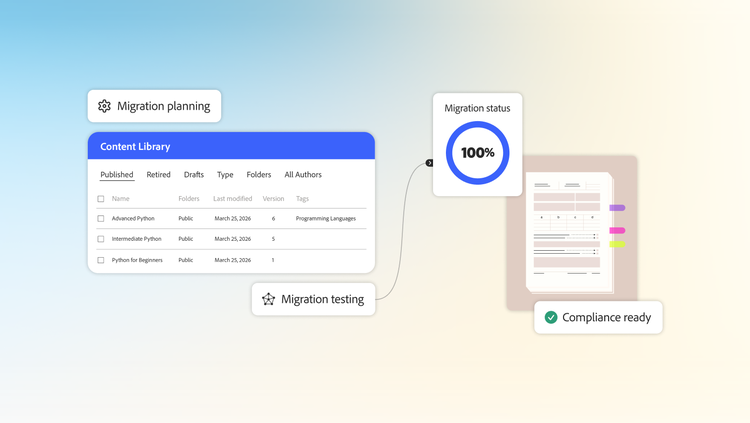
What leaders need to know when replacing their LMS.
Switching to a new LMS is a big step. It means access to better capabilities, a better experience for your learners and a platform that's built for where your organisation is going. The migration that gets you there is a project worth doing well.
That said, it's completely normal to feel overwhelmed when you start getting into the details. There's a lot to think through, stakeholders to align and LMS data migration decisions to be made. The good news is that the organisations that come out of a migration in good shape aren't necessarily the ones with the largest teams or the most resources. They're the ones that took the time to understand what they were moving, made the right decisions early and went into each phase knowing what to expect.
This guide breaks down how to migrate an LMS phase by phase, so you can walk into every conversation with your team, stakeholders and implementation partner knowing exactly what you're doing and why.
What is LMS migration?
LMS migration is the process of moving your organisation's learning data from one learning management system to another. That includes key learning data such as:
- Content library
- User data
- Enrolment records
- Learner completion history
If your current LMS has years of training activity sitting in it, you need a solid plan. And the decisions you make about what to move, how to map it and what to leave behind will determine how smooth your go-live is and how confidently your learners and administrators can use the new system from day one.
Most organisations don't decide to migrate on a whim. There's usually a moment or a series of moments, where the gap between what the platform can do and what the business needs becomes impossible to ignore. These are the pain points that learning leaders most commonly reach their limit with.
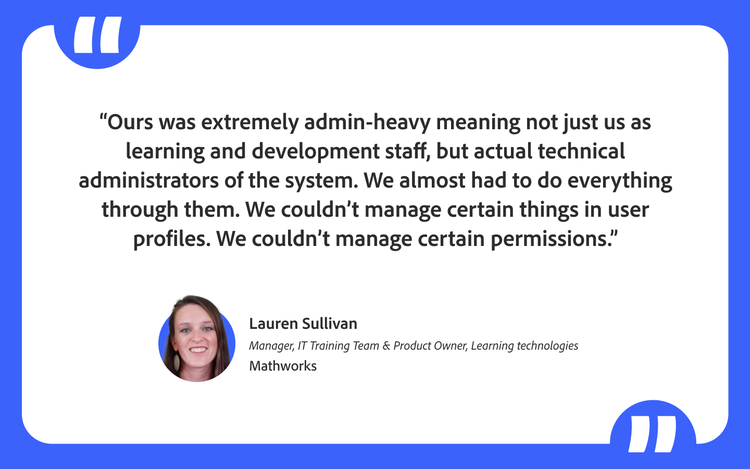
High dependency on technical teams and vendors.
When the interface looks dated and navigation is unclear, learners notice. Completion rates drop, engagement suffers and feedback starts coming in. A platform that frustrates learners undermines even the best content.
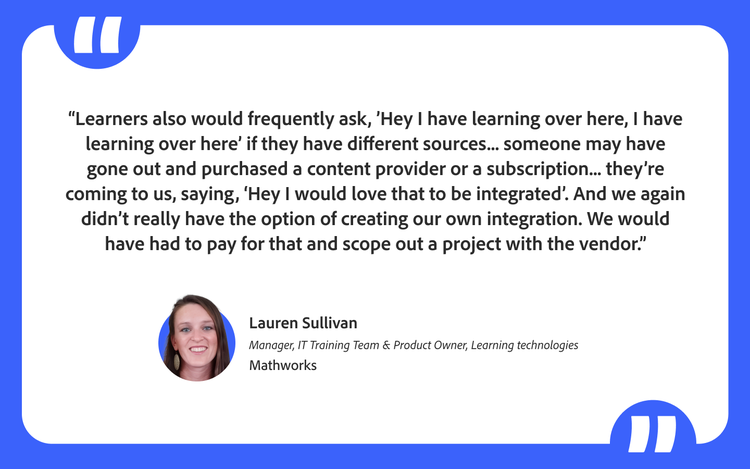
Learning is fragmented across the organisation.
When the legacy LMS can't meet everyone's needs, teams find workarounds. Sales might be using a separate platform for their trainings, HR may have its own onboarding tool and individual departments may have purchased content subscriptions to fill the gaps. The result is a fragmented learning ecosystem where the learning and development team has limited visibility into what's actually happening across the organisation. A modern LMS gives organisations a single platform to consolidate all of that.
Reporting is harder than it should be.
Getting meaningful data out of a legacy platform often requires workarounds and significant manual effort. When leadership asks for insights on compliance, adherence or learning effectiveness, the answer shouldn't take days to produce.
Legacy platforms were built in a different era, before distributed teams, mobile learning and personalisation became the baseline expectation. They struggle to support the flexible, multi-format learning experiences that modern workforces expect.
What are the challenges of an LMS migration?
LMS migration projects have a way of growing once they get started. What feels like a defined scope on day one tends to look very different a few weeks in. New questions surface, stakeholders who weren't in the original conversation need to be brought in, and decisions that seemed simple turn out to have significant implications for your timeline and data. The more prepared you are for these challenges before you begin, the less likely they are to derail you when they show up. Here are six challenges that catch most learning leaders off guard when they start thinking about how to migrate an LMS:
Managing data volume and complexity.
The first question most learning leaders ask is — do we move everything? This sounds simple until you start breaking it down:
- Do you want all your content or just the active content?
- How far back do you want to go with learner history, the last five years or since the beginning of your LMS implementation?
- Do you want to carry over records for users who are no longer with the organisation?
Each of these decisions affects the scale of your migration and the scale affects your timeline. Learner history records, in particular, take significantly longer to migrate than content or user data. The earlier you get clarity on these questions, the better positioned you are to set realistic expectations with your team and your leadership.
Checking compliance and legal requirements.
This is one factor most learning leaders don't think about until someone from the legal team raises their hand. Depending on where your organisation operates, there may be country or industry-specific regulations that dictate how long you are required to maintain learner records. In the European Union, for example, General Data Protection Regulation (GDPR) law gives learners the right to request that their data be removed entirely.
And before you decide how much history to carry over, it's worth asking a more fundamental question — is this compliance training or upskilling? If your learners are completing training with legal or regulatory implications, you may have no choice but to retain those records for a defined period.
Mapping content to new structures.
Every LMS organises learning differently. The way your current platform structures its content, whether that's curricula, courses, modules or training objects, it will not map cleanly to the way your new platform expects to receive it. And this is where many LMS data migration projects hit their first real wall.
Lift and shift simply doesn't work. Your data must be transformed to fit the new system's architecture and that transformation requires decisions. For example, when migrating to Adobe Learning Manager, a curriculum in your current LMS may map to a learning path, parent objects become courses and child objects may become modules. Migration is also a good to ask whether the content you're carrying over is actually being used. Getting this mapping right before you move any data is one of the most important things you can do in the early stages of a migration.
Cleansing data quality.
Migration is one of the few moments when you're forced to look at everything in your LMS at once — a sobering task for many organisations.
Courses that haven't been accessed in years. Training built for a project that no longer exists. Content uploaded twice under different names.
Carrying all of this across to a new platform means your new system starts life with the same accumulated mess your old one had. Before you finalise your migration scope, it's worth asking a straightforward question — is this content actually being used? Usage data from your current LMS can tell you a lot. If a course hasn't been accessed in two years and isn't tied to a compliance requirement, it probably doesn't need to make the journey.
Planning around go-live dates.
Most migration projects have a fixed go-live date which puts pressure on everything else. The problem is that teams often set that date before they have a clear picture of how long the migration will take. While content and user data move relatively quickly, learner history is a different story. Learner enrolment records and their completion data, spanning several years, represent a significant volume and processing them takes considerably longer than most teams anticipate.
If your go-live date is locked and your learner history migration hasn't started early enough, you will be forced to choose between delaying your launch or going live with incomplete data. Neither is a position you want to be in. Setting your go-live date in full awareness of your migration volume and specifically your learner history volume, is one of the most important planning decisions you will make.
Identifying the delta migration gap.
Most teams plan for one migration. What they don't plan for is the second one. Throughout the duration of your migration, your learners still have full access to the old system. They are completing courses, enrolling in new training and logging certifications every day. By the time your main migration is complete, there will already be a meaningful volume of new activities sitting in the old system that haven't been captured yet. That gap is called the delta and it needs its own migration. Most teams handle this by running a second migration immediately before the go-live, to capture everything that has accumulated in the meantime. Plan for downtime during that second migration and communicate it to your learners and administrators well in advance. If it's left as an afterthought, it will delay your launch.
LMS migration checklist: Your three-phase implementation plan.
Getting your LMS migration project plan right comes down to how well you plan it. The organisations that have the smoothest transitions aren't the ones that move the fastest.
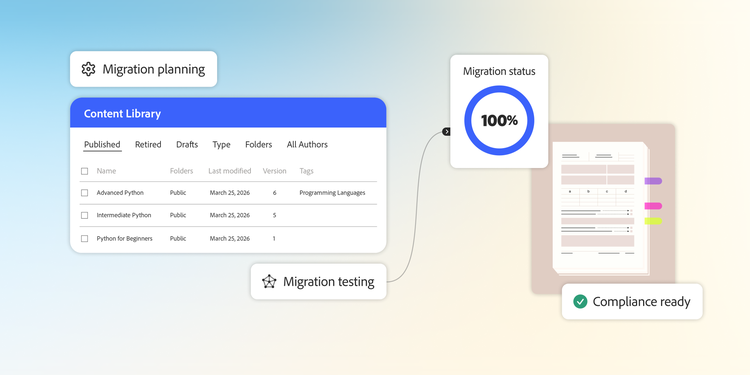
The three phases below give you a structured way to think about your migration from start to finish. Discovery is where you make decisions that determine the scope and shape of everything that follows. Testing is where you validate those decisions before anything goes into production. Execution is where you bring it all together and get to go live.
Each phase has its own set of questions that need clear answers before you move to the next one. Work through them in order, get the right people in the room and you'll be in a much stronger position when it matters most.
Phase 1: Discovery
Discovery is where your migration actually begins and it's the phase most teams rush through. The temptation is to get into the technical work as quickly as possible, but the decisions you make here set the foundation for everything that follows. Here are some key questions to consider:
- Have you decided whether you're moving all your content or only your active content?
- Have you defined how far back you want to go with learner history?
- Have you accounted for inactive and deleted users and decided what to do with their records?
- Have you got a clear picture of your total migration volume across content, modules, learning paths, users and learner history records?
- Have you checked the record retention requirements for each country where your organisation operates?
- Do you know whether your training is compliance-driven or upskilling-driven?
- Have you mapped your current learning objects to the architecture of your new platform?
- Have you decided whether migration is a prerequisite for go-live or whether both can run in parallel?
By the end of discovery, you should have a defined scope, a mapped content structure, a clear go-live plan and your legal requirements documented. If any of those are missing, you're not ready to move to testing.
Phase 2: Testing
Testing is where you find out how well your discovery decisions hold up in practice. Before any LMS data migration moves into your production environment, you run a sample migration to validate that everything works the way you expect it to.
A representative sample is typically between 5-10% of your total data across users, content and learner history records. The right number depends on the size of your migration, which your onboarding specialist will help you to determine. The point of the sample is not to be exhaustive. It is to surface the issues that would otherwise only appear when it's too late to fix them cleanly. Here are some common questions that teams might need to address:
- Have you planned for a test migration before the actual one?
- If you have content in multiple languages, have you got a strategy for migrating and rendering it on the new system?
- Have you validated that your completion records and enrolment dates are mapping correctly to the new system?
By the end of testing, every use case required for your migration should be validated.
Phase 3: Execution
Even when discovery and testing have gone well, execution has a way of surfacing last-minute issues. Moving large volumes of LMS data into a live environment is inherently unpredictable and your LMS migration project plan needs to account for that. Some questions to consider:
- Have you built a buffer of 10-15% into your migration timeline? Even well-planned migrations surface unexpected errors when data hits a production environment.
- Have you planned for two migrations, one before go-live and one to capture the delta?
- Have you accounted for the downtime required by a delta migration?
The buffer is non-negotiable. If your migration is scoped for 20 days, plan for 24-25 days. Errors will come up as data moves into production and you need time to catch and correct them without pushing your go-live date.
By the end of execution, your data is in production, your delta is captured and your learners are ready to move to the new platform.
LMS migration is a project. Getting it right is a decision.
The organisations that come out of an LMS migration in good shape aren't necessarily the ones with the biggest teams or the most resources. They're the ones that slowed down at the start, asked the right questions and made deliberate decisions about what they were moving and why.
If you're considering migrating to Adobe Learning Manager, the good news is that you don't have to figure this out alone. Adobe Learning Manager is built to handle complex LMS data migrations at scale and the onboarding team works with you through every phase, from scoping your discovery decisions and validating your test migration to planning your delta. The platform's learning architecture is designed to accommodate the full complexity of enterprise learning data and the migration process is structured to ensure nothing gets left behind.
Shobhana Menon is the Marketing Manager for Adobe Learning Manager. She creates well-researched and actionable content that helps organisations optimise their learning initiatives. Her key focus lies in exploring creative and innovative strategies that help spark learner enthusiasm. As the Community Manager for the Adobe eLearning community, Shobhana actively networks with learning experts and thought leaders to share insights at Adobe’s flagship events and webinars for learning professionals.