Enhance efficiency across the document lifecycle.
Streamline digital document collaboration.
Workflow automation: Enhance efficiency across the document lifecycle.
Drive digital transformation with Adobe Document Cloud. Understand what inefficient document workflows may be costing your business and how to optimise your processes. You'll also learn about the benefits Adobe Document Cloud provides and how it can solve major pain points with e-signatures, connected storage and automation to boost company productivity.
The cost of inefficient document workflows.
Digital documents are indispensable in today’s workplace. 60% of functional business leaders say that the increased importance of digital documents and tools has a major impact on their organisation. Additionally, 57% say there is a drive to increase business productivity through automation and optimised workflows.
Modern businesses can’t afford to deal with inefficient, inconsistent and insecure document processes. These challenges lead to errors — jeopardising brand reputation, draining precious resources and introducing serious security risks. Without the right tools and workflows, organisations can face significant productivity losses and ultimately, lower profitability. Thankfully, these challenges don’t have to stay the same. New digital document solutions are paving the way for greater productivity. These tools empower large organisations and small businesses alike to collaborate faster and smarter, across devices and locations.
Adobe Document Cloud for enterprise features the world’s leading secure collaboration and business process automation solutions, including Adobe Acrobat Studio, Acrobat Sign, Acrobat Services and post-sales services. This full suite of digital document tools unleashes efficiency by providing a unified, secure solution for creating, consuming, reviewing, approving and protecting business-critical documents individually or at scale.
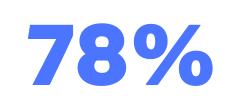
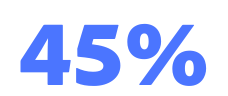
At least
of consumers expect a seamless experience across digital channels.
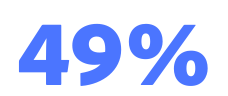
Only
of brands deliver a seamless experience across digital channels.
Only
of brands meet customers’ expectations on data privacy.
Optimise your document workflow.
Different applications and services across multiple devices create increased risks for miscommunication, mistakes and security lapses. Disconnected solutions and workflows can also lead to repetitive work and lags in document lifecycles.
Document Cloud for enterprise cuts out the clutter at every touchpoint, streamlining PDF processes and supporting security and compliance. This single solution enables seamless integration with internal and external tools, simplifying workflows and allowing stakeholders to work on PDFs within the apps they already use every day. It also supports enhanced reading and signing experiences through compatibility with assistive technologies, promoting universal accessibility.
This comprehensive suite of document tools delivers efficiencies across all document processes — from collaboration to e-signing. Adobe Acrobat powers teams to become more productive by replacing paper documents and ad hoc manual processes with digital document workflows, helping organisations embrace digitisation with ease. It bridges gaps across organisations, enabling teams to standardise how they work with documents at scale and access files anywhere, any time. Busy team members can review and approve PDFs on the go using their laptops, tablets or phones and real-time notifications keep everyone on the same page.
How to solve challenges involving document workflows.
Challenge 1: Eliminating disconnected systems and manual task workflow.
Relying on multiple applications and services across different devices leads to miscommunication, mistakes and repetitive work. This lack of digital document management and automation is a primary source of wasted time.
The solution: Seamless workflow automation
Document Cloud for enterprise integrates with the systems and applications your teams already use, including Microsoft 365, Salesforce, Workday, Google Drive and Dropbox. This integration means your teams can use PDF tools and sign documents without jumping from app to app, maximising the value of your existing technology investment.
- Customised automations: You can create customised document workflows to meet specific business needs, such as automatically moving contracts through different stages of the contract lifecycle.
- Acrobat Services APIs: Developers can leverage over 15 APIs to unlock productivity through customised automations or use Microsoft Power Automate connectors for low-code document automations and over 75 ready-to-use templates.
- Time savings: Automating processes that once involved multiple manual steps can dramatically accelerate turnaround times. For instance, Adobe’s own legal department reduced contract execution time by 273%.
Challenge 2: Speeding up critical approvals with e-signature solutions.
Slow document approvals, which often rely on printing, signing and scanning, are a major bottleneck in the document lifecycle. This administrative burden takes employees away from high-value work and slows down revenue generation.
The solution: Industry-leading e-signature functionality
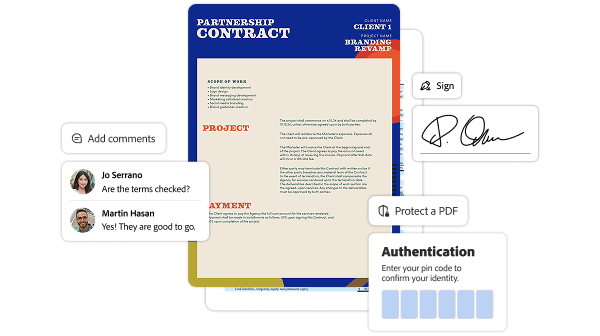
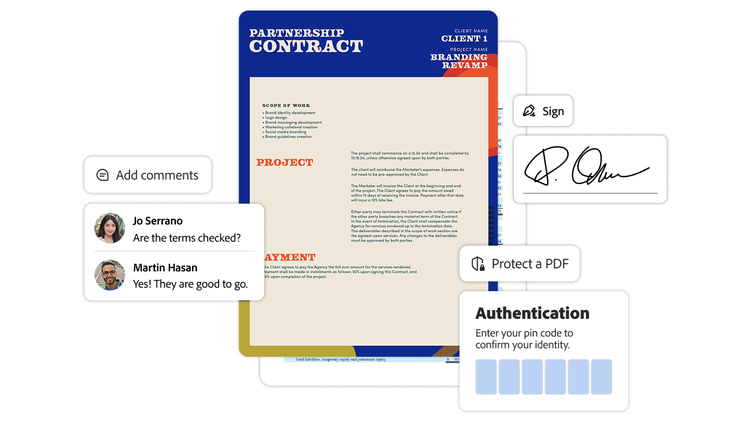
With Adobe Acrobat Sign, you gain a powerful e-signature solution that speeds up the approval process significantly.
- Fast execution: Recipients can sign files from anywhere on desktop or mobile devices without needing app downloads.
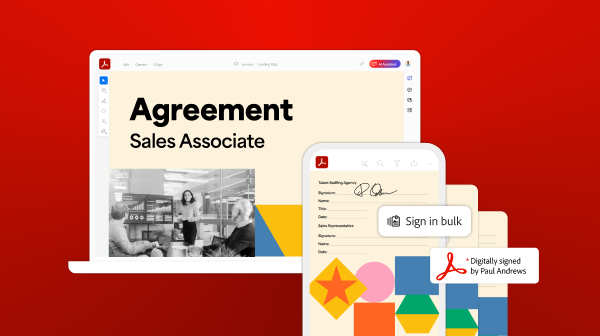
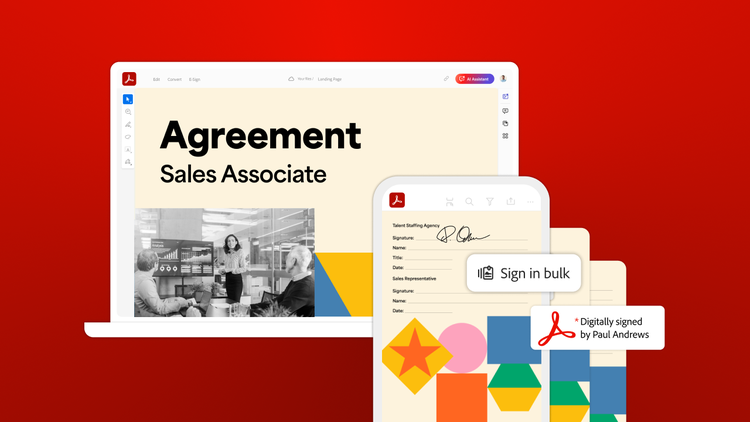
- Bulk signing: You can get hundreds of signatures at once on agreements or legal forms with a single click.
- Compliance and security: Acrobat Sign helps teams manage secure and compliant e-signature workflows from start to finish, with tracking features that provide visibility into every part of the agreement.
- Real-world impact: Global companies like AbbVie have used Acrobat Sign to streamline the digital signing process with a clear auditing trail, delivering estimated time-savings of 75% per document and dramatically increasing their volume of e-signature transactions.
Challenge 3: Maintaining IT security and compliance.
Handling business-critical documents introduces serious security risks if processes are inconsistent and unsecured. For organisations navigating digital transformation, maintaining IT security is non-negotiable.
The solution: Secure and compliant collaboration
Adobe Document Cloud for enterprise features the world’s leading secure collaboration solutions, ensuring that your organisation can protect business-critical documents individually or at scale. It offers:
- Unified security: The full suite provides a unified, secure solution for creating, consuming, reviewing, approving and protecting documents.
- Trusted technology: Organisations like KWS, a global seed producer, chose Acrobat for its superior security and robust integration with existing systems like Salesforce and SAP.
- Audit trails: Features like the clear auditing trail in Acrobat Sign help meet stringent compliance requirements from regulatory agencies like the FDA.
Seamless collaboration and file management.
As a holistic solution, Document Cloud for enterprise is designed to enhance efficiency across all stages of the document lifecycle.
Let’s dive into a few of the most helpful features for working on files across teams and locations.
PDF review tools
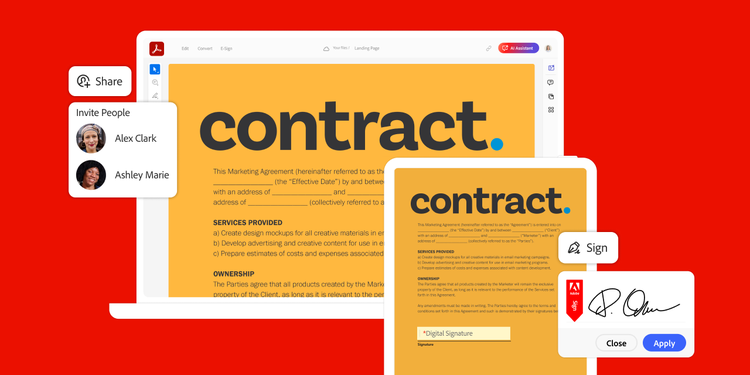
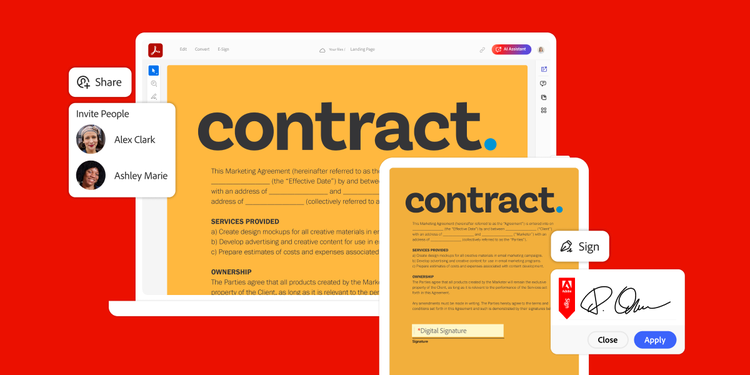
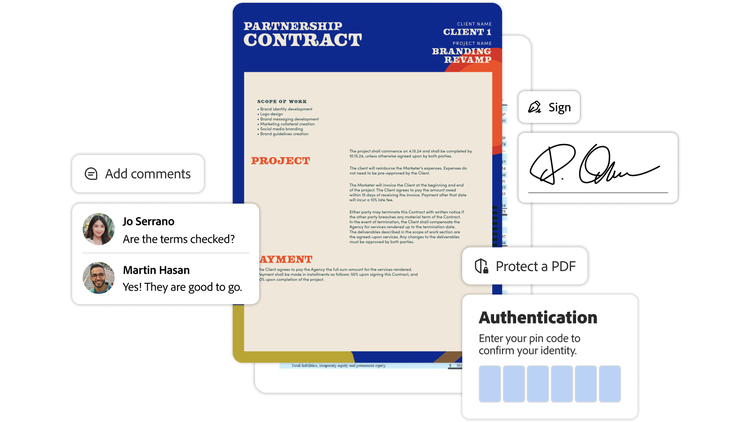
With Acrobat, team members can review, read and share PDFs no matter where they’re working or which operating system they’re using. You can send an anonymous or public review link via email, share personalised invitation links for comments or host a review on Microsoft SharePoint or a network folder. Providing feedback is easy with intuitive commenting and mark-up tools which don’t require reviewers to sign in, install an app or switch to a desktop for edits. In addition, you can convert PDFs to other formats, like a Microsoft Word document, to match the unique needs of your project.
Flexible access options
Design and update documents wherever inspiration strikes, thanks to cross-device functionality. Document Cloud for enterprise clears the way for consistent collaboration across operating systems, including macOS, Windows, iOS and Android and Liquid Mode optimises viewing for even the smallest screens.
Connected storage solutions
Adobe’s multifaceted document solution offers multiple ways to manage and save your files. Whether you prefer to keep your files in Document Cloud, familiar apps like Microsoft OneDrive and SharePoint, Dropbox or a combination of platforms — Adobe makes accessing and organising your files almost effortless.
Regeneron Case Study.
Leading biopharmaceutical company Regeneron processes thousands of contracts a year. It partnered with Adobe to deliver more efficient, scalable experiences for patients, as well as its manufacturing and legal teams. It prioritised Acrobat Sign integrations with Microsoft apps like Teams, Word and Excel to speed up the signing process.
The company also used automations to generate contract offers and signature requests, reducing processing time by 96% — from two hours to a little under five minutes.
“Adobe Acrobat Sign increases internal efficiencies, but it also allows us to improve how we interact with signers by giving them a fast, easy and touchless method of handling documents,” says Anand Shah, senior manager of service delivery for Regeneron. “We estimated that by switching to an automated Adobe Acrobat Sign web form, one particular team was able to save US$633,000 and 4,608 hours a year.”
Teams across Regeneron now use Acrobat Sign to maintain detailed records, accelerate workflows and meet stringent compliance requirements from the FDA and other regulatory agencies.
“We’re still discovering new processes where we can apply Adobe Acrobat Sign,” says Jai Gulati, global head of application services and intelligent automation at Regeneron. “By improving internal processes, streamlining manufacturing and supporting research, we can make more efficient progress toward our mission of turning science into medicine for patients.”
Digital document management in action: The OX.DH story.
Oxford Digital Health (OX.DH), a health tech startup whose shareholders include Oxford University, recognised the immense documentation burden in the National Health Service (NHS), particularly around healthcare consent. They developed a 100% cloud-native service to digitise healthcare workflows and put patients at the centre of their care.
OX.DH built its services on Microsoft Azure, using Adobe Acrobat Sign for cloud e-signature capabilities and Microsoft 365 for required document management. This solution has been vital for streamlining complex consent processes across reproductive healthcare to spinal surgery, helping healthcare organisations reduce regulatory and legal risks.
"Cybersecurity is critical when dealing with sensitive healthcare data," states John Kosobucki, CEO and founder at OX.DH. "One of the reasons that we chose Acrobat Sign is for its strong commitment to security." The service allows clinics to request consent signatures from anywhere — saving time, eliminating travel and paper expenses and improving data quality by avoiding manual transcription errors. This digitalisation effort is massive. In the UK, the service saves an estimated five million pieces of paper every year by digitising consent paperwork, supporting sustainability initiatives.
Adobe Acrobat Sign helps teams focus on high-value work.
Taking the first step to becoming a paperless company often starts with digitising approvals.
With a complete digital document solution, teams can spend less time tracking down details or tying up administrative tasks and more time concentrating on the work that matters. From sales and human resources to procurement and IT, Document Cloud for enterprise maximises efficiency for every department and drives productivity across industries.
Medical and safety technology specialist Dräger uses Acrobat Sign to streamline signatures and accelerate processes across its global business. As a manufacturer in a highly-regulated industry, Dräger must provide extensive documentation to demonstrate that its devices meet all regulatory requirements, including the FDA guidelines. Before, this involved lengthy process times, manual steps and high paper consumption.
"Processes must be compliant, but do not need to be complicated," says Lasse Janz, quality and IT consultant at Dräger. "Electronic signatures with Acrobat Sign enable us to do just that." The solution met critical FDA requirements and offered built-in integrations with tools such as Microsoft Power Automate and SharePoint, making it easy for Dräger to integrate it into its existing IT infrastructure.
The impact was immediate — Dräger reduced the duration of a signature process by up to 80% and now signs over 60,000 documents a year electronically rather than on paper. For example, the approval of a critical calibration certificate now takes only 3 hours, down from 24 hours on average. This measurable success in digitising processes, including automated archiving, has enabled employees to obtain approvals within a few hours, increasing satisfaction and allowing the devices to be made available to customers faster.
The solution's seamless integration and intuitive user interface led to high employee acceptance from the start. "Open email, click button, sign. 'Was that it already?!' many asked with surprise. They are impressed that everything is so quick with Acrobat Sign," says David Wagner, application manager of automation at Dräger. Dräger continues to expand its use of Acrobat Sign, including implementing qualified electronic signatures (QES) to streamline the processing of highly sensitive, legally binding documents.
Boost organisation efficiency with Adobe Document Cloud.
As businesses continue to evolve to meet the demands of the digital age, leaders need to reduce disorganised workflows and optimise their systems for success.
Adobe Document Cloud for enterprise is the ideal solution for streamlining document creation, consumption, review, approval and security. By offering the world’s leading secure collaboration and business process automation solutions, Adobe enables organisations to digitise and speed up document workflows and focus on business-critical work using automations and integrations that save time. Companies can get the most value out of their software investment by connecting with their current ecosystem and simplifying processes.
With Adobe Acrobat, Acrobat Sign and Acrobat Services, leaders can scale document processes to meet the unique needs of their organisation at every touchpoint and create opportunities to compete on the global level.
Adobe empowers organisations to unlock productivity with modern, unified solutions for complete document workflows. Adobe’s digital document and e-signature tools are designed to simplify processes at scale, boosting business efficiency and building upon existing software and workflows.
Adobe Document Cloud for enterprise helps teams make the most of their technology investment and drive revenue by enabling smooth document management, accelerated workflows and enhanced collaboration across teams, locations and devices. With Adobe Acrobat, Acrobat Sign and Acrobat Sign Services, organisations can unify their document processes and software, integrating with tools they already use, such as Google, Dropbox and Microsoft apps.
Sources
“Building a Tech Foundation to Enable High Productivity,” Adobe customer success story for Regeneron.
“Self-Service Contracts for Business Users,” Adobe customer success story for Adobe Agreement Experience.
“Get There Faster When it Matters,” Adobe customer success story for Dräger.
“Guidance for Industry Part 11, Electronic Records; Electronic Signatures - Scope and Application,” Food and Drug Administration, August 2003.