Asset transformation
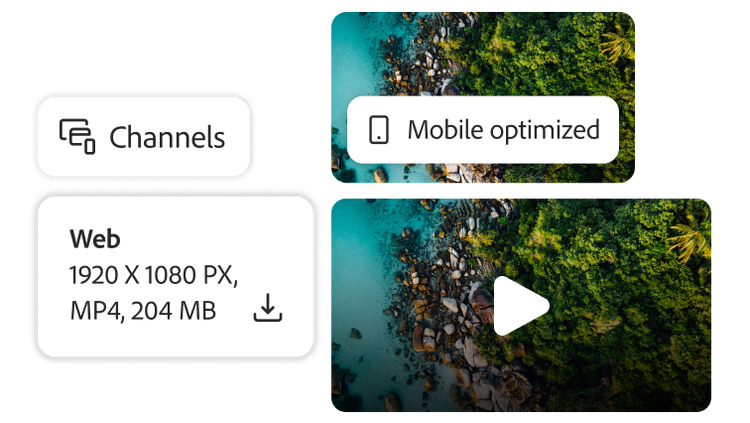
Easily generate unlimited content variations for a personalized or localized experience on any channel. Experience Manager Assets gives you automation and agentic tools to optimize, remix, and transform content for any surface — including imagery and rich media, such as video and 3D.
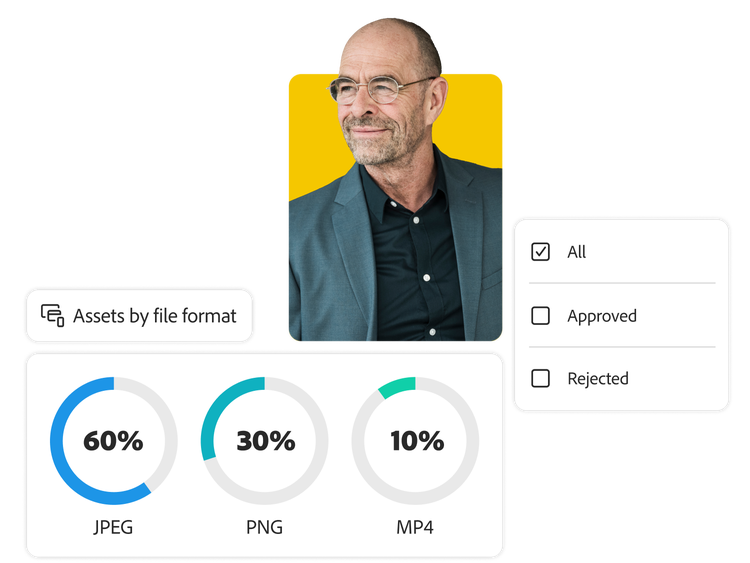
- Content Hub. Empower all teams to access brand-approved assets and create new variations using the Adobe Express native integration and the generative AI capabilities of Adobe Firefly. Content Hub also lets teams collaborate and provide feedback on asset changes without manually downloading or uploading assets into different applications.
- Dynamic Media renditions in Content Hub. Access and download renditions made with Dynamic Media — which automatically transforms and delivers rich media in real-time, including file type, size, or other transformations — directly within Content Hub.
- Smart Crop. Quickly transform assets for different devices or channels by automatically detecting and cropping an asset to the focal point.
- Content automation. Perform scaled automation tasks such as image masking, image cutout, auto-straighten, and auto-tone directly within Adobe Manager Assets, powered by Adobe Firefly Services.
- Out-of-the-box renditions. Auto-generate unlimited asset variations from one master file by adjusting format, resolution, crop, or effect to make versions for any channel or screen.