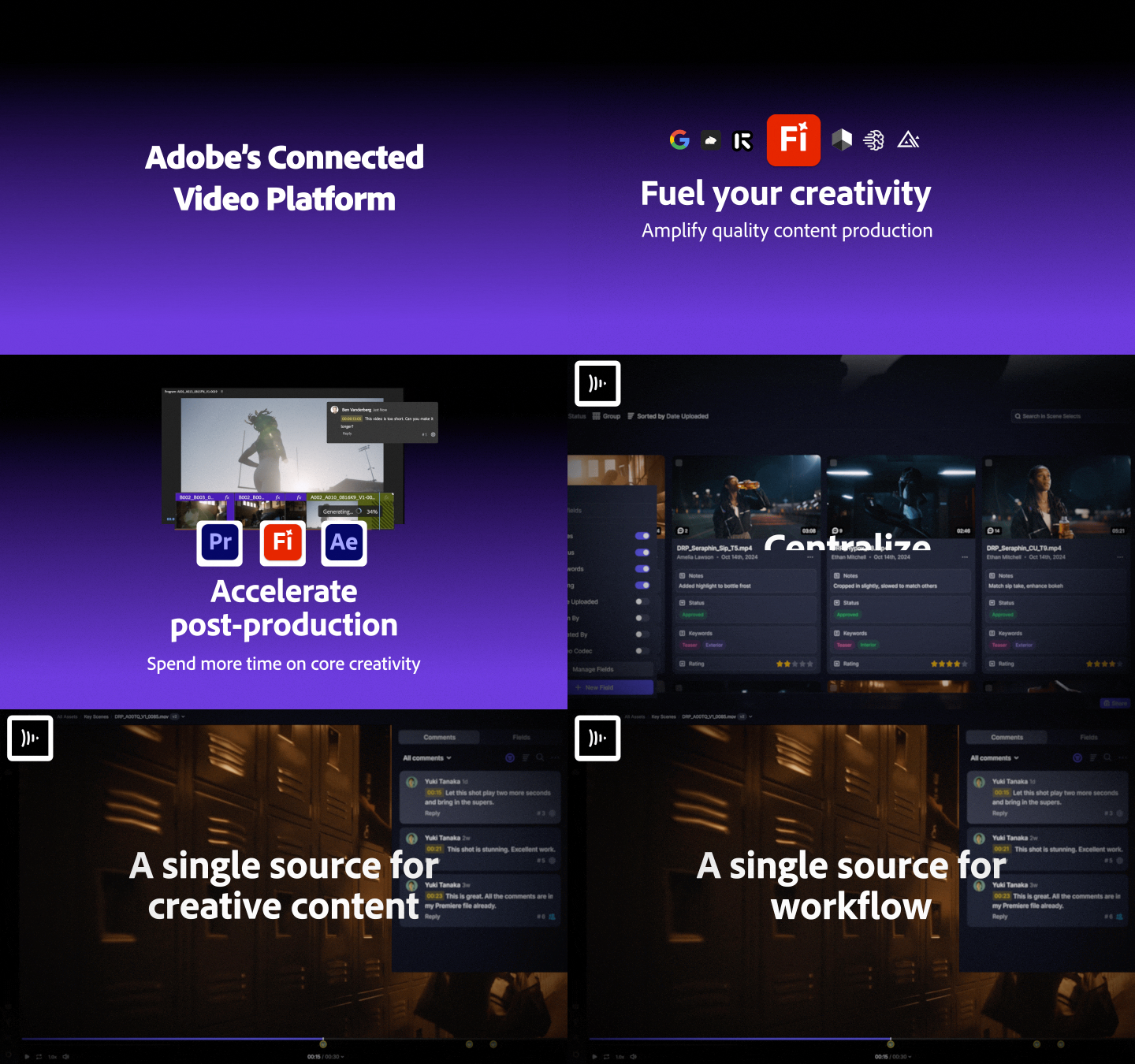
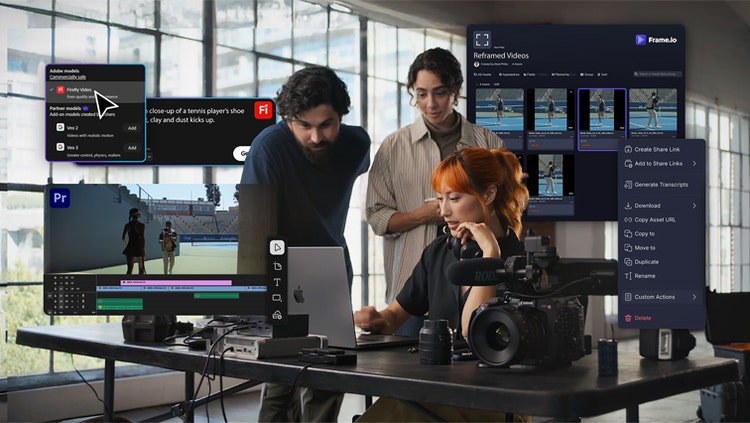
Once content is in Frame.io, it becomes searchable and actionable. Transcripts can be automatically generated for audio and video, allowing editors to search by keyword, identify speakers, and jump directly to the moment they need. Comments can be tied to specific phrases, making feedback more precise and productive.
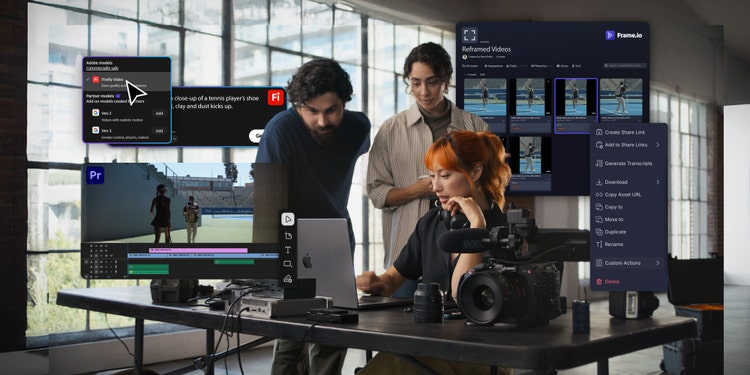
The integration with Premiere takes this even further. A new unified panel — now in beta and expected in the shipping version by the end of October — allows editors to manage uploads, folders, shares, and feedback — all without leaving their editing environment. Comments sync seamlessly, making it intuitive to apply notes and revisions as you go. It’s a smoother, smarter way to keep collaboration flowing.
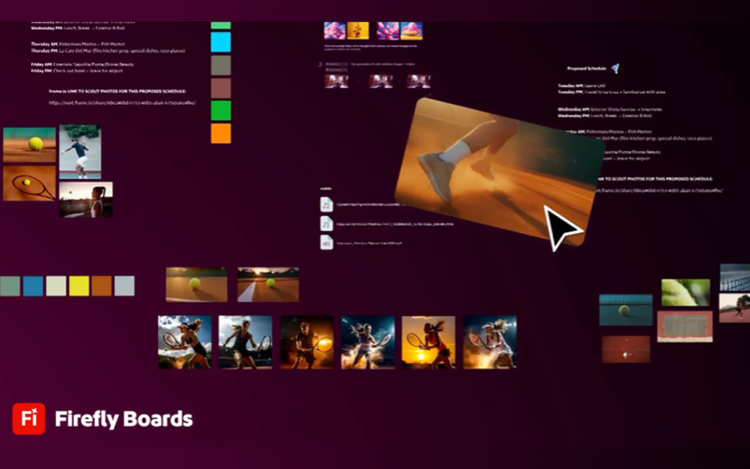
When it comes to completing the cut, editors can use Firefly and partner models to generate b-roll, fill gaps, or explore creative variations — all within the same workflow on Adobe Firefly.
Whether it's captured footage, stock assets, or AI-generated content from Adobe Firefly apps on web and mobile, you can unlock your imagination and create commercially safe content — even when time is short. And with a proliferation of content, powerful search is a necessity. AI media intelligence, accessible directly within Premiere (coming soon to Frame.io), empowers editors to use natural language to describe what they’re looking for — for example, “a wide shot of a city skyline at sunset” — and instantly surface relevant content. Soon, semantic search will span visual, auditory, and textual elements across your entire Frame.io account.
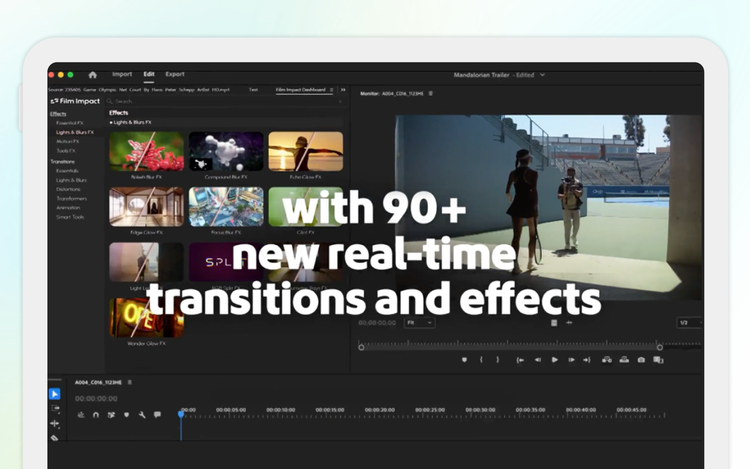
Then automation steps in. Editors can build rough cuts by highlighting transcript text, reordering scenes like a document, and polishing with 90+ totally new, modern, GPU-accelerated effects. Dialogue is enhanced to sound studio-grade without an audio engineer using Enhance Speech. Music is retimed to match visuals with Remix. Captions are translated into 27 languages and customized for global audiences.