ADOBE CX ENTERPRISE COWORKER USE CASES
Agentic workflows in Adobe products.
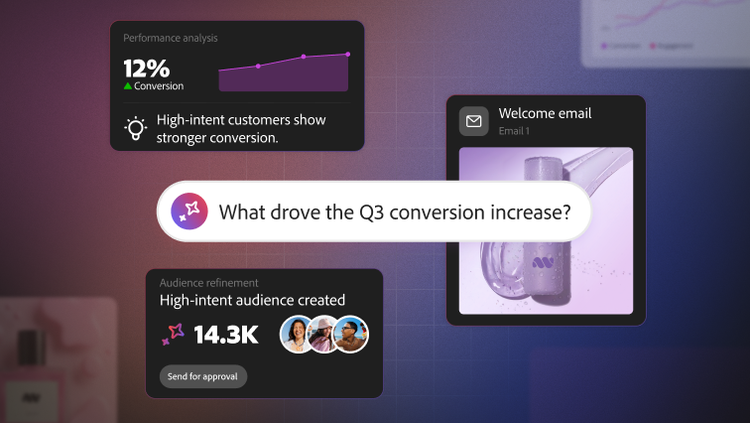
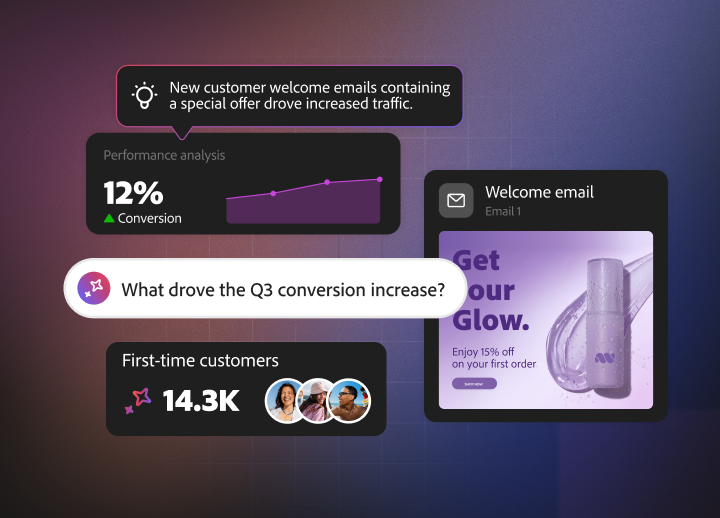
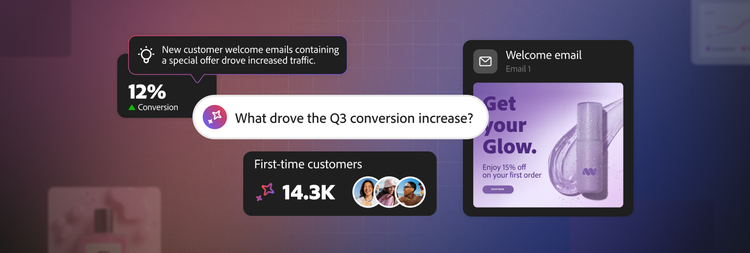
Boost productivity across Adobe solutions with CX Enterprise Coworker — your agentic teammate built to unlock advanced use cases at record speed.
Agentic workflows that act on your intent.
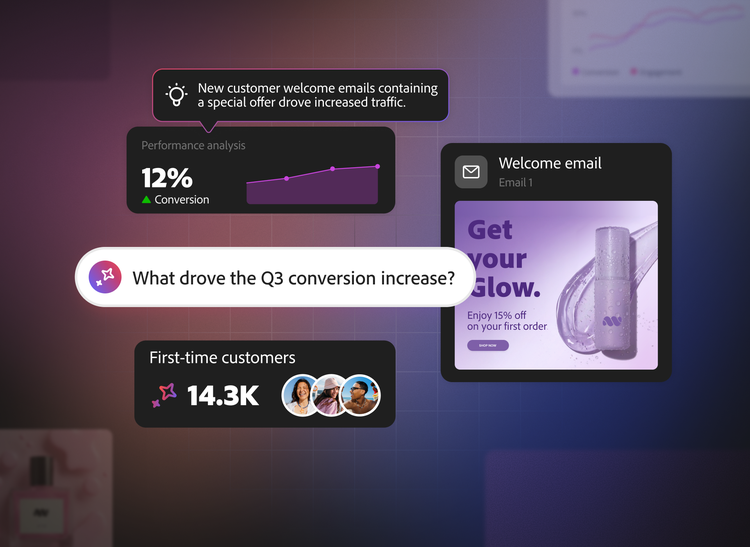
Simply ask CX Enterprise Coworker a question and it coordinates the right skills to deliver in-depth analysis, charts, interactive artefacts and PDFs. It autonomously handles tasks and overcomes roadblocks — all with complete transparency.
Adobe Experience Manager
Update your brand experiences at the speed of AI — all while maintaining brand integrity and compliance.
- Build pages, draft content and send for review.
- Update messaging and offers across all relevant experiences.
- Transform legacy content into structured, AI-discoverable formats.
Adobe Workfront
Use CX Enterprise Coworker to draft plans, manage projects and streamline approvals.
- Structure projects, coordinate tasks, keep stakeholders informed and track approvals with simple prompts.
- Automatically adapt project timelines as priorities shift.
- Surface at-risk work and address bottlenecks before they impact deadlines or outcomes.
Adobe Real-Time CDP
Accelerate the creation, exploration and experimentation of unified audiences — without a learning curve.
- Provide business criteria and a goal to power intent-driven audience creation.
- Easily uncover insights about data available in Real-Time CDP to streamline operations and inform new audience creation.
- Explore and optimise audiences by understanding how their size scales as criteria change.
Adobe Customer Journey Analytics
Use simple prompts to answer complex questions about your customer journey performance.
- Run reports and funnels, track goals and draft comparisons and forecasts just by describing what you want to know.
- Ask any "why" question about your data and get root cause analysis that separates the real driver from the noise.
- Turn journey data into stakeholder-ready KPI digests, recommendations and slide outlines in one step.
- Open any answer in Analysis Workspace with one click, so every number stays traceable — and your team can verify or dig deeper.
Adobe Journey Optimizer
Create and analyse journeys with agentic support, uncovering health issues and streamlining channel operations.
- Build multi-step journeys or single-step campaigns by uploading images and describing goals.
- Detect audience or schedule overlaps and get recommendations to reduce conflicts between active journeys.
- Pinpoint when profiles drop off or why profiles are not progressing.
- Identify performance issues with third-party triggered actions, such as errors, failures or performance insights.
Adobe Target
Create and analyse experiments and personalisation activities by surfacing insights and opportunities automatically.
- Build experiments and personalisation activities— complete with recommendations—using simple prompts.
- Analyse performance across groups of activities by pulling data from both Customer Journey Analytics and Target.
- Turn reporting into clear takeaways, so you know what is driving performance and what to try next.
Questions? We have answers.
What are agentic workflows in Adobe products?
Which Adobe products does CX Enterprise Coworker support?
How is CX Enterprise Coworker different from traditional workflow automation software?
How does CX Enterprise Coworker keep content on brand and compliant?
Can CX Enterprise Coworker manage projects and approvals?
Let us show you the full power of Adobe CX Enterprise Coworker.