


Agentic workflows that act on your intent.
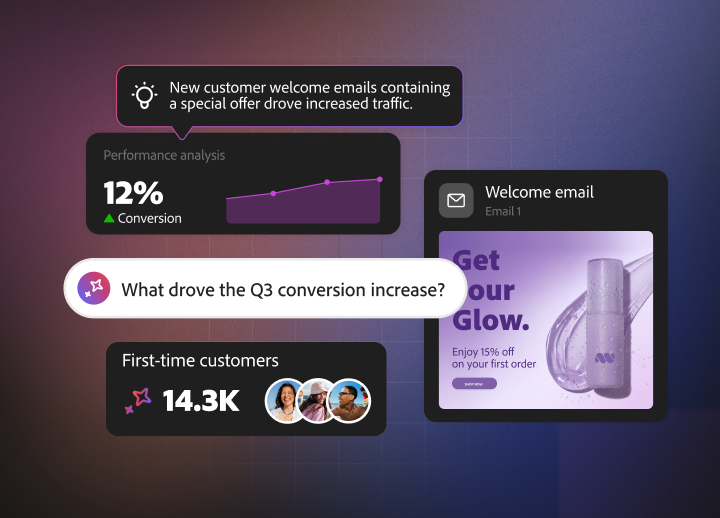
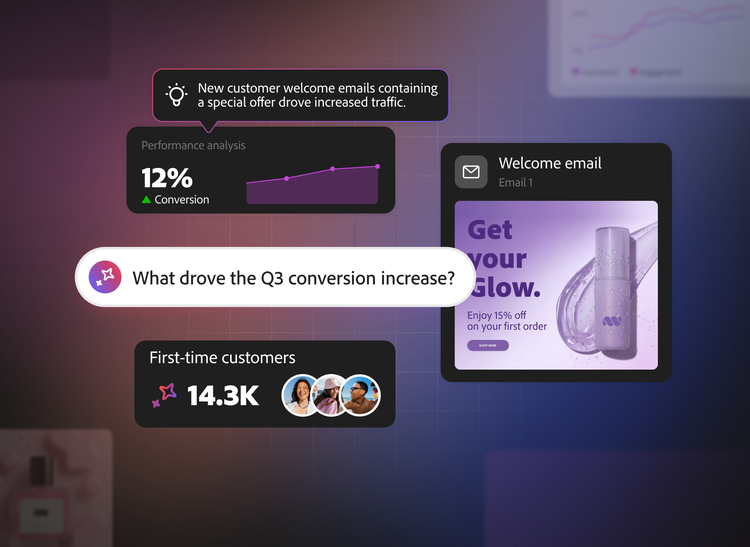
Simply ask CX Enterprise Coworker a question, and it coordinates the right skills to deliver in-depth analysis, charts, interactive artifacts, and PDFs. It autonomously handles tasks and overcomes roadblocks — all with complete transparency.
Adobe Experience Manager
Update your brand experiences at the speed of AI — all while maintaining brand integrity and compliance.
- Build pages, draft content, and send for review.
- Update messaging and offers across all relevant experiences.
- Transform legacy content into structured, AI-discoverable formats.
Adobe Workfront
Use CX Enterprise Coworker to draft plans, manage projects, and streamline approvals.
- Structure projects, coordinate tasks, keep stakeholders informed, and track approvals with simple prompts.
- Automatically adapt project timelines as priorities shift.
- Surface at-risk work and address bottlenecks before they impact deadlines or outcomes.
Adobe Real-Time CDP
Accelerate the creation, exploration, and experimentation of unified audiences — without a learning curve.
- Provide business criteria and a goal to power intent-driven audience creation.
- Easily uncover insights about data available in Real-Time CDP to streamline operations and inform new audience creation.
- Explore and optimize audiences by understanding how their size scales as criteria change.
Adobe Customer Journey Analytics
Use simple prompts to answer complex questions about your customer journey performance.
- Run reports and funnels, track goals, and draft comparisons and forecasts just by describing what you want to know.
- Ask any "why" question about your data and get root cause analysis that separates the real driver from the noise.
- Turn journey data into stakeholder-ready KPI digests, recommendations, and slide outlines in one step.
- Open any answer in Analysis Workspace with one click, so every number stays traceable — and your team can verify or dig deeper.
Adobe Journey Optimizer
Create and analyze journeys with agentic support, uncovering health issues and streamlining channel operations.
- Build multi-step journeys or single-step campaigns by uploading images and describing goals.
- Detect audience or schedule overlaps and get recommendations to reduce conflicts between active journeys.
- Pinpoint when profiles drop off or why profiles are not progressing.
- Identify performance issues with third-party triggered actions, such as errors, failures, or performance insights.
Adobe Target
Create and analyze experiments and personalization activities by surfacing insights and opportunities automatically.
- Build experiments and personalization activities— complete with recommendations—using simple prompts.
- Analyze performance across groups of activities by pulling data from both Customer Journey Analytics and Target.
- Turn reporting into clear takeaways, so you know what is driving performance and what to try next.
Questions? We have answers.
Agentic workflows are goal-driven, multi-step processes in which AI interprets intent, selects the right skills and tools, executes work across connected systems, validates results, and adjusts when needed. This helps teams move from coordinating individual tasks to achieving business outcomes, with permissions, approvals, and human oversight built in.
Support varies by module, licensing, organization enablement, and connector availability. Current compatibility exists within Adobe Real-Time CDP B2C Edition, Adobe Journey Optimizer B2C Edition, and Adobe Customer Journey Analytics B2C Edition. A connector is also available for Adobe Marketo Engage, while Adobe Experience Manager, Adobe Workfront and B2B editions are coming soon.
Traditional automation typically follows predefined rules and fixed sequences, while CX Enterprise Coworker starts with a business goal and can plan, coordinate, execute, validate, and adjust multi-step work across connected systems. It combines natural-language interaction with enterprise context, memory, specialized skills, and governance to help deliver end-to-end outcomes.
Coworker applies organizational context, brand and business rules, existing permissions, data and consent policies, pre-action checks, approval gates, and audit trails to help keep work aligned with enterprise standards. Human reviewers remain in control of higher-risk decisions, with safeguards depending on the customer's configured policies, connected products, and approval processes.
Yes, within the capabilities and availability of the selected module. It can execute multi-step work and return results for review, while a broader project-oriented capability is designed to coordinate end-to-end tasks, collaboration, and approvals in a shared workspace. That project-oriented capability is coming soon, so availability should be confirmed for each organization.
Let us show you the full power of Adobe CX Enterprise Coworker.
title
Turn content requests into action.
CardDescription
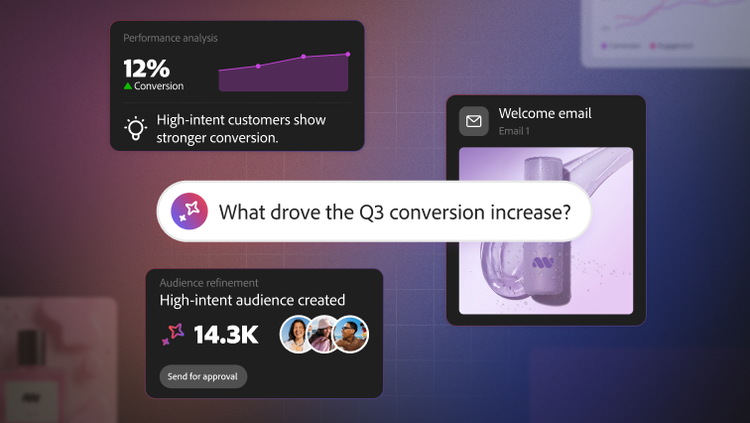
Describe the outcome you need, and CX Enterprise Coworker plans, executes, and validates the work across Adobe solutions.
cardDate
2026-09-09
cardImage
primaryTag
caas:content-type/product-page
Tags
caas:content-type/product-page, caas:products/cx-enterprise-coworker


