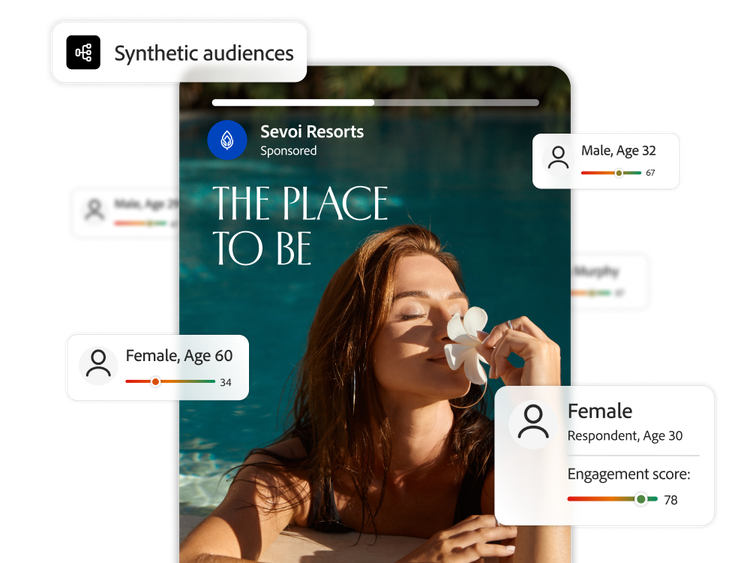
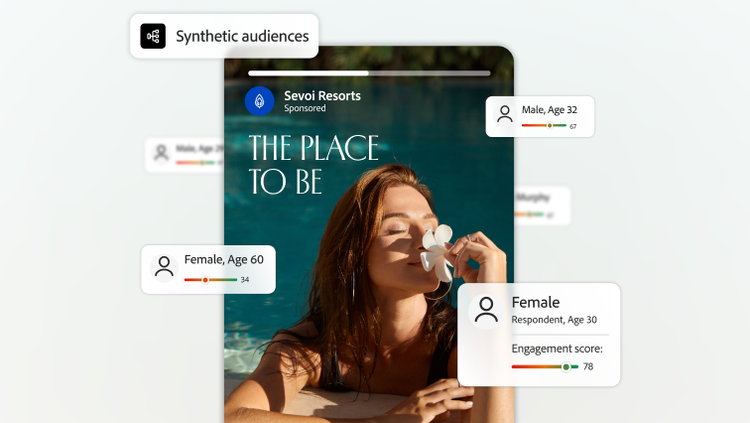
Synthetic audiences are modelled personas grounded in a company’s actual audience data and persona context. Adobe Brand Intelligence uses them to simulate one-to-one interviews with audience segments, generating quantitative summaries and qualitative explanations of how people may respond to ideas, concepts and assets.
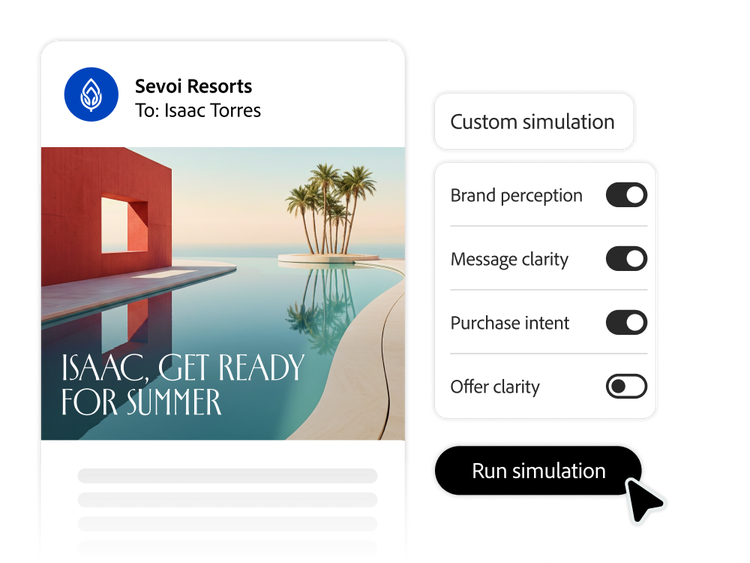
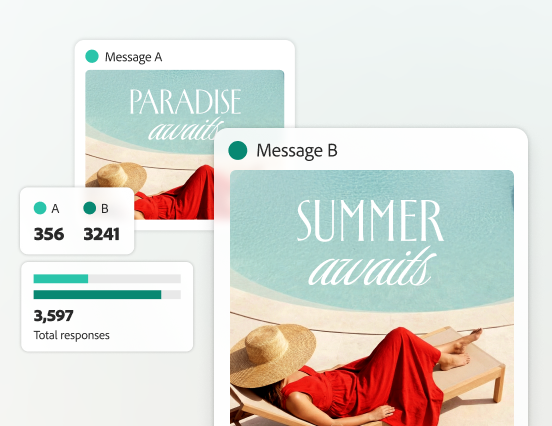
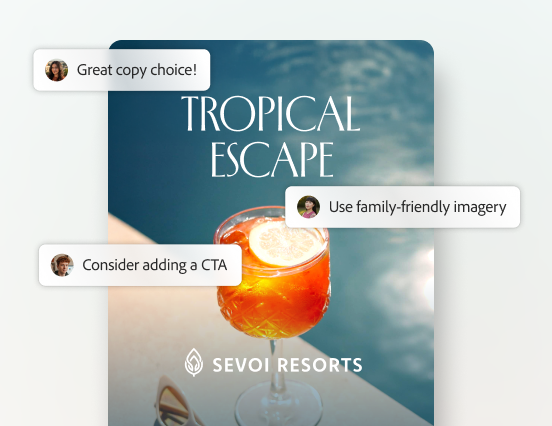
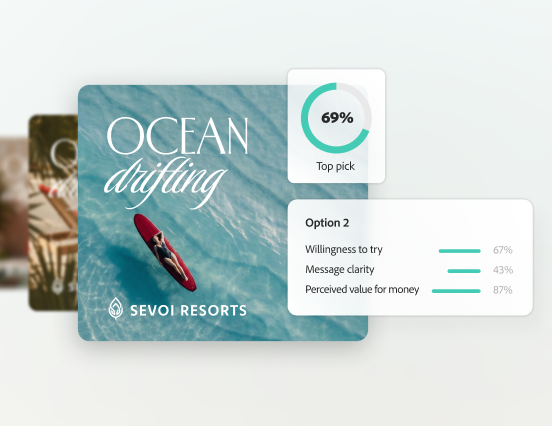
A concept testing platform helps teams compare ideas before committing production time. Brand Intelligence can simulate audience reactions to concepts, messaging, offers, naming and early assets, using defined evaluation criteria and audience granularity to explore what may resonate and why.
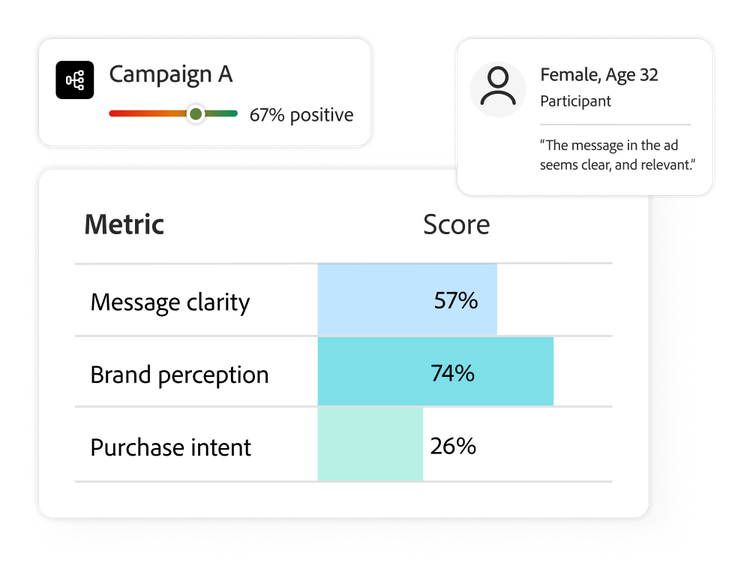
Creative testing with synthetic audiences combines measurable signals — such as sentiment or other selected metrics — with qualitative rationale. Teams can examine reactions at persona, segment or panel level and use the findings to refine creative direction. The output is directional audience insight, not a guaranteed campaign result.
No. AI focus groups are a fast, scalable complement to primary research, live interviews or high-stakes validation — not a replacement for it. Synthetic audience simulations can help to prioritise concepts and surface hypotheses, while research teams decide when real participants or additional evidence are required.
Yes. Teams can configure the testing mode, evaluation criteria, feedback granularity and audience level — persona, segment or panel. This makes concept testing more useful for enterprise decisions because stakeholders can compare reactions across defined audiences rather than relying on one blended score.
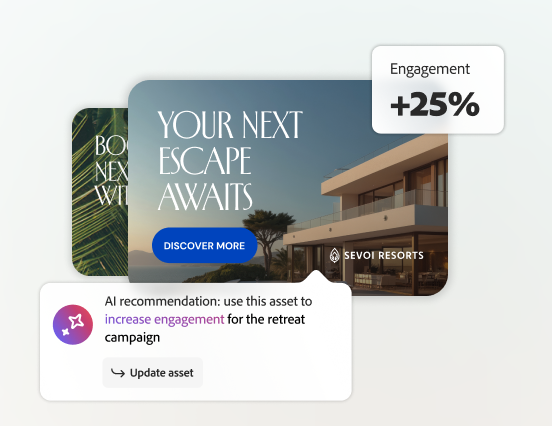
No. Audience simulation is intended to gauge sentiment, response, engagement, resonance and the reasons behind reactions; it’s not a predictor of click-through rate or conversion. Use those outputs to inform creative decisions, then use live campaign measurement or experimentation for performance outcomes.