Agentic data insight workflows help teams investigate customer journey performance without building every report manually. In Adobe Customer Journey Analytics, users can ask why conversion dropped or which journeys perform best. Adobe CX Enterprise Coworker analyses the relevant customer data, creates visualisations and identifies likely causes. Analysts can then refine the analysis and validate the findings before sharing or acting on them.
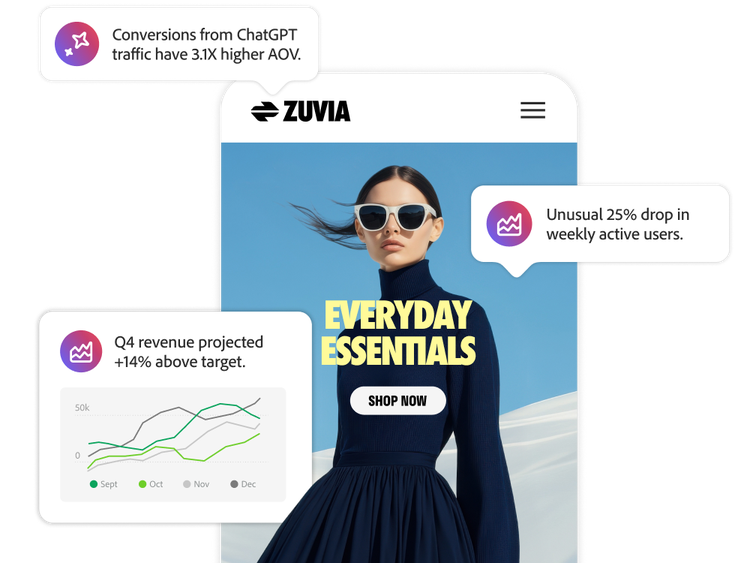
Agentic workflows can identify trends, changes in key metrics, differences between customer segments, journey drop-offs and likely causes of performance shifts. Users can ask questions in plain language and receive a visualisation or freeform table in
Analysis Workspace. Analysts can then explore the results with follow-up questions and validate the findings against the underlying data.
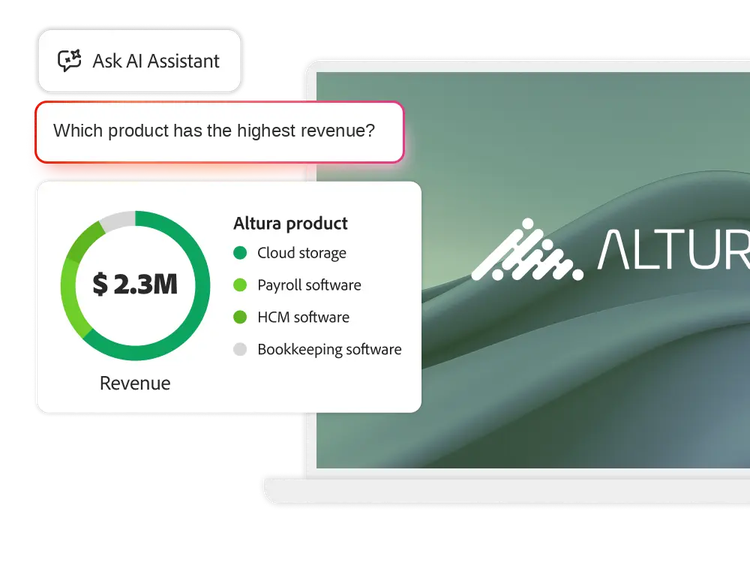
Yes. Teams can ask questions such as “Which products generated the most revenue?” or “Which pages performed best?” Customer Journey Analytics uses the metrics and dimensions in the selected data view to build a relevant table or visualisation. Users can continue the analysis by changing the date range, adding a breakdown or narrowing the audience with follow-up questions.
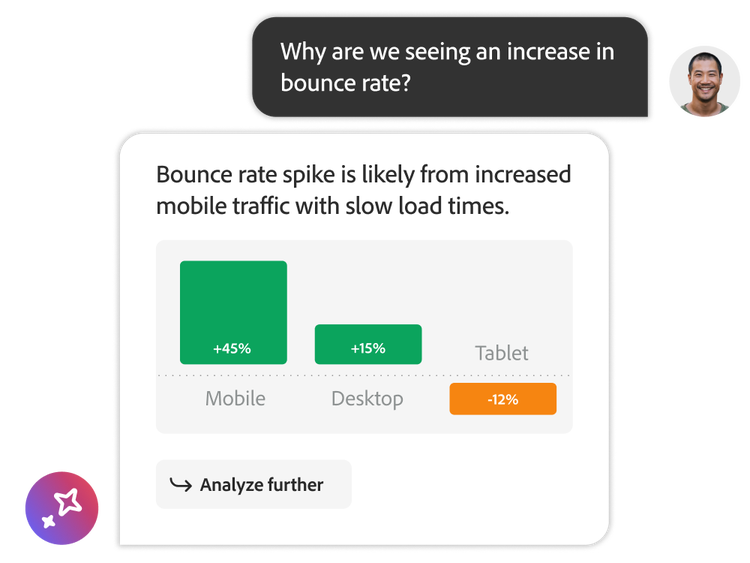
Yes. Agentic workflows can investigate a rise or fall in a metric and identify factors associated with the change. Users can test possible explanations, compare time periods and examine different customer groups through follow-up questions. Analysts should review the underlying data before drawing conclusions, because correlation does not prove causation.
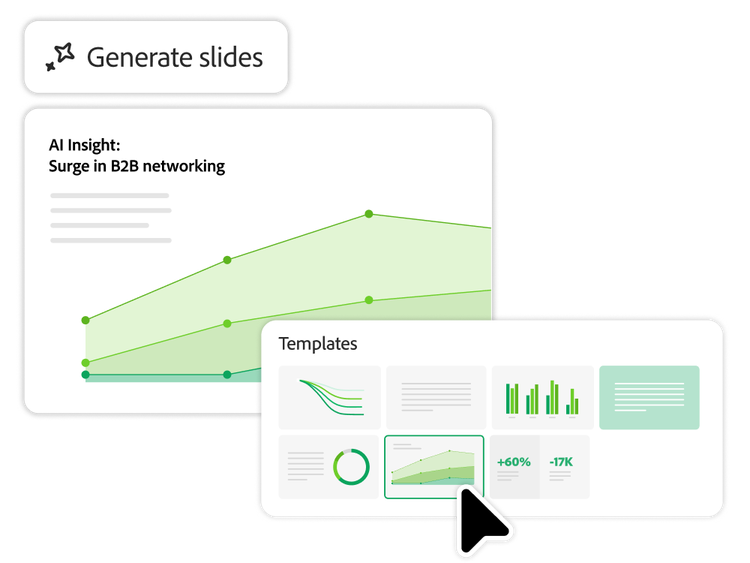
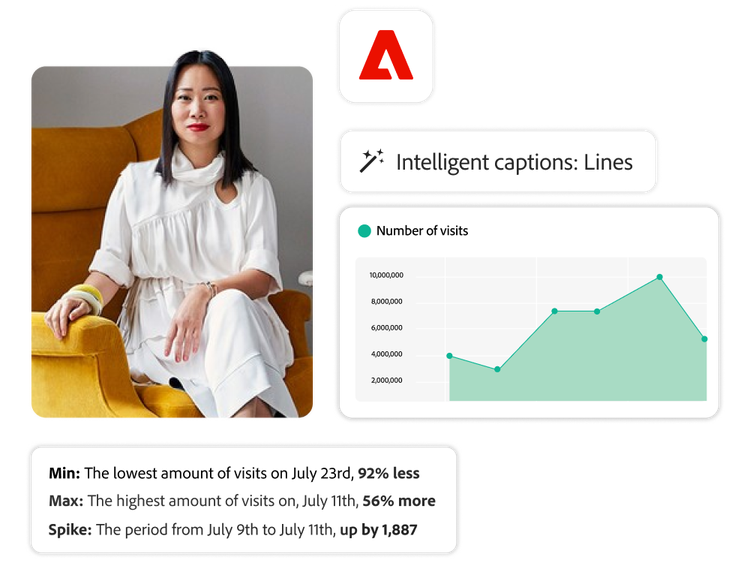
Customer Journey Analytics can use AI-assisted storytelling workflows to identify important trends, anomalies, relationships and business themes within Analysis Workspace projects. These findings can be converted into presentation-ready narratives for stakeholders. Intelligent captions can also generate natural-language summaries for supported visualisations, helping business users quickly understand important patterns without interpreting every chart manually. Analysts can review, refine, copy and share the resulting context as part of a governed reporting process.
Customer Journey Analytics experimentation workflows help teams evaluate the performance and validity of experiments across online, offline and cross-channel data sources. The Experimentation panel can report measures such as lift and confidence, helping teams understand whether a treatment produced a meaningful improvement over a baseline. Machine learning-supported analysis can refine results as more activity and data become available, while cross-channel analysis helps teams investigate how customer interactions contribute to outcomes. Teams should confirm experiment design, data quality and statistical validity before making business decisions.
AI only draws on data views your Customer Journey Analytics
administrator has explicitly enabled for AI use, not on every data view in your organisation by default, so exposure is a deliberate admin decision rather than an automatic default. It is also designed around an analyst-in-the-loop model: the agent surfaces a proposed insight or visualisation and an analyst reviews it before it informs a decision, rather than the agent taking autonomous action on your behalf.
CX Enterprise Coworker is designed to work within the customer’s Adobe Customer Experience environment. It can use the organisation’s business context, customer data, analytics definitions and connected applications to support more relevant analysis.
Rather than simply generating a narrative response, it can help to structure an investigation, analyse the appropriate data, explain what changed and support the next step in the workflow. This helps reduce manual handoffs between business users, analysts and execution teams.
Users should treat the response as an accelerated starting point for analysis and review the supporting outputs before making important business decisions. A recommended validation approach is to check:
- The selected data view or data source.
- Metric and dimension definitions.
- Date range and comparison period.
- Filters, segments and attribution settings.
- Identity and customer-level stitching assumptions.
- The generated table or visualisation against the underlying report.
The underlying reporting calculations should remain consistent, while the natural-language explanation may summarise or interpret the result. For high-impact decisions, users should confirm the result directly in the relevant Customer Journey Analytics workspace.
Organisations need the appropriate Customer Journey Analytics and Adobe CX Enterprise entitlements, connected and modelled customer data, defined metrics and dimensions and the required user permissions.
Coworker grounds its responses in the customer’s configured Adobe applications, data, business context and governance rules. Access and available use cases depend on the licensed applications, enabled integrations, configured permissions and the quality of the underlying data. Human oversight remains important when insights lead to strategic, regulatory, customer-impacting or operational decisions.