#F8F8F8

Adobe Express for Business Features

Power on-brand content creation across the organisation with Adobe Express.

Ensure brand consistency and business productivity with company-wide access to approved assets, so every team — from marketing to HR to sales — can create on-brand content with confidence.

Locked templates with style controls

Let creative teams easily turn design files into Adobe Express templates from Adobe Photoshop, Adobe Illustrator and Adobe InDesign files and edit existing templates without starting from scratch. Every layer stays intact, so designers can control and lock colours, fonts, layers and enforce brand controls.

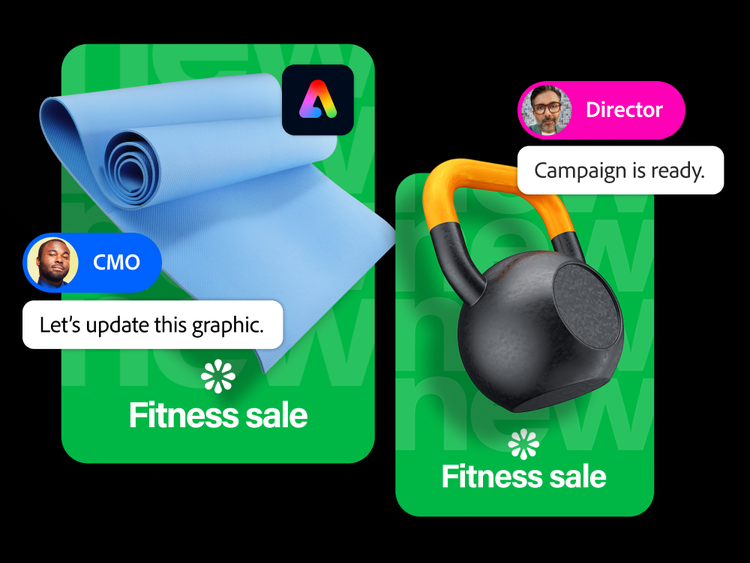
With built-in review and approval workflows that streamline feedback from key stakeholders, teams always work with up to date, approved assets and locked templates.
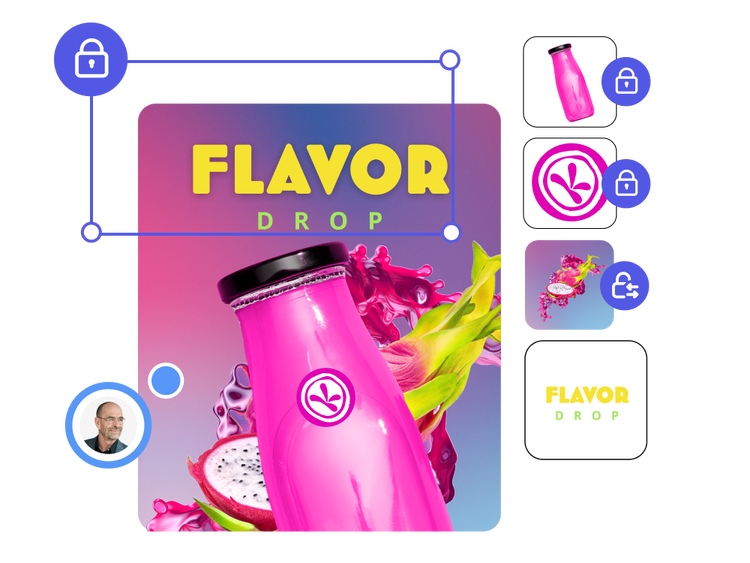
Watch demo | Watch demo on locked templates

https://main--da-bacom--adobecom.aem.page/fragments/products/express-business/scale-on-brand-content/style-controls

Financial ad made up of branded assets

Brand kits

Easily store and share approved assets — logos, colours, fonts and graphics — to ensure every team member creates on-brand content. With one-click brand set-up, Adobe Express automatically extracts key elements from your creative team's files and builds a company-approved brand kit that’s ready to share with everyone. When finalised, share brand kits across the organisation so teams can apply brand assets to their work in one click.

Watch demo | Watch demo on Brand Kits

https://main--da-bacom--adobecom.aem.page/fragments/products/express-business/scale-on-brand-content/brand-kits

Customised homepage

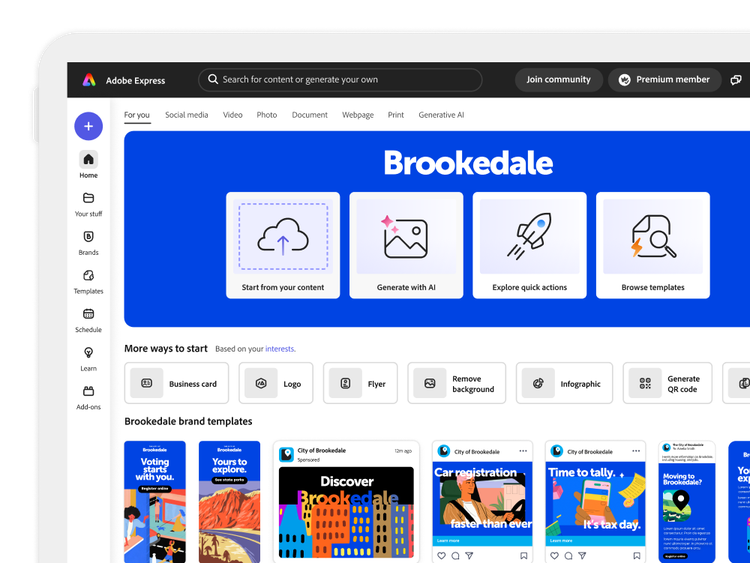
Customise the Adobe Express homepage to reflect your brand identity. Surface approved templates at the beginning of every workflow — so teams launch into creation with everything they need to stay on-brand (coming soon).

City government brand home screen in Adobe Express

Brand checks

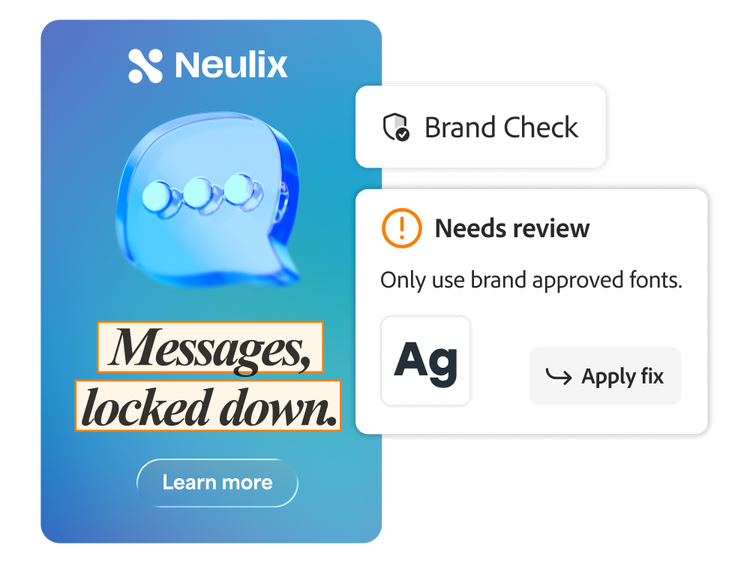
Maintain brand consistency at scale with little manual oversight. Run your designs through the brand check feature to flag any design violations against your brand’s standards. Brand check also provides additional guidance and suggested fixes that can be applied in a few clicks, empowering teams to self-serve and create content while staying consistent.

Questions? We have answers.

How does Adobe Express for business ensure brand consistency when scaling content across teams?

Adobe Express enforces brand consistency with enterprise-level features such as locked templates, centralised brand kits and shared libraries. Designers can lock colours, fonts and layers in approved templates, ensuring that every team — marketing, HR, sales or franchise units — receives up to date, compliant assets. Administrators can assign or limit the visibility of brand kits and template libraries by team, department or geographic region for consistent control across distributed teams.

Can enterprises create shared brand kits or libraries for global campaigns and is there a limit to how many can be managed in Adobe Express?

Yes. Adobe Express for business supports the creation of shared brand kits and libraries that can be distributed across departments, regions or global teams. These kits ensure creative consistency with locked elements such as logos, brand fonts and colour palettes. While there’s no limit on the number of brand kits or templates an organisation can create, the application is designed for enterprise-scale use, supporting high volumes of branded assets across multiple teams and markets.

What role does AI play in automating brand compliance at scale?

Adobe Express leverages Adobe Firefly generative AI technology that is trained on licensed Adobe Stock and public domain content where copyright has expired to ensure on-brand image and video generation. Marketers can generate campaign assets in seconds, apply brand styling in one click and use commercially safe AI to ensure compliant imagery and localisation at scale.

Can enterprises manage multilingual content and on-brand assets globally?

Yes. Adobe Express supports multilingual workflows, regional asset variations and dynamic localisation through text translation, layout variations and region-specific branding rules. This enables teams to create on-brand content across multiple languages and global regions.
#CFF0EA

Learn how to create on-brand content with Adobe Express.

Find what you need in Adobe Experience League, our vast collection of how-to content — including documentation, tutorials and user guides.

Learn more | Learn more about how to create on-brand content with Adobe Express