Security by design
Protect documents and data with built-in security capabilities in Acrobat, including protected mode, sandboxing, encryption and other layered protections.




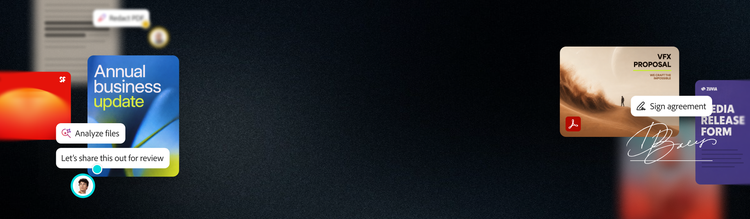
Information is spread across documents, people and disconnected workflows, making it difficult for teams to find what they need and make decisions quickly. Acrobat helps them to find trusted answers, create polished business content, verify AI-generated output with traceable sources and keep work secure and compliant — turning information into action faster.

The trusted PDF standard
Built on the world’s leading PDF platform, Acrobat helps teams confidently create, edit, review, compare, sign and manage business-critical documents.

AI-driven document intelligence
Uncover trusted insights from documents with AI that understands document context, extracts structured data and grounds responses in traceable sources.

Business-ready content creation
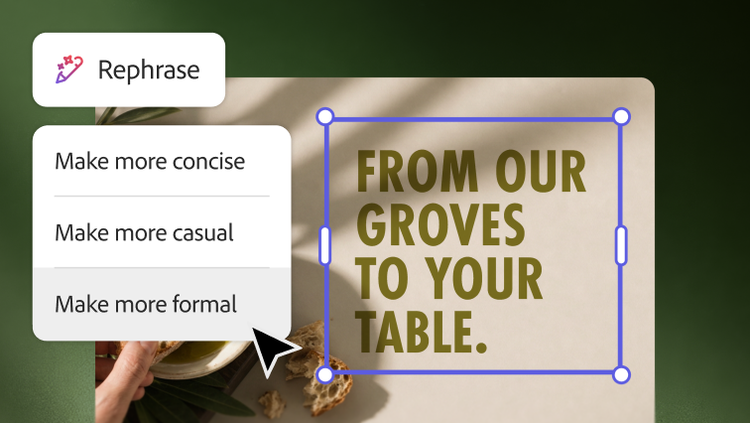
Turn trusted document insights into polished, on-brand reports, presentations, proposals and more without starting from a blank page.
Understand, create and collaborate on complex documents with AI-powered document intelligence, secure workspaces and trusted PDF capabilities — all in Acrobat's most comprehensive solution.
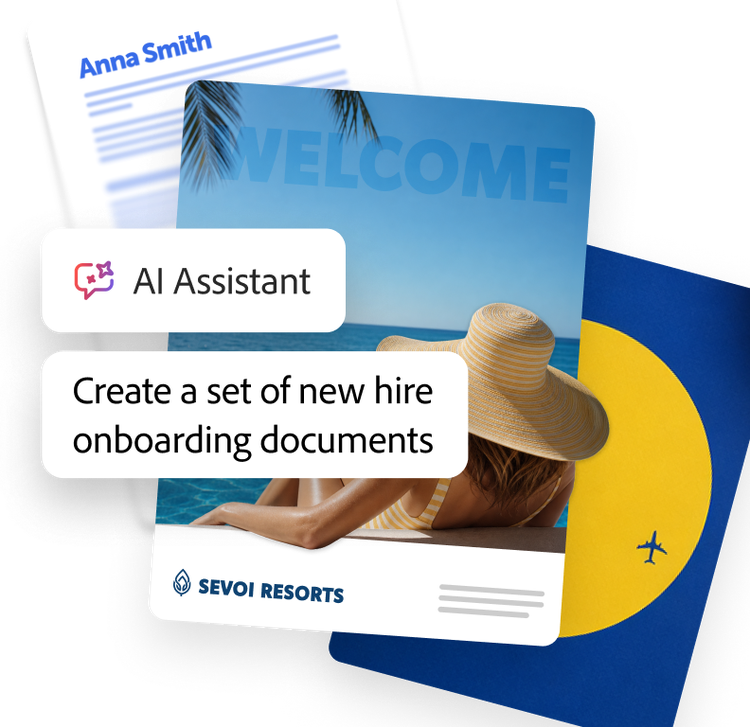
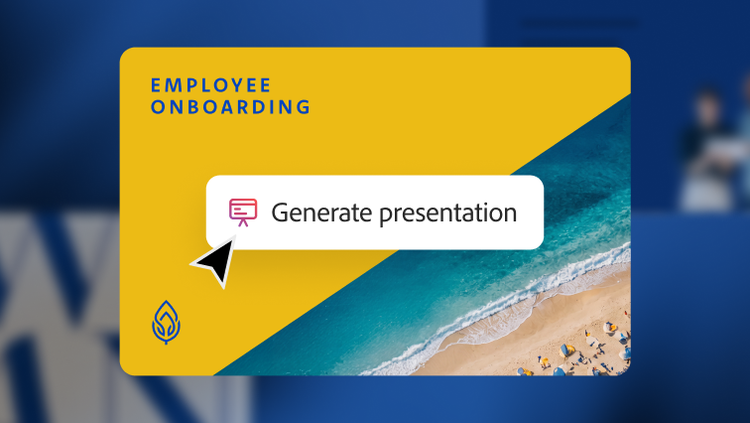
Instantly turn document insights into presentations, summaries and on-brand content with AI-powered creation tools, so teams spend less time reformatting and more time communicating.
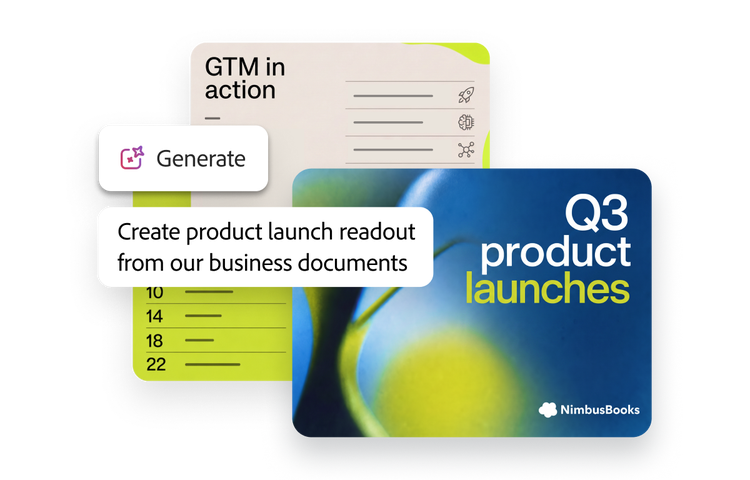
Edit, protect, convert and prepare business-critical documents with conversational AI, advanced PDF capabilities and integrated e-signatures.
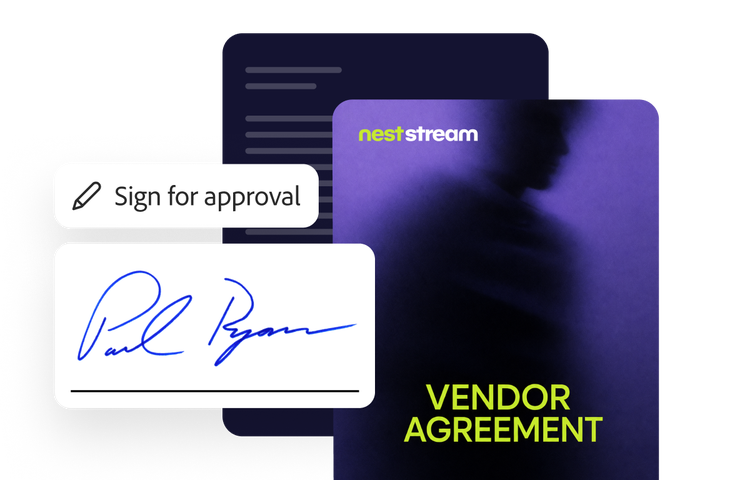
Send, sign, track and manage agreements with trusted e-signatures, enterprise-grade compliance and the integrations your teams rely on.
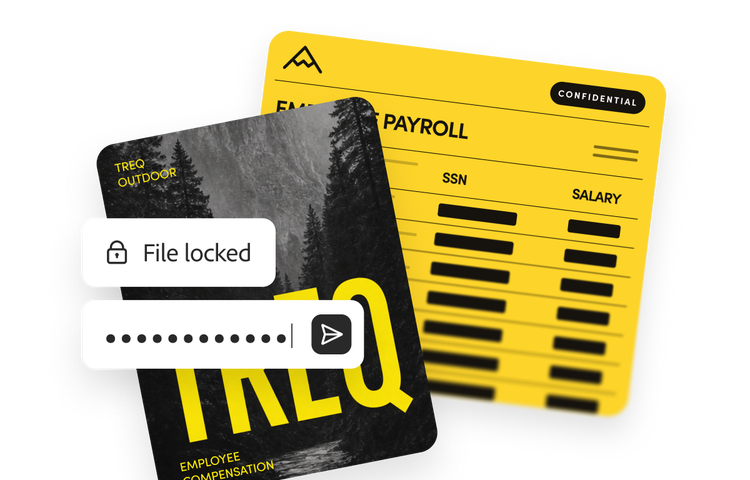
Security by design
Protect documents and data with built-in security capabilities in Acrobat, including protected mode, sandboxing, encryption and other layered protections.

Enterprise governance
Manage Acrobat at scale with centralised administration, access controls, policy management and integrations with your approved tools and managed devices to help your organisation maintain security, compliance and control.

Responsible AI
Use AI features designed with privacy and commercial use in mind. Acrobat does not use customer content to train generative AI models and Adobe applies responsible AI practices across AI-powered experiences.
Acrobat Studio
Acrobat Express
Acrobat Pro
Core PDF capabilities

Advanced PDF capabilities

Adobe Acrobat AI Assistant
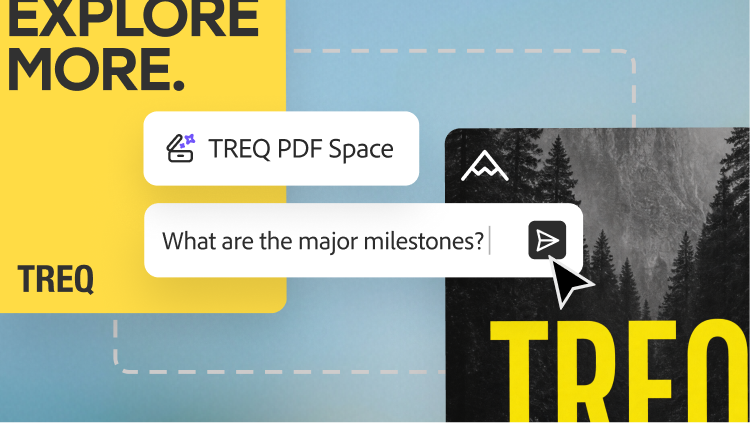
PDF Spaces
Adobe Express Premium
On-brand presentations
The right Acrobat solution depends on the document work your teams need to accomplish:
Many organisations deploy more than one Acrobat solution. For example, organisations may use Acrobat Studio as their primary document productivity platform while using Acrobat Sign to manage agreement workflows.
Not sure which solution is right for you? Contact Adobe to discuss your organisation's needs.
Acrobat uses AI to help people do more than summarise documents. It helps teams understand, create, collaborate and take action on trusted business documents throughout the enterprise.
Depending on your Acrobat solution, AI can help you:
Throughout Acrobat, AI is grounded in trusted documents and designed to help organisations work faster while maintaining confidence in their results.
Adobe Acrobat is designed to help organisations deploy AI-powered document workflows while maintaining enterprise security, governance, privacy and administrative control. Enterprise capabilities include encryption for data in transit and at rest, document sandboxing with Protected Mode and Protected View, authentication through Adobe Identity Management Services (IMS), permissions, redaction and centralised administration through Adobe Admin Console. Acrobat AI capabilities provide source attributions where applicable to help users verify generated responses against their documents and Adobe does not use customer content to train Adobe generative AI models.
Together, these capabilities help organisations securely create, edit, share, sign and use AI with their documents while maintaining administrative control over user access, document handling and AI capabilities. Learn more at the Adobe Trust Centre.
Yes. Acrobat integrates with the business applications, repositories and collaboration tools your teams already rely on — so they can work with documents without disrupting existing workflows.
Whether employees are creating PDFs, collaborating on projects, signing agreements, generating business-ready content or unlocking knowledge from document collections, Acrobat works with popular enterprise platforms like Microsoft 365, Microsoft Teams, Microsoft SharePoint, Google Drive, Slack, Salesforce and more. Acrobat also offers APIs and integrations that connect document workflows with ERP, CRM, CLM and other business systems.
By connecting document productivity, agreement workflows, content creation and enterprise document intelligence to the tools your organisation already uses, Acrobat helps teams stay productive while keeping document work secure and connected.
Acrobat Studio for enterprise brings advanced document intelligence capabilities into Acrobat workflows.
Together with AI Assistant and PDF Spaces, these capabilities help organisations move from reading documents individually to understanding and acting on information across large collections. Availability is subject to the enterprise offer, administrator provisioning and applicable usage policies.
Administrators can use the Adobe Admin Console to deploy Acrobat solutions, assign licences, create product profiles, manage users and control access to supported services. Automatic assignment rules can help provision licences based on organisational criteria, while organisation-managed identity types can support enterprise authentication and single sign-on.
For Acrobat Studio, administrators can configure supported services such as PDF Services, AI Assistant, AI Assistant chat history and Adobe Express. Organisations can assign different solutions or product profiles to different user groups based on their roles and document workflows.
Enterprise capabilities such as Analyzer and Knowledge Base are provisioned according to the applicable Acrobat Studio enterprise offer and administrator configuration.
Acrobat solutions support document-intensive work across departments.
Organisations can match each team to the Acrobat solution that best fits its work, then connect those workflows through shared systems, integrations and enterprise administration.