
con-block-row-bgcolor
#000

ADOBE ACROBAT STUDIO FOR HR

Turn HR documents into consistent employee experiences.

Deliver onboarding, training and HR content that employees can easily find, understand and use. Adobe Acrobat Studio helps HR teams transform trusted documents into consistent, engaging employee experiences.

Watch video

https://main--da-bacom--adobecom.aem.page/fragments/emea-customisations/summit-2026-banner

Deliver content that supports every stage of the employee experience from hiring to retention.

Create consistent onboarding and training documents.

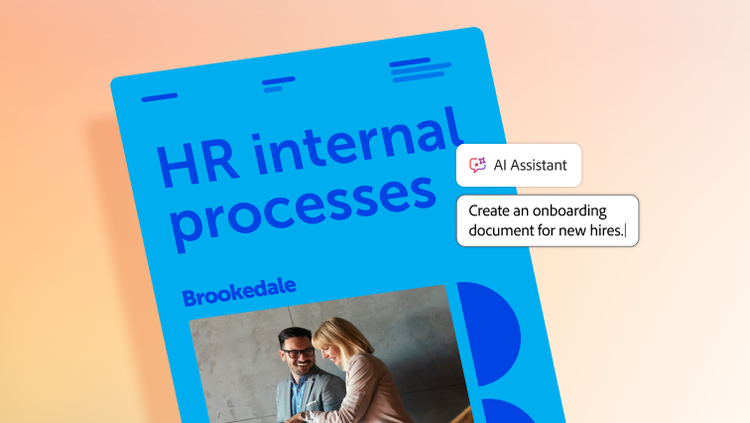
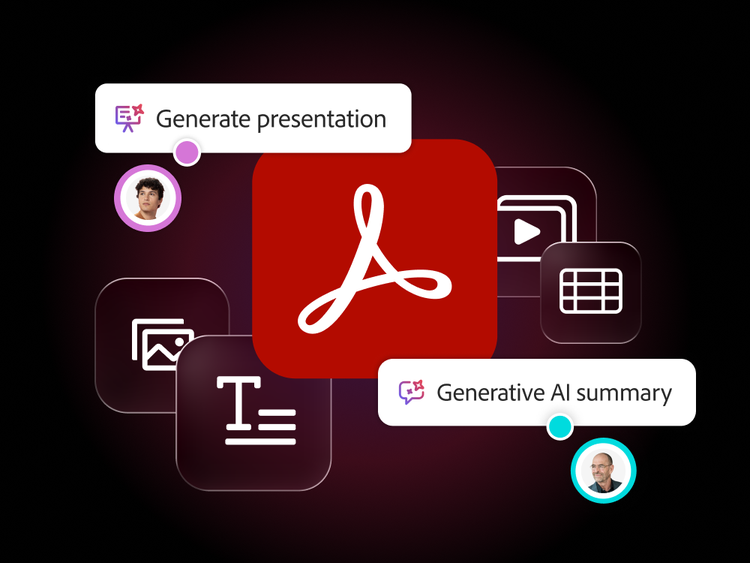
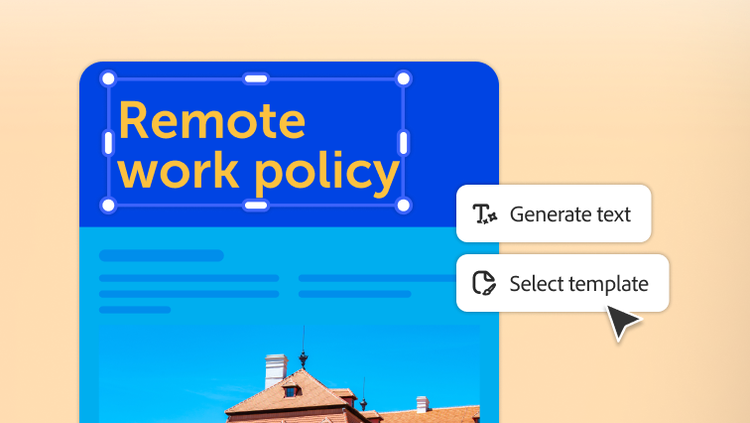
Onboarding materials often look different from manager to manager and region to region, making it difficult to deliver a consistent employee experience. With Acrobat Studio, HR teams can transform existing documents into polished onboarding packs, training guides and policy summaries using Adobe Express templates and the Generate Presentation feature — creating employee-ready content quickly, no design expertise required.

By establishing approved templates, messaging and content standards once, HR can help every manager deliver consistent experiences across teams and locations. This reduces rework and helps every employee start with the same trusted information.
Make HR guidance easier to find and use.

Training materials, compliance guides and policy updates often go unread because dense documents don’t fit the way employees take in information. Acrobat Studio helps HR teams transform existing training materials and policy documents into engaging learning content, including presentations and structured audio summaries that employees can consume in the flow of work.

By delivering information in formats that are easier to access, HR teams can support better understanding, increase engagement and help important training and policy updates reach more employees.

Give employees one place for answers.

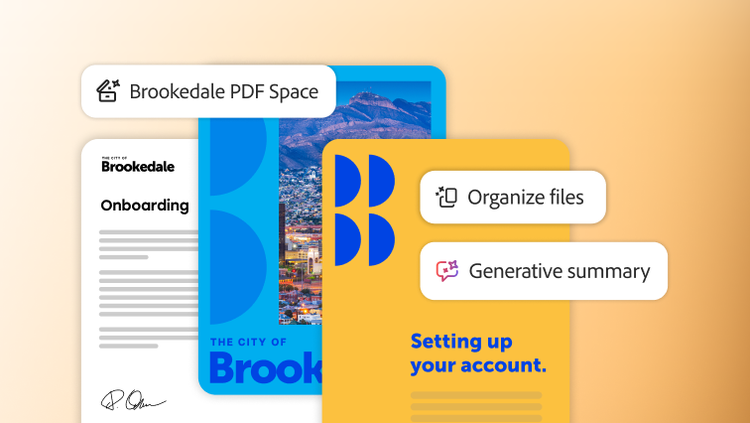
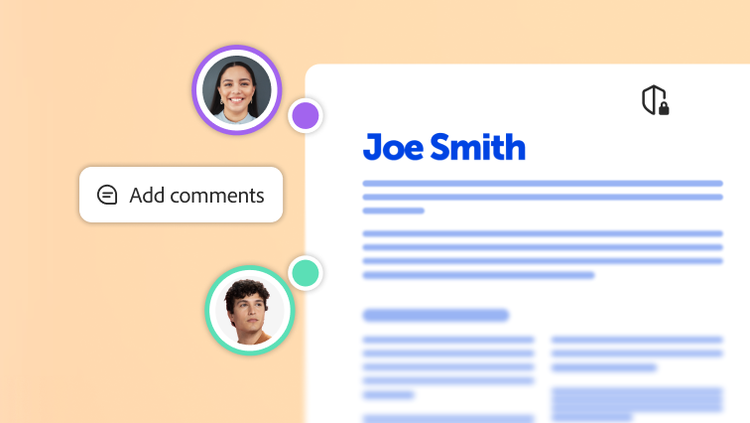
Employees shouldn't have to search through email threads, shared drives and intranet pages for answers that already exist in trusted HR documents. With PDF Spaces, HR teams can create secure workspaces that bring related documents, conversations and resources together. And with Knowledge Base in Adobe Acrobat Studio, employees can find trusted answers across curated HR document collections, with every response linked to its source.

Adobe Acrobat AI Assistant helps employees quickly find information within shared documents, supporting self-service for common questions. HR teams stay in control of what's shared, how it's organised and how AI-surfaced information is reviewed before it guides employee decisions.

Learn more about how Acrobat Studio supports human resources teams.

https://main--da-bacom--adobecom.aem.page/fragments/products/acrobat-business/acrobat-studio/hr

Questions? We have answers.

How does Acrobat Studio simplify human resources document creation and distribution?

HR can use branded templates, stock assets and AI-powered creation and editing tools to produce consistent offer letters, onboarding packets, policies and training materials.

What are common, high-value HR use cases for Acrobat Studio?

Typical high-value use cases include:

  • Offer letters, employment contracts and addenda.
  • Policy documents for code of conduct, hybrid work, IT usage or privacy.
  • Onboarding packs and new-hire forms.
  • Performance, promotion and compensation letters.
  • Training materials and compliance acknowledgments.

Anywhere HR teams rely on PDFs, Acrobat Studio helps make it easier to prepare, share, sign and understand them. Documents should be reviewed by qualified HR and legal professionals before distribution.

Can Acrobat Studio assist in policy updates and compliance communication?

Since AI Assistant in Acrobat Studio delivers document-grounded, traceable insights, HR teams can quickly draft policy changes and updates for review, helping communicate changes clearly. Teams can distribute updated documents with version control and audit trails. As with all AI-assisted outputs, summaries and drafts should be reviewed by HR and legal professionals before distribution to employees.

Does Acrobat Studio support secure handling of confidential employee data?

Yes. With encryption, role-based permissions and redaction tools, Acrobat Studio helps protect sensitive information within HR documentation workflows.

How can Acrobat Studio improve onboarding or training programmes?

Branded templates, collaboration spaces and AI-generated summaries help HR teams quickly produce and update materials, reducing manual work and improving employee clarity.

What languages is Acrobat Studio available in?

See details of language availability for Adobe Acrobat Studio and its features.