ADOBE ACROBAT STUDIO FOR LEGAL
Accelerate legal reviews with traceable, source-linked AI insights.
Deliver trusted insights while maintaining accountability and control. Whether evaluating agreements, advising on regulations or supporting business decisions, legal teams can surface relevant information faster with Adobe Acrobat Studio.
Bring document intelligence and governed collaboration to legal work.
Accelerate contract and policy reviews.
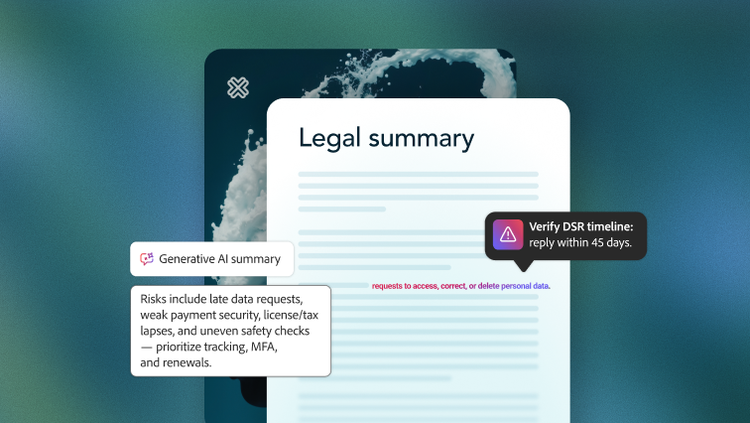
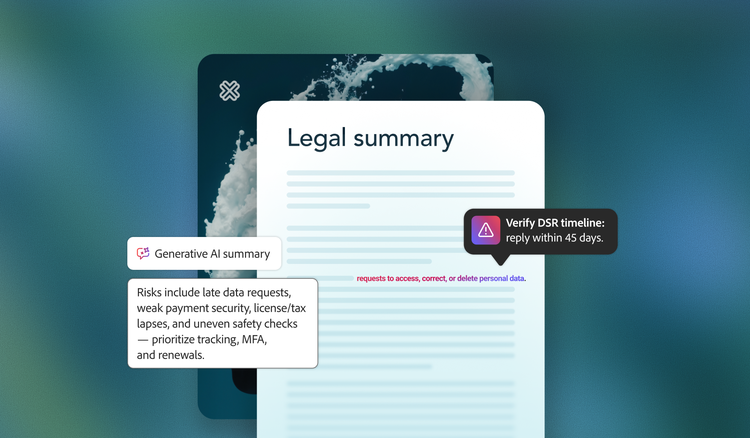
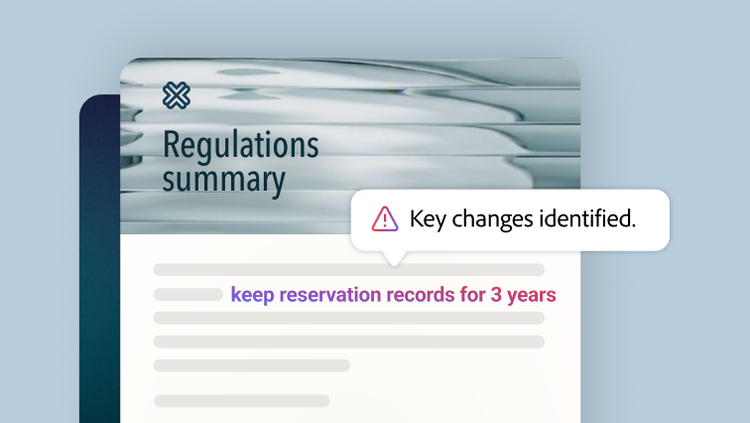
As contract volumes grow, legal teams spend significant time locating key clauses, confirming version changes and validating approved language. PDF Spaces provides a secure workspace to centralise contracts, policies and legal guidance, compare versions and track changes. Adobe Acrobat AI Assistant helps solicitors summarise complex documents, identify key clauses and answer questions with source-linked citations, making it easier to validate information and act with confidence.
For organisations working across large document collections, Knowledge Base in Adobe Acrobat Studio helps solicitors find trusted answers across connected repositories, with every response traceable to the specific document and source sentence.
Collaborate with governance and control.
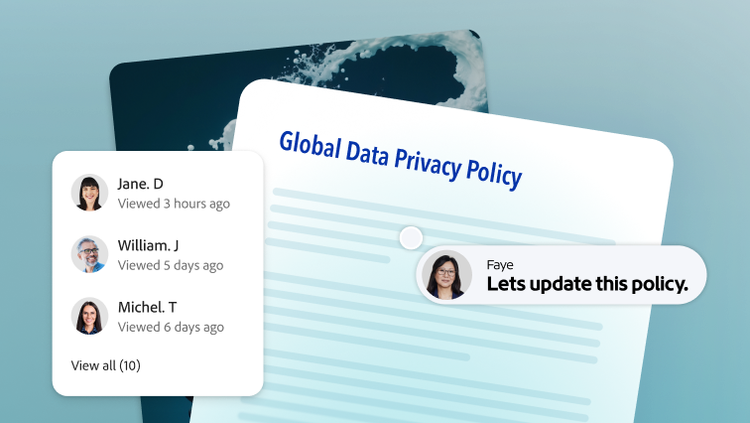
Reviews and approvals often span multiple stakeholders, documents and email threads, making it difficult to maintain a clear record of what was reviewed, flagged or approved. PDF Spaces provides secure, shared workspaces where legal counsel, policy owners and compliance teams can review documents, compare versions, provide feedback and align on approvals.
Built on the workflows teams already use, Acrobat Studio helps legal professionals review, compare and validate documents with AI — without disrupting established processes. Comments, annotations, review activity and AI-powered redaction provide a transparent, auditable record while protecting sensitive information before sharing, helping legal teams support governance and document decision-making clearly.
Turn legal knowledge into action.
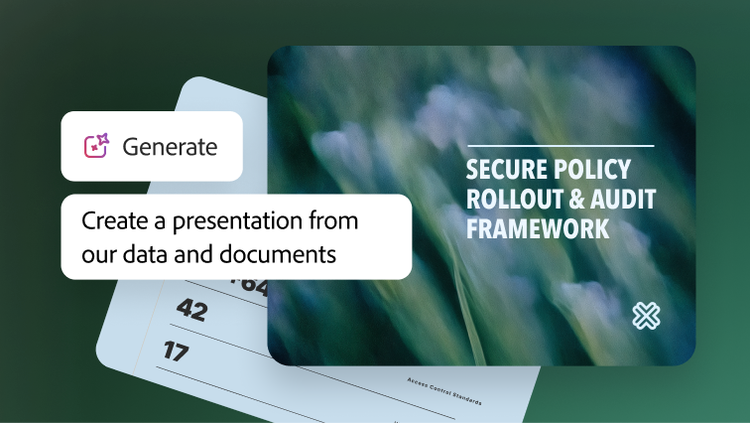
Important legal guidance, policy updates and regulatory changes frequently go unread because dense documents are difficult to absorb and share. Acrobat Studio helps legal teams transform complex information into polished summaries, presentations and other shareable content using AI-powered creation tools, including Adobe Express templates and the Generate Presentation feature.
Shared through secure PDF Spaces, content can be delivered in formats tailored to different audiences, including audio summaries that make critical information easier to consume in the flow of work. Engagement tracking helps teams assess how content and important guidance have been accessed, acted upon, and understood.
Learn more about how Acrobat Studio supports legal teams.
https://main--da-bacom--adobecom.aem.page/fragments/products/acrobat-business/acrobat-studio/legal
Questions? We have answers.
How does Acrobat Studio help legal teams accelerate document review cycles?
Does Acrobat Studio support legal governance and auditability?
Can Acrobat Studio help identify risks in contracts or legal documents?
How secure is sensitive legal data within Acrobat Studio?
How can businesses pilot Acrobat Studio in legal without disrupting current workflows?
A typical pilot approach involves:
- Starting with one or two matter types like NDAs or vendor contracts.
- Giving Acrobat Studio access to a small cohort, such as the commercial contracts group, via a dedicated product profile.
- Defining do-and-don’t rules, such as “Use AI for NDAs and vendor MSAs; no AI on active litigation or investigations.”
- Measuring cycle time, risk flagging and stakeholder satisfaction against a baseline.
Adobe provides adoption guidance and enablement content tailored to business and IT leaders rolling out Acrobat Studio.