Adobe Acrobat Studio use case guide for legal teams.
How Adobe Acrobat Studio helps legal teams analyse complex documents, securely collaborate and deliver confident guidance.
JUMP TO SECTION
Why traditional legal document workflows are no longer sustainable
Adobe Acrobat Studio: A unified workspace built for legal workflows
Use case 1: Consolidation of sources to accelerate policy reviews and updates
Use case 2: Secure collaboration and streamlined reviews
Use case 3: On-brand design and seamless policy distribution
Beyond policy updates: Where Acrobat Studio creates an impact every day
Helping legal teams move faster, without increasing risk.
Legal leaders are under growing pressure to deliver timely guidance while navigating expanding regulations and document complexity.
Adobe Acrobat Studio brings together analysis, collaboration and creation into one secure workspace, helping legal professionals reduce review cycles, strengthen compliance and enable faster business decisions. Here’s how.
Why traditional legal document workflows are no longer sustainable.
Legal teams manage some of the most document‑intensive workflows in enterprise business. Policy updates, regulatory research, contract review and due diligence all require careful analysis across multiple sources, often under tight timelines and with little margin for error.
Yet, most legal professionals still work across disconnected tools and manual processes, wherein:
- Documents are stored in different locations and formats.
- Insights are buried in long, highly technical text.
- Collaboration happens over email with multiple versions of the document.
- The result is longer review cycles, increased compliance risk and unnecessary friction with business stakeholders who depend on timely legal guidance.
Legal teams need a better way to centralise information, extract insights, collaborate securely and deliver polished, authoritative outputs, without introducing risks.
Adobe Acrobat Studio: A unified workspace built for legal workflows.
Adobe Acrobat Studio brings together trusted PDF tools, AI‑powered analysis, secure collaboration and professional content creation in one centralised and secure workspace. It is designed to help legal teams move from documents to decisions faster and with confidence.
Acrobat Studio enables legal professionals to:
- Centralise complex legal materials in a single, secure workspace.
- Extract key terms, obligations and changes using AI‑powered insights.
- Collaborate with stakeholders while maintaining version control and auditability.
- Create polished, ready‑to‑share outputs without leaving the workflow.
The built‑in capabilities of Acrobat Studio, such as AI Assistant, PDF Spaces and integrated design tools, enable legal teams to work more efficiently while preserving the precision and trust their role demands.
To understand how Acrobat Studio supports legal teams in practice, consider a common scenario: A legal team tasked with updating a company‑wide policy due to new regulatory requirements.
This workflow typically involves reviewing external regulations, internal policies, guidance notes, drafts and stakeholder feedback, while ensuring alignment and compliance.
Here’s how Acrobat Studio supports each stage of the workflow.
Use case 1: Consolidation of sources to accelerate policy reviews and updates.
The challenge:
Regulatory information is fragmented across PDFs, web pages, internal documents and advisory notes. Manually reviewing and cross‑referencing these materials slows policy updates and increases the risk of missing critical changes.
How Acrobat Studio helps:
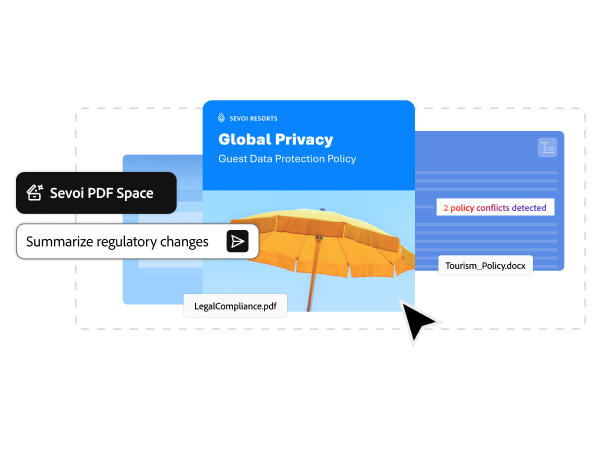
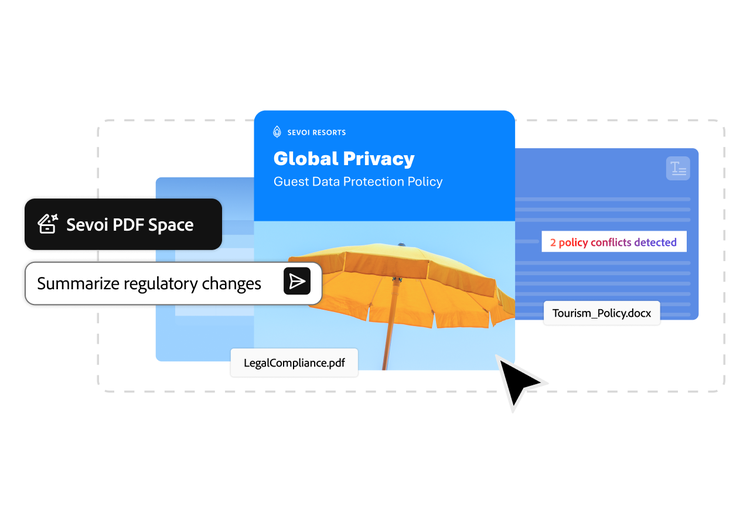
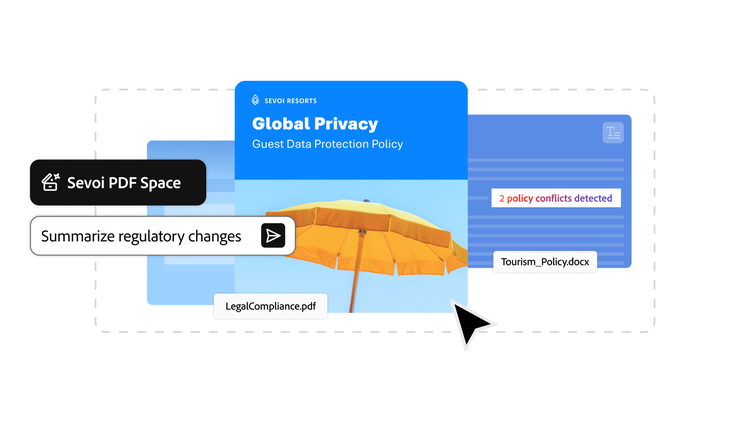
With PDF Spaces, legal teams can bring together everything related to a policy update, including regulations, guidance documents, internal drafts and reference materials, into a single, secure workspace.
Once materials are centralised, AI Assistant automatically surfaces key insights, highlights changes and summarises dense regulatory text without prompting. Legal teams can ask focused questions to extract relevant obligations or identify updates that require action — without searching through every document individually.
Every insight is backed by source‑linked citations, making it easy to validate findings and maintain defensibility.
The result:
Faster analysis, less manual effort and a clearer understanding of what needs to change.
Use case 2: Secure collaboration and streamlined reviews.
The challenge:
Policy updates require input from multiple stakeholders, including legal, compliance, leadership and business teams. Traditional collaboration often happens over email, increasing version confusion and slowing approvals.
How Acrobat Studio helps:
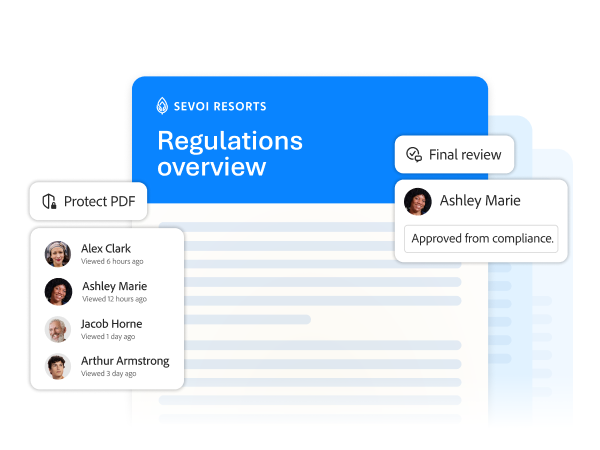
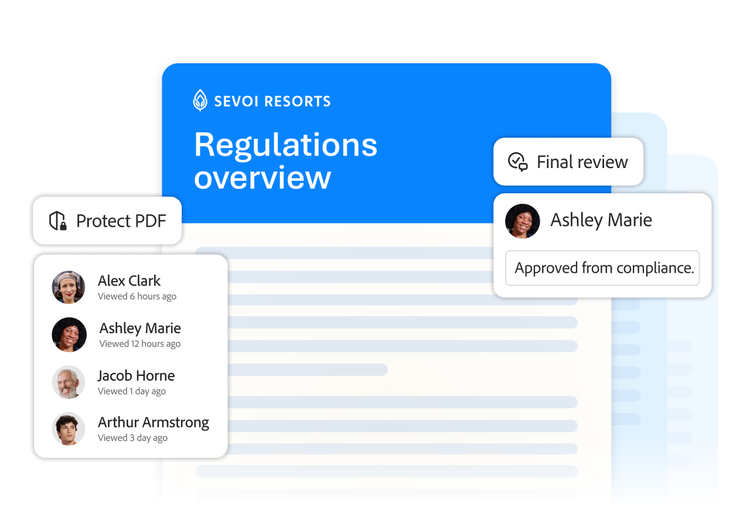
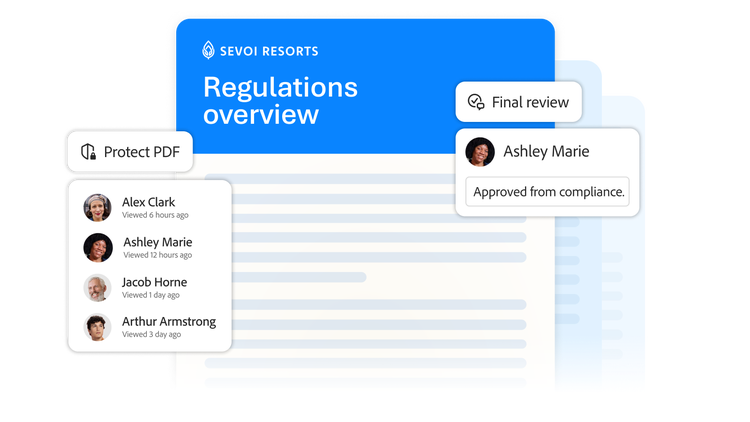
Once insights are surfaced, AI Assistant generates an initial summary or outline of required policy updates. This working draft can be shared securely with colleagues using Acrobat Studio, ensuring everyone reviews the same version, with the same context.
Stakeholders can comment, annotate and review directly within the document, keeping all feedback centralised, traceable and auditable. Legal teams retain control over versions while enabling faster alignment across functions.
The result:
Smoother collaboration, fewer handoffs and faster sign‑off.
Use case 3: On-brand design and seamless policy distribution.
The challenge:
Final policies need to be clear, accessible and professionally presented, especially when distributed across the organisation. Formatting and designing on-brand documents often become a bottleneck late in the process.
How Acrobat Studio helps:
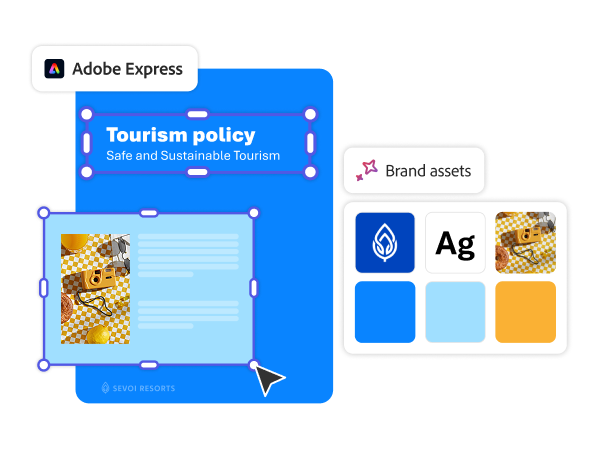
With Adobe Express, accessible via Acrobat Studio, legal teams can turn approved language into polished, on-brand policy documents without exporting content to external tools.
Text can be pulled directly from the workspace and refined into well‑structured, branded policy guides. Tables, highlights, visuals and supporting elements can be added with intuitive design tools while maintaining consistency and control.
Final content can then be securely shared as PDFs, with visibility into engagement and confirmation that the right audiences received and reviewed key updates.


The result:
Faster distribution, clearer communication and stronger compliance across the business.
Beyond policy updates: Where Acrobat Studio creates an impact every day.

Contract and agreement review.
Extract key terms, compare versions and flag risks more efficiently.

Vendor and third‑party risk assessment.
Analyse proposals and supporting documentation across multiple sources.

External content review.
Assess marketing, sales and communication materials for compliance without slowing launches.

Regulatory research.
Organise and analyse evolving regulations across jurisdictions.

M&A due diligence.
Centralise and review large volumes of documents with greater speed and accuracy.
Designed for trust, governance and enterprise readiness.
For legal teams, trust is non‑negotiable. Built on Adobe’s trusted document platform, Acrobat Studio inherits enterprise‑grade security, access controls and governance from day one.
Its AI‑powered insights are transparent and verifiable, with clear attribution back to source documents. With Acrobat Studio, legal teams remain in control of which documents are analysed, how collaboration is managed and how final outputs are distributed.
This ensures legal teams can embrace AI‑assisted workflows without compromising compliance, confidentiality or defensibility.
A smarter way forward for legal teams.
By unifying document analysis, collaboration and creation in one secure workspace, Acrobat Studio helps legal teams work more efficiently. They can:
- Respond faster to regulatory and business changes.
- Reduce review cycles and manual effort.
- Deliver clearer, more consistent guidance.
- Strengthen trust across the organisation.
Recommended for you
https://main--da-bacom--adobecom.aem.page/fragments/resources/cards/thank-you-collections/acrobat