According to Gartner, most data in an enterprise is unstructured, including information that lives inside documents, like policies, reports, contracts, product specifications, and more. This isn't peripheral information; it's high-value, proprietary knowledge a business runs on. In the past, accessing the knowledge that lives within large document collections meant people had to search for specific files, retrieve them, read them, and then compile information from across disparate sources manually. This could take several minutes for a straightforward question, or hours or even days for complex questions with answers that span multiple documents.
Acrobat is introducing a new way to access and understand what’s in your company’s most valuable document collections. Knowledge Base is built into Acrobat Studio and quickly turns large document collections into conversational, AI-powered sources of truth for your team, department or organization. AI does the tedious and time-consuming work of finding and compiling verifiable answers to questions so teams can spend their time deeply understanding the information and putting it to work.
Get answers teams can trust, at scale.
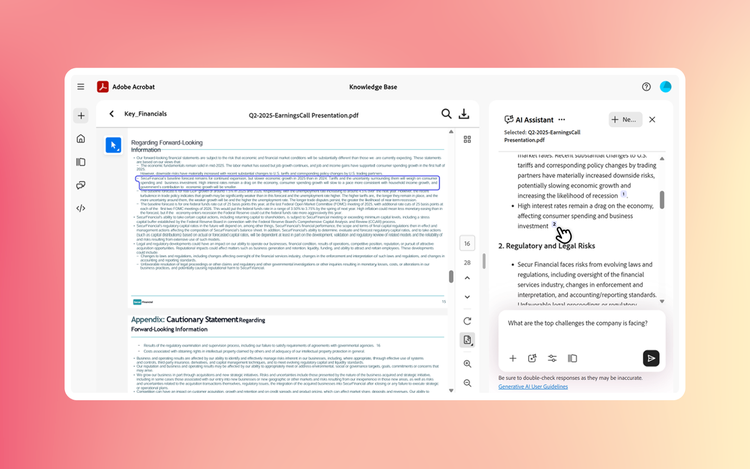
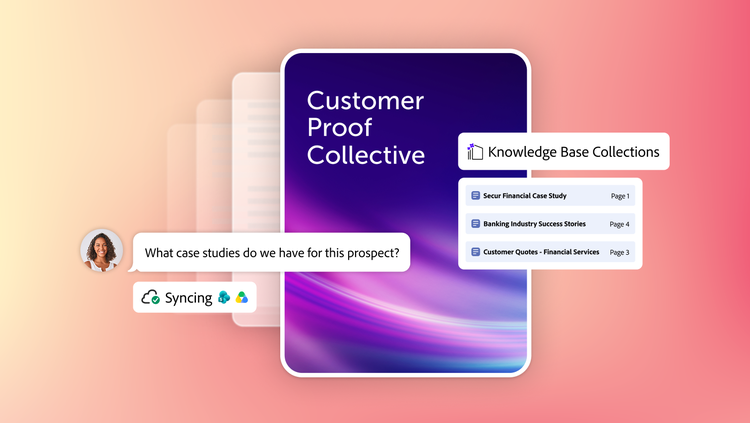
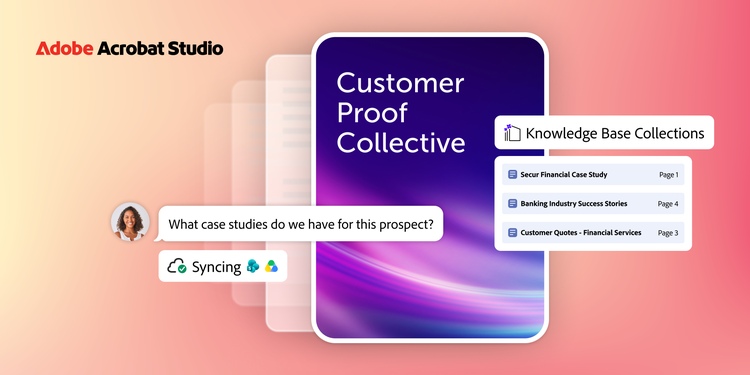
Knowledge Base lets teams create curated collections and ask questions across those hundreds or thousands of documents. It supports PDF documents and other common document formats like Microsoft Office files, web pages, text, and email. Documents that live in SharePoint or Google Drive folders can sync automatically, so nobody has to re-upload or re-curate every time a document changes. An advanced, document-optimized RAG engine works in the background, so the user experience is simple: ask a question and get a precise, sourced answer that can be verified in seconds.
Knowledge Base is woven into PDF Spaces, Acrobat Studio's workspace for active projects: Just add Knowledge Base collections as sources directly within a PDF Space, so work can draw on both the documents teams are actively working with and one or more large, curated collections.
What makes Knowledge Base stand out?
- Precise attributions. Every answer links to the exact passage it came from, so you can verify it in seconds instead of taking it on faith.
- Minutes, not months. Building a collection is self-serve. Simply point Knowledge Base at a folder or group of files and start asking questions in minutes. No IT project required.
- Always current. SharePoint and Google Drive connectors keep collections in sync, so they stay current without anyone manually refreshing them.
- Available where your team already works. Inside Studio, within PDF Spaces, or embedded as a chatbot in Slack and Microsoft Teams – document knowledge shows up where teams collaborate.
- Built to extend. A straightforward API lets users build fully custom Gen AI solutions on the Knowledge Base advanced RAG platform.
- Scale and governance. Collections can span departments or entire organizations, with enterprise-grade security and a robust compliance roadmap.