A safety manual is only useful if it reflects the current rules. Jonathon Greiner, a fourth-generation member of many industrial sectors including oil and gas, understands the potential hazards to workers in the field. As President of Basin Safety, he’s built a career around making sure people doing the toughest jobs have the tools and support they need to do them safely.
Basin Safety develops the health and safety manuals, training programs, and standard operating procedures that guide field workers for customers including ConocoPhillips, ExxonMobil, and Chevron. Those documents can run hundreds of pages, shaped by guidance from more than a dozen regulatory bodies such as Occupational Safety and Health Administration (OSHA) and National Institute for Occupational Safety and Health (NIOSH).
“Our job is to translate safety rules into clear procedures that protect people in the field doing hazardous work,” says Greiner. “They need to be accurate, current, and usable by the people who rely on them every day.”
If it takes months to revise a safety manual, a worker might follow outdated guidance that increases their risk of harm. For Basin Safety, speed and accuracy are requirements for their work.
That’s why the company has built all of its safety policies and processes around Adobe Acrobat. Teams use Acrobat as more than just a place to store documents, but as a cornerstone of the entire documentation workflow from drafting and reviewing documents to signing and securing them.
“We anchor everything we do to Adobe Acrobat because it’s simple, secure, and reliable,” says Greiner.
Built for understanding, not just search.
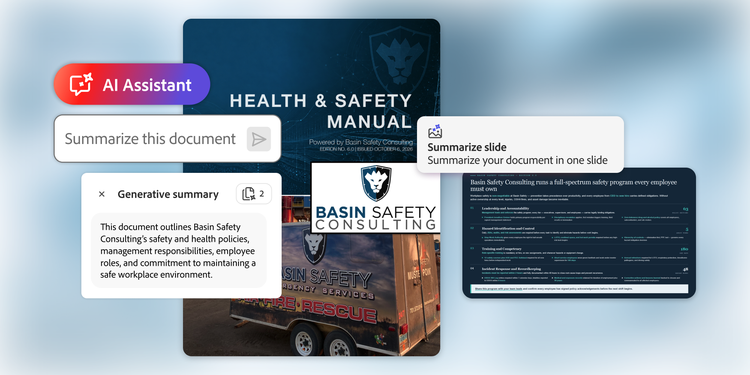
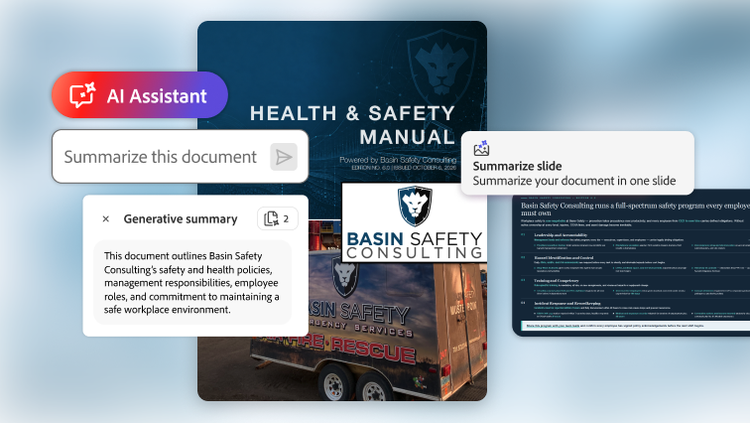
For Basin Safety’s consultants, keeping a safety manual current is a matter of understanding what changed, why it matters, and where a previous version falls short. Gone are the days of scouring hundreds of pages of information. Now employees use Adobe Acrobat AI Assistant to ask a document direct questions instead of searching for exact phrases, and get answers tied back to the exact passage that supports them.
When a regulation changes, Greiner’s team runs a gap analysis, using Acrobat AI Assistant to compare an existing manual against the new standard and surfacing every place in need of edits. A dense 600-page manual that once took a single consultant weeks to review now takes less than a day. On one project, Greiner estimates that the required updates came together 50 times faster than doing it by hand.
“Trying to catch outdated information used to be a nightmare, but Acrobat AI Assistant helps us find and request information on thousands of data points within a document in hours,” Greiner says.
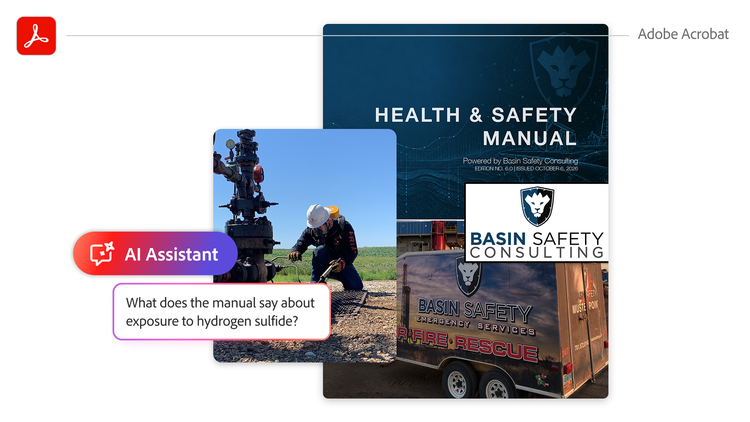
Employees take the same approach when building training materials. Instead of guessing the right search terms, they can ask what a manual says about handling a specific hazard, such as exposure to hydrogen sulfide. They can pinpoint the exact passage and summarize dense legal language into something easier to understand.
Greiner believes the Adobe Acrobat technology could provide similar benefits to Basin Safety’s customers. Workers in the field typically don’t have the time to sit down and read an 800-page manual front to back, and a phone isn’t always the best way to skim through documents looking for a specific topic. Workers could ask their questions in plain language and receive a short answer with a clear citation, turning a phone into a more useful safety reference for workers no matter where they are.
For Greiner, the value of Acrobat isn’t any single feature. It’s that a document can move through its entire lifecycle in one platform: creation, review, security, signatures, and searchable digital records. He estimates that working entirely in Acrobat makes Basin Safety’s overall document workflow about three times faster.
That lifecycle begins the moment Basin Safety starts working with a customer. Teams review existing regulations and documentation, using Acrobat AI Assistant to pull out all information that the customers will need in their safety manual, training course, or compliance paperwork. From there, Basin Safety reviews the draft alongside a customer. All comments and markups happen in a single shared file instead of scattered across various email threads and duplicate copies.
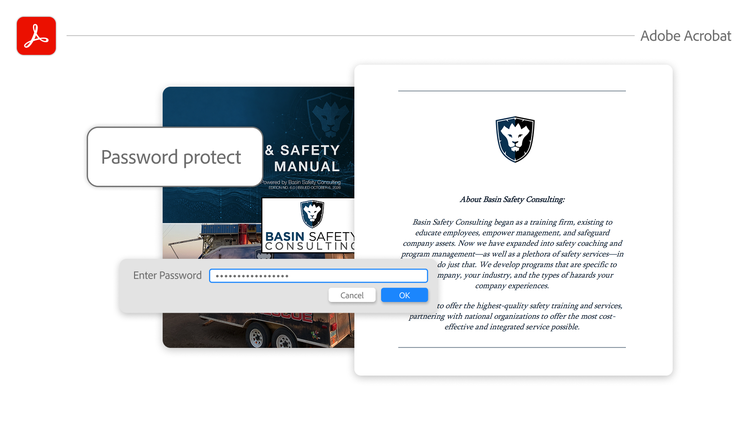
Once everyone agrees on a final version, Basin Safety can add security to lock down sensitive compliance audits and records behind passwords. “Adobe’s security is the best, bar none,” Greiner says. “It provides protection at the document level, helping us create a secure vault for everything we produce.”
If documents need signatures, any contract negotiations and approval signatures remain in Acrobat, rather than needing to upload countless rounds of edits to a standalone e-signature tool. And if a document’s life starts on paper instead, Basin Safety can scan it back into Acrobat, using OCR to turn field paperwork into searchable records with 99% accuracy.
Together, these capabilities make Acrobat a true single source of truth for Basin Safety, bringing every draft, comment, signature, and final document into one place so the company can move faster, serve customers more efficiently, and support continued growth.
For Basin Safety, the future isn’t about producing more documents. It’s about making knowledge easier to find, keep current, and trust. As AI changes how people interact with information, Basin Safety can keep building on the secure Acrobat workflows its business already depends on.
“As massive changes happen in the technological space, we want to know what we can rely on,” says Greiner. “That’s going to be Adobe Acrobat every time.”