

con-block-row-bgcolor
#000

Adobe Acrobat Use Case

Edit, finalise and safeguard documents.

Give enterprise teams everything they need to edit, approve and secure documents — without switching tools, chasing feedback or second-guessing what’s shared.

Keep document workflows moving from draft to approval.

Adobe Acrobat provides a single place to edit documents, gather feedback in context, protect sensitive information and move documents from review to signature all while keeping track of what changed and who approved it.

Edit any PDF instantly.

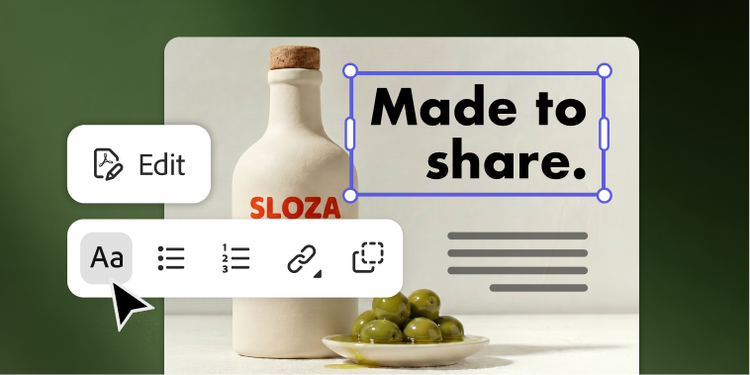
Updating a document shouldn’t require enterprise teams to search for source files or switch between tools. With Acrobat, your teams can click into any PDF to update content, replace visuals or make last-minute changes without returning to the original file.

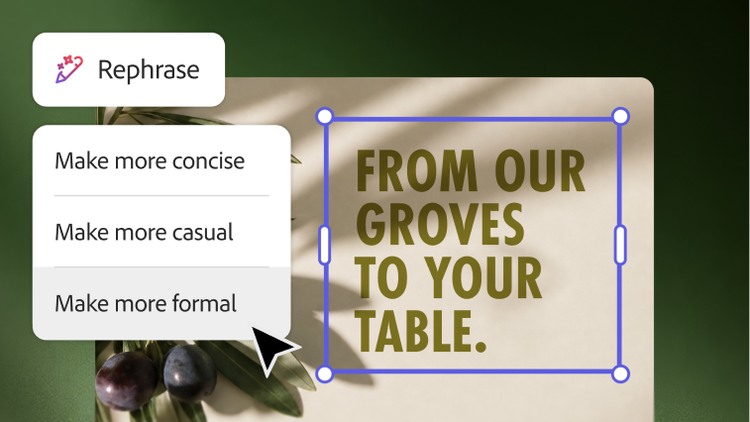
Adobe Express editing features embedded directly in Acrobat help teams apply approved fonts, colours and styles so every document stays aligned with brand standards.
Go from feedback to signature in one place.

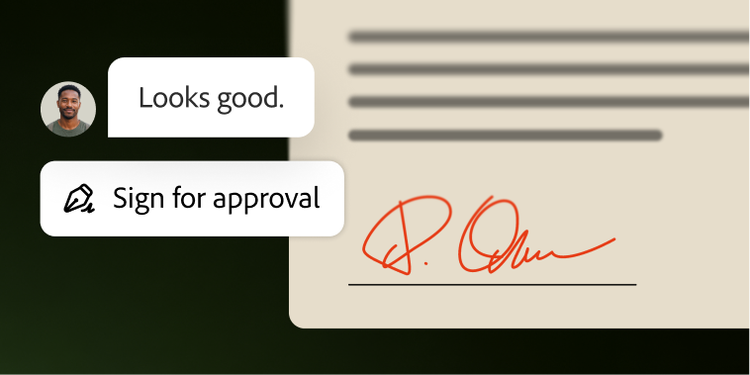
Every round of feedback belongs in the document, not buried in an email thread. Bring teams into a shared PDF to leave comments in context, track edits and view who made revisions. Once comments are resolved, send the same file for e-signature — without reuploading documents, recreating workflows or starting again.

Protect what you share.

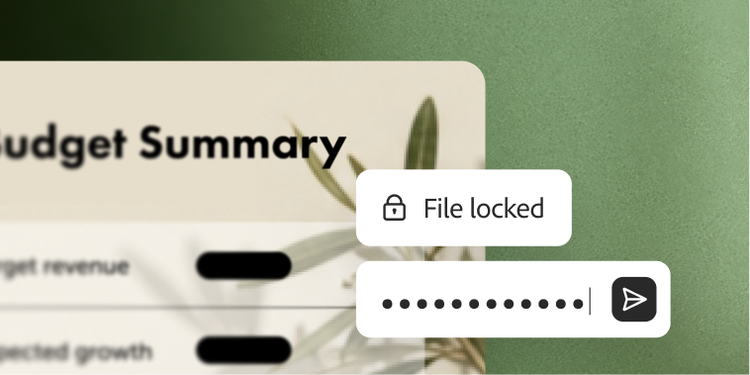
Enterprise teams share hundreds of sensitive documents every day and without the right safeguard, every file becomes a potential liability. With redaction, sensitive information — from financial figures to personal data — is permanently removed from PDFs before they’re shared. Password protection helps control who can view or edit files, adding enterprise-level security to every document.

Questions? We have answers.

How can Adobe Acrobat help protect sensitive information before sharing a PDF?

Adobe Acrobat helps teams protect sensitive documents before sharing by combining redaction, sanitisation and password protection in the same workflow. Teams can permanently remove confidential text or images, remove hidden information such as metadata and embedded content and restrict who can open, edit, print or copy a file. That makes Acrobat well suited for organisations that need stronger control over what gets shared and what stays private.

What is PDF redaction and why is it important for enterprise teams?

PDF redaction permanently removes sensitive information from a document before it is shared. In Acrobat, redaction is not the same as visually covering content — it is designed to remove the underlying text or images so they cannot be recovered. For enterprise teams handling financial, legal, customer or employee information, redaction helps reduce the risk of exposing confidential data and supports safer document sharing.

Can Acrobat password-protect PDFs and control who can edit, copy or print them?

Yes. Acrobat can add password protection to PDFs and apply permission controls that restrict what recipients can do with a file. Depending on the settings you choose, you can require a password to open the document and limit actions such as editing, printing and copying content. This gives teams a practical way to add document-level protection before files are shared internally or externally.

How does Acrobat support compliance-sensitive document workflows?

Acrobat helps organisations support compliance-sensitive document workflows by giving teams tools to edit documents, collect feedback in context, permanently remove sensitive information, control access with passwords and permissions and maintain a more controlled path from review to approval. For teams working with regulated or confidential information, Acrobat can help to reduce manual risk and support more secure document handling.

How does Acrobat fit into data loss prevention and digital rights management workflows?

Acrobat helps protect documents as part of a broader document security strategy by letting teams redact sensitive content, remove hidden information and apply password and permission controls before sharing PDFs. For organisations with broader data loss prevention or digital rights management programmes, Acrobat can serve as an important document-preparation and protection layer.