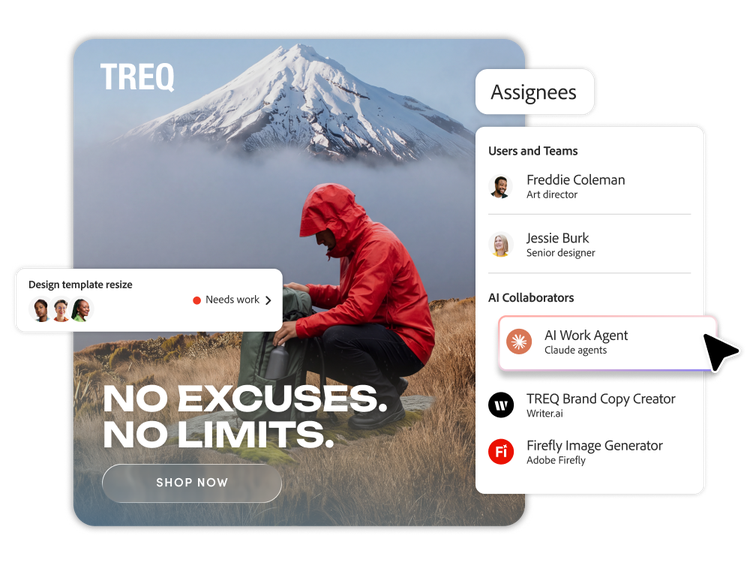
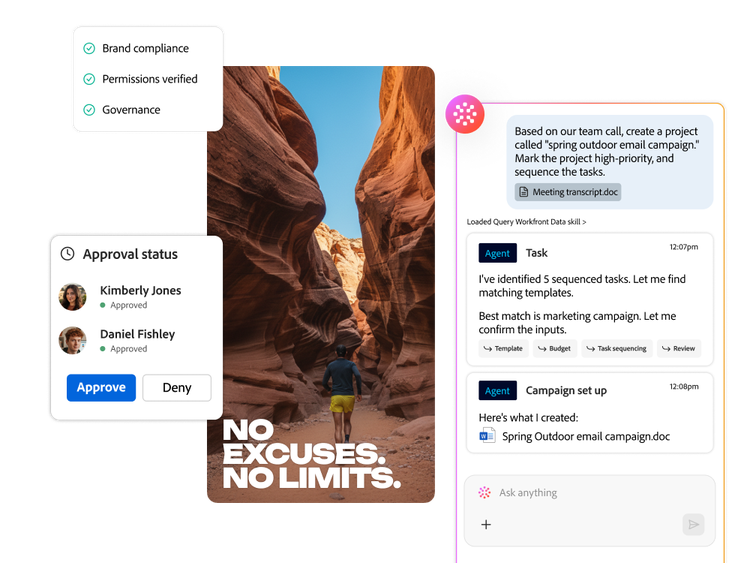
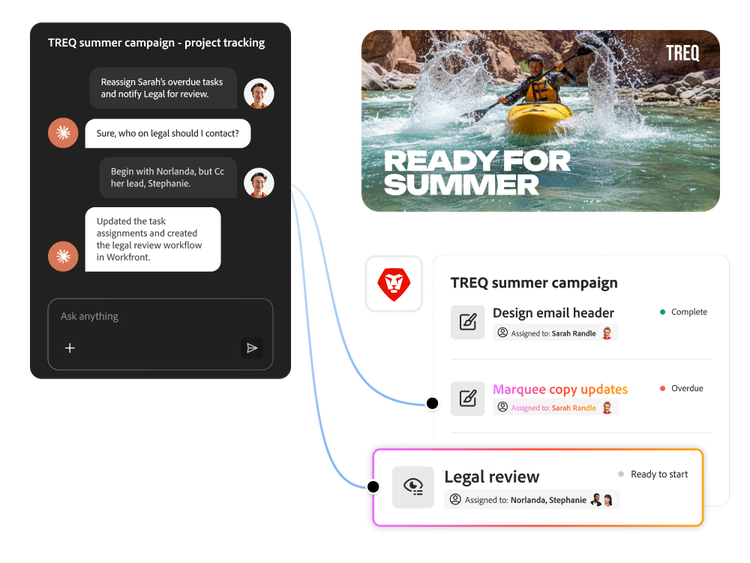
AI Collaborators, available to Adobe customers, can be assigned work — projects, tasks or issues — in a way similar to assigning work to team members. They operate within your existing workspace to help your team plan, execute and track work with less manual effort and more consistency. They connect to both Adobe and non-Adobe agents and enable enterprises to bring agents into their Workfront environment with scoped access for governance and control.
When you assign tasks, reviews or issues to an AI Collaborator, it uses rich context from Workfront to complete the work and returns the result to Workfront for review. This can reduce the copy-and-paste and context reassembly that come with working one-to-one with AI. By automating frequent processes, AI Collaborators can free up your team to direct the work and approve the results. AI-generated work should be reviewed before use.
AI Collaborators draw on Workfront context — briefs, timelines, customised forms, assignments and history — to help determine what needs to happen next. When connected to other Adobe applications (such as asset management and creative tools), they can find, analyse and act on content across your Adobe ecosystem while keeping everything anchored to the source work record.
AI Collaborators use the same role-based permissions as human users. The creator controls what data an AI Collaborator can see and what actions it can take. Supported actions are logged and auditable and Adobe’s enterprise security and AI governance practices help support data privacy, compliance and human oversight.
Organisations can configure AI Collaborators in a central registry within Workfront, where admins or designated owners define the role of each AI Collaborator and provide instructions, data access and triggers. From there, organisations can enable, pause or refine AI Collaborators like any other Workfront user, starting with prebuilt patterns and tailoring them to their specific use cases over time.
Yes. AI Collaborators can connect to supported AI Agents through a public API endpoint, MCP endpoint or agent-to-agent connection.
Use Adobe Workfront Fusion for predictable, rule-based work, such as syncing systems, mapping fields, applying date offsets or triggering actions when defined conditions are met. Use AI Collaborators when inputs are ambiguous and the work calls for interpretation, such as interpreting a brief, extracting information and then executing the work. Review AI-generated work before use.